


How to Monitor WeChat Using Tracker Apps
Using tracker applications is the easiest and most effective way to monitor WeChat activity on a device you own or are authorized to manage, such as your child's phone or a company-owned device. Reviewing messages and other activities requires you to:
- Choose the right tracker
- Install the app on the device, with the device user informed
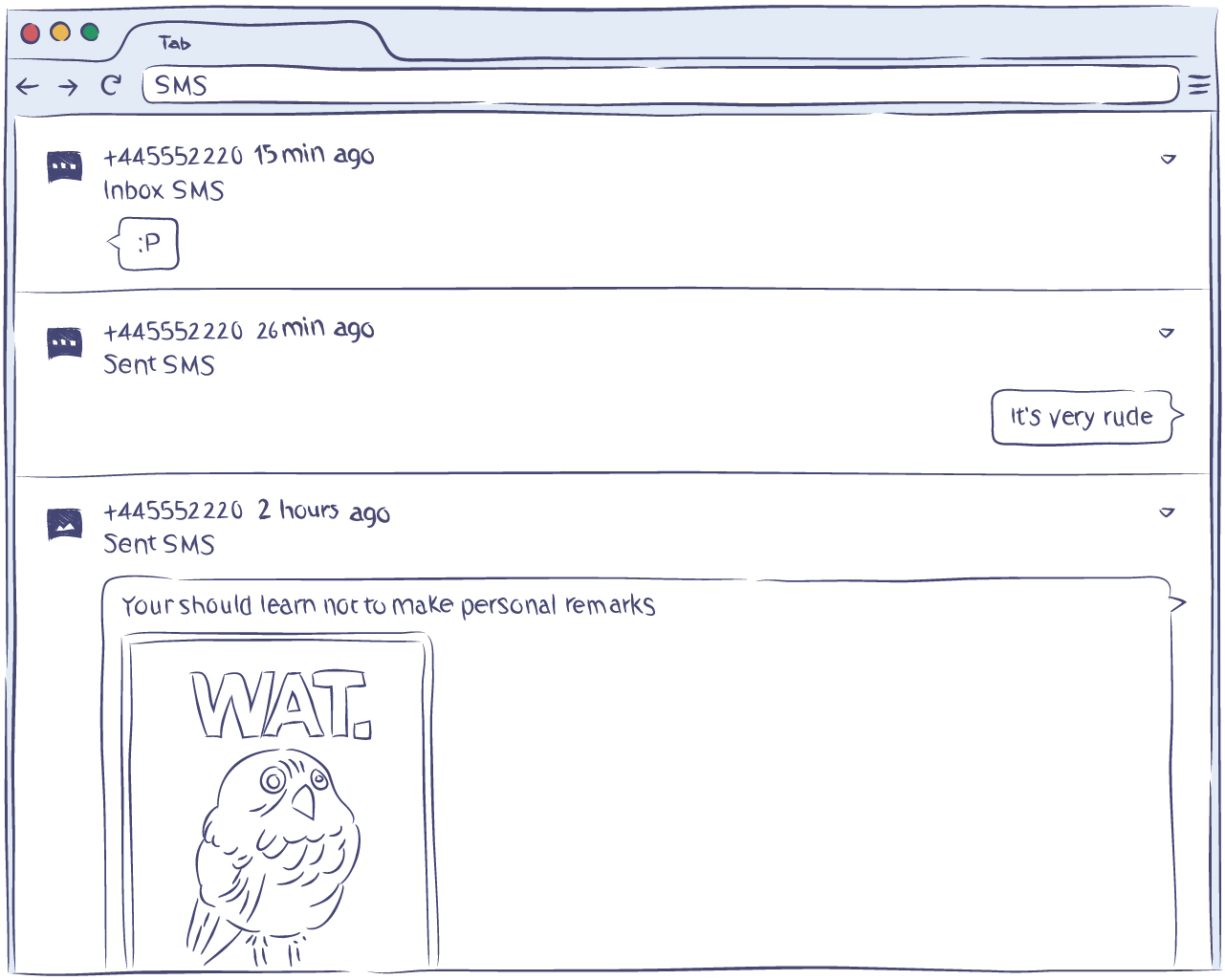
From there, you will be able to remotely see all activity on WeChat. You can install the tracker on any modern device, such as an Android smartphone like Samsung, Huawei, Xiaomi, and others.
Most people who are seeking an answer to “how to monitor WeChat Messenger” choose to go with trackers. There are literally no alternatives to this solution since tracking apps are the best way to monitor WeChat across the board for the following reasons:
- Does not require complex adjustments
- Allows for monitoring all activities
- Safe to use
Many parents and employers want to review messages and calls remotely. With that said, it is also important to keep the device user informed and to monitor only devices you own or are authorized to manage. All of this is possible with WeChat trackers like the Hoverwatch monitoring app.
What is the WeChat Tracker?
The tracker is just another application for Android or iOS devices. The main feature of all tracker apps is the ability to monitor activity on the device you manage. Trackers are not magic bullets that let you track a person via phone number or IMEI. However, they are an excellent option when you can install the app on a device you own or are authorized to monitor.
The tracker is installed on the device in the same way as any other application. For example, for Android devices, all you have to do is download the .APK installation file and follow simple on-screen instructions. If you've previously installed applications, then you will definitely be able to manage the process of installing the WeChat tracker app.
Installing the WeChat tracker on Android or iOS is not rocket science. Use of the app is also quite easy. You do not need special expertise to monitor WeChat activity on the device you manage, as all the collected data is presented in a clean interface.
How to Choose the Best WeChat Monitoring App
The best WeChat monitoring app is the one that solves your problems. If you believe that only WeChat messages are essential, then you are most likely mistaken. Just a few people use only a single messenger. Most people use WeChat alongside SMS, other messengers, and social networks, such as WhatsApp, Line and Facebook. In addition to messages, people also call, share pictures, and perform other actions on their devices.
Therefore, it is always better to monitor all activity on the device at once, which is exactly what the best solution does:
- Keep track of all activity on WeChat Messenger
- Monitor phone contacts
- Track calls and other activities on the monitored device
If information other than messages is really of no importance to you, keep your eye out for the screenshots feature. If the app regularly makes screenshots, it will allow you to review messages that were later deleted as well. This comes in handy when you need a complete record of activity on the device you monitor.
Arguably, the best solution for monitoring messages and calls is a free WeChat tracker. However, the ideal option is a safe, simple-to-use, and powerful application that, most importantly, solves your problem. In this case, you can get a free ride during the trial period.
When looking for a free WeChat tracker, you may even stumble upon some offers for Android or iOS devices; however, you may find that they don't work or, worse, are malicious.
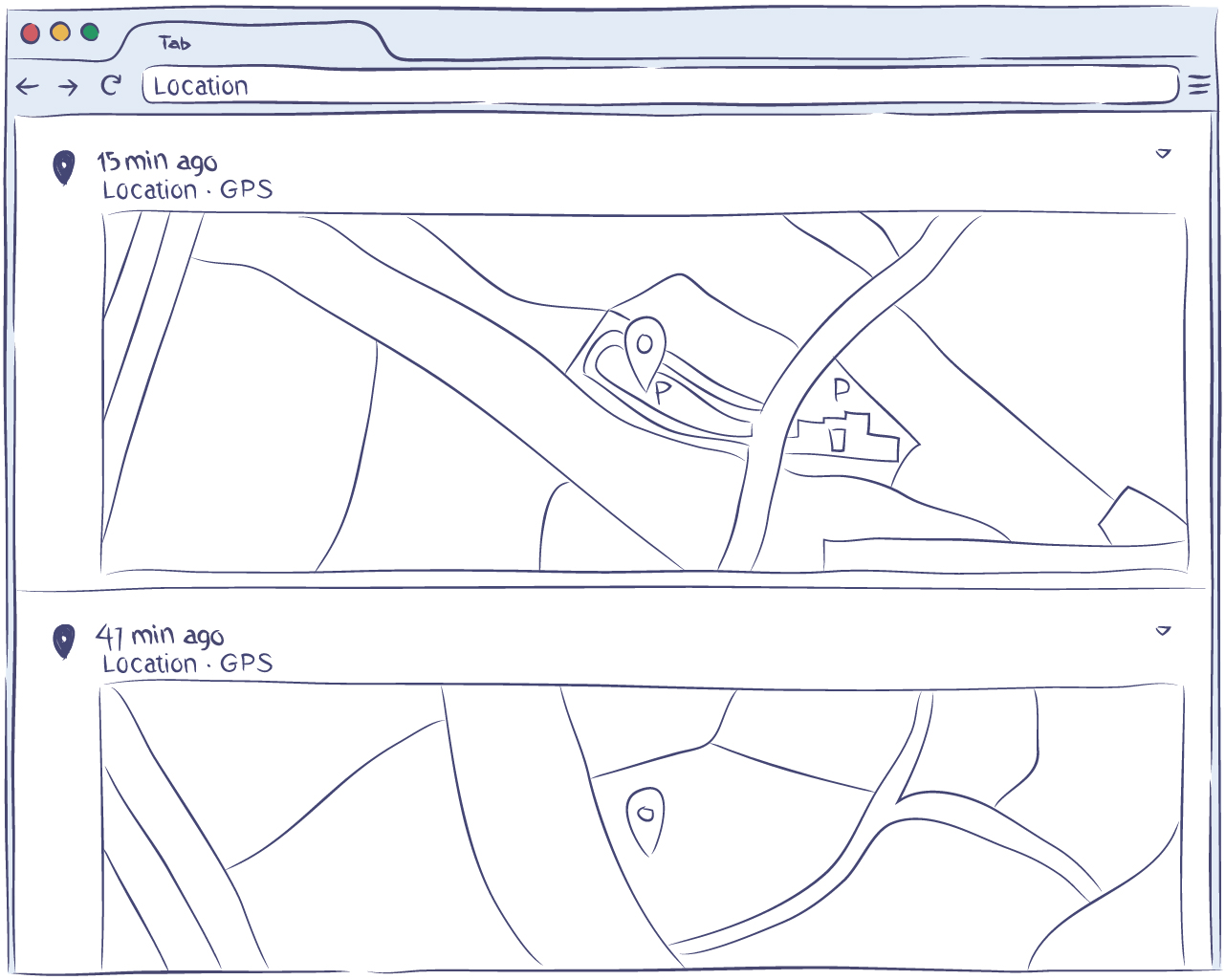
Since you are working with personal data, it is always best to stick to trusted apps. When seeking an answer to “how to monitor WeChat Messenger”, you need to broaden your search to how to monitor all online activities, including WeChat, and choose among trusted apps like Hoverwatch.
The Hoverwatch tracker is the most effective way to monitor all WeChat messages, calls, shared media files and other activities on a device you own or are authorized to manage. Everything is as simple as possible. For example, if the monitored device is Android, you will only need to install the .APK file in order to remotely review messages and monitor other activities.

