


By default, during the installation of the program, the Android screenshot feature is turned off. To activate it, you need to open your account, choose the device, and scroll down in the "Settings" menu to check the box "Periodic screenshots." Then, you need to set the time (in minutes) for the program to create the screenshots on the device. The app runs quietly in the background on a device you own or are authorized to monitor, with the device user informed.
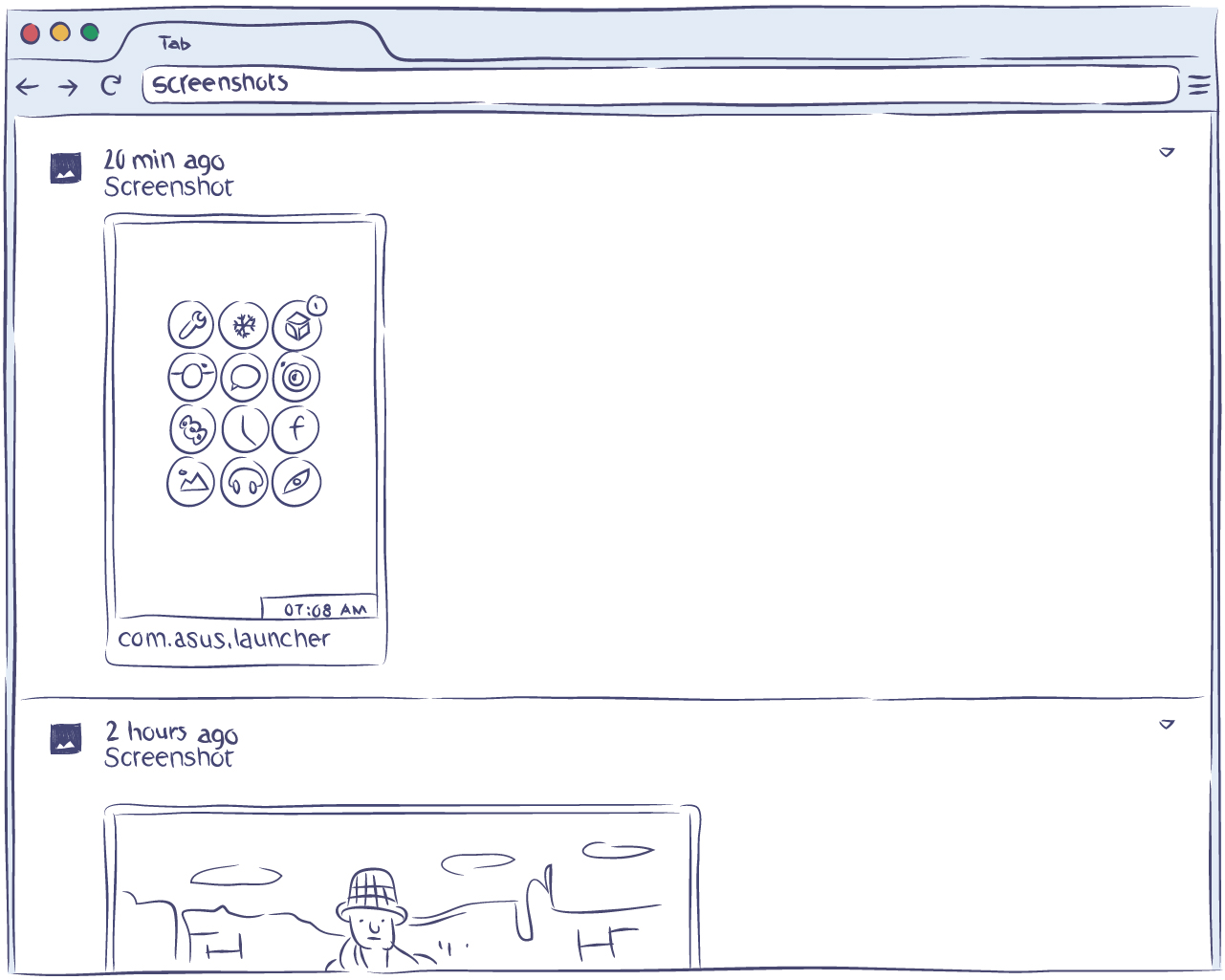
Screenshots are stored in the cloud for 30 days, and then they are automatically deleted.
Why is this feature useful?
Smartphones and tablets are often used for surfing the internet, checking social networks, instant messengers, and chats. The information they exchange is not always presented as text. It can be drawings, emoticons, stickers, postcards, photos, and the like. The creation of screenshots allows you to capture and store this information for the devices you own or are authorized to monitor.

