


How to Monitor Activity on Signal Private Messenger
Monitoring activities on Signal Private Messenger is not just about reading private chats or listening to voice message recordings — it is a way to ensure the online safety of your child or any other person.
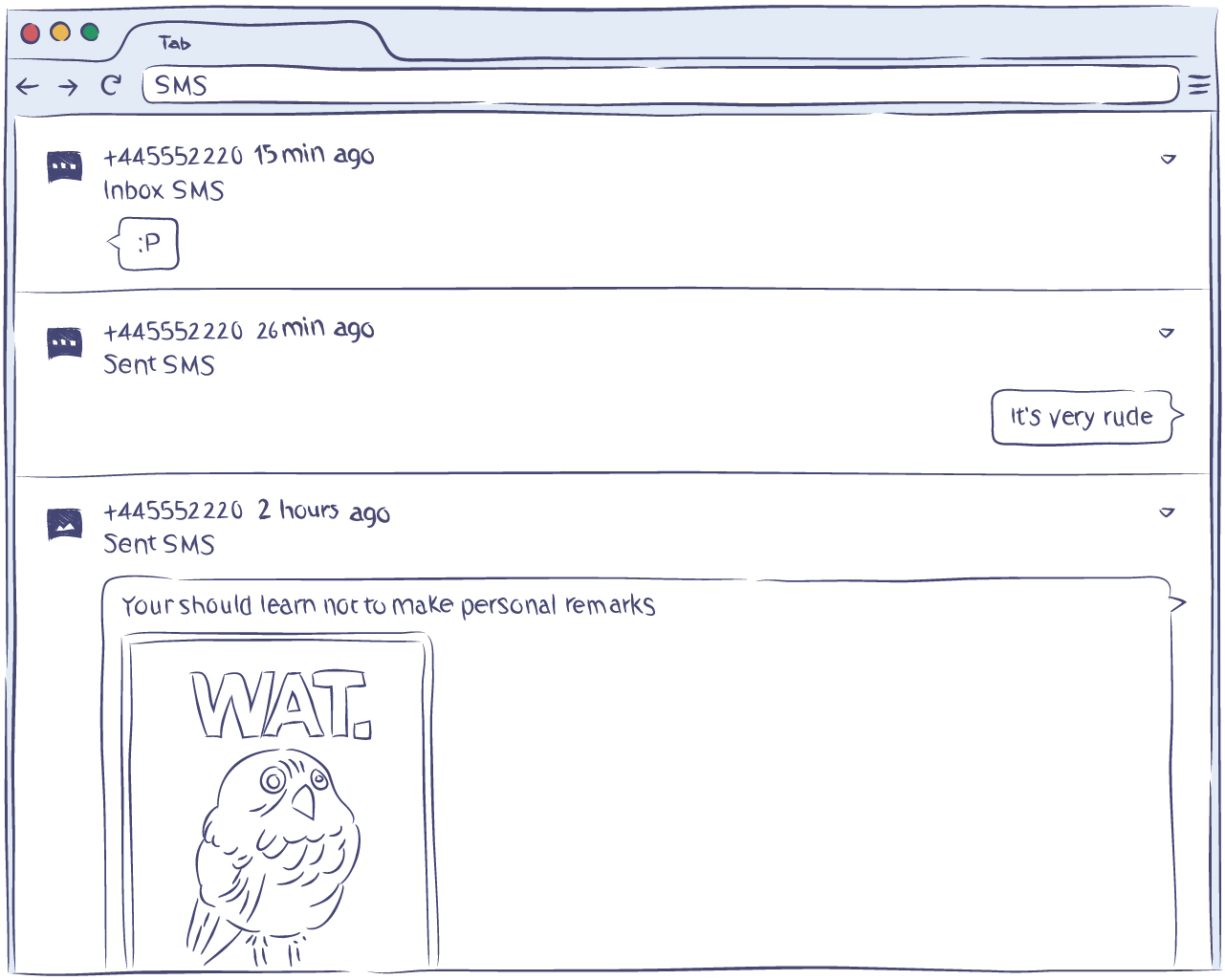
Many parents wonder if it is possible to remotely monitor their child's messages, such as messages sent by their kids, and if monitoring can be done without specialized knowledge. Yes, it is possible — on a device you own or are authorized to monitor, with the device user informed.
Using monitoring apps is the main way for those who are looking for a way to keep their family safe. Most often, such apps are used by parents, and by employers managing company-owned devices under a disclosed policy. If you want to remotely and securely monitor various activities in the device user's messenger, this is the solution for you.
What is the Signal Tracker?
Signal Tracker is an application that you can install on a device you own or are authorized to monitor to remotely and securely monitor any activity in Signal Messenger on that device, with the device user informed:
- Text messages (including disappearing ones)
- Contacts
- All other activities
For example, you can see who your child is talking to, what contacts are saved, listen to recordings of voice messages, view received photos, and much more.
With the installed tracker app, you will be able to monitor everything remotely from your personal account, which is accessible from any device (including a computer), using your login and password. In your personal account, you will receive the chat history and you can also keep track of deleted messages. This also applies to disappearing messages.
There are many trackers for the Signal messenger; however, there is no official application. All products on the market are supplied by third-party developers. Moreover, among the offers, there are both well-running apps and malicious software programs that can harm your device and steal your personal data.
Most malicious applications are distributed free of charge. For example, you may run into calls to action, such as “download Signal tracker for free” or “free Signal monitoring tool”. These are often completely fake products or broken versions of real software. In any case, since you are working with personal data and dealing with an important issue (namely, the safety of your child), you must choose the most professional and trustworthy option.
How to Choose the Best App to Monitor Signal Messenger
The answer to how to choose the best app to monitor Signal Messenger is even more important than the answer to how to monitor Signal Messenger, since it is all about choosing the right tracker.
The silver bullet solution is an application that:
- Monitors all activity in the Signal account on the device (not just text messages)
- Has a history of messages, which allows you to track all chats, including disappearing messages
- Monitors activity both in-app and outside the messenger
The latter is especially important. While Signal is a popular messenger, most people use their smartphones for far more applications. Therefore, in order to get a broader picture of the device user's activities, you need to keep track of all the activities.
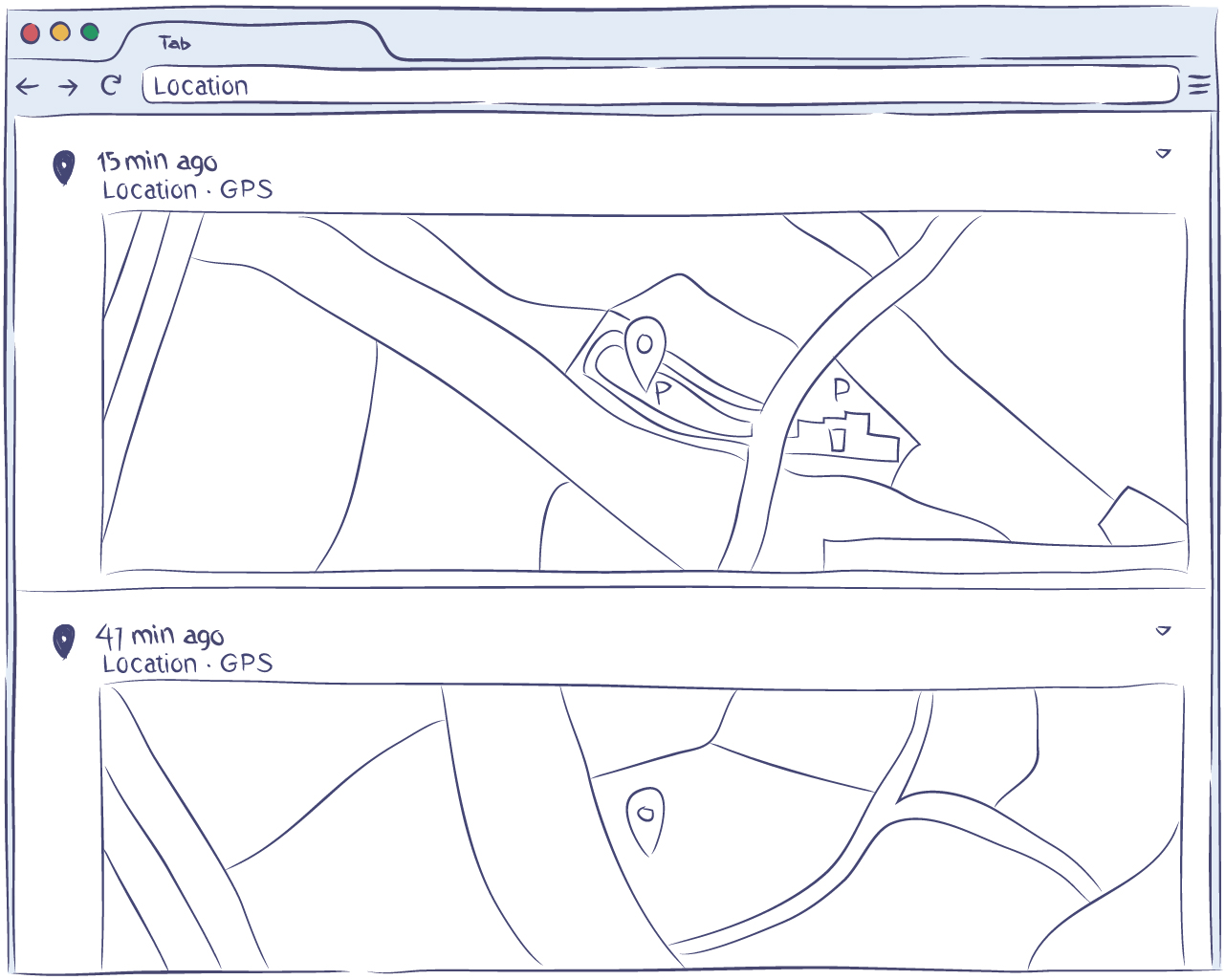
With a one-stop solution, such as Hoverwatch, you can monitor Signal Messenger accounts and monitor activity beyond Signal as well. The Hoverwatch Signal Tracker app is a one-stop solution to monitor all activities performed on a device you own or are authorized to monitor, including tracking chats on Signal, WhatsApp, Facebook, Line, and other messengers.
By following the simple installation steps, you can monitor all the sent and received messages on Signal Messenger and track all other activities on the device, with the device user informed.

