How to monitor Snapchat

Snapchat Monitoring App

Use the Snapchat monitoring app to keep track of your child’s activity on social networks, or to make sure employees aren’t using company-owned devices to chat with friends during work hours — on devices you own or are authorized to monitor, with the user informed

Hoverwatch Snapchat monitoring is an app that records every Snapchat message, snap, story, photo and video exchanged on Android — and keeps the content even after the sender's self-destruct timer expires. Every item uploads to your online Control Panel with sender name and timestamp, so disappearing messages stop disappearing. Use it only on devices you own or are authorized to monitor, with the device user informed.

  • check mark

    Best Snapchat monitoring app

  • check mark

    How to monitor Snapchat on devices you own

  • check mark

    Monitor all their Snapchat pictures online

  • Step 1

    Sign up to your free online account: enter email and a new password.

  • Step 2

    Download and install the best phone tracker app from online account.

  • Step 3

    Monitor all recorded data and recorded calls in your online account.

You must agree to Sign Up.

How does Snapchat monitoring work?
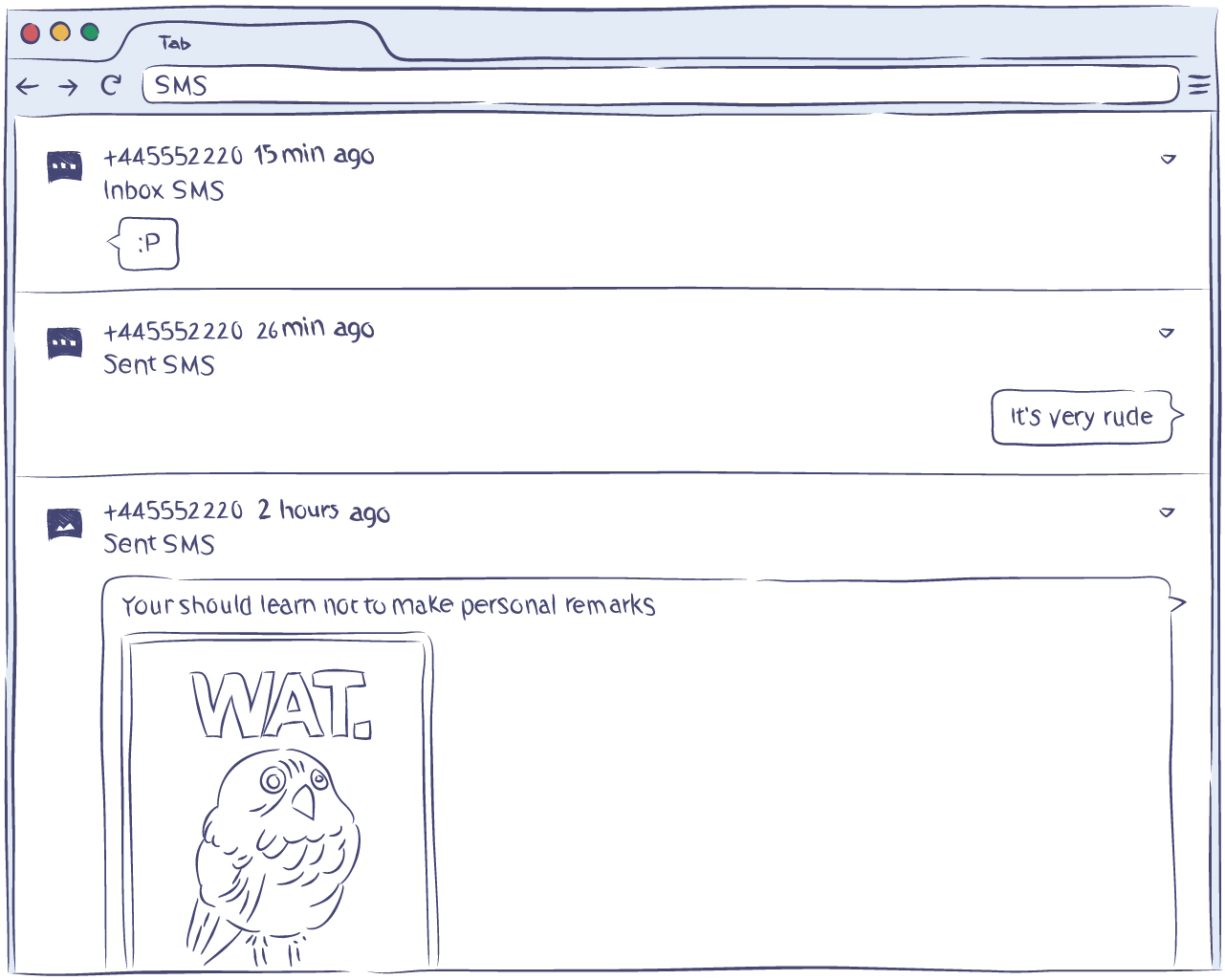
snapchat monitoring - calls

It runs quietly in the background, essentially creating a log of not only Snapchat activities, but also just about anything a user can do with their smartphone. Thanks to the optimized algorithms, it won’t drain the battery of the monitored phone even if it is recording the geolocation positions.

As a lightweight background app, the Snapchat monitoring app collects data efficiently and sends it to a server so that it can be accessible in your Hoverwatch account. We recommend letting the device user know that monitoring is in place.

Choose from a variety of features

In addition, the free Snapchat monitoring app from Hoverwatch will gather the same data for WhatsApp, Viber, Facebook Messenger, Line, Skype and a number of other popular IM apps (provided that they are installed on the monitored phone). SMS and MMS tracking are possible, too.

The shared files (videos, pictures, documents, audios) will be available for you to view and download in your account even if the user chooses to delete them from the messaging history in a social network or in the SMS app.

The Snapchat monitoring app is also capable of recording calls, whether they were made using an IM app, such as WhatsApp or Viber, or the SIM card.

The app will also create records of all the user’s Internet searches, downloads and browsing history even if he/she sets the browser in Private mode. What’s more, you can configure the app to use the front camera on the phone to take a photo every time someone unlocks the device.

The obtained pictures are also uploaded to your account on Hoverwatch. You can access them at any time you wish in the “Reports” section of your account. Finally, you’ll be notified every time the user replaces the SIM card in the monitored device.
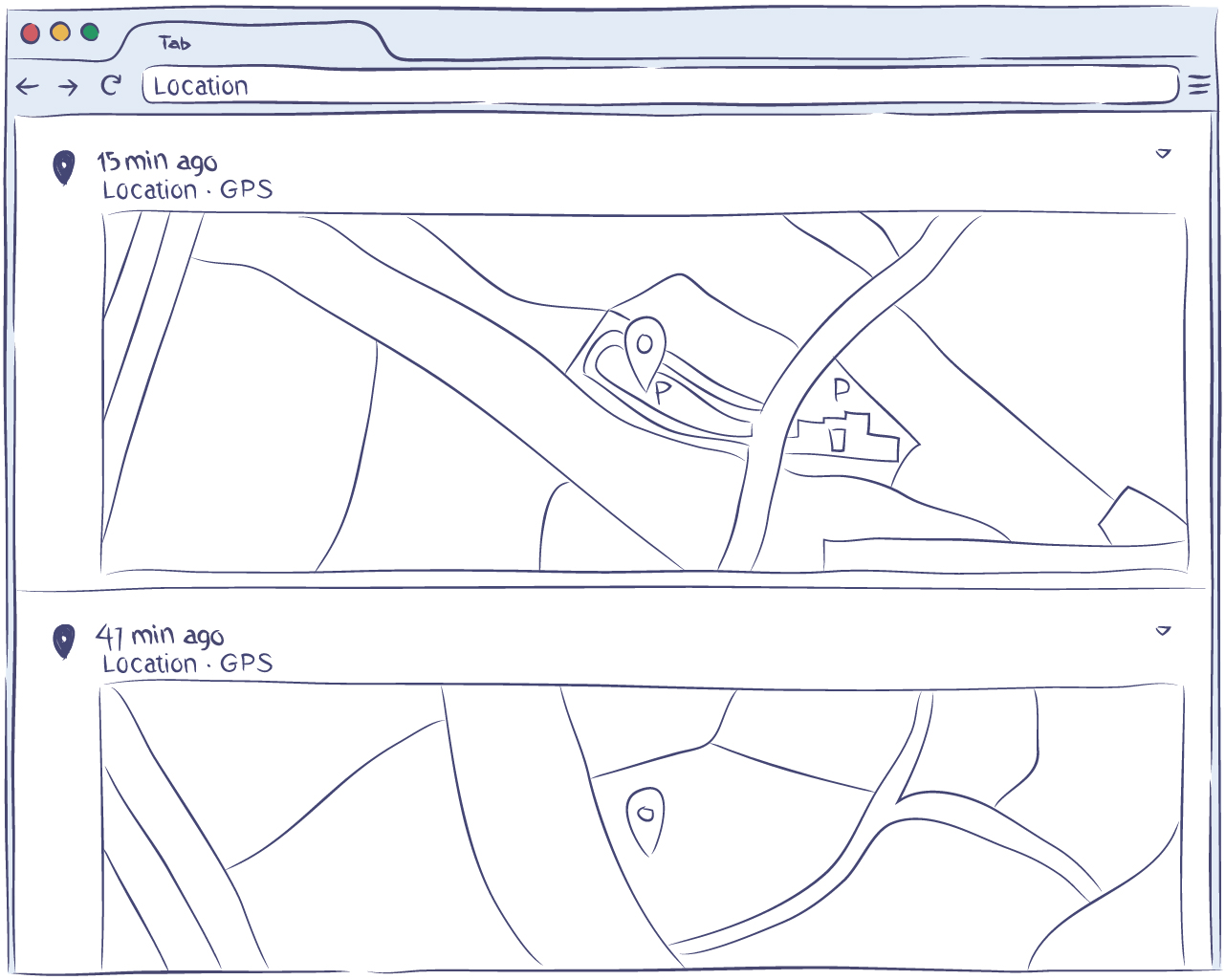
snapchat monitoring - track messages

Monitoring your employees and kids is now easy

Using the Snapchat monitoring app is a very efficient way to keep company-owned devices focused on work during working hours. If your company uses social networks to reach out to existing and potential clients (which is highly likely), it is really easy for employees to stray away from work and start chatting with a friend or colleague. Using the app from Hoverwatch to monitor Snapchat activity, as well as basically any other activity, on a company-owned device under a disclosed monitoring policy is a great way to support discipline and productivity.

Alternatively, the Snapchat monitoring app can be used by parents who want to know what their minor child is doing with their mobile device. The geolocation tracking feature will allow you to always be informed about your child’s location, helping you keep them safe.

In addition, you’ll have access to everything your child writes and shares on the social networks, so you can be sure that they aren’t exposed to any negative influences there. With the device user informed that monitoring is in place, you can have an open conversation about online safety rather than a conflict over privacy.

Compatibility

It is currently available for Android mobile devices, Windows PCs, and Macs. You’ll need administrator rights to install the program on a PC or a Mac, but the Android installation doesn’t require anything at all except access to the device itself. The Snapchat monitoring app runs as a lightweight background app on the phone even if the device is unrooted. The device must be rooted to get all the information about Snapchat and to get screenshots of the program. However, if you have an older device incapable of running Android 4.0 or higher, you won’t be able to use the Snapchat monitoring app on that phone.

Conclusion

All in all, if you are looking for a simple answer to a question like “how to monitor Snapchat on a device you own,” your search is over because the Snapchat monitoring app from Hoverwatch is a great way to do just that (and a lot more).

With a free account, you get the possibility to fully monitor up to 5 devices, which should be enough for private use. The Snapchat monitoring app is easy to set up and use, and it is also available to you for free in its full functionality.

How to install the Snapchat monitoring app

Hoverwatch Keeps Snapchat in Check

Trusted by Users Worldwide

testimonial female avatar

Hoverwatch has been a gem for keeping tabs on Snapchat activity. The 3-day trial sold me—it perfectly captures messages, photos, and videos on Android. It runs lightly in the background and is super easy to use. The online dashboard is handy, letting me check everything from my phone. Affordable price and worth every penny for the peace of mind it brings.

Emily Thompson, UK
testimonial male avatar

I’ve been using this Snapchat monitoring app to keep an eye on activity, and it’s spot on. Hoverwatch tracks everything—messages, snaps, you name it—without a hitch on my Android. It runs lightly in the background, and the online panel is a breeze to navigate. For anyone wanting to monitor Snapchat on an authorized device, this is a solid pick.

Lukas Schmidt, Germany

Snapchat Monitoring FAQs – Monitor Snapchat with Hoverwatch

What is a Snapchat monitoring app?

plus minus

A Snapchat monitoring app like Hoverwatch is a handy tool for keeping tabs on Snapchat activity on an Android device you own or are authorized to monitor. It lets you review messages, photos, videos, and more, making it a top-notch choice for parents and employers keeping authorized devices safe. You install it, and all the data flows straight to your online dashboard.

What makes Hoverwatch a standout Snapchat monitoring solution is its knack for digging into the details—chats, shared snaps, you name it. It’s all about giving you a clear picture of Snapchat use on a device you’re authorized to monitor. If you want to monitor Snapchat for family safety or company-device oversight, this app offers a smooth and reliable way to do it.

How does Hoverwatch monitor Snapchat?

plus minus

Hoverwatch runs efficiently in the background on an Android phone, capturing Snapchat data like messages and media. It sends everything to your online dashboard, so you can review Snapchat activity from your account. It’s a slick monitoring setup that keeps things simple and reliable.

Plus, it’s built to avoid hogging battery life, so it can keep tracking without slowing the device. Hoverwatch is intended for devices you own or are authorized to monitor, and we require you to inform the device user that monitoring is active.

Can Hoverwatch track Snapchat messages and media?

plus minus

Yes, Hoverwatch’s Snapchat monitoring feature lets you see messages, pics, and videos shared on Snapchat. It’s a solid monitoring tool that logs everything going on in the app, perfect for staying in the loop on an authorized device. You won’t miss a thing.

The app gathers all that info—like chats and shared files—and stores it safely in your dashboard. With this Snapchat monitoring app, you’ve got a clear window into Snapchat use, accessible anytime you want to check what’s been sent or received.

Is Hoverwatch compatible with all devices for Snapchat monitoring?

plus minus

Hoverwatch’s Snapchat monitoring app is made just for Android devices. It won’t work on iPhones or iOS because of how those systems are locked down, so make sure the phone you want to monitor is Android to use this tool effectively.

Is Hoverwatch’s Snapchat monitoring feature free?

plus minus

Hoverwatch isn’t a free Snapchat monitoring app, but you get a 3-day trial to test out its Snapchat monitoring features. After that, you’ll need a paid plan to unlock everything—it’s affordable and worth it for full access.

How do I install Hoverwatch to monitor Snapchat?

plus minus

To start using Hoverwatch as a Snapchat monitoring tool, sign up on their website, grab the app, and install it on the Android phone you are authorized to monitor with the quick setup guide. In no time, you’ll be checking Snapchat activity through your dashboard online.

Is it legal to use Hoverwatch to monitor Snapchat?

plus minus

Using Hoverwatch to monitor Snapchat is fine when you’re monitoring your own children under 18 or company phones with the user informed. Laws differ depending on where you are, so it’s smart to double-check your local rules before setting up this Snapchat monitoring app to stay on the right side of things.

Being upfront goes a long way—telling the device user that monitoring is active builds trust and is legally required in many regions. For minors or work devices, Hoverwatch’s monitoring feature keeps you in control legally and ethically when consent and notice are covered.

Can Hoverwatch see deleted Snapchat messages?

plus minus

Yes, Hoverwatch captures Snapchat messages before they vanish, so you can still review them in your account even after they’re gone from the app. It’s a key perk of this Snapchat monitoring tool that keeps you in the know.

What Snapchat data can I monitor with Hoverwatch?

plus minus

Hoverwatch’s monitoring feature tracks messages, photos, and videos shared on Snapchat. It gives you a full rundown of what’s happening, all viewable from your online dashboard with this trusty Snapchat monitoring tool.

Does Hoverwatch run in the background on the device?

plus minus

Yes, Hoverwatch runs efficiently in the background so it doesn’t slow the device, and you review activity from your dashboard. Hoverwatch is intended for authorized monitoring only, and we require you to inform the device user that monitoring is active.

Can I use Hoverwatch to monitor Snapchat across multiple devices?

plus minus

With a free Hoverwatch signup, you can monitor Snapchat on up to 5 devices using its Snapchat monitoring app. Want to track more? A paid plan has you covered with extra options.

How does Hoverwatch run as a Snapchat monitoring app?

plus minus

Hoverwatch runs lightly in the background on the phone, making it a reliable Snapchat monitoring app. It tracks everything efficiently without affecting performance, so you can monitor Snapchat on an authorized device with the user informed.

Free mobile tracker. Sign up free.