

The software supports Android tablets and smartphones, Windows PCs and laptops, as well as Mac OS X desktop computers and notebooks. Software features are slightly different for these operating systems.
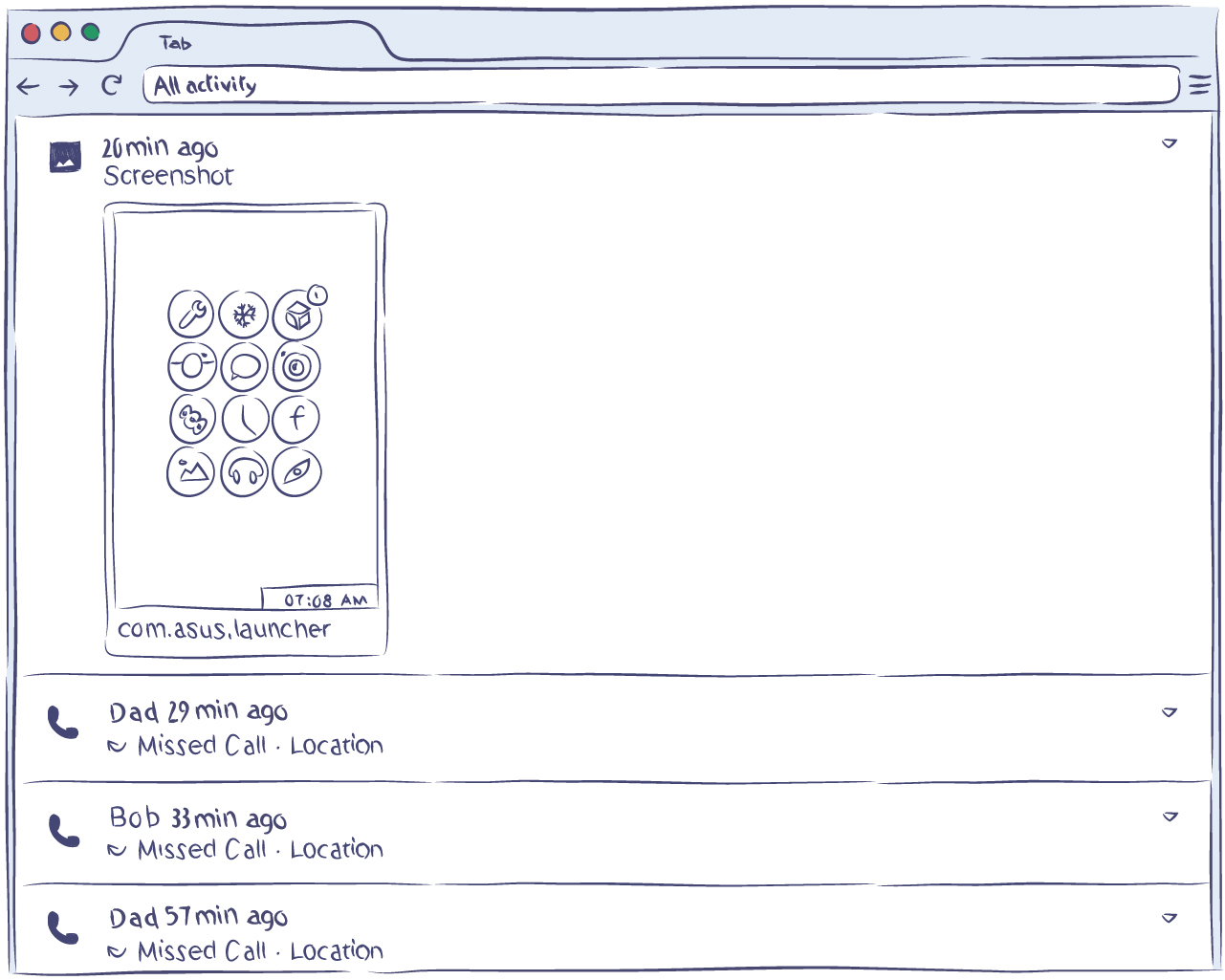 Track up to 5 cell phones in one account
The features available on the Android platform include call recording, device geolocation, saving the data from the address book and contacts list, saving conversation message threads (SMS, Telegram, WhatsApp, Facebook), and it also takes the photos of a user when the smartphone is being unlocked. By using this app, you can effectively start cell phone tracking free and get all the information you need.
The Windows and Mac functions include saving all the text typed on the keyboard, periodic screenshots, saving the list of visited websites and used applications, and also occasional photos of the user using a webcam. If you decide to track a cell phone with the help of a 3-day free trial, you can expect the most accurate results.
Thus, when you pay for the service subscription, you can set up comprehensive monitoring of all your mobile and desktop devices.
Why is this feature useful?
When choosing any software, you naturally want to get as much use out of it as possible. By using just this one cell phone monitoring app, you can monitor the activity on up to 5 different devices. If you have more than one child, or you need to manage several company-owned devices used by your employees, it’s extremely useful to use a single app for everyone, with each device user informed that monitoring is in place.
For maximum convenience, all the data can be accessed through a single account, so you don’t waste your time switching from one to another. Both mobile and stationary devices can be tracked this way.


