
















How to Track an Android Phone From an iPhone: 4 Best Ways

If you’re wondering how to track an Android phone from an iPhone, here’s the honest truth up front: Apple’s own Find My will not help you, because it only sees Apple devices.
The good news is that tracking an Android phone from an iPhone is completely doable. You just do it from the Android’s side — using a Google service or a cross-platform app — and read the result on your iPhone.
This guide walks through the four methods that genuinely work, from a free one-tap location check to full monitoring, and it flags the “track by phone number, no install” services that are built to scam you. One rule I have learned over years of family setups: the best tracking pairs the right tool with an open conversation, not secret spying.
Can you track an Android phone from an iPhone?
Yes — you just cannot do it with Apple’s tools. Apple’s Find My and Family Sharing are locked to the Apple ecosystem, so an Android phone will never show up there.
“From an iPhone” simply means your iPhone is the screen you read on. The tracking itself lives on the Android, through a Google account or an installed app.
 The Apple way (does not work)
Find My, Family Sharing, and 'Find My iPhone' only locate iPhones, iPads, AirTags, and Macs. Point them at an Android and you get nothing — this is the single biggest misconception.
 The cross-platform way (works)
Set tracking up on the Android — a Google service or a third-party app — then open it in Safari or a parent app on your iPhone. The iPhone is the viewer, the Android does the reporting.
The methods sort neatly into four levels, by how much you actually get to see:
| Level | What you can see | Tool | Cost |
|---|---|---|---|
| 1 — Location only | Where the phone is | Google Find My Device | Free |
| 2 — Location + activity | Where + app usage, screen time | Google Maps / Family Link | Free |
| 3 — Family alerts | Location + geofence alerts | Locator apps (Life360-style) | Freemium |
| 4 — Full monitoring | Location + messages, calls, apps | Device-level app (Hoverwatch) | Paid |
Most parents never need more than Level 1 or 2. You climb the ladder only when the worry changes from “where are they” to “who are they talking to.” Here is the technical reality from someone who has built Android’s own tracking features.
People assume their iPhone can “see” any phone. It cannot. Apple’s location network and Google’s are separate systems that do not talk to each other. To track an Android from an iPhone you either use the Google account already on that Android, or you install an app on it — there is no back door, and nothing works purely from a phone number.

That separation is the key to everything below: every method that actually works does so because it rides the Android’s Google account or an app installed on the device. With that in mind, let us filter the real options from the fakes.
Which methods actually work — and which are scams?

Before the step-by-steps, clear the field of the fakes. Anything promising to locate an Android from just a number, instantly, with nothing installed, is selling a fantasy. Here is the honest verdict.
| Method | Works from an iPhone? | What you can see |
|---|---|---|
| Google Find My Device | ✅ Yes (browser) | Live location, ring/lock/erase |
| Google Maps / Family Link | ✅ Yes | Location + activity/screen time |
| Family-locator app | ✅ Yes (both install) | Location + geofence alerts |
| Device-level app (Hoverwatch) | ✅ Yes (view in browser) | Location, messages, calls, apps |
| ”Track by phone number / IMEI” | ❌ No | Scam — harvests your data |
| ”Apple Find My for Android” | ❌ No | Impossible — Apple-only |
So the working set is short — four real methods — while the fakes almost all share a single tell, worth burning into memory before you go looking.
If a website asks only for a phone number and promises an instant result with no app to install, it is 99% a scam or a data-harvest. The tell: it never touches the Android itself.
Real tracking always needs the Android once — either an account you can sign into, or an app you set up on the device. Keep that one rule in mind and you will never be fooled. Now, the four methods that deliver, starting with the simplest.
How do you use Google Find My Device on your iPhone?
Best for: a free, quick, one-off location check.
Google’s Find My Device (now part of the wider Find Hub network) is the fastest way to locate an Android, and you do not install anything on your iPhone — it runs in the browser.
-
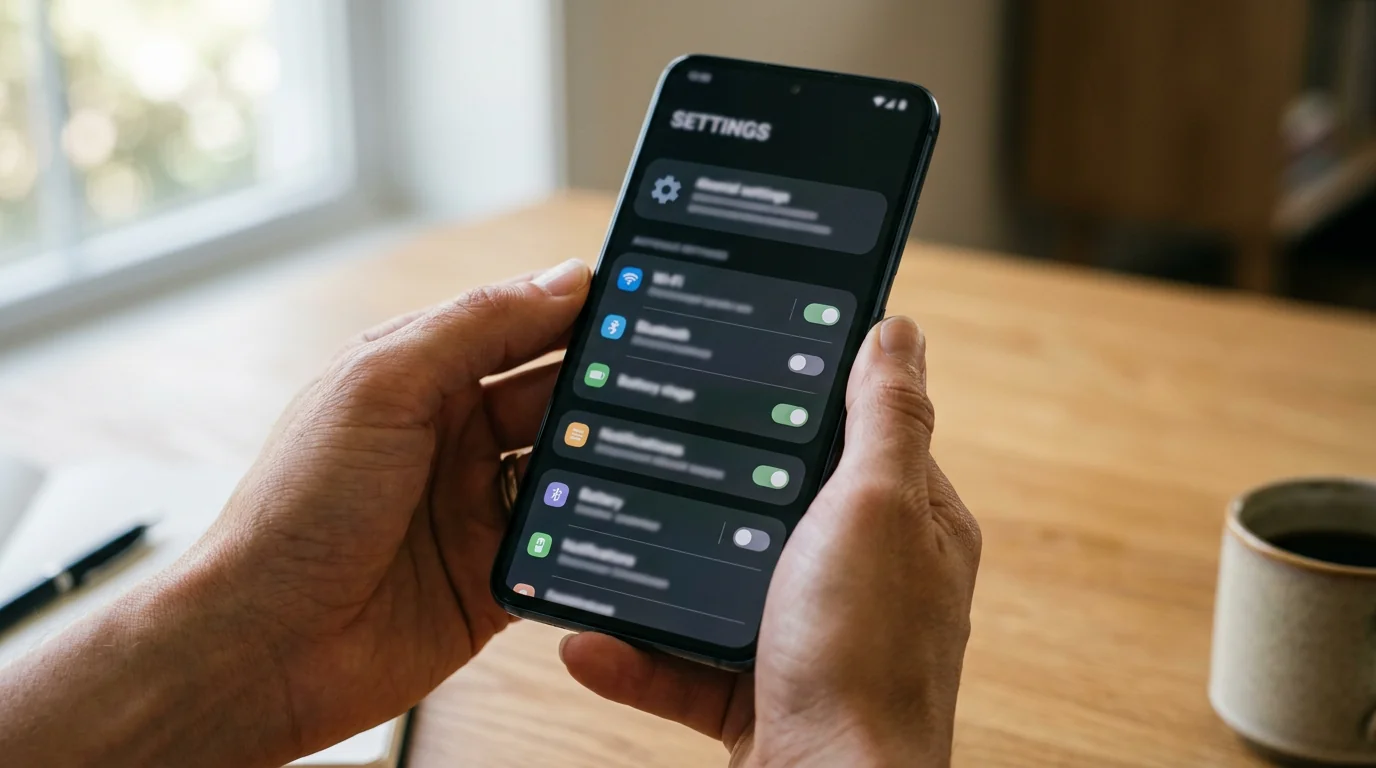 Enable it on the Android first Step 1
On the Android, sign in to a Google account, turn location on, and switch on Find My Device under Settings → Google. Do this in advance — you cannot enable it remotely once the phone is already lost.
-
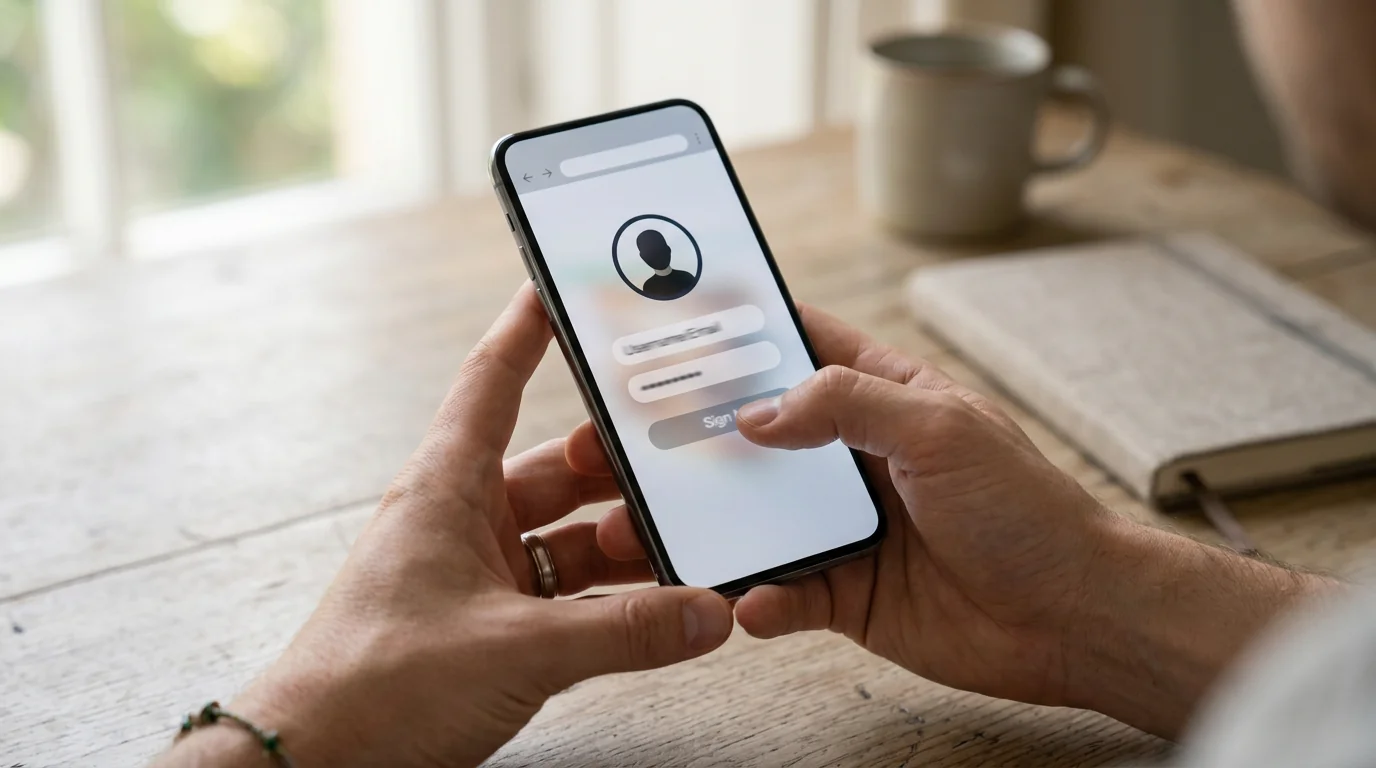 Open the finder in Safari Step 2
On your iPhone, open Safari and go to android.com/find, then sign in with the exact same Google account that is on the Android. Nothing installs on the iPhone — it all runs in the browser.
-
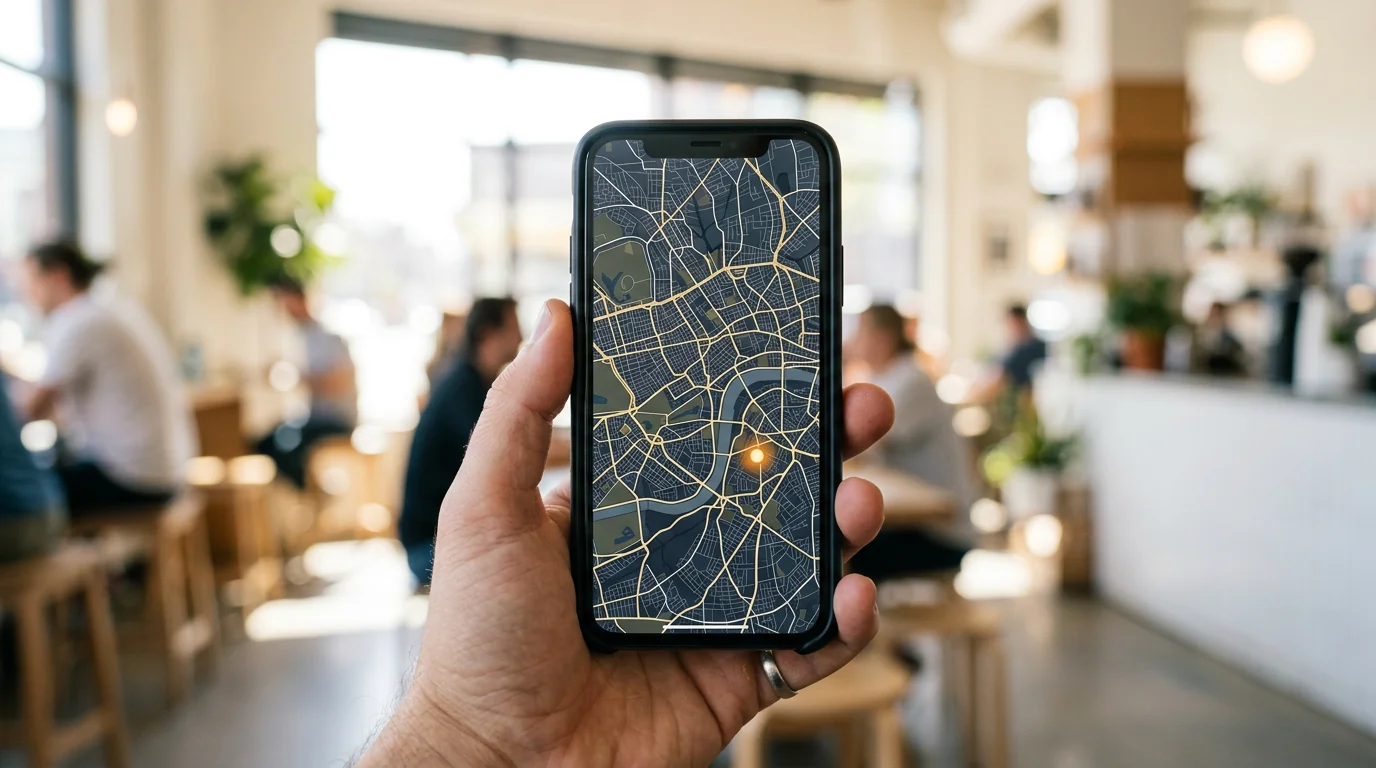 See it on the map Step 3
Pick the device to see its current location on a map. It updates only while the Android is online, with location on and signed into that account.
-
 Ring, lock, or erase Step 4
From the same screen you can ring the phone at full volume, lock it with a message, or erase it entirely if it is truly gone — handy for a lost or stolen device, not just tracking.
That is the whole setup — four taps and a browser tab, no app on your iPhone.
Turn Find My Device on before you ever need it — you cannot enable it remotely on a phone that is already lost. It is a two-minute job today that saves a frantic afternoon later.
What you will see / limits: location only — where, not what. It works only while the Android is online, with location on and signed into that account.
There is no on-screen alert for a location check, but it is their Google account — anyone with access can see the activity.
You need the account credentials, not the phone in hand — but there is no legitimate way to add tracking to a phone you have never touched.
Cost: free.
How do you share location with Google Maps or Family Link?
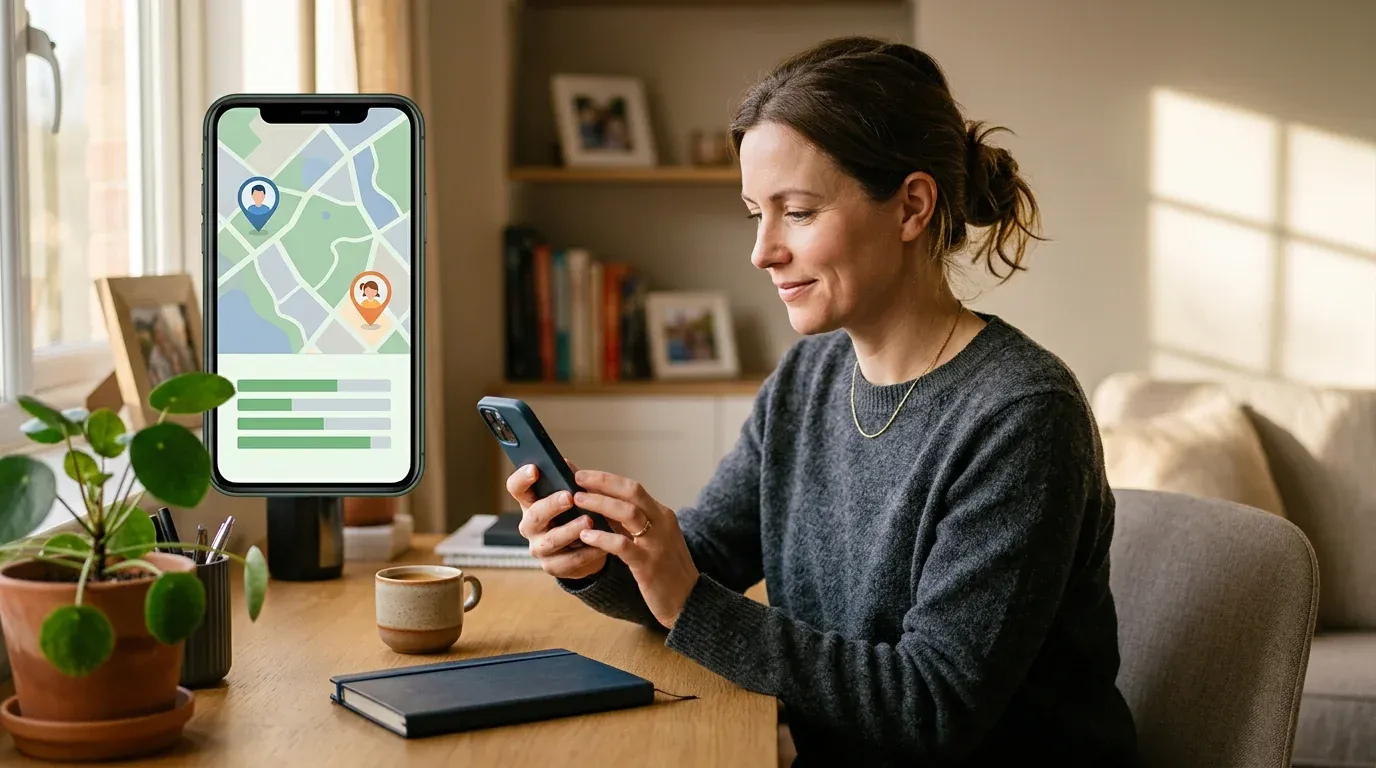
Best for: free, ongoing location — plus activity if you use Family Link.
If you want a continuous location feed rather than a one-off check, Google gives you two free, cross-platform routes — a lightweight one for anyone, and a fuller one for kids.
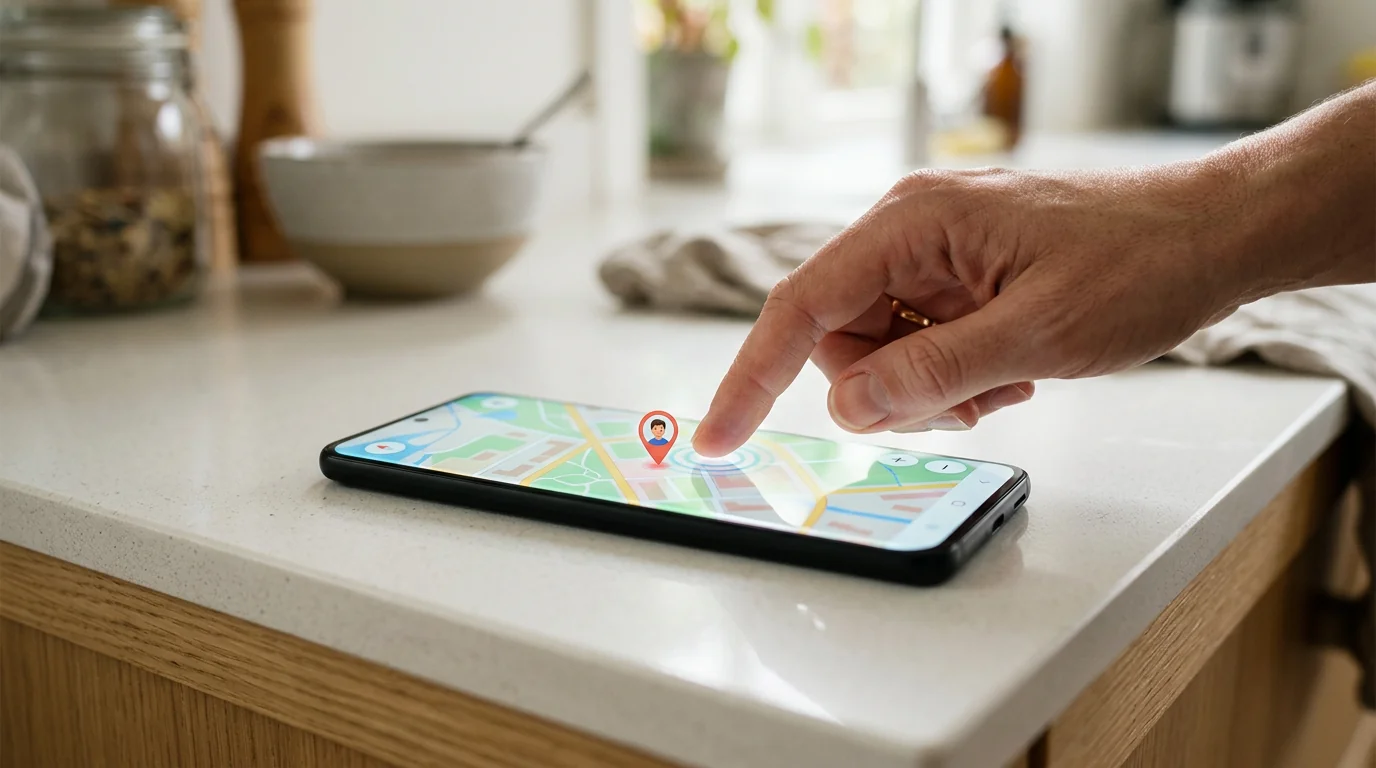 Google Maps location sharing
On the Android, open Maps → profile picture → Location sharing → share with your Google account. On your iPhone, open Maps and the shared location appears on the map. Free, ongoing, works both ways.
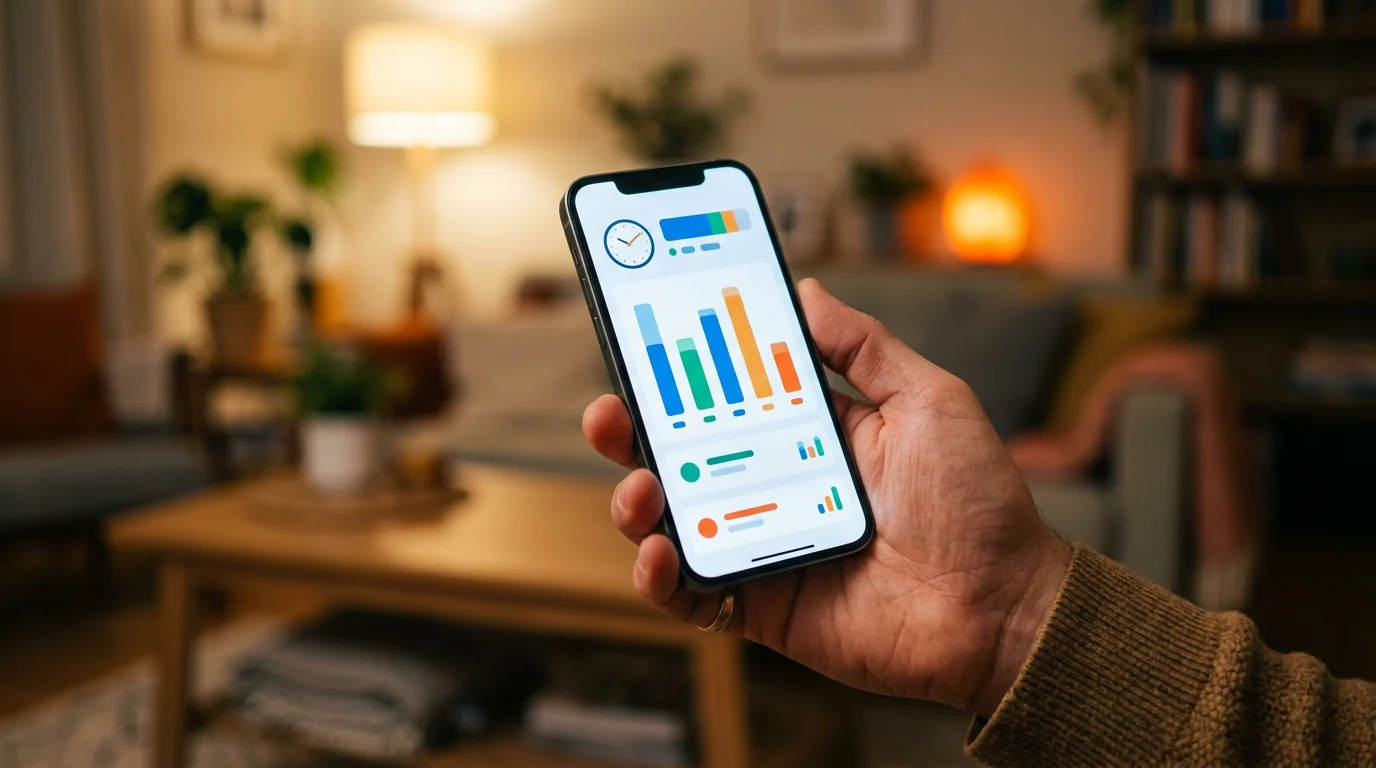 Google Family Link (for kids)
Install the Family Link parent app on your iPhone from the App Store and manage it all from iOS: live location plus app-usage and screen-time reports.
Both are open by design — Maps sharing is visible to the person sharing, and Family Link notifies the child that supervision is on.
That transparency is a feature, not a flaw: for most families, a shared location everyone knows about is exactly the right level of oversight.
If you need to see more than a location on a map — actual messages, calls, or app use — you are moving to a dedicated monitoring app.
How do you use a family-locator app like Life360?
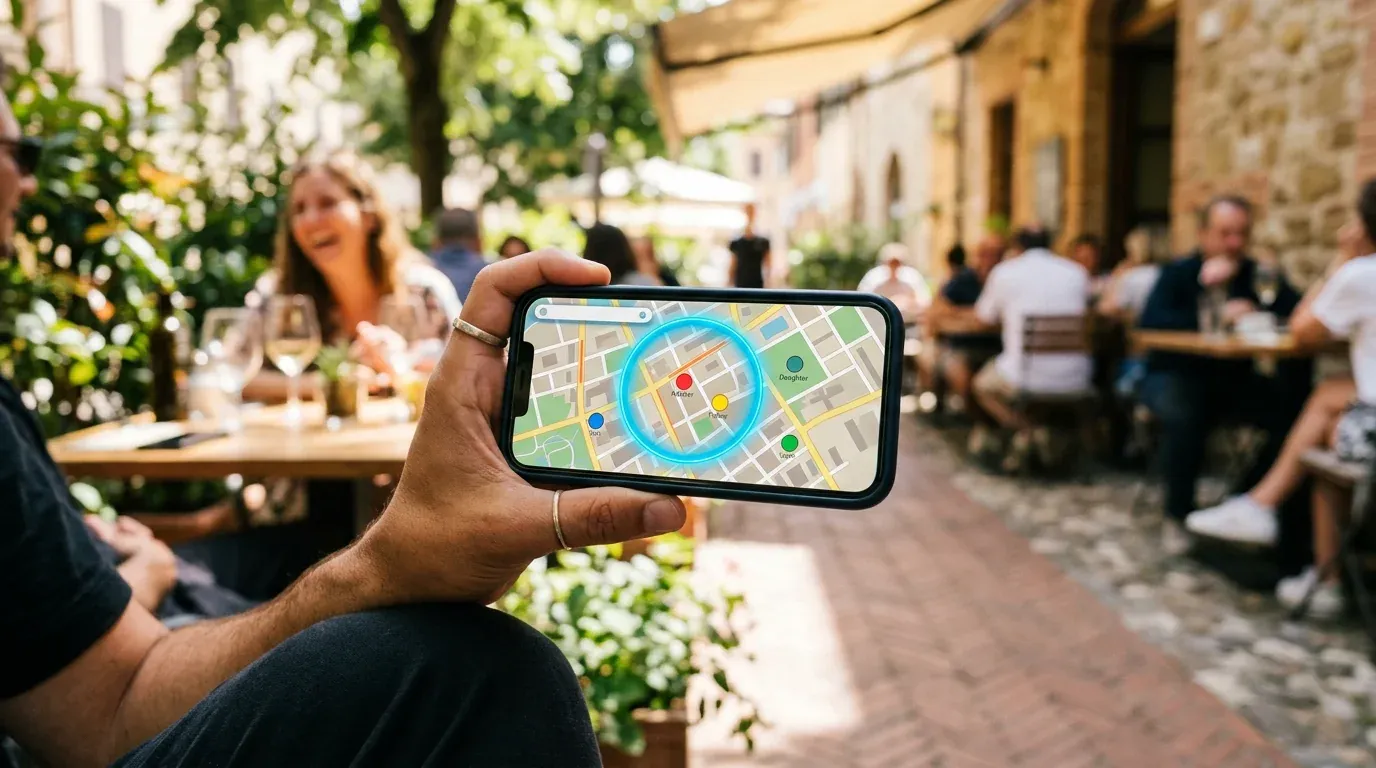
Best for: cross-platform family location with geofence alerts.
Dedicated family-locator apps run on both iPhone and Android, so everyone in the family circle sees everyone else on a shared map. Their strength is alerts — you can set a geofence (home, school) and get a notification on arrival or departure.
Because these apps are visible and consent-based, they are built for a family that agrees to share, not for one-sided oversight. They are a great fit when trust is mutual and the goal is peace of mind, not investigation.
How do you track an Android with Hoverwatch from your iPhone?
Best for: the fullest view — location plus messages, calls, and apps — all read from your iPhone’s browser.
When location alone is not enough, a device-level monitoring app like Hoverwatch is the only category that shows the actual content. You install it once on the Android, and then read everything from a web dashboard in Safari on your iPhone — no iOS app required.
-
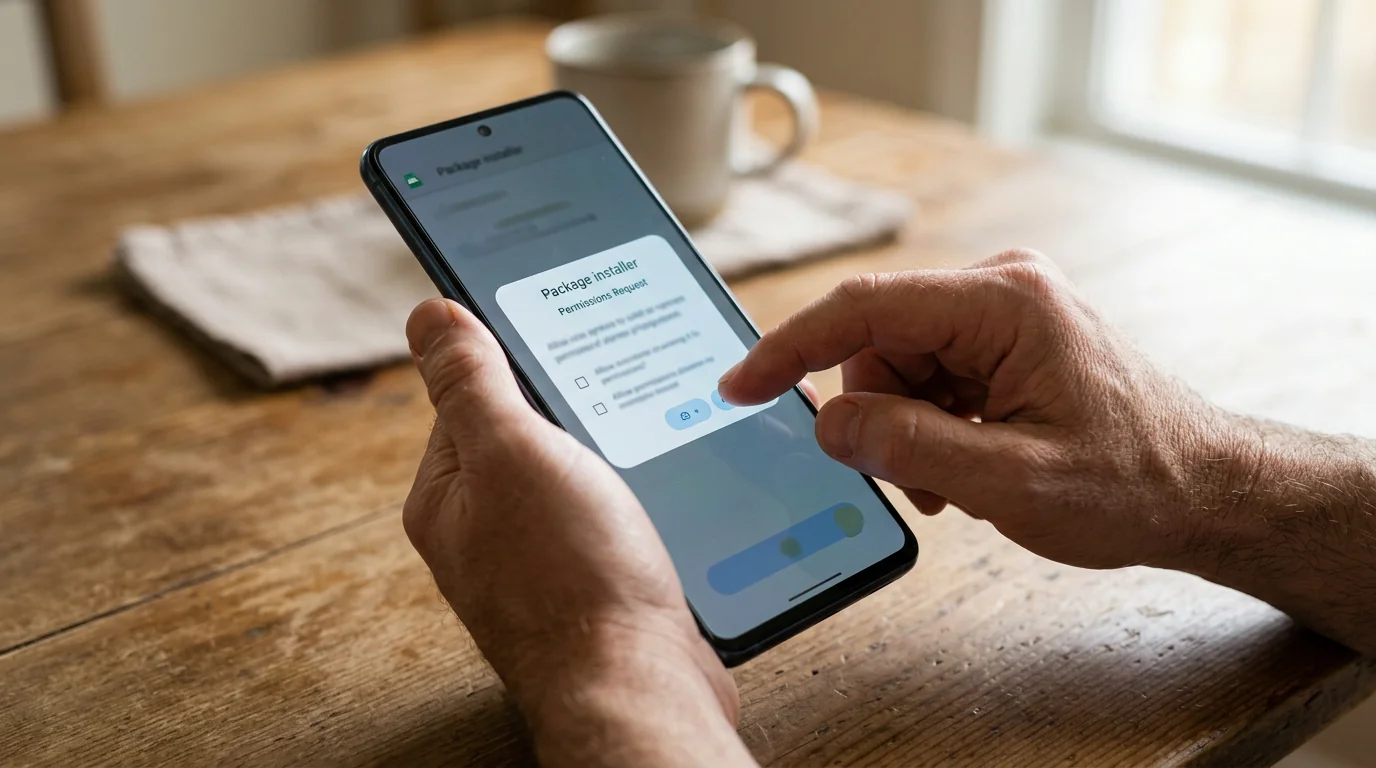 Install once on the Android Step 1
Sign up and install Hoverwatch on the Android — a one-time, in-hand setup — then grant the permissions it needs, including Accessibility for message capture. This is the only step that requires the phone physically.
-
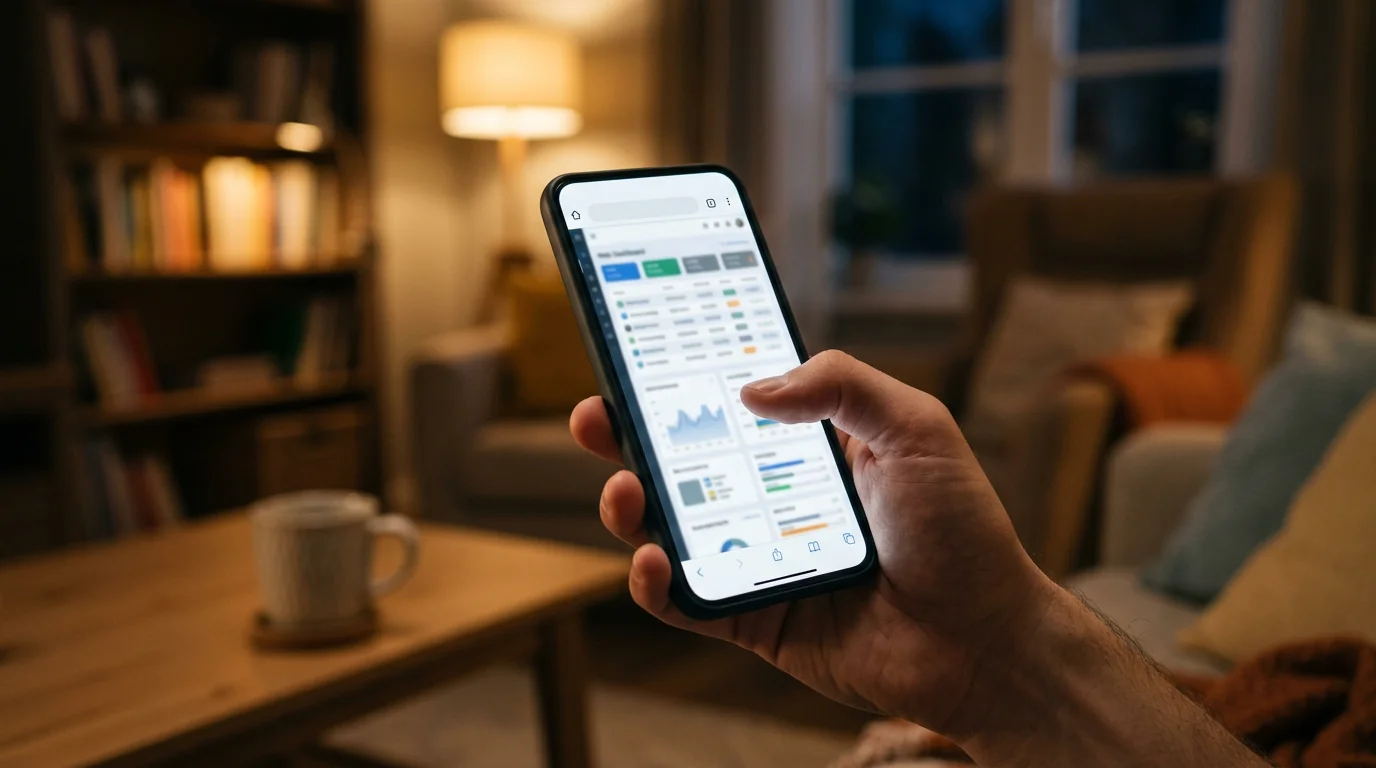 Open your account in Safari Step 2
On your iPhone, open your Hoverwatch account in Safari. There is no iOS app to install — the dashboard is a web page you can reach from any browser, anywhere.
-
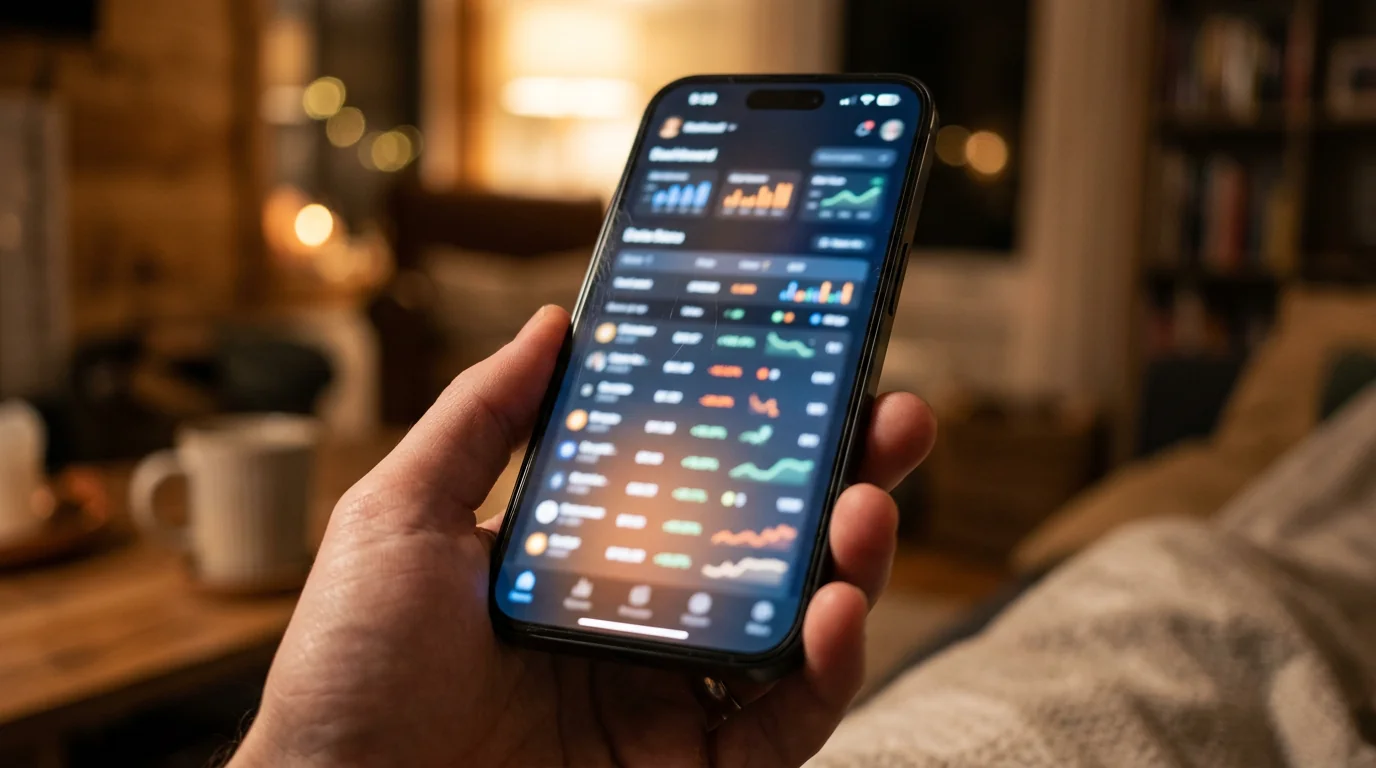 Read the dashboard Step 3
Browse everything in one place: GPS location history, SMS and WhatsApp messages, the call log, app usage, and periodic screenshots — all from your iPhone.
What you will see / limits: this is the fullest view of any method in this guide.
From your iPhone: incoming and outgoing SMS, WhatsApp, and Telegram messages, the call log with numbers and duration, GPS location history over time, which apps are used and for how long, plus periodic screenshots and typed keystrokes.
That content layer — the actual words, not just a dot on a map — is exactly what the free location tools cannot give you. The trade-offs: it is Android-only, and it monitors and records; it does not block anything.
Will they know? It runs quietly in the background, but be realistic about “stealth” — see the honest caveats below.
No monitoring app is truly invisible. Android 13+ turns off Accessibility for sideloaded apps by default, battery optimization can pause capture, Google Play Protect may flag it, and a tech-savvy user can find and remove it.
Need the phone? Remote possible? You need the Android in hand once, for setup. Any service claiming full remote monitoring with no install is the scam from earlier. Because of the depth here, treat Hoverwatch as a considered step — ideally after a conversation — not a covert first move.
Cost: paid, with a trial to test it first.
Reality check: we do not promote secret spying. A device-level app is a last resort for a real safety concern — for everyday “are they home yet,” the free tools above are the right call.
For a deeper walkthrough of device-level setup, see our guide on how to monitor an Android phone without rooting.
Which tracking method should you choose?
The right tool is the one that matches your actual worry. Match the level of visibility you need to the least intrusive option that delivers it.
| Need | Best option | Cost | Stealth |
|---|---|---|---|
| Just location | Find My Device | Free | Low |
| Location + activity | Family Link | Free | Medium |
| Family alerts / geofence | Locator apps (Life360) | Freemium | Low |
| Full view (messages/calls/apps) | Hoverwatch | Paid + trial | High* |
*Not 100% — see the caveats in the Hoverwatch section.
For most parents, the free Google tools are genuinely enough. Reach for full monitoring only when there is a real concern — contact with strangers, signs of cyberbullying, or safety at stake.
If you only ever ask “where are they right now,” you can track an Android phone from an iPhone for free and stop there. For younger kids, our guide on how to track a child’s phone for free covers the no-cost route in more detail.
What are the risks — and how do you stay safe?
Tracking is not free of trade-offs, and the biggest risks fall on you, not the phone you are watching. Know them before you start.
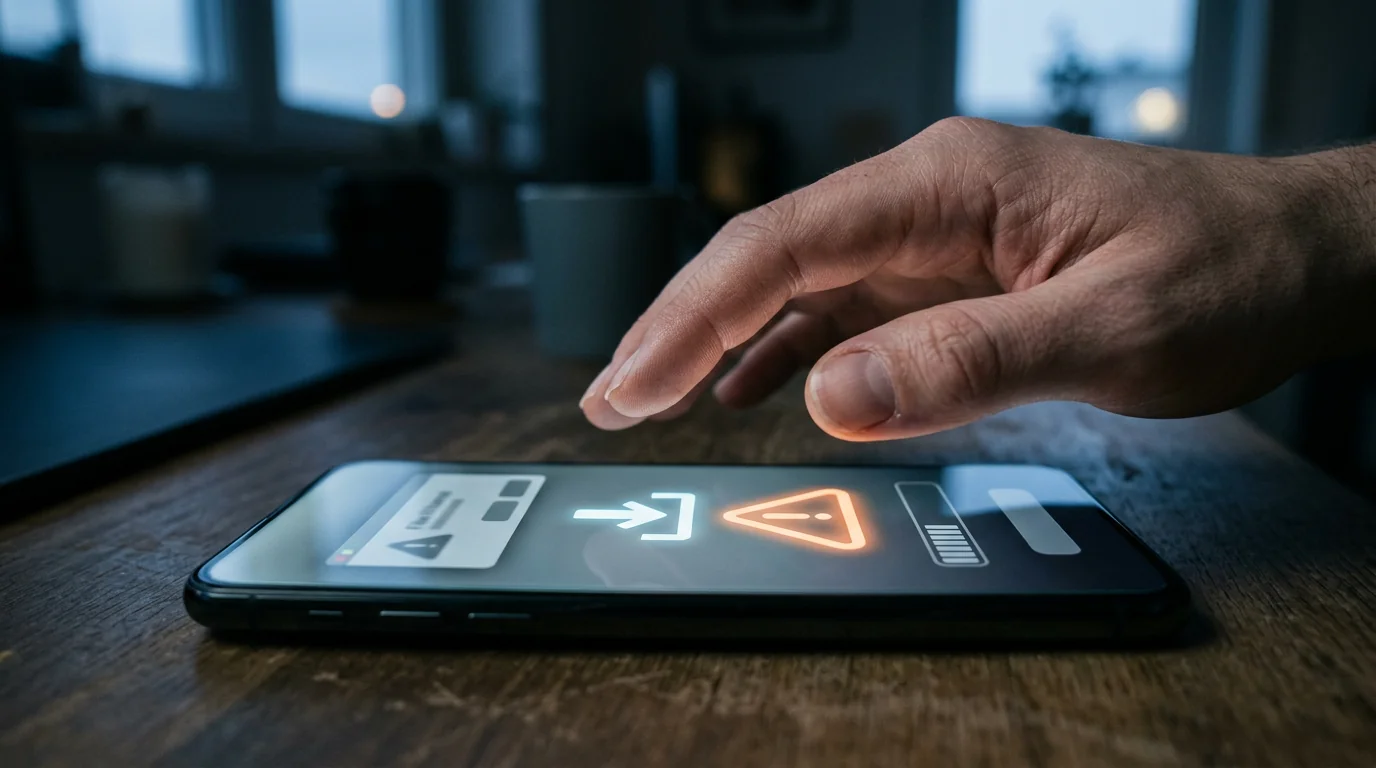
 Battery and data drain
Constant location or monitoring eats battery and mobile data on the Android — heavy drain can also tip off the person you are tracking.
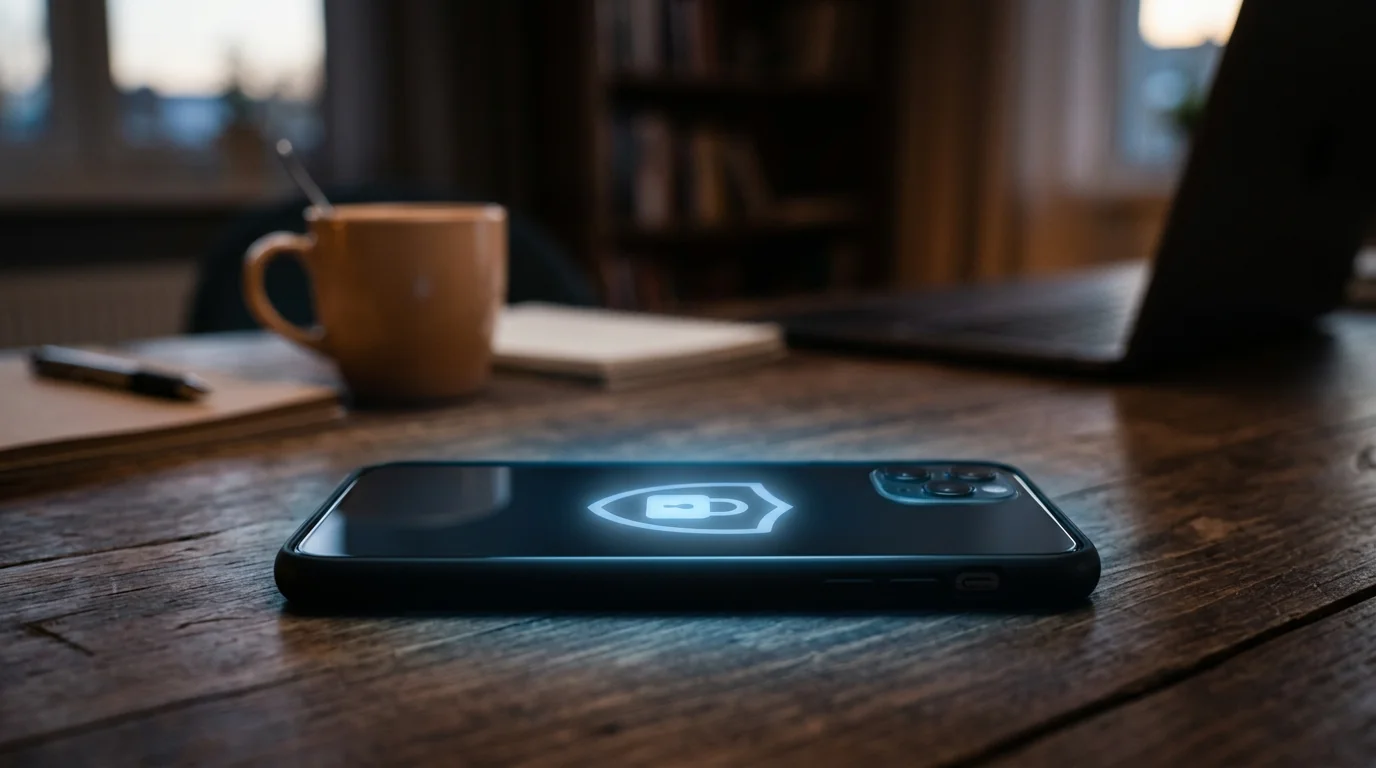
 Fake tracker apps
The shady end of this market is full of knock-off apps and 'free spy APKs' built to steal your logins and card details, not to track anyone.
 Privacy leaks
A poorly built monitoring app can expose the very data it collects. Stick to established names with a clear, published privacy policy.
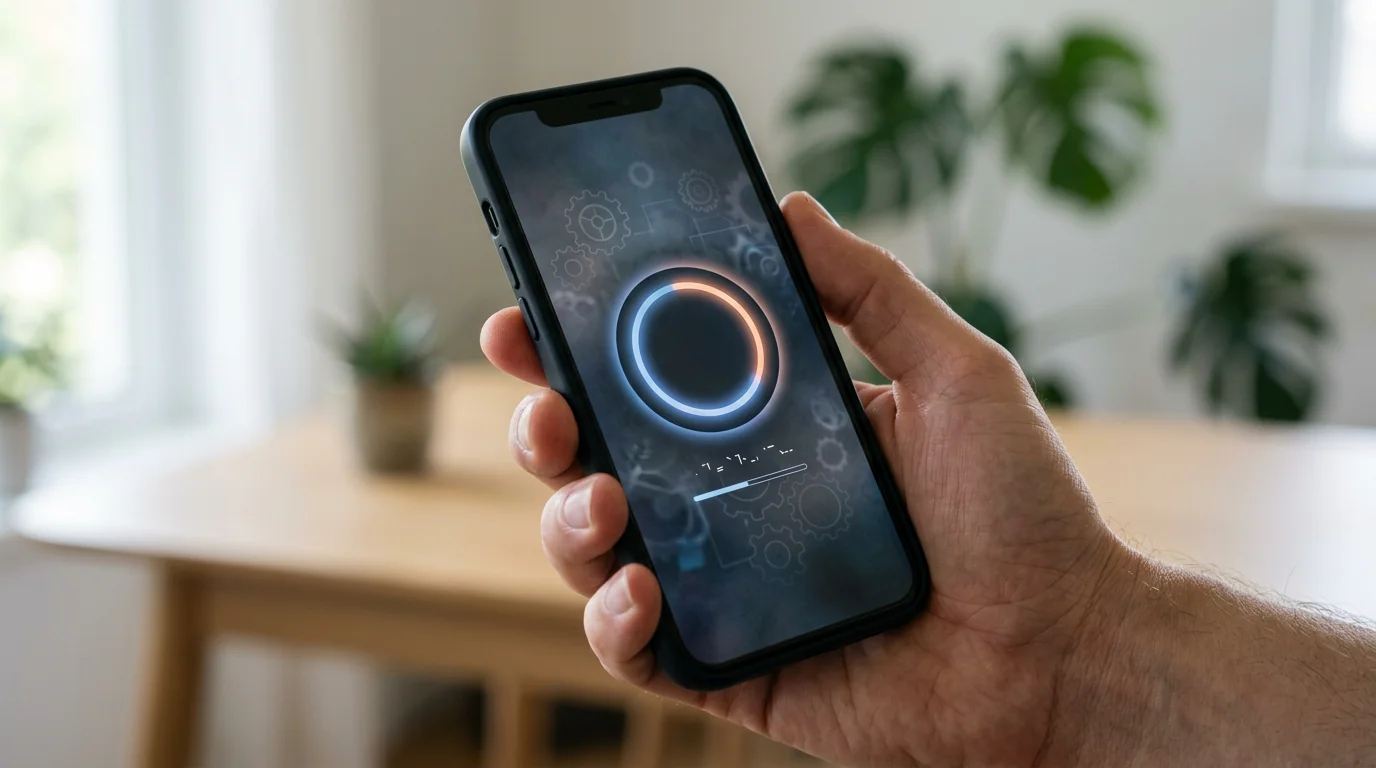 Android updates
System updates can reset permissions and break monitoring — expect to re-check your settings after any major Android update.
None of these are dealbreakers — a little caution defuses all four, and the biggest one is simply where you download from.
Only install from official sources. A “free Android tracker” downloaded as a raw APK from a random site is the classic way malware ends up on your phone — the app tracks you, not them.
It is also worth protecting your own iPhone while you are at it: review Settings → Privacy & Security → Location Services, check who you share your location with, and remove any configuration profiles you do not recognize. Good tracking hygiene runs both ways.
Is it legal to track an Android phone from your iPhone?

In the US, a parent or legal guardian can generally track their own minor child (17 or under) on a device they own — even without telling them, though the American Academy of Pediatrics and most experts recommend being open about it.
The limits are about adults: once your child turns 18 you need their consent, and secretly tracking a partner or any other adult can break the federal Wiretap Act (ECPA) and varies by state. When in doubt, get consent. (General information, not legal advice.)
Final Thoughts
You can absolutely track an Android phone from an iPhone — just not with Apple’s tools. Start with the free Google options for location, step up to a family locator if you want shared alerts, and reserve full device-level monitoring for a genuine safety concern. Match the tool to the worry, and you will never over-reach.
The technology is only half of it. The most effective safety setup I have seen is not the most powerful app — it is a reasonable tool paired with a kid who knows it is there and why.
In twelve years of practice, the families who do best with tracking are the ones who talk about it openly. Secret monitoring, once discovered, costs more trust than it ever buys in safety. Use the least intrusive tool that answers your real worry, tell your child it is there, and treat what you see as a reason to have a conversation — not a substitute for one.

Track with care, talk more than you track, and your iPhone becomes a window into safety instead of a wall between you and your child.
Frequently Asked Questions
-
Depends on the method — and it's what trips most parents up. Google Maps sharing and Family Link both tell the child by design: they see a shared-location banner or a supervised-account notice. Find My Device doesn't pop an alert, but it runs on their Google account, so anyone who opens it sees the activity. A device-level app like Hoverwatch runs quietly — yet 'silent' isn't 'invisible': Play Protect can flag it and a curious teen can find it in settings. If secrecy is the whole plan, know that most routes aren't truly hidden.
-
Short answer: your tracking resets with it. A factory reset wipes any monitoring app you installed and clears the device, so you'd need physical access again to set it back up. Google's tools survive only if the same Google account is signed back in; on a brand-new phone, nothing carries over until that account (or the app) is added again. Two common cases: a teen who suspects monitoring may reset on purpose, and a hand-me-down or upgraded phone simply starts blank. Re-check your setup after any reset, new device, or account change.
-
Yes, with a caveat worth knowing. Find My Device and Maps sharing work the same across Samsung, Pixel, and every mainstream Android, including Android 14 — they're built into the OS. Device-level monitoring apps are where versions matter: Android 13 and 14 switch off the Accessibility permission these apps rely on by default, so message capture can quietly pause until you re-enable it. Samsung's One UI is also more aggressive about killing background apps to save battery. If you go the monitoring route, plan to re-check permissions after each big Android update.
-
Here's the honest reality: not really. Even the free Google route needs the phone set up first — Find My Device only works if that Google account is already signed in with location on, which usually means you configured it beforehand. A monitoring app always needs one hands-on install. Any service claiming full tracking from just a phone number, an IMEI, or a texted link is the scam flagged earlier — those pages exist to harvest your login and card, not to locate anyone. The realistic move is a few minutes with the Android now, so the iPhone side works later.
-
Common worry, and the answer is mostly reassuring. In the US, a parent or legal guardian can generally track a minor child — 17 or under — on a device they own or pay for, even without telling them. Two lines matter: once your child turns 18 you typically need their consent, and secretly tracking any other adult can violate the federal Wiretap Act. State laws also vary, so a quick check of yours is smart. Legally you may not have to disclose it — but child-safety experts lean toward telling your teen anyway, for trust.
You May Also Like
 How-To & Guides
 How-To & Guides
 How-To & Guides
 How-To & Guides
 How-To & Guides
 How-To & Guides
Different Worlds
Apple's Find My network is Apple-only by design — an Android will never appear in it, no matter how you pair. Track from Google's side instead, then read it on your iPhone.
Spot the Scam
The tell for a fake tracker is it asks only for a phone number and promises 'no install.' Real tracking always touches the Android once — an account you sign into or an app you set up.
Turn It On Early
Find My Device shows where, not what — and only while the phone is online, location on, and signed into that Google account. Switch it on before you need it, not after the phone goes missing.
Not Silent
Google Maps sharing is visible to your child — they tapped Share and can stop it. Family Link pings the teen too. Great for openness, useless for secret checks.
Both Phones, Both Agree
Life360-style apps need the app on the Android and work on consent. They're built for a family that agrees to share locations, not for one-sided oversight.
Never 100% Invisible
You install Hoverwatch once on the Android, then read it from Safari on your iPhone — but Android 13+ turns Accessibility off by default and battery savers can pause capture. Treat 'undetectable' as marketing.
Match the Worry
If all you need is 'where are they,' the free Find My Device is enough. Don't pay for message capture you'll never read.
Free APK, Real Malware
A 'free spy APK' from a random website is the fastest way to get malware onto your own phone. Install only from official sources — the shady ones track you, not them.