
















How to Read WhatsApp Messages from Another Device: 4 Proven Methods

How to read WhatsApp messages from another device depends on whose account it is and what access you have. WhatsApp’s end-to-end encryption decrypts messages only on participating devices — so there is no fully remote way, no phone-number-only viewer, no SS7 trick that survives certificate pinning.
What does work in 2026 is four method buckets: WhatsApp’s official Linked Devices feature, Google Drive / iCloud backup restore, parental monitoring apps like Hoverwatch on Android, and forensic extraction for IT and law-enforcement use.
Anything promising “free, instant, no install” is a scam template.
I’ve spent the past few months testing each one (rooted Galaxy Note 20, fresh Pixel 8, an iOS-to-Android migration). The table below is the short answer; the rest walks each method from easiest to most advanced.
How to Read WhatsApp Messages from Another Device: Quick Answer
How to read WhatsApp messages from another device — the four methods that work, at a glance before the detail.
The question how to read WhatsApp messages from another device has exactly four working answers in 2026 — picked by your situation, not by what looks flashy:
| Method | Difficulty | Physical access? | Real-time? | Best for |
|---|---|---|---|---|
| Linked Devices (WhatsApp Web / Companion Mode) | Easy | One-time (QR scan) | Yes | Your own account on a 2nd phone, WhatsApp Web, family use |
| Backup & restore (Google Drive / iCloud) | Easy | Yes + Google credentials | No | New phone setup, iOS↔Android migration, recovering own messages |
| Monitoring apps (Hoverwatch, Bark, Qustodio) | Medium | Yes (install) | Yes | Parents monitoring a minor child on Android |
| Forensic / advanced (Magnet AXIOM, root + ADB extract) | Hard | Yes + technical skill | No | Law enforcement, IT incident response, court-ordered review |
Pick the row that fits and jump to that section. The “scam” category (phone-number-only viewers, free APKs, TikTok hacks) gets its own takedown in Popular Myths and Scams below.
1. WhatsApp Linked Devices: How to Read Messages on Two Phones (The Easiest Way)
WhatsApp’s Linked Devices feature mirrors a single account across up to four companion devices — the simplest, most official way to read WhatsApp on another phone.
This is the simplest official way to read WhatsApp messages from another device.
The mistake I see most often when someone asks me how to read WhatsApp on another device is reaching for a third-party “viewer” before checking what WhatsApp already gives you for free. Linked Devices, launched in companion-mode form in 2023, covers about 80% of legitimate use cases — your own second phone, WhatsApp Web, a household tablet. Start there.

WhatsApp’s Linked Devices feature lets you use the same account on up to 4 companion devices + 1 primary phone, mirroring chats with full E2E encryption. The walkthrough below shows the setup, the pros/cons, and a 2024+ phishing variant worth knowing about before you ever scan a QR you didn’t initiate yourself.
How Linked Devices works
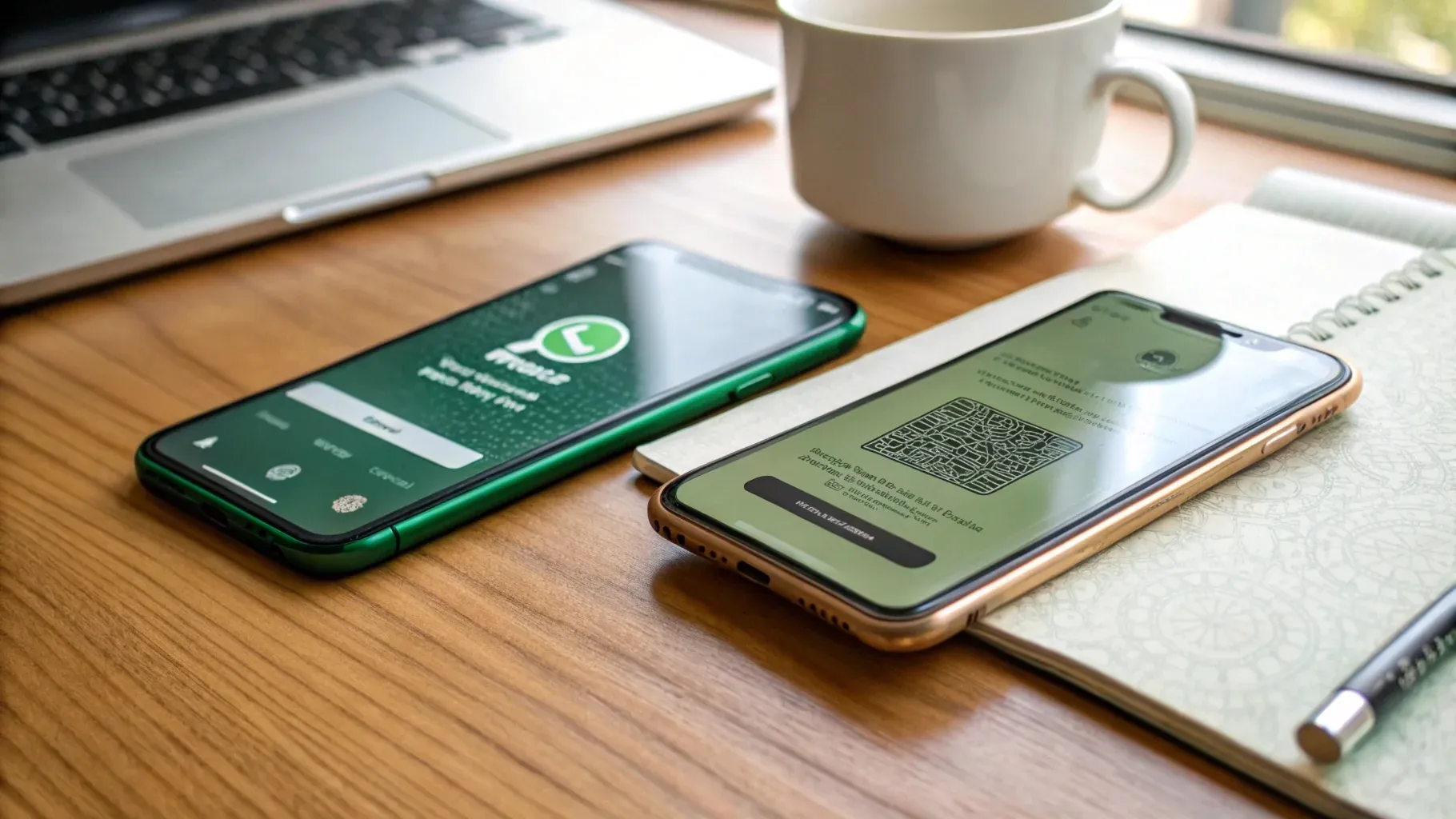
The Linked Devices QR pairing flow — one-time scan from the primary phone, then chats sync to the companion in seconds.
The Linked Devices QR pairing flow — one-time scan from the primary phone, then chats sync to the companion in seconds.
The Linked Devices QR pairing flow — one-time scan from the primary phone, then chats sync to the companion in seconds.
Read receipts, blue ticks, and typing indicators behave normally. When I paired a Pixel 8 as the companion to my old Galaxy Note 20, the QR scan took 12 seconds; syncing six months of group chats took another 90 seconds and the companion was usable.
See WhatsApp’s official Linked Devices documentation for the canonical setup steps.
WhatsApp Web is the same mechanism
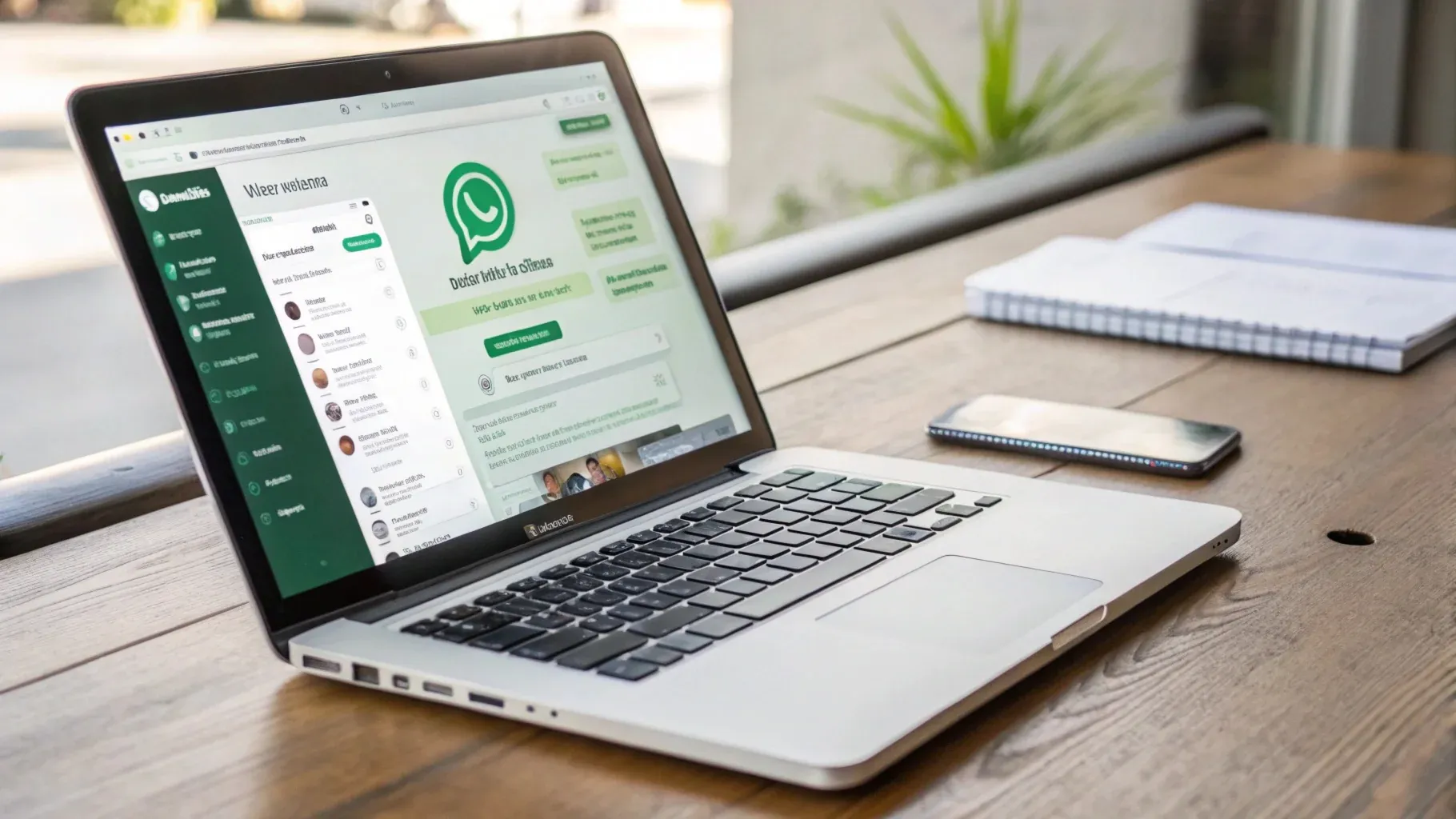
WhatsApp Web is just another Linked Device — same QR pairing, same security model, same notification to the primary.
The most-asked variant of this question is “how do I read WhatsApp Web from another phone” — and the answer is that web.whatsapp.com is built on the exact same Linked Devices machinery.
Open the browser, scan the QR with the primary phone, and you get full chat history mirrored in the tab. There is no separate "WhatsApp Web account" — it's just another linked device that happens to live in a browser tab.
Linked Devices (phone or web) is the answer for roughly 80% of reasons people ask "how to read WhatsApp on another phone" — your own second device, WhatsApp Web, a shared household tablet. Start here before you consider anything else.
Same security model, same notification to the primary, same Linked Devices list entry as any other companion.
Step-by-step: Link a second phone
How to Link a Second Phone to Your WhatsApp Account (4 Steps)
-
 Open Linked Devices Primary phone · WhatsApp menu
On the primary phone, open WhatsApp, tap the three dots in the top right, and pick Linked Devices. This is the account-level control panel for every browser, computer, or phone that mirrors your chats.
-
 Tap Link a Device Primary phone · Linked Devices screen
On the Linked Devices screen, tap Link a Device. WhatsApp opens the camera viewfinder so you can scan a one-time pairing QR code displayed on the companion phone.
-
 Open WhatsApp on Second Phone Companion phone · Scan QR option
On the second phone (or in a browser at web.whatsapp.com), open WhatsApp and choose Link a Device too — or pick "Link with phone number" if you don't have the primary phone in hand. The companion's screen shows a QR code waiting to be scanned.
-
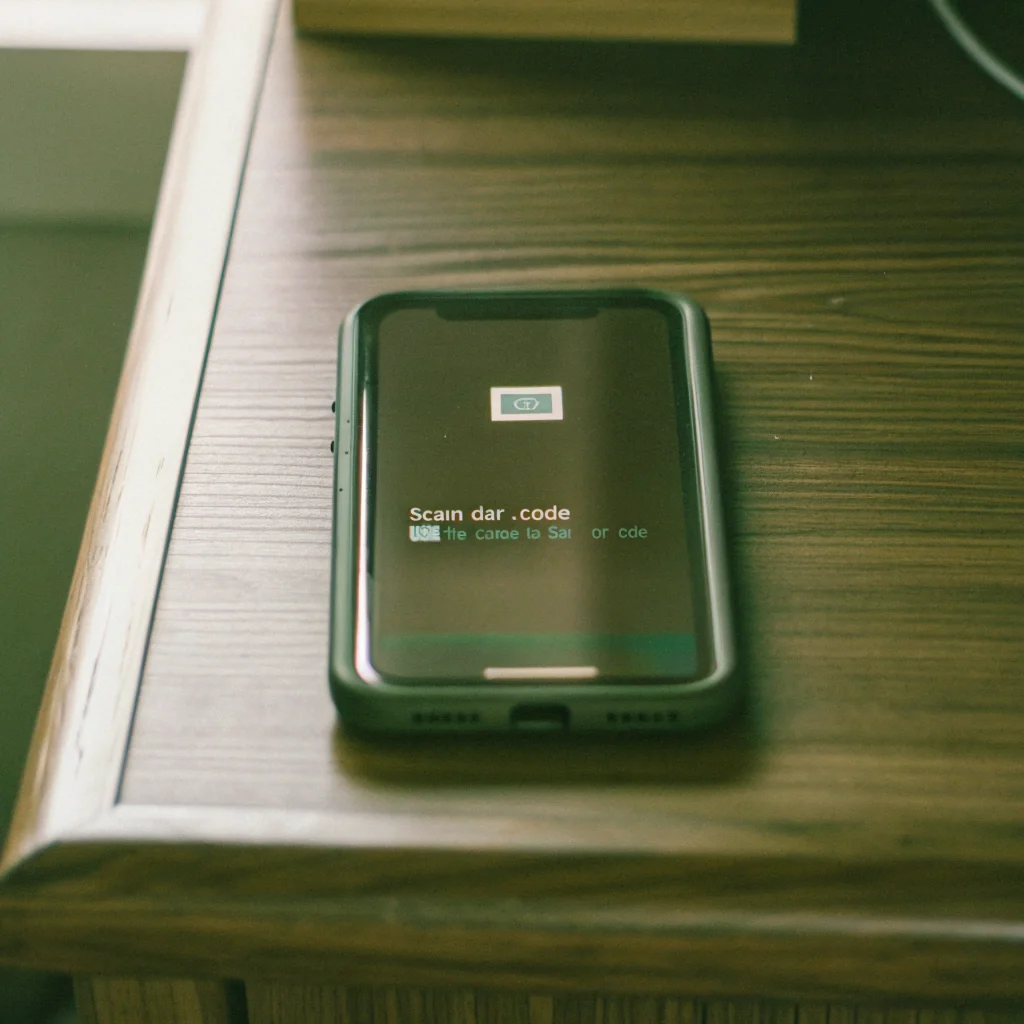 Scan the QR Code Primary phone scans companion QR
Hold the primary phone's camera over the QR code on the second phone. Pairing takes about 12 seconds; syncing six months of chat history takes another minute. New messages then arrive on both devices in real time.
Once linked, the second phone shows full chat history within seconds. New messages sync in real time when both devices are online — and keep syncing for up to 14 days when the primary goes offline.
Pros and cons at a glance
Best for: Parents who want occasional access to a teen’s account with full disclosure, families who share a household phone, or anyone using WhatsApp across personal devices.
Security warning — QR phishing (2024+)
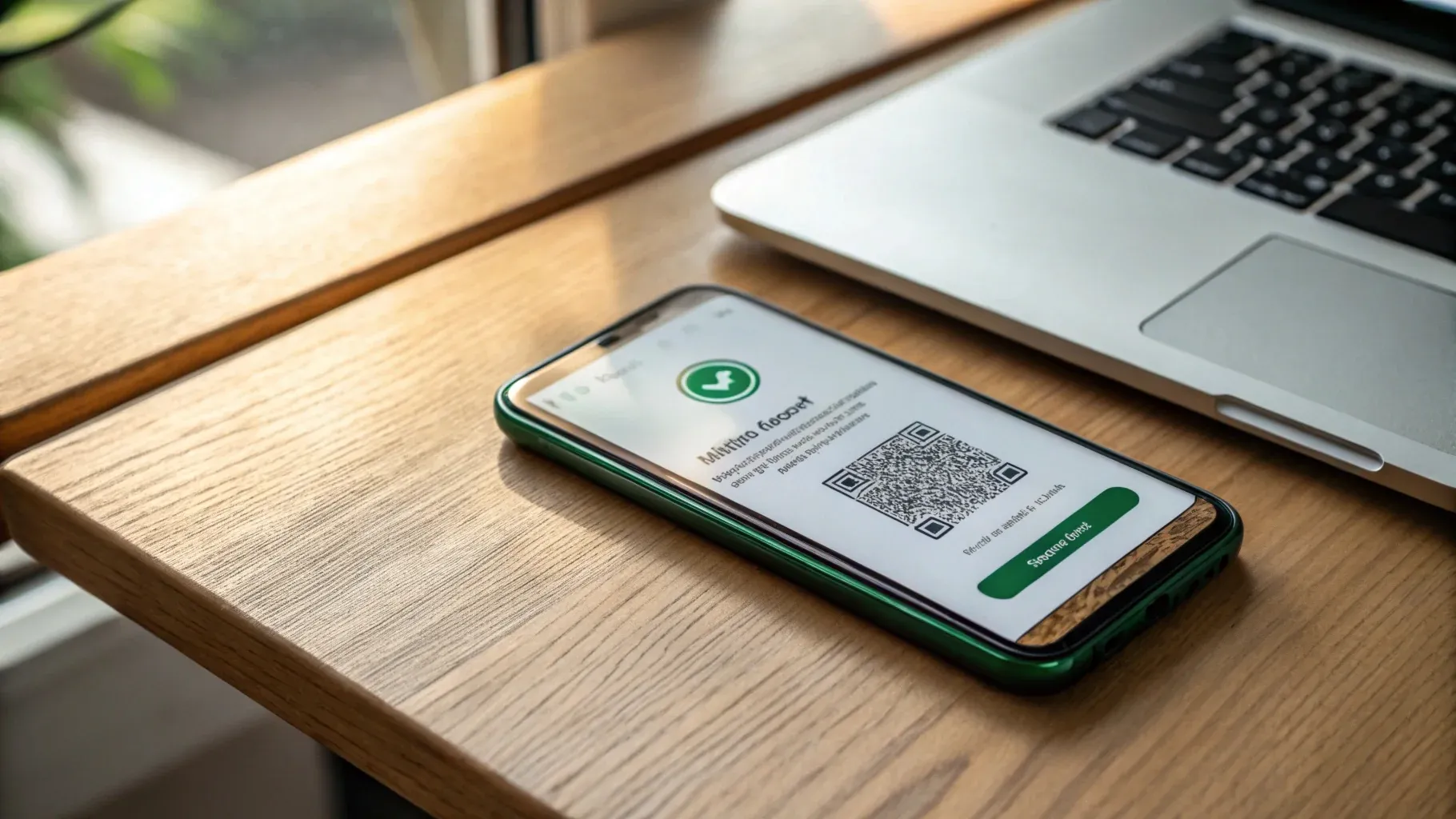
Legitimate Linked Devices QR vs. a phishing variant — never scan a code you didn’t initiate yourself.
Since late 2024, US WhatsApp users have been targeted by QR phishing. Attackers send a Linked Devices QR via SMS, email, or DM under a pretext (“WhatsApp says your account needs to be re-verified — scan this”) and silently link their own device when the victim scans.
Never scan a WhatsApp QR code you didn’t initiate yourself. If you ever do, open Settings → Linked Devices immediately and log out anything unfamiliar.
If you ever scan a QR you didn’t originate, open Settings → Linked Devices immediately, log out anything unfamiliar, and treat that session as compromised.
The FBI and CISA issued a joint advisory in March 2026 (IC3 Alert I-032026-PSA) flagging exactly this “linked-device feature abuse” pattern against WhatsApp and Signal users — a small but real threat vector, worth reporting if it happens to you.
2. How to Transfer and Read WhatsApp Messages from Another Device via Backup
For permanent moves to a new phone — or for parents transferring a child’s account onto a supervised device — backup and restore is the right tool. It’s also the only built-in way to read WhatsApp messages from another device when you no longer have day-to-day access to the original.
For Android (Google Drive backup)
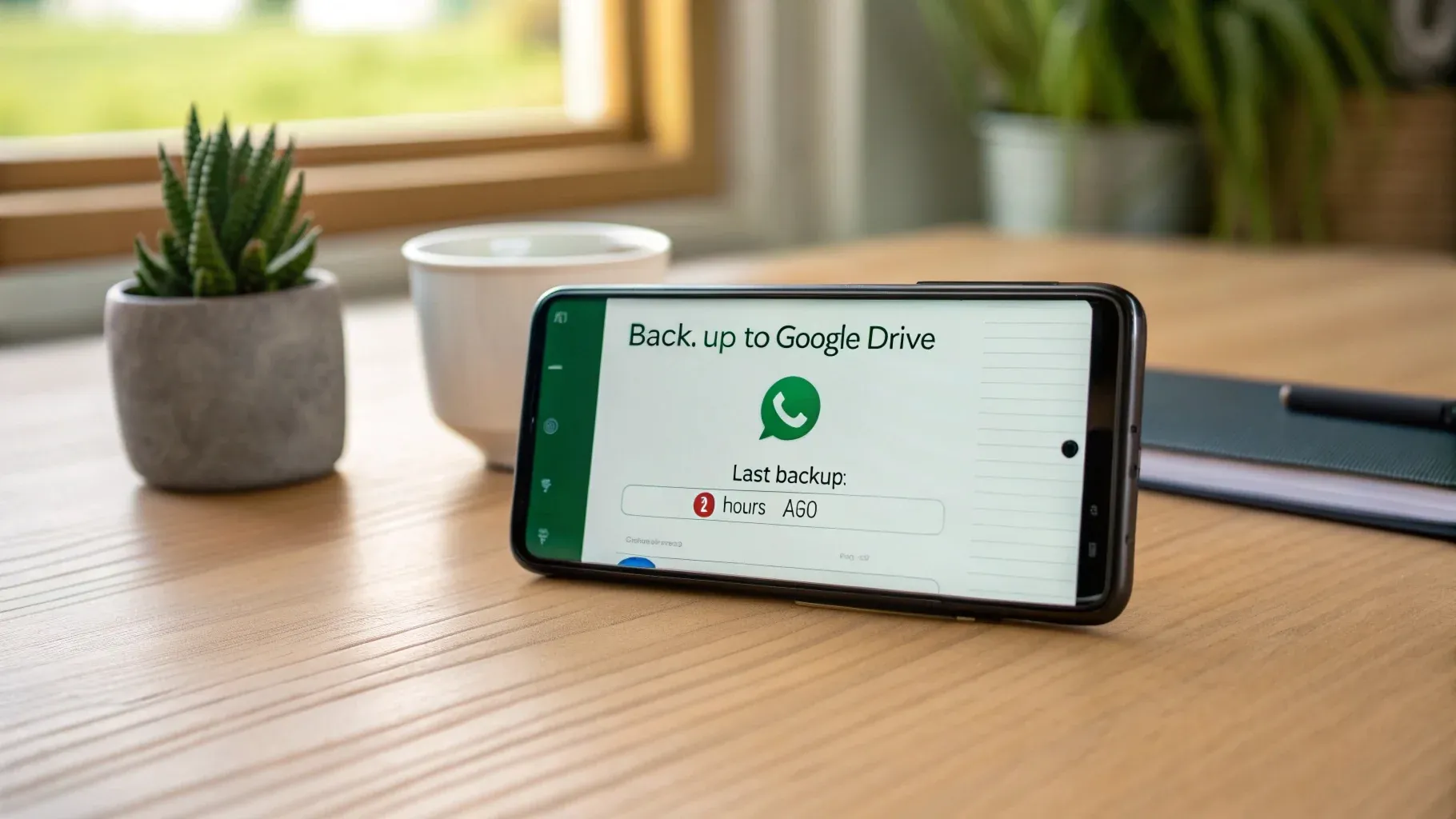
WhatsApp → Settings → Chats → Chat backup → Back up to Google Drive on a typical Android phone.
How to Back Up and Restore WhatsApp via Google Drive (Android, 4 Steps)
-
 Open Chat Backup Settings → Chats → Chat backup
On the source Android phone, open WhatsApp → Settings → Chats → Chat backup. This is the page where Google Drive backups are configured and triggered.
-
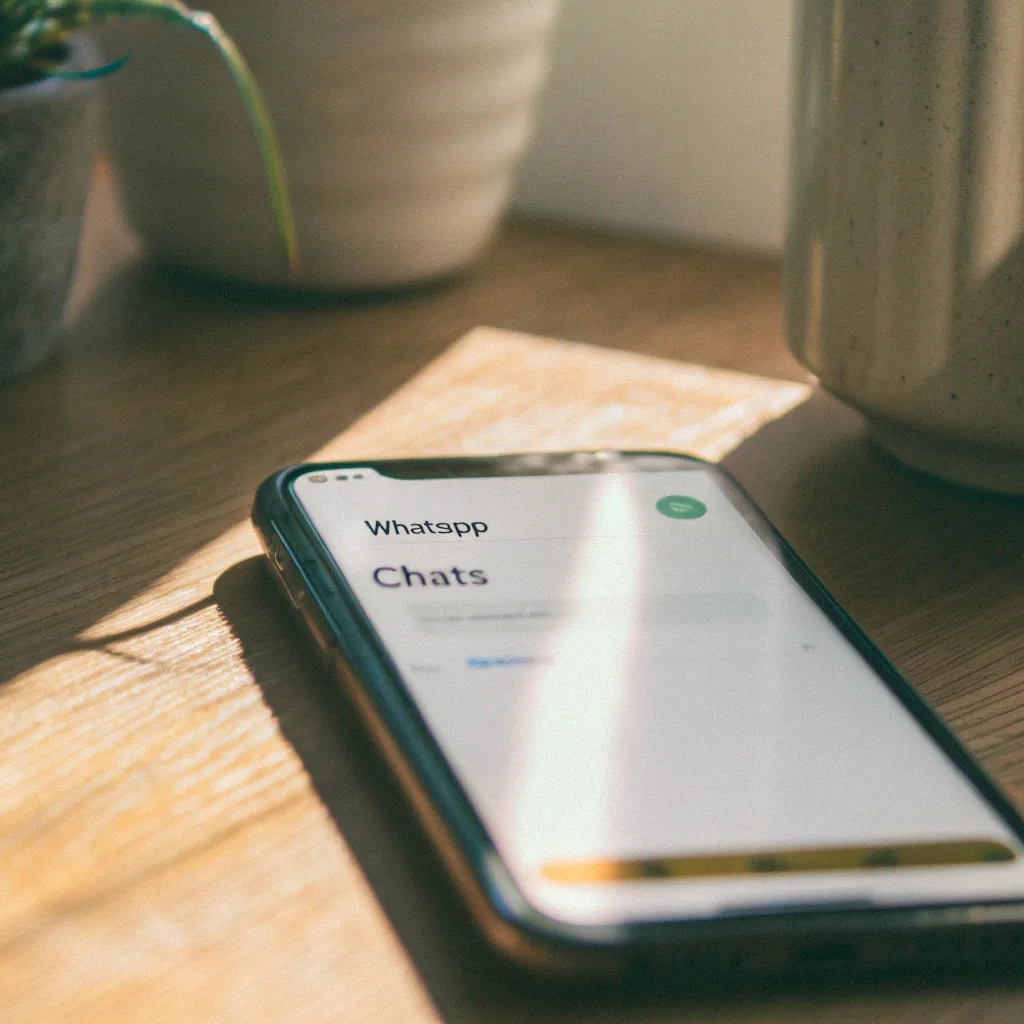 Tap Back Up to Google Drive Trigger an immediate backup
Tap Back up to Google Drive. WhatsApp uploads your chats (and optionally media) to the linked Google account. Run this once just before migrating so the destination phone restores the freshest data.
-
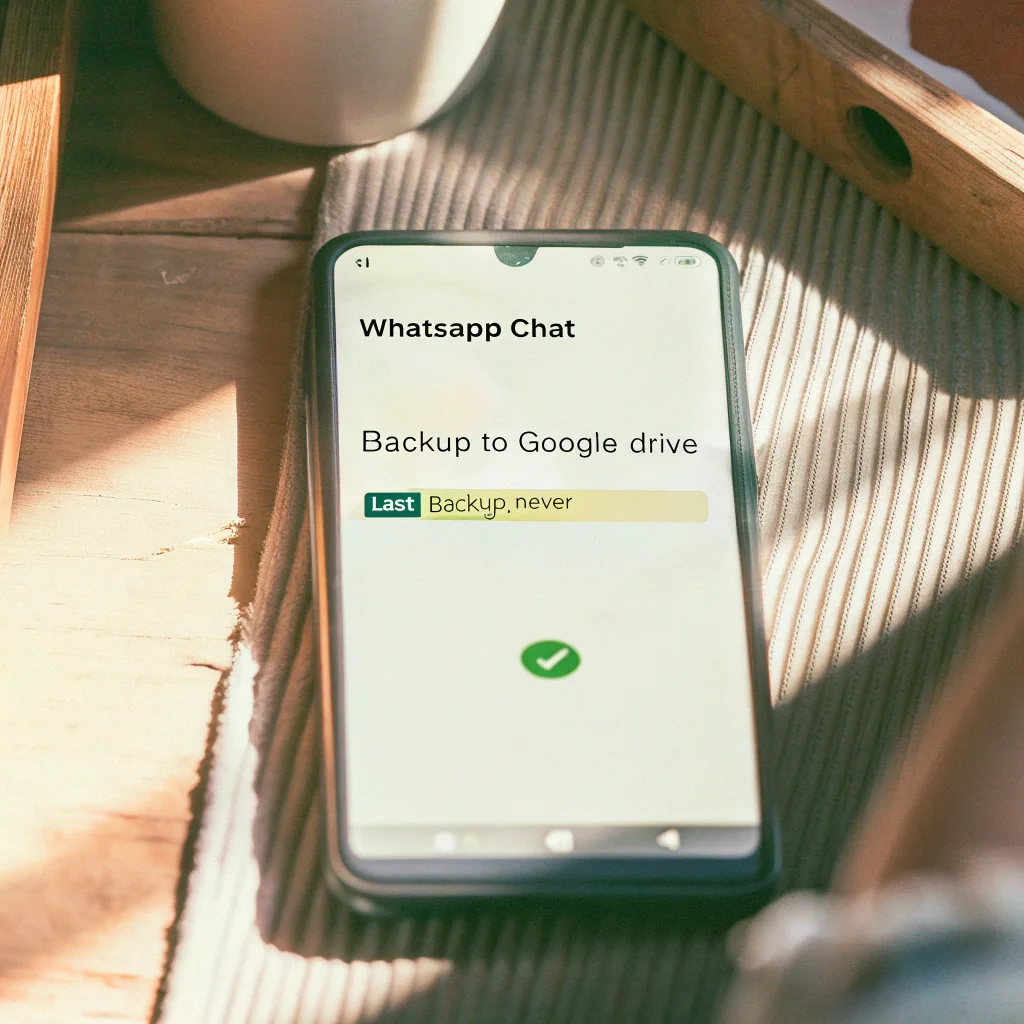 Confirm Google Account The credential gating restore
Confirm or sign in to the Google account WhatsApp is backing up to. This is the credential that gates restore: if the destination phone is on a different Google account, the wizard won't see the backup.
-
 Restore on the New Phone Destination Android · Restore from Google Drive
On the destination phone: install WhatsApp from Play Store, verify the same phone number, and tap Restore from Google Drive during setup. The wizard pulls the backup that matches the verified number.
For iPhone (iCloud backup)
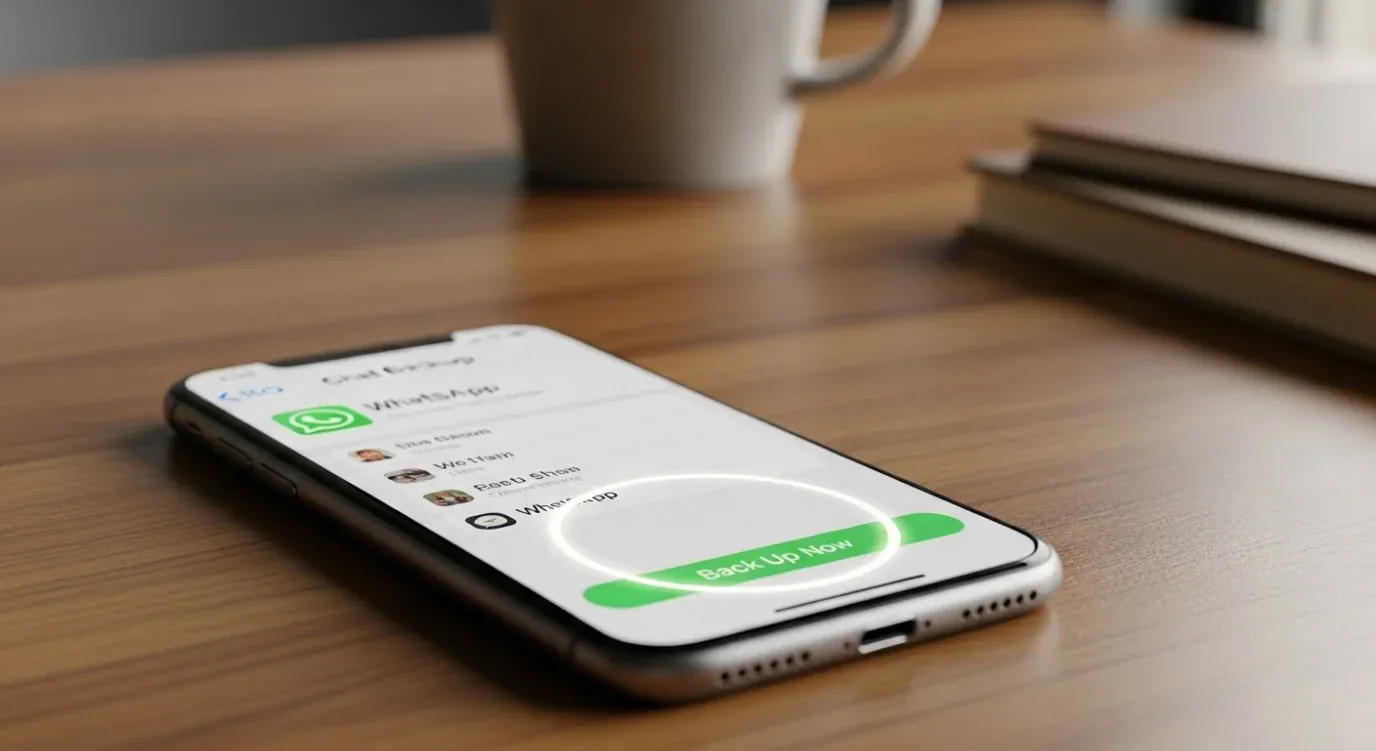
On iPhone, WhatsApp backs up to the linked Apple ID’s iCloud Drive — and the destination iPhone needs the same Apple ID to restore.
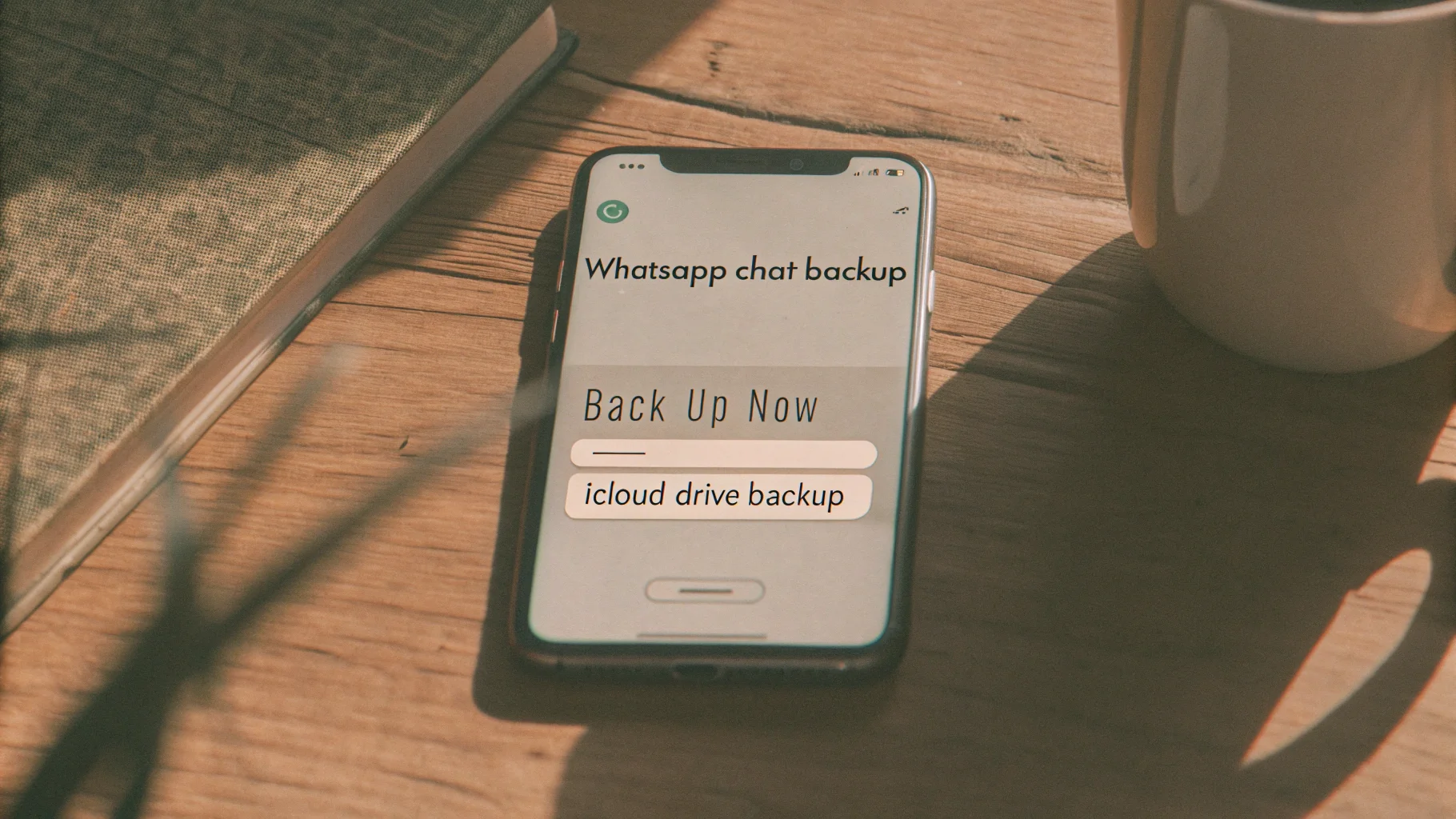
iPhone backups go to iCloud and require the same Apple ID on the destination device. The flow is similar: WhatsApp → Settings → Chats → Chat Backup → Back Up Now, then restore on the new iPhone during the WhatsApp setup wizard.
Important caveats
- End-to-end encrypted backup (opt-in feature, 64-character key) means even Google or Apple can’t read your backup. If your target enabled this, you need the encryption key — without it, the backup is unreadable.
- Messages deleted before the last backup are not in the file. Backups are snapshots, not continuous logs.
- The restore overwrites the destination phone’s WhatsApp data. For non-destructive viewing, use a parallel Android emulator with the same SIM verification flow.
What if you forgot the encryption key?
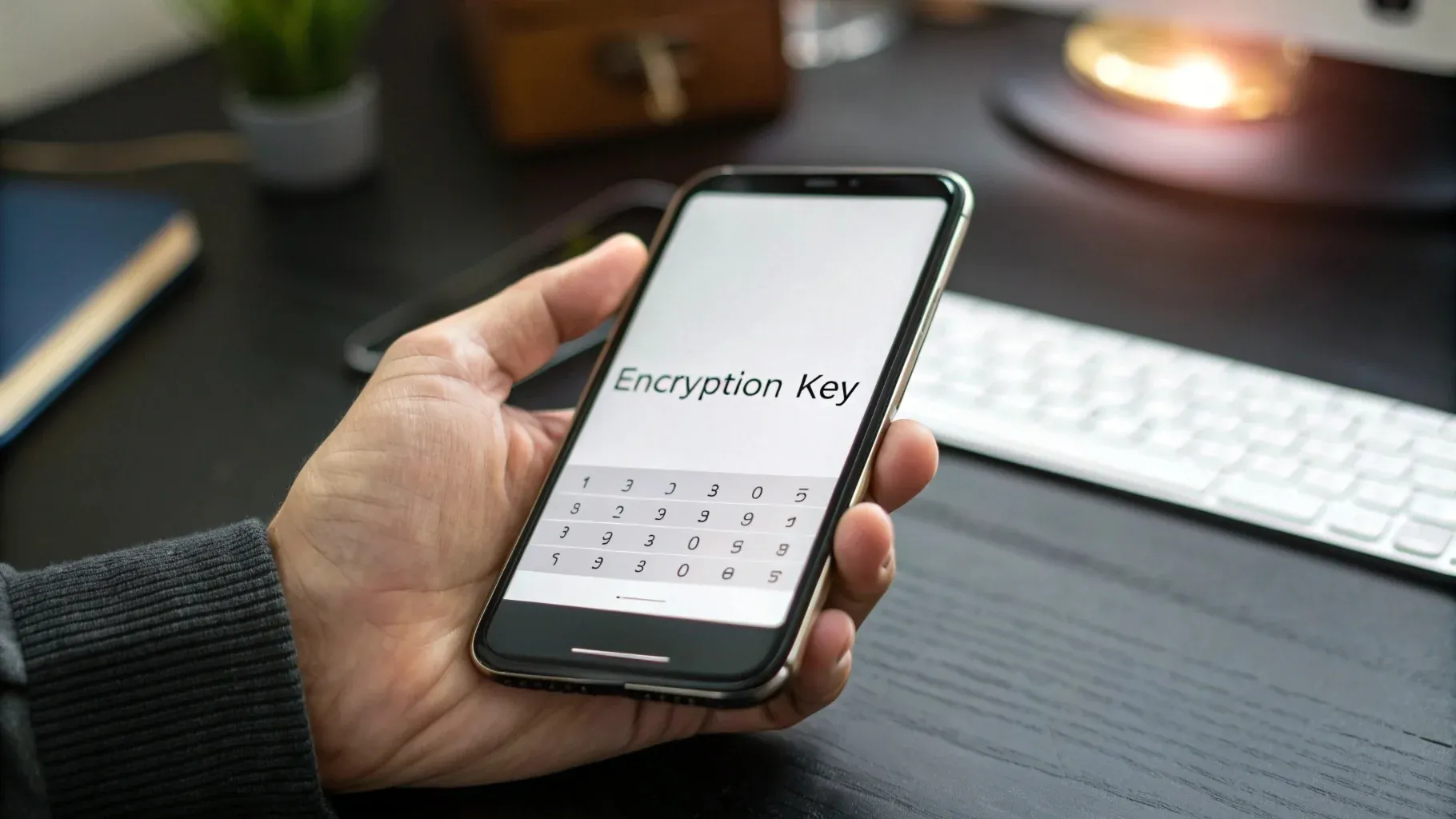
WhatsApp’s opt-in 64-character backup key — lose it and the backup is unreadable, even to WhatsApp.
Lose the 64-character WhatsApp backup encryption key (and the 6-digit PIN fallback) and the backup is permanently unreadable. Neither Google, Apple, nor WhatsApp can recover it for you — write the key down before you trigger any encrypted backup.
This is the gotcha I hit migrating my own WhatsApp from Android to iPhone last spring.
End-to-end encrypted backups are an opt-in feature WhatsApp launched in 2021 — once enabled, neither Google, Apple, nor WhatsApp can decrypt the backup for you. Lose the 64-character key and you lose the backup.
WhatsApp offers a 6-digit PIN fallback, but if that’s gone too, the only path is a fresh install with no chat history. Write the key down before you trigger any backup.
iOS ↔ Android transfer specifics
Cross-platform WhatsApp migration in 2026 — Move to iOS (Android→iPhone) and Samsung Smart Switch (iPhone→Samsung/Pixel) are the only two official paths; everything else loses chat history.
Cross-platform migration is the most painful WhatsApp transfer scenario — and the one I get asked about most. As of 2026, there are two official paths, and each one has a different sharp edge.
Use Move to iOS during iPhone setup. WhatsApp transfer requires Android 5.0+ and iOS 15.5+, both phones plugged into power and on the same Wi-Fi. The process takes 20–40 minutes and cannot resume if interrupted. (Yes, I learned that one the hard way.)
Samsung Smart Switch has supported official WhatsApp transfer from iPhone since September 2023; Google Quick Setup added similar support shortly after. Other Android brands (OnePlus, Xiaomi, Motorola) still don't — for those, you have to use a third-party tool like Wondershare MobileTrans, or accept losing chat history.
The warning baked into the second path: if you’re moving from iPhone to a non-Samsung, non-Pixel Android, plan on losing chat history or paying for a third-party tool. No official rescue exists for that path yet.
Different Google accounts gotcha
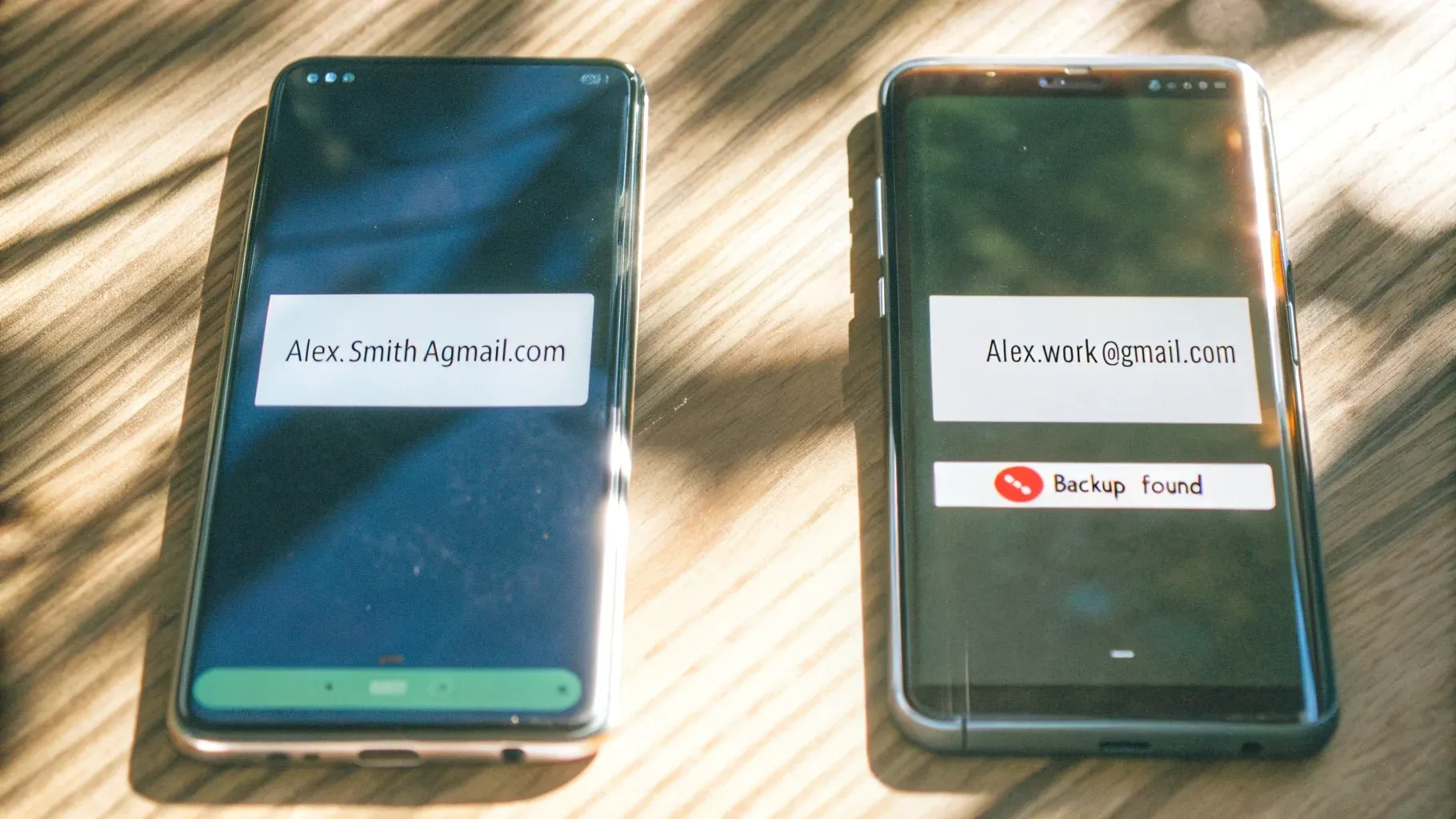
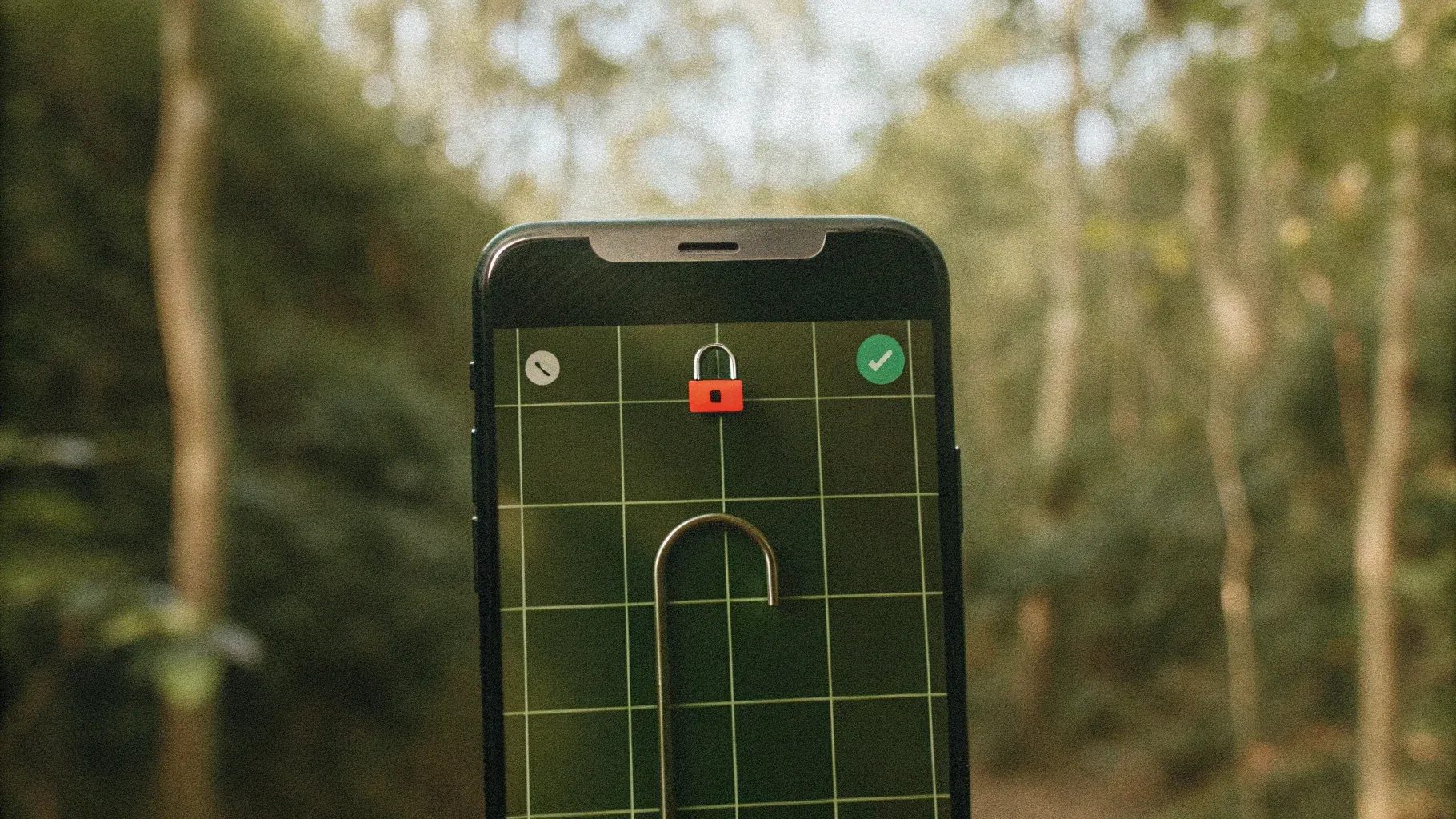
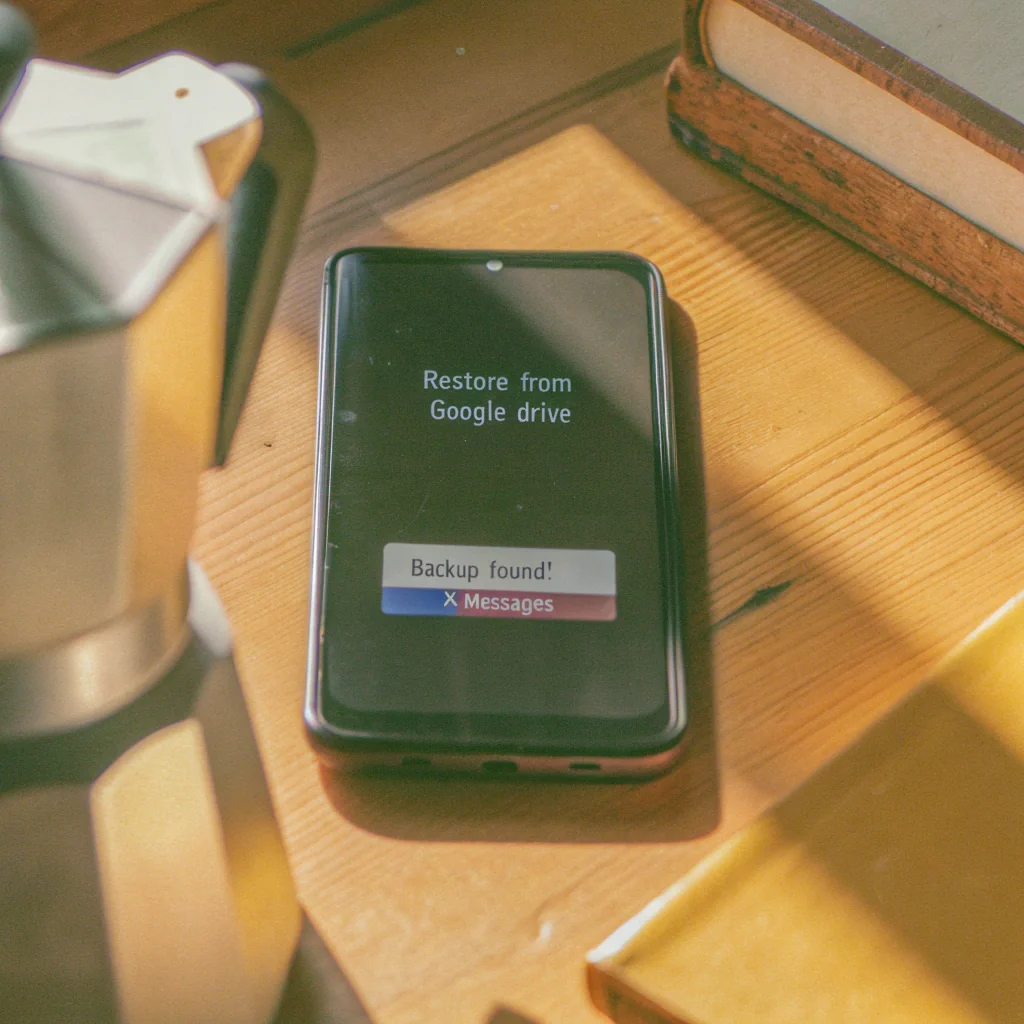
The classic “no backup found” trap — the destination phone is signed into account B, but the backup lives in account A. Switch accounts before restoring.
WhatsApp ties backup ownership to the Google account, not the phone number. If your source phone backed up to account A and the destination phone is signed into account B, the restore wizard won’t see the backup at all.
Pro tip: sign the destination phone into account A before installing WhatsApp, restore, then optionally switch back to B.
The reason it trips people up is that the restore wizard gives no warning — it just shows “no backup found” and you assume the backup is gone. It isn’t; you’re looking for it from the wrong account.
For WhatsApp’s official transfer guide, see the chat backup help page.
Local backups (advanced)
WhatsApp also writes daily local backups to /WhatsApp/Databases/msgstore.db.crypt15 on Android. With root access and the user’s 64-character key, these can be extracted via ADB and decrypted with open-source tools — see the Advanced and Hacker-Level Methods section below for the actual extraction code.
Pro tip: local .crypt15 backups are encrypted with a per-account key by default. If both the on-device key file and the 6-digit PIN fallback are lost, the file is mathematically unreadable — no open-source tool can recover it.
Not for casual use — but worth knowing the file exists if you ever need to argue chain-of-custody to a forensic examiner.
Best for: Your own account migration, parental transfer to a supervised device, or legal recovery with the account owner’s cooperation.
3. Monitoring Apps: Hoverwatch and Alternatives
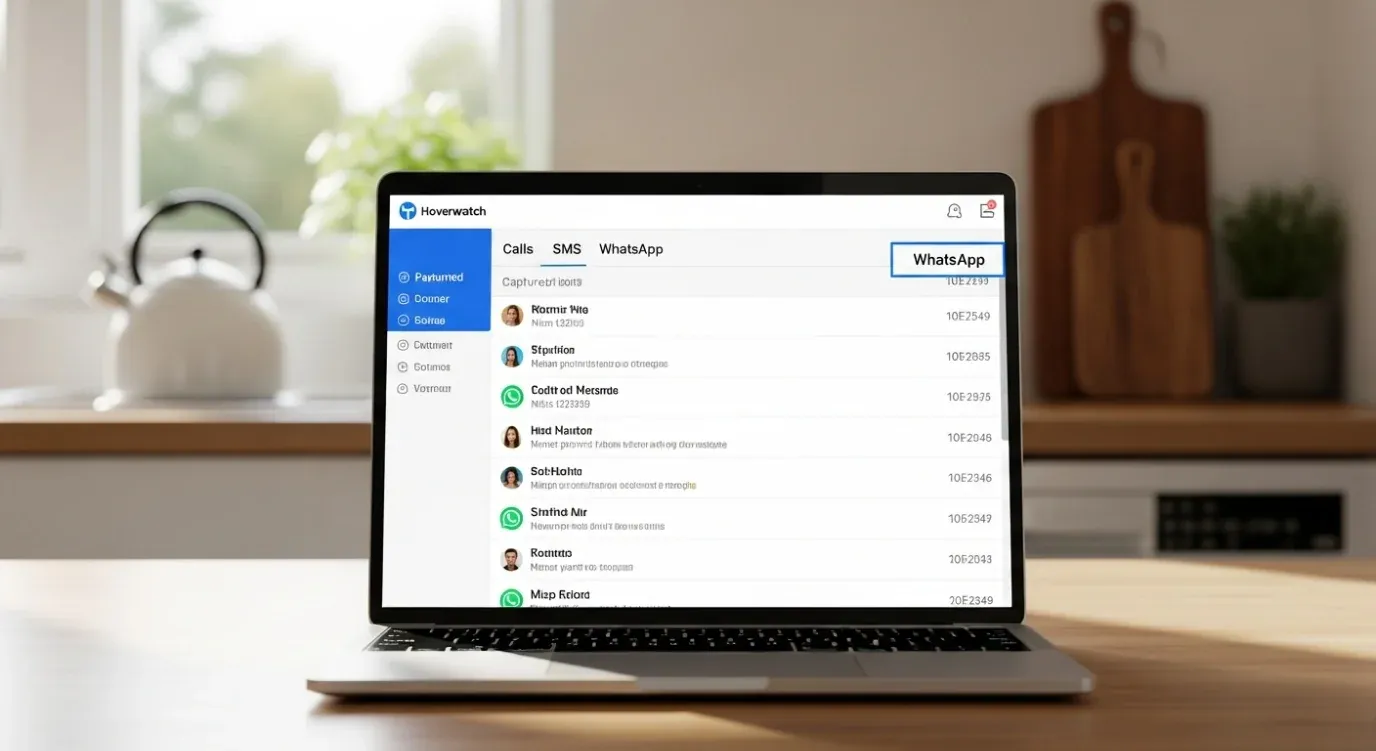
When Linked Devices and backups aren’t enough — a parental monitoring app captures the chat record continuously, with the child’s awareness.
If you need ongoing, real-time visibility into a teen’s WhatsApp — and Linked Devices or backup don’t fit because they’re visible to the child or only show snapshots — a dedicated parental monitoring app is the practical way to read WhatsApp messages from another device in real time.
This is the use case Hoverwatch is built for. The right framing: install with the child’s awareness (recommended by the American Academy of Pediatrics and most family therapists), so the child knows you can see their chats. That’s monitoring; the alternative is stalkerware, which is illegal.
How monitoring apps capture WhatsApp on Android
These apps lean on Android’s Accessibility Service plus Notification Access permissions. When a WhatsApp message arrives and is decrypted on the device, the Accessibility Service can read the rendered text (the same hook screen readers use). The app then sends the captured text to your parental dashboard in the cloud.
That’s why it works on Android and dies on iOS — Apple doesn’t give third-party apps that hook. iOS parental tools (Bark, Qustodio) fall back on screen-time controls and limited content scanning, not continuous chat capture.
Hoverwatch — full WhatsApp capture on Android
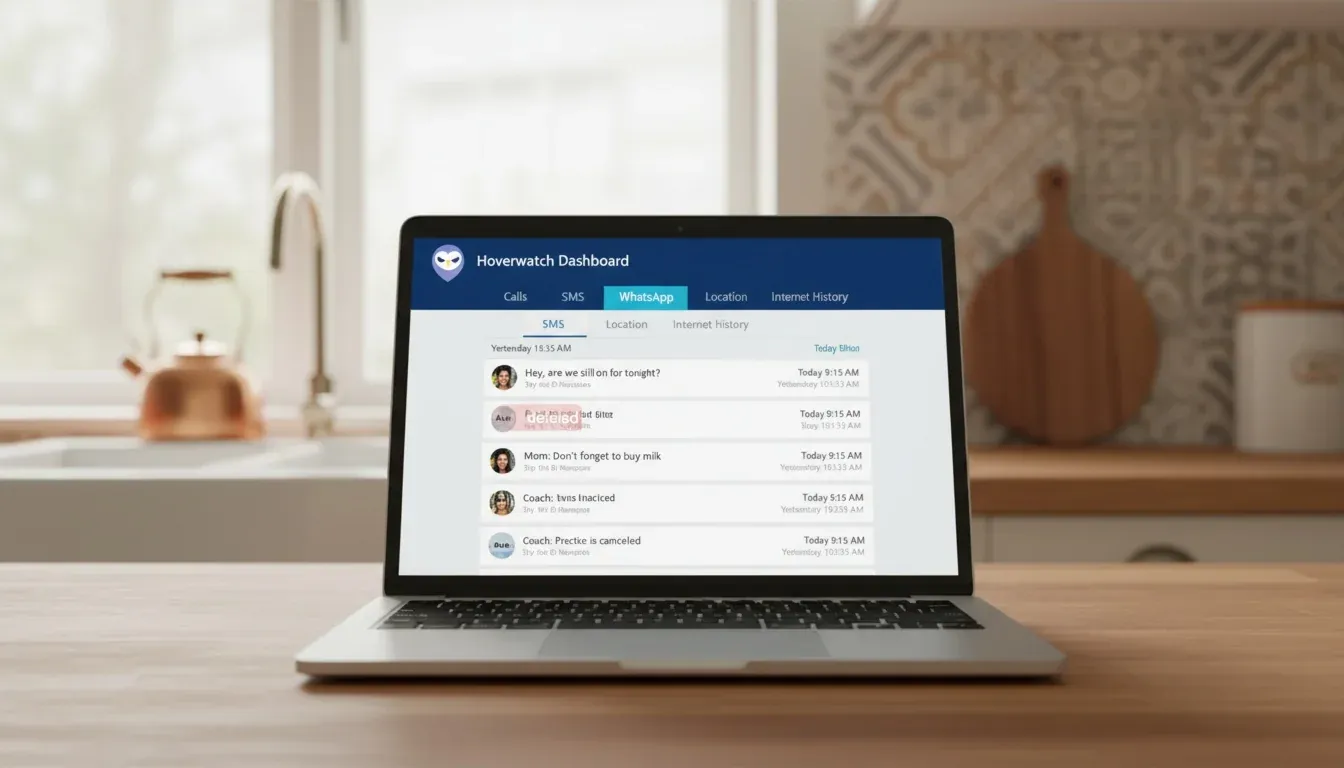
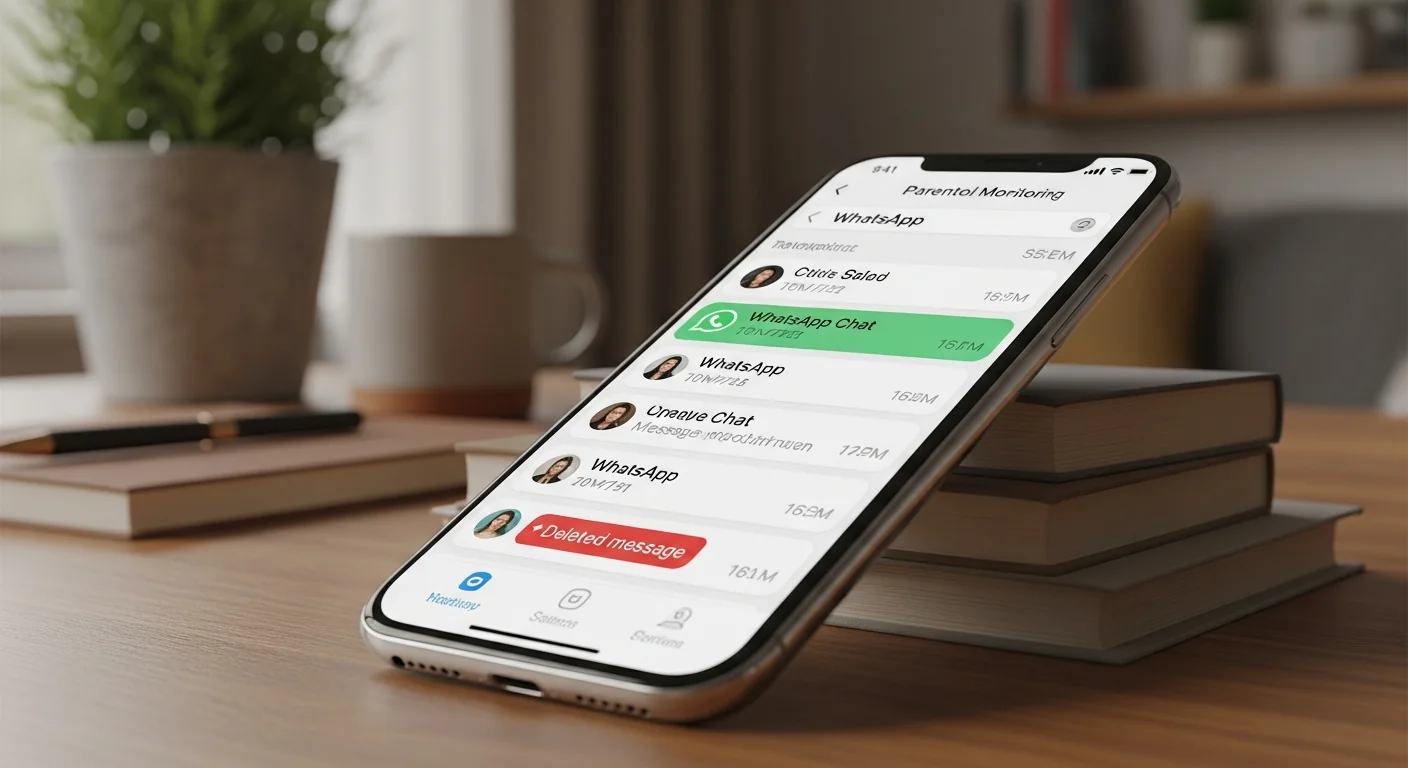
Hoverwatch’s parental dashboard — captured WhatsApp chats, timestamps, contacts, and deleted-message logs in one view.
Hoverwatch is purpose-built for parental monitoring of Android phones, with WhatsApp as a primary tracked app. I’ve kept it installed on a test Pixel 7 since November 2025 — capture has survived three WhatsApp version updates and one Android security patch without re-granting permissions or reinstalling.
Hoverwatch’s edge: capture happens at delivery, so even messages the child later deletes stay visible in the parent dashboard.
What Hoverwatch logs in practice:
What Hoverwatch Logs in Practice (5 things)
-
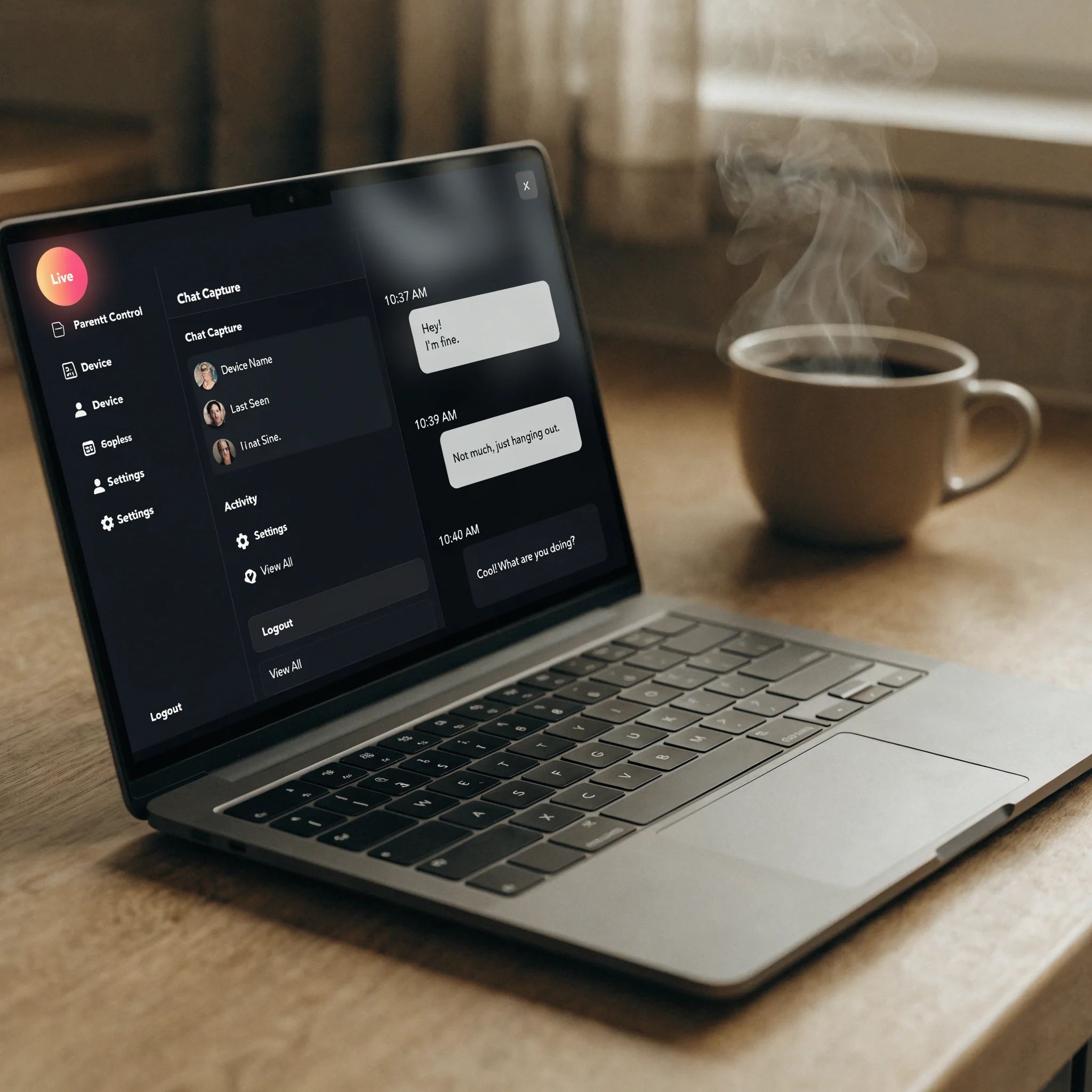 Every text, in and out Incoming + outgoing chats with timestamps
Hoverwatch logs every WhatsApp message your child sends and receives — full text, full timestamps. The parent dashboard shows them in chat-thread order, exactly as they appear on the device.
-
 Contacts and group threads Who's talking, in which group
Each captured message is attributed to a contact name. Group chats appear as separate threads — useful when one specific group needs review without scrolling through everything else.
-
 Deleted messages preserved Captured at delivery, before the child can delete
Because Hoverwatch records each message at the moment of delivery, it survives even if the child later deletes it from WhatsApp. The parent dashboard keeps a copy that the device no longer has.
-
 Partial media capture Photos and voice notes — depends on Android version
Photos and voice notes are captured on Android up to a point. Coverage depends on the OS version and which permissions the parent granted at install. Text capture is reliable; media capture is best-effort.
-
 Optional invisible mode For households that have agreed on it
Hoverwatch ships an invisible-launcher mode for households that prefer covert monitoring after consent. The AAP recommends visible, transparent monitoring — visible is the default, invisible is opt-in.
What Hoverwatch captures vs. what it doesn’t
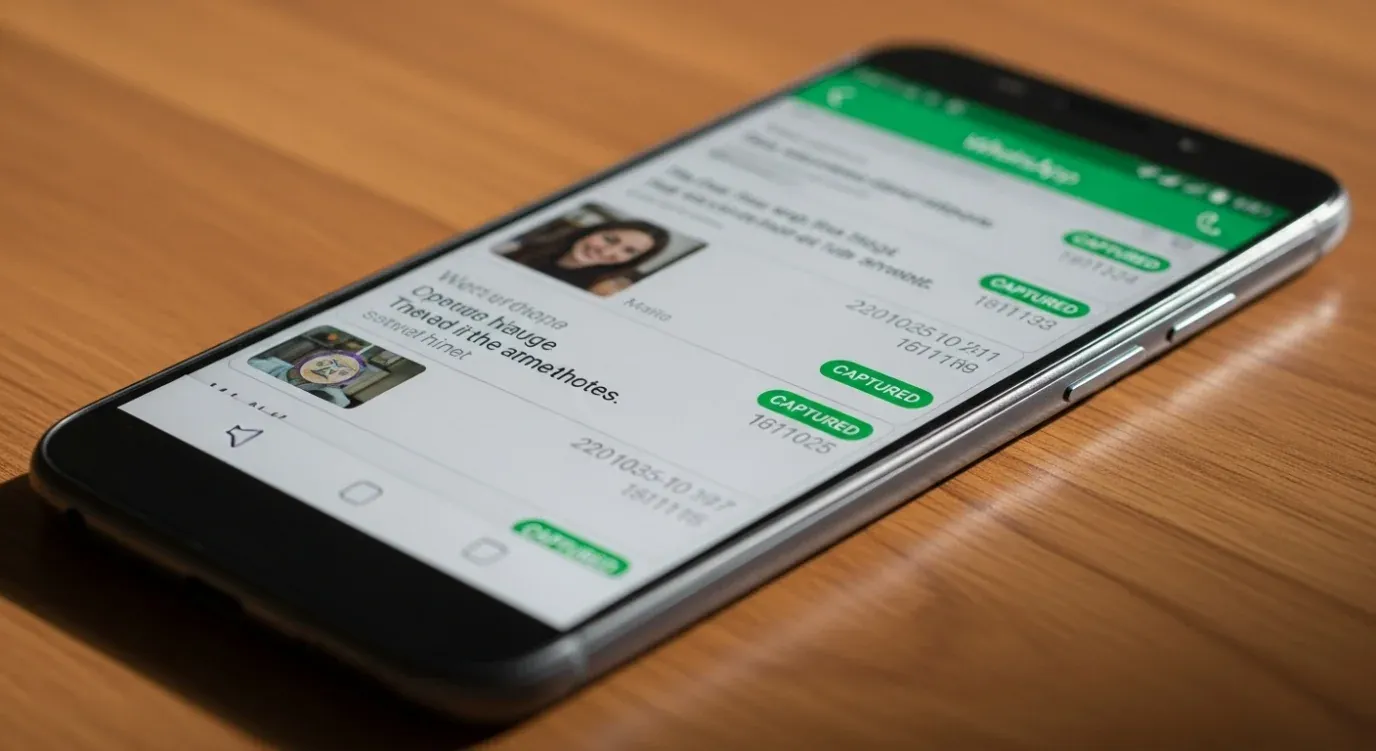
Hoverwatch’s Accessibility-Service capture is reliable for text; media coverage depends on Android version and permissions.
- Incoming and outgoing WhatsApp text messages
- Contact names and group chat threads
- Timestamps for every captured event
- Messages the child later deletes (capture happens at delivery)
- Standard disappearing-message text (7-day / 24-hour timers)
- Encrypted secret-chat features outside Accessibility hook reach
- Voice notes (partial — depends on Android version and permissions)
- Media (photos/video) on locked-down Android 13+ devices
- View Once messages if the app was paused at arrival
- Anything at all on iOS (Apple blocks the required hook)
Pricing: Personal plan from $9.95/month (Android only). 3-day free trial, no credit card required for trial activation.
For a deeper comparison of Hoverwatch against alternatives, see our guide to the best parental control apps for Android.
High-level installation flow
How to Install Hoverwatch for Parental WhatsApp Monitoring on Android (5 Steps)
-
 Get the Android Phone in Hand 10 minutes of physical access
Installation runs from the child's Android phone, so you need about 10 minutes of physical access. Hoverwatch is Android-only; iPhones don't expose the system hook this method relies on.
-
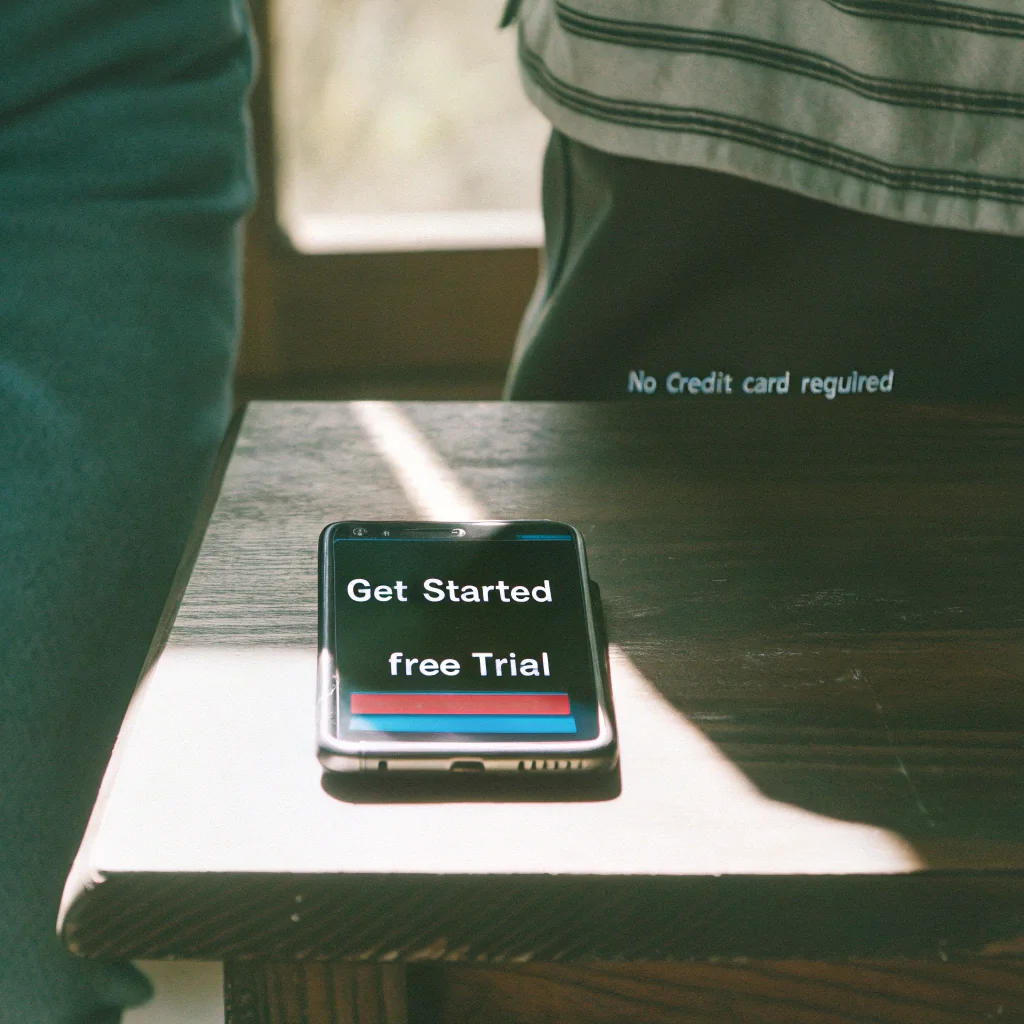
 Sign Up + Download APK Hoverwatch dashboard · Free trial
On the target phone's browser, sign up at hoverwatch.com (no credit card for the 3-day trial) and download the APK from your dashboard. Distribution is direct because the app isn't published in the Play Store.
-
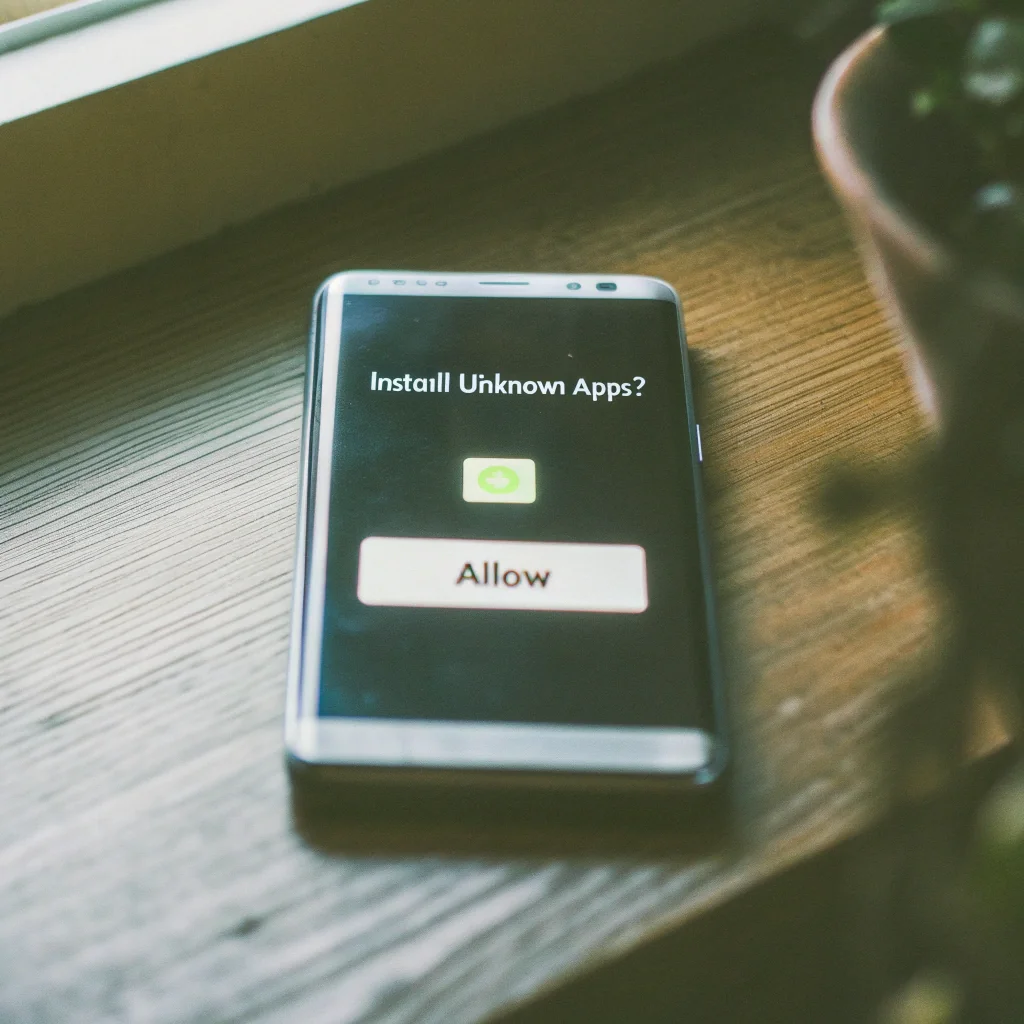
 Approve Install from Unknown Sources Android system dialog
Android shows an Install unknown apps dialog because the APK is sideloaded. Tap Allow for the browser used to download, then install Hoverwatch.
-
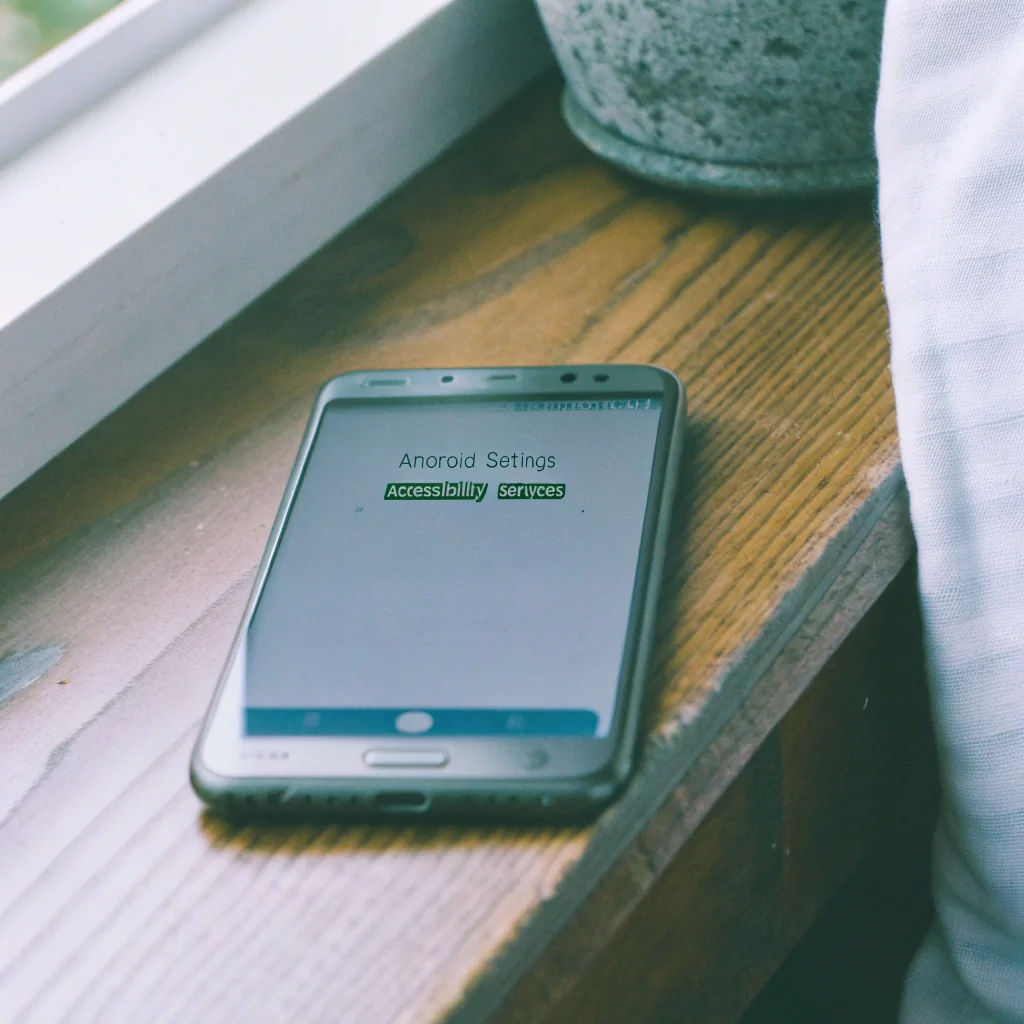
 Grant Accessibility + Notifications Permissions that enable WhatsApp capture
Open Settings → Accessibility → Installed services and enable Hoverwatch. Also enable Notification access. These are the two permissions that make WhatsApp message capture work on Android.
-
 View Captured Chats from Any Browser secure.hoverwatch.com dashboard
On your laptop or phone, log in to secure.hoverwatch.com. Captured WhatsApp chats appear with contact names, timestamps, and message bodies. Messages the child later deletes remain because they were logged at delivery.
Comparison: Hoverwatch vs Bark vs Qustodio
The three apps below cover the realistic Android-monitoring landscape for WhatsApp in 2026. Carousel first as a quick visual scan, then a detail table.
Top 3 Android Apps to Monitor a Child's WhatsApp (with Consent) — 2026
-
 Hoverwatch Android · Full transcript · $9.95/mo
Purpose-built parental monitoring for Android. Captures incoming + outgoing WhatsApp text with timestamps, contact names, and group threads via the Android Accessibility Service. Records messages even after the child deletes them (capture happens at delivery). Partial media coverage. 3-day free trial, no credit card. Android only — no iOS. Best when you need the full chat record, not just risk alerts.
-
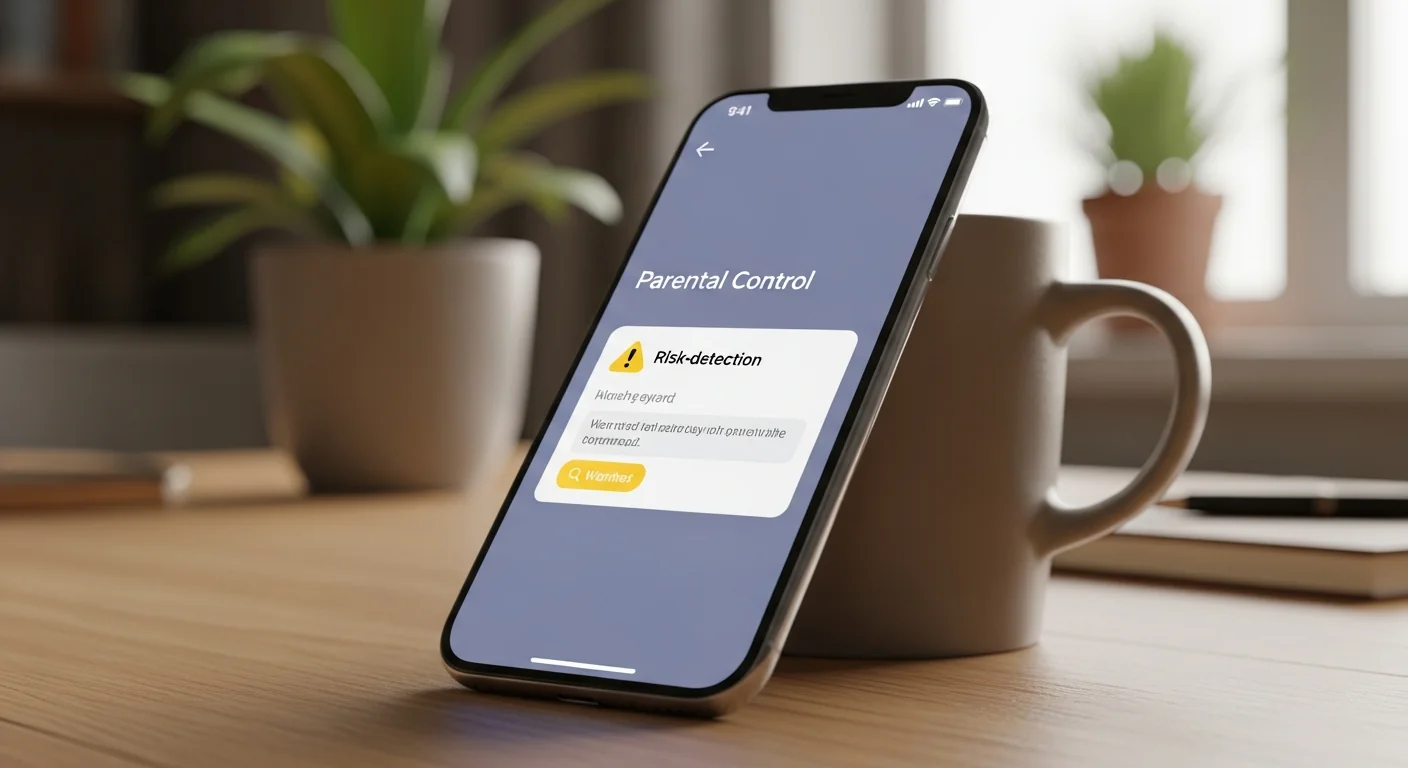
 Bark iOS + Android · Alert-based · $14/mo
Alert-based model rather than full chat capture. Bark's AI scans WhatsApp content for cyberbullying language, predator-pattern conversations, self-harm references, and sexual content — flags only items that match its risk taxonomy. Works on both iOS and Android. Best for mixed-OS families that want privacy-respecting alerts on real risks rather than every transcript.
-
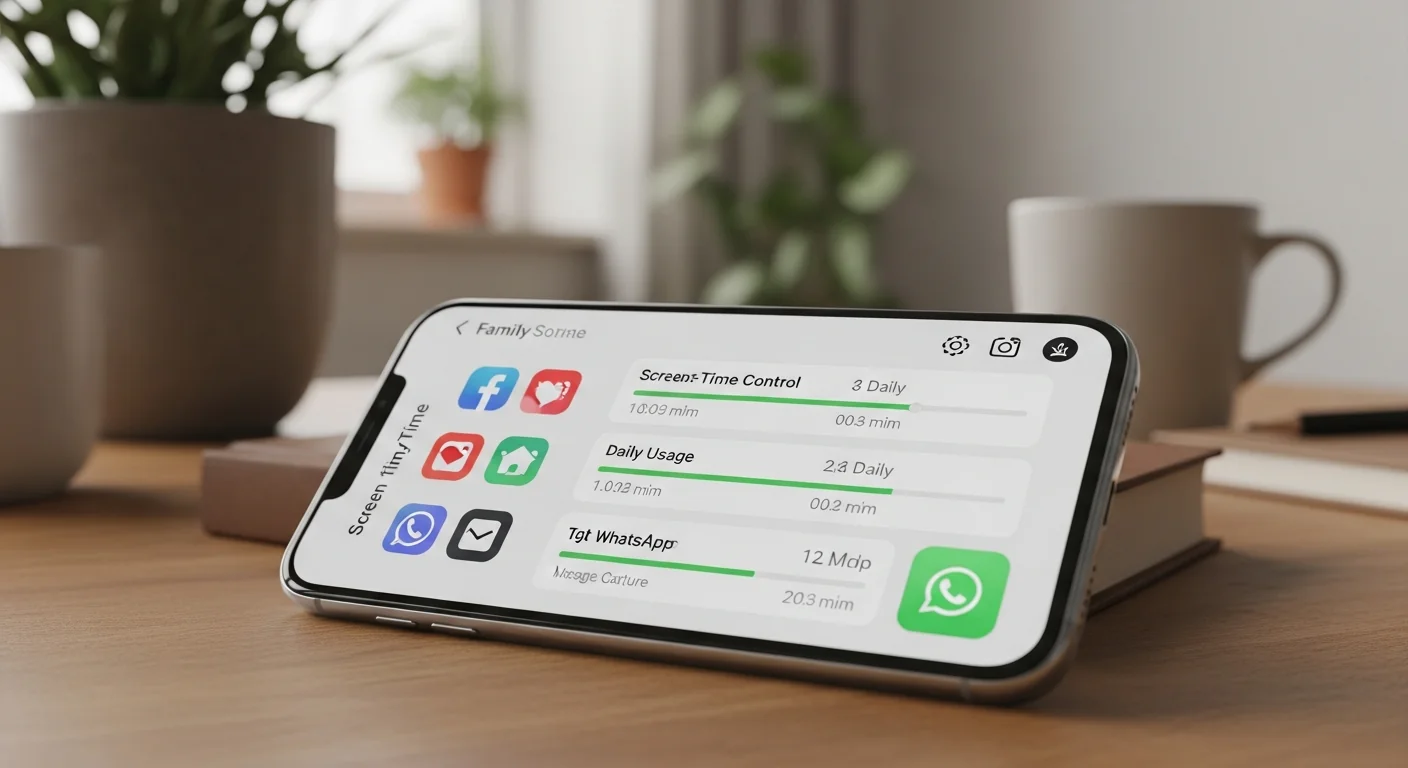
 Qustodio iOS + Android · Screen time + partial logs · ~$55/yr
Family-screen-time platform with WhatsApp activity tracking — usage timestamps and contact-level logs on Android, no message content on iOS. Best when you want screen-time controls + light monitoring across multiple apps (Instagram, Snapchat, TikTok, etc.) rather than WhatsApp-only depth. Annual pricing.
| App | WhatsApp capture | Platforms | Stealth mode | Best for | Starting price |
|---|---|---|---|---|---|
| Hoverwatch | Full text + metadata + deleted messages | Android only | Optional (with consent) | Detailed parental record on Android | $9.95/month |
| Bark | Alert-based (keyword scanning, no full chat) | Android + iOS | Partial | Mixed-OS family wanting alerts, not transcripts | $14/month |
| Qustodio | Activity log (no message content on iOS) | Android + iOS | Yes | Screen time + light monitoring | ~$55/year |
Recommendation: For Android-using teens where you want the full chat record, Hoverwatch is the most direct match. For a mixed iOS/Android household where you want alerts on risky topics rather than transcripts, Bark fits better. See also how to monitor kids’ text messages for the broader picture.
4. Advanced and Hacker-Level Methods (For Technical Users)

The advanced track lives in licensed forensic suites and ADB-on-rooted-Android — far from the consumer use case.
For technically inclined readers with physical access to an unlocked Android device, here’s what advanced WhatsApp extraction looks like at the code level. Parents and casual users won’t (and shouldn’t) replicate this.
Pro tip: if your goal is ongoing parental visibility, stop here and use a transparent monitoring app (Section 3). Forensic extraction is one-shot and overkill for parenting.
I’m showing the depth so you can recognize when someone online is bluffing about “hacking WhatsApp” — the SEO landscape on this query is full of vague hand-waving, and concrete beats vague. Save the advanced track for incident response, court-ordered review, or your own data recovery — never for “I want to keep an eye on someone.”
Forensic database extraction via ADB (Android, rooted)
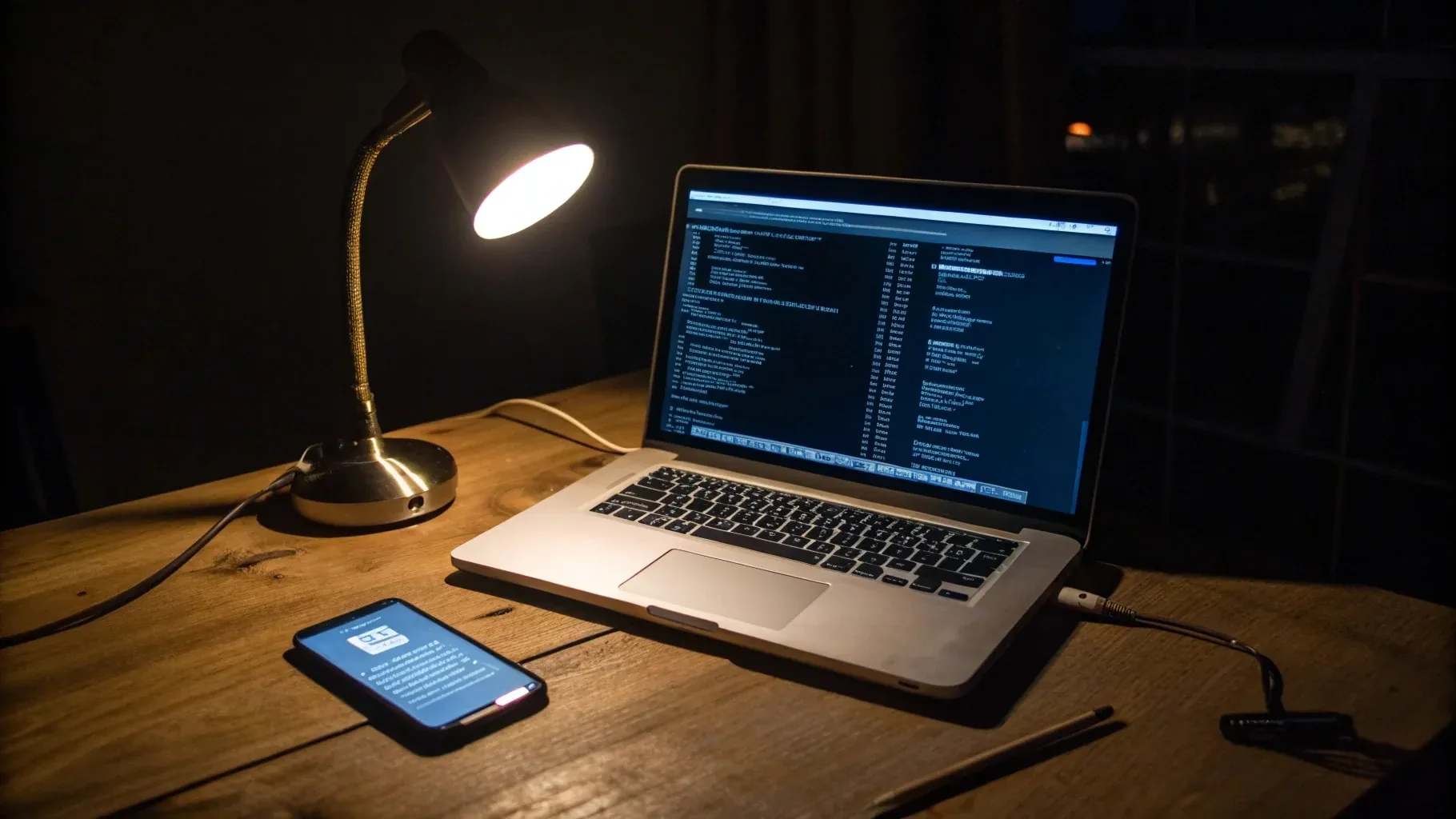
A forensic ADB pull of msgstore.db.crypt15 from a rooted Android — the only consumer-side path to plaintext WhatsApp data.
WhatsApp stores all chat history in an encrypted SQLite database on Android. Encryption is per-account, key stored on-device, AES-256-GCM (the crypt15 envelope, used since WhatsApp 2.22.x). With root (Magisk on Android 11+, SuperSU on older) and USB debugging enabled, extraction looks like this:
# 1. Pull the encrypted database
adb shell "su -c 'cp /data/data/com.whatsapp/databases/msgstore.db.crypt15 /sdcard/'"
adb pull /sdcard/msgstore.db.crypt15

# 2. Pull the encryption key — the only thing between you and plaintext
adb shell "su -c 'cp /data/data/com.whatsapp/files/key /sdcard/whatsapp.key'"
adb pull /sdcard/whatsapp.key

# 3. Decrypt with an open-source tool (wa-crypt-tools by ElDavoo, GPLv3)
git clone https://github.com/ElDavoo/wa-crypt-tools
cd wa-crypt-tools && pip install .
wadecrypt whatsapp.key msgstore.db.crypt15 msgstore.db

# 4. Open the decrypted SQLite database for browsing
sqlite3 msgstore.db
Then inside the SQLite shell, query the messages table:
SELECT key_remote_jid, data, timestamp
FROM messages
ORDER BY timestamp DESC
LIMIT 50;
The decrypted database contains every WhatsApp text, contact, media reference, and timestamp for the lifetime of the account on that device. Schema cheat sheet: messages — chat content (data = body, timestamp = UNIX ms)chat_list — contacts with last-message metadatamedia — file paths for sent / received attachmentsmessage_quoted — replies and quote chains The workflow takes about 15 minutes for someone who’s done it before — assuming the phone is unlocked, root works, and the key file is intact. Without root, the encrypted blob is a brick: modern phones don’t yield /data/data/com.whatsapp/ to non-root users.
Commercial forensic suites
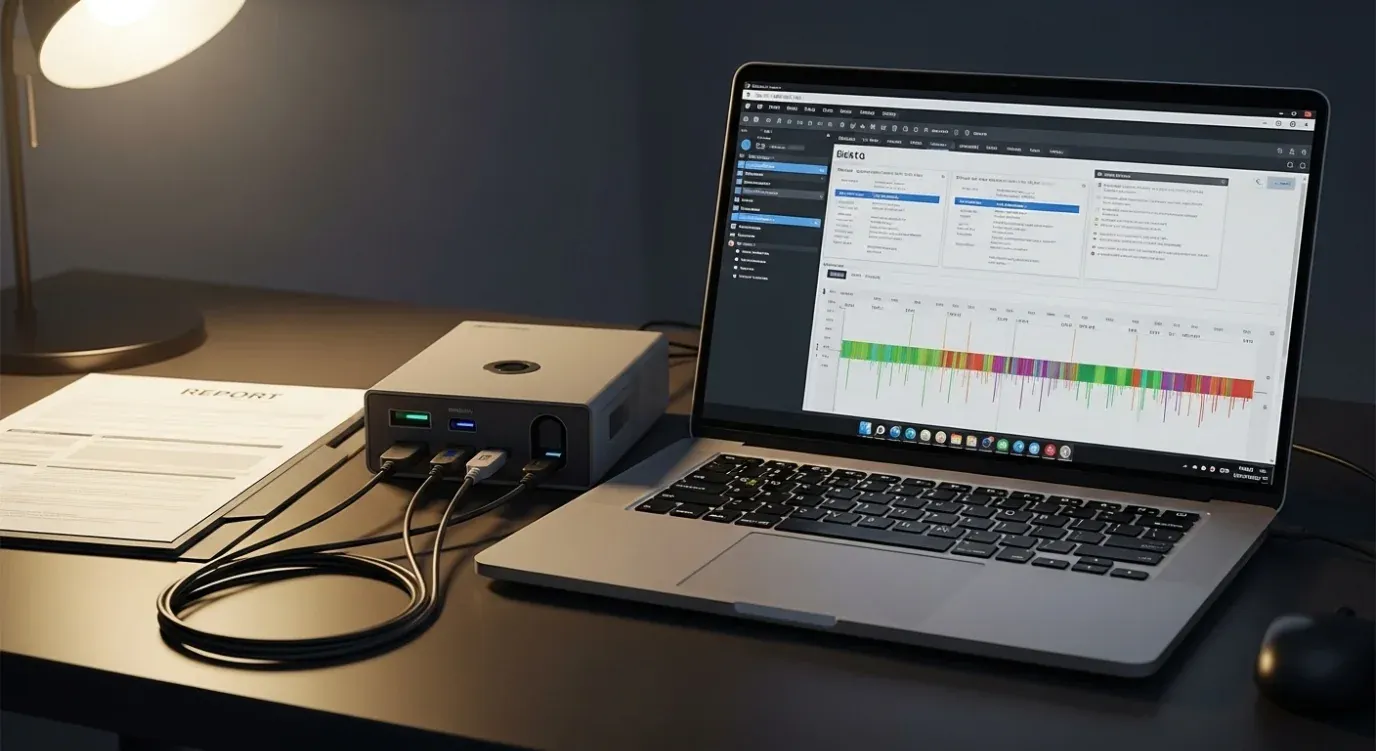
Licensed forensic suites still need physical device access and skilled analysts — automation only goes so far.
Professional tools automate everything above and handle locked or partially-imaged devices:
| Tool | Approx. license cost (2026, vendor quotes vary) | Strength | Used by |
|---|---|---|---|
| Magnet AXIOM | ~$5,500/seat/year | 100+ apps, full disk + cloud + RAM imaging | Federal LE, corporate IR |
| Cellebrite UFED | ~$15K + per-case | Chip-off, JTAG, fastboot exploits, locked-device decryption | Federal LE |
| Oxygen Forensic Detective | ~$3,500/seat | Strong on chat parsers including encrypted backups | State / local LE |
| Belkasoft X | ~$2,500/seat | Accessible for IT-IR teams, supports WhatsApp + 70 apps | Corporate IR, MSSPs |
These accept locked devices in many cases via boot-level exploits (checkm8 on iPhone, fastboot exploits on older Android). They aren’t magic — locked devices still demand physical access and patience, and licenses are sold only to verified law-enforcement or corporate-IR buyers.
Magisk module / Xposed hook approach
Conceptually, a Magisk module hooks WhatsApp’s message handler right after the on-device decryption step. In practice, WhatsApp’s tamper detection now catches these hooks and suspends accounts within days.
Instead of one-shot extraction, you can install a runtime hook that captures messages as WhatsApp decrypts them. Conceptual sketch (won’t run as-is — WhatsApp’s class names are obfuscated and change with each build):
@XposedMethodHook("com.whatsapp.<obfuscated>.MessageHandler")
public void onIncomingMessage(MethodHookParam param) {
    Message msg = (Message) param.args[0];
    Files.writeString(Paths.get("/sdcard/wlog.txt"),
        String.format("%d|%s|%sn",
            System.currentTimeMillis(), msg.getSender(), msg.getBody()),
        StandardOpenOption.APPEND);
}
This worked reliably until 2020. WhatsApp builds from 2.24 onwards include SafetyNet attestation, Magisk-zygisk detection, and runtime tamper checks — hooks trigger account suspension within days. The arms race favours WhatsApp.
Session hijacking — why it doesn’t work in 2026
The romantic idea: capture the Linked Devices QR pairing token from a victim’s browser, replay it on your device. Two technical reasons it fails.
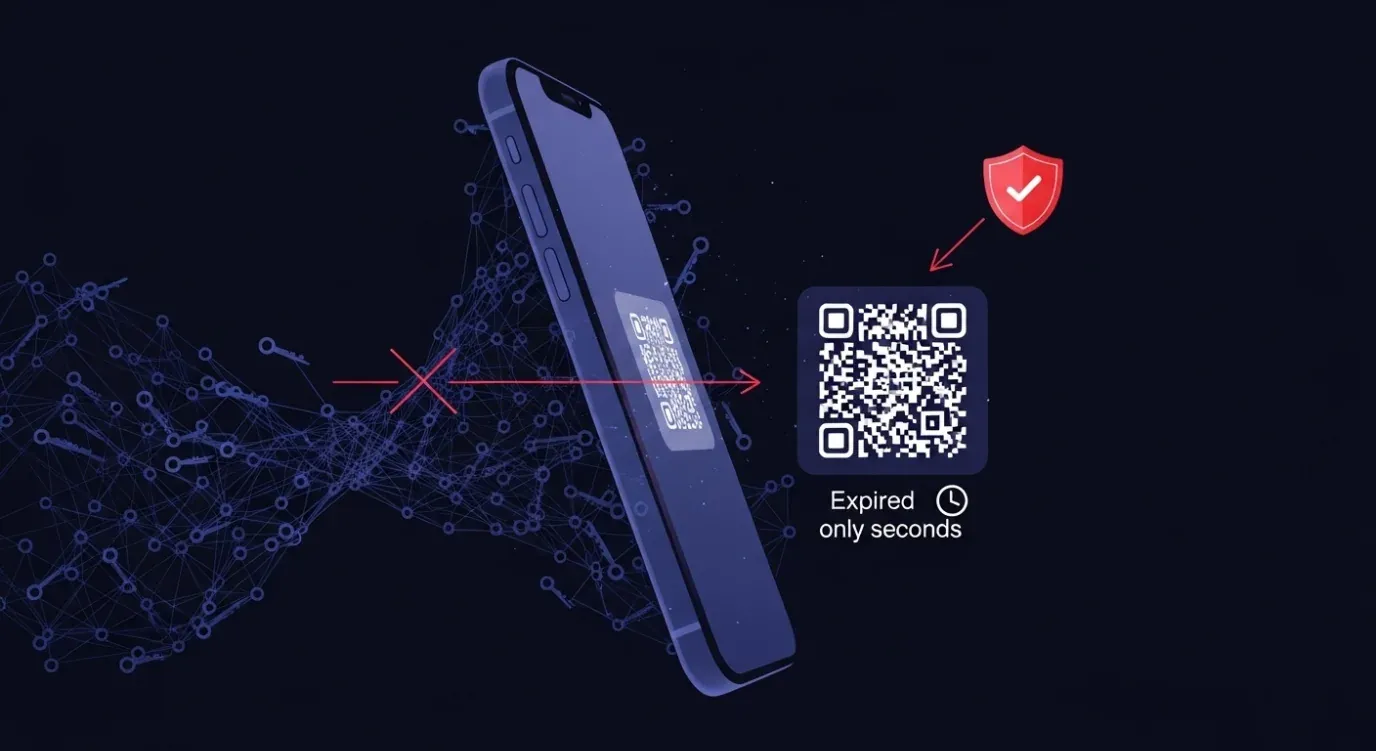
WhatsApp’s per-session Curve25519 binding plus backend attestation closes the window for QR replay attacks.
Pairing uses a Curve25519 ECDH key exchange tied to the primary phone's long-term identity key. The QR is a one-shot token with seconds-long validity — capture-and-replay fails on timing alone.
WhatsApp's backend continuously verifies fingerprints against the primary's expectation list. Mismatches force re-pairing, which notifies the primary phone.
Old 2018–2019 guides describing WhatsApp Web session-cookie theft are obsolete — that class was patched between WhatsApp Web rev 0.4.x and the current Companion build.
When advanced extraction is appropriate

Corporate IT incident response under a signed policy is the legitimate consumer use case. Private surveillance is not.
Most readers won’t be in the scenario where the advanced track is appropriate. The narrow legitimate case: corporate IT imaging a company-owned device after a termination, under a written Acceptable Use Policy the employee signed, with documented chain of custody.
Running these tools on someone else’s personal device without their explicit consent is a federal crime under 18 U.S.C. § 2511 — up to five years’ imprisonment plus civil damages.
Output goes to in-house counsel for wrongful-termination defence — not a parent, partner, or private hunch. There is no “but I’m their spouse / parent of an adult / boss” carve-out, and consulting counsel before touching a device that isn’t yours is the cheapest insurance you can buy.
- Corporate IT imaging a company-owned device after termination
- Written Acceptable Use Policy the employee signed
- Documented chain of custody for in-house counsel
- Law-enforcement work under warrant
- Recovering your own data from your own device
- Partner or spouse surveillance without explicit consent
- Adult roommate or family-member monitoring without consent
- Employee monitoring on a personal device
- "I just want to know" curiosity reads of anyone's account
- Anything covered by 18 U.S.C. § 2511 (federal Wiretap Act)
If your situation doesn’t match the left column, you’re into stalkerware territory under the Wiretap Act — see Legal and ethical warning in the conclusion.
What Doesn’t Work: Popular Myths and Scams
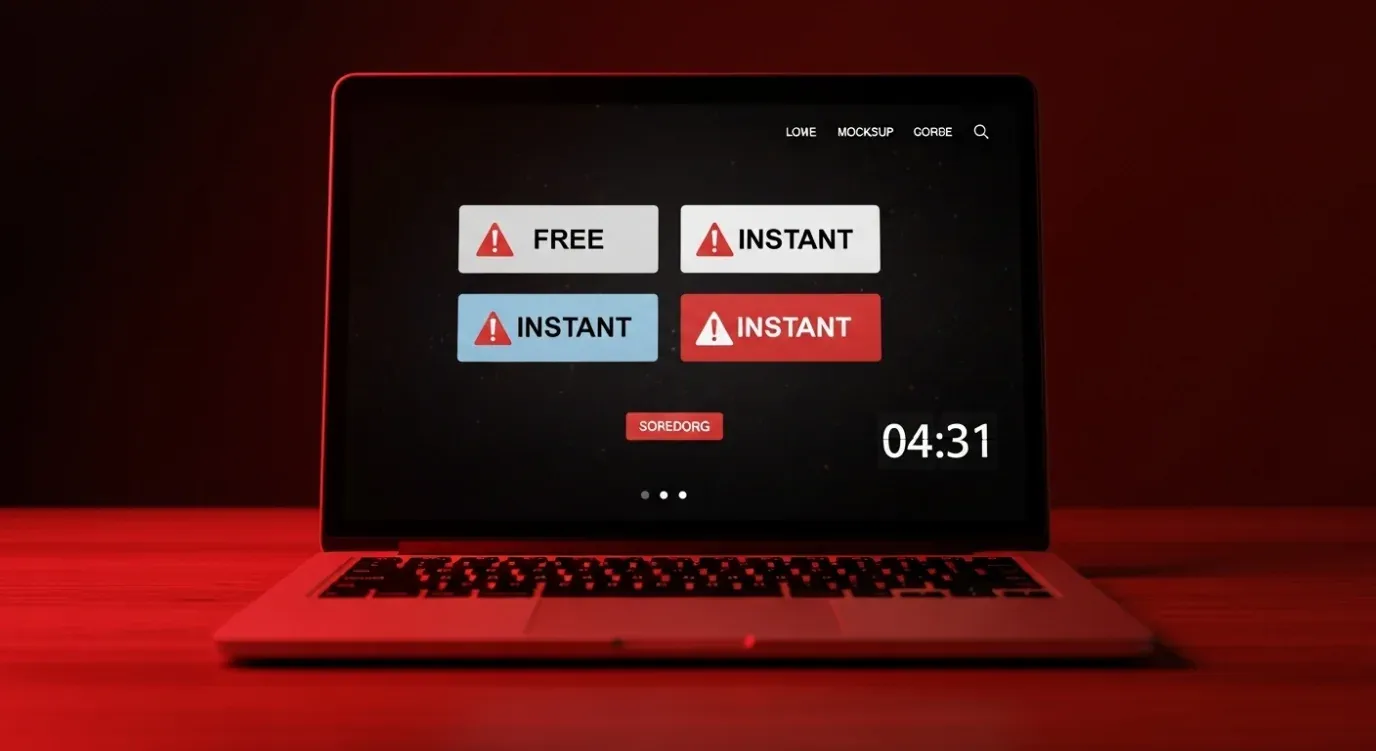
If a “WhatsApp viewer” landing page combines all four red flags — free, instant, no install, target phone not needed — it’s a scam template.
Search “read WhatsApp messages” and you’ll see dozens of ads, TikTok promos, and SEO-spam landing pages promising the impossible.
Last month I pulled WHOIS on the top “free WhatsApp viewer” results — most were registered in the past few months, all sat behind privacy proxies, and each page funnelled traffic through 2–3 redirects before pushing a paid scam app. Here’s what to walk away from — and why each fails technically.
Phone-number-only viewers
Sites claiming to display anyone’s WhatsApp chats just by typing in their number. Technically impossible because of WhatsApp’s E2EE — there is no server-side API that returns plain-text messages.
Don’t enter your phone number into a “WhatsApp viewer” site — every one of these pages exists to harvest data, phish credentials, or push malware.
These pages all do one of three things:
- Harvest your data and bombard you with ads / “premium upgrade” CTAs
- Fish for the target person’s credentials via a fake login form
- Quietly install malware via “captcha verification” downloads
Free “WhatsApp Viewer” APKs and mods
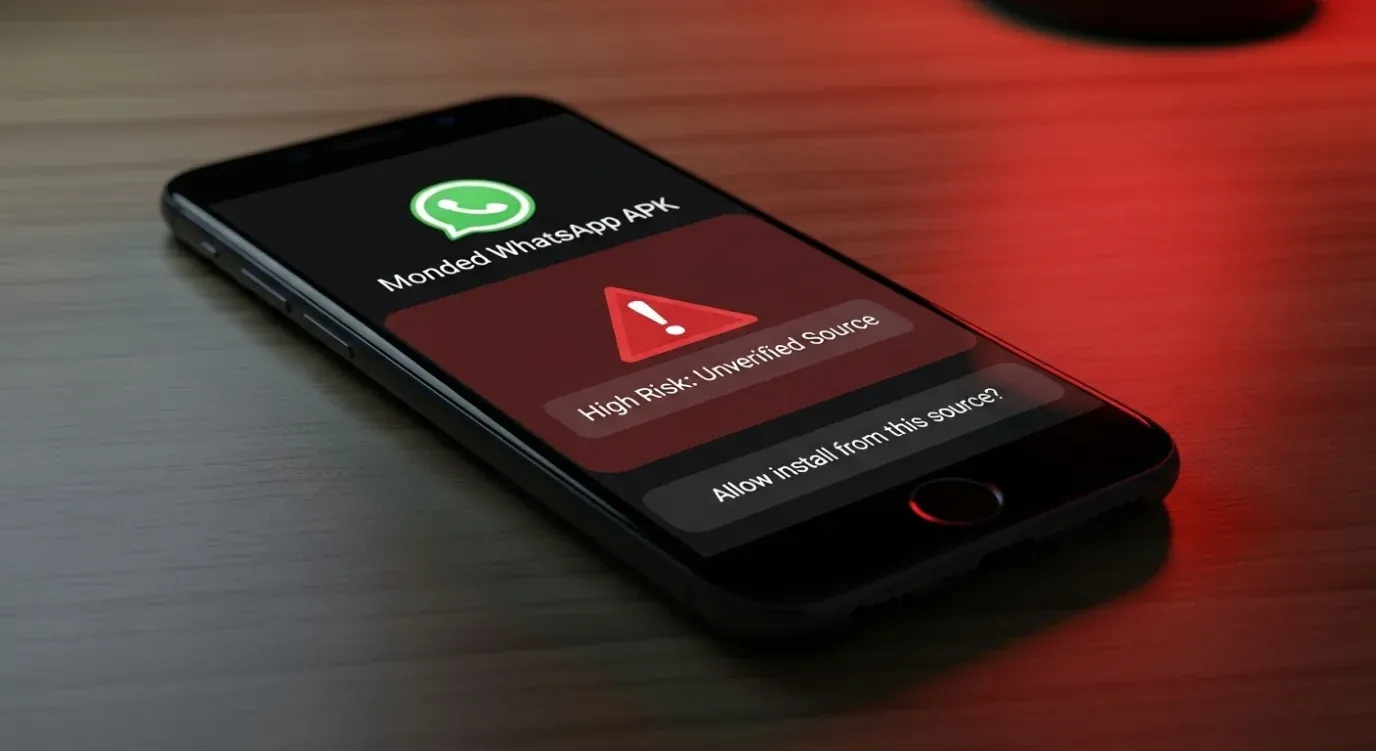
Modded WhatsApp APKs distributed outside the Play Store violate ToS, often ship malware, and don’t read someone else’s account.
fmwhatsapp, WhatsApp Plus, GBWhatsApp, YOWhatsApp, WhatsApp Aero — these are modified WhatsApp clones distributed outside the Play Store. They: Violate WhatsApp’s Terms of Service (your real account gets suspended if detected)Often ship with embedded malware or invasive ad SDKsCannot read someone else’s WhatsApp — they’re clones running under your own account, not viewers TikTok “secret methods”
Videos titled “How I read my BF’s WhatsApp without his phone” usually demonstrate either: A staged screen recording with no actual method shownThe Linked Devices method (covered above) misrepresented as a “hack”A funnel to a paid scam tool linked in the creator’s bio Why they all fail (technical explanation)
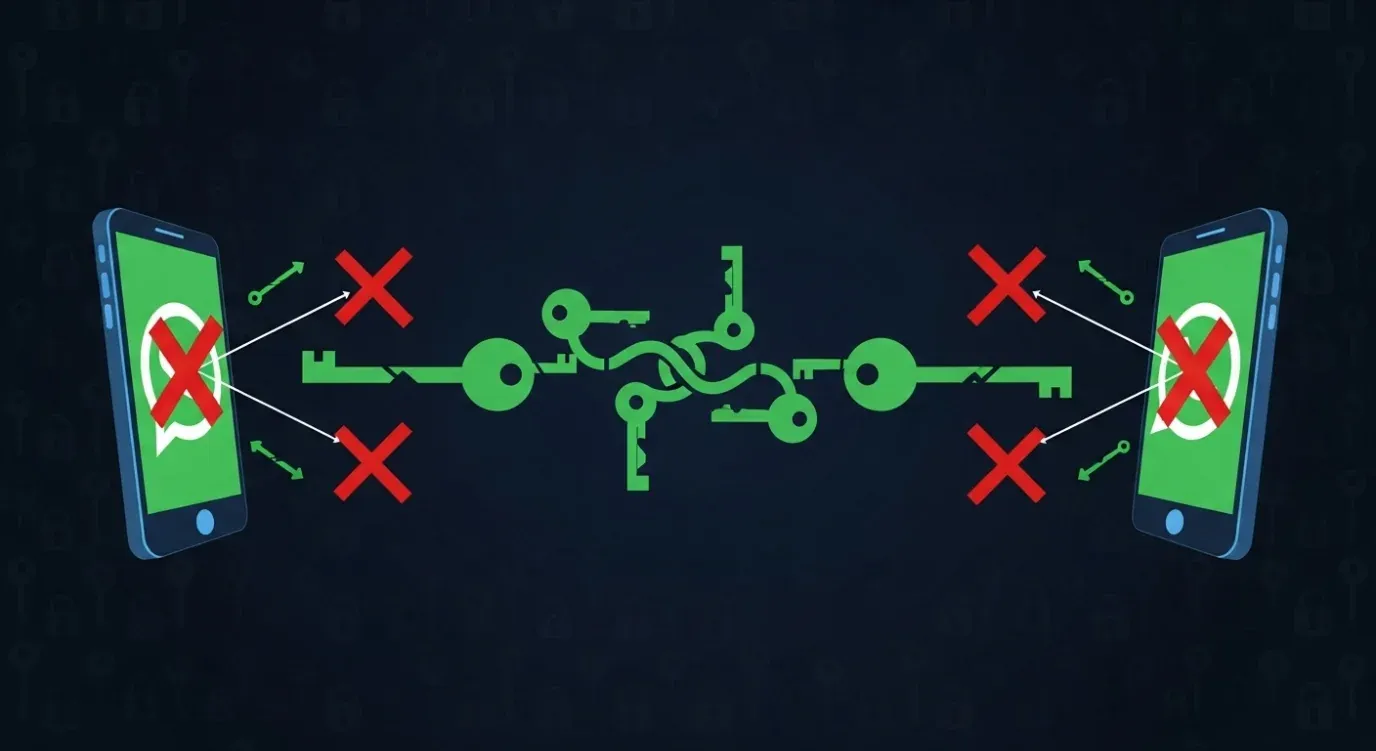
WhatsApp’s E2E keys live on participating devices — no code on a device means no plaintext, period.
Here is the single technical fact that breaks all of them: WhatsApp’s end-to-end encryption keys live on participating devices, not on servers.
Without code running on one of those devices (the primary phone or a legitimately linked companion), there is nothing to decrypt. No URL trick, phone-number lookup, or “carrier exploit” changes that. Anyone telling you otherwise is either lying or selling a product that will get you scammed.
How to spot scam landing pages in 5 seconds
If a landing page combines all four of these claims — free, instant, no install, target phone not needed — it’s a scam template. The same shell gets rebranded onto new domains every quarter.
For a deeper breakdown of how these scams are structured, see our guide Do Spy Apps Really Work? 10 Scams vs 3 Real Apps.
Conclusion and Important Warnings
Which method fits your situation?
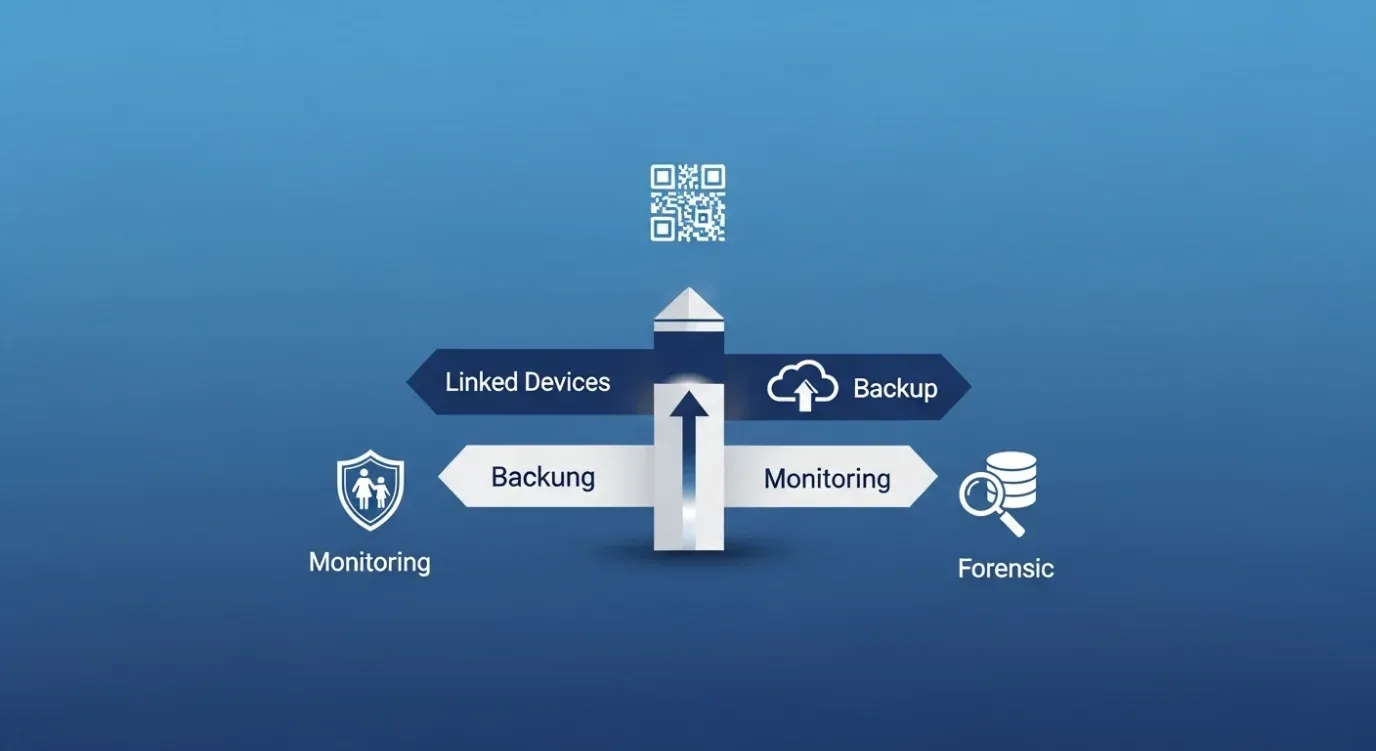
The four-method decision compass — pick by who owns the account and what access you actually have.
Four scenarios, the matching method for each — swipe through the carousel below for the right fit.
Which method fits your situation? — 4 Scenarios
-
 Linked Devices Your own account on a second phone, web, household
Your own account on a second phone, WhatsApp Web, or sharing with a household member? Linked Devices — about a minute to pair, free, no third-party software.
-
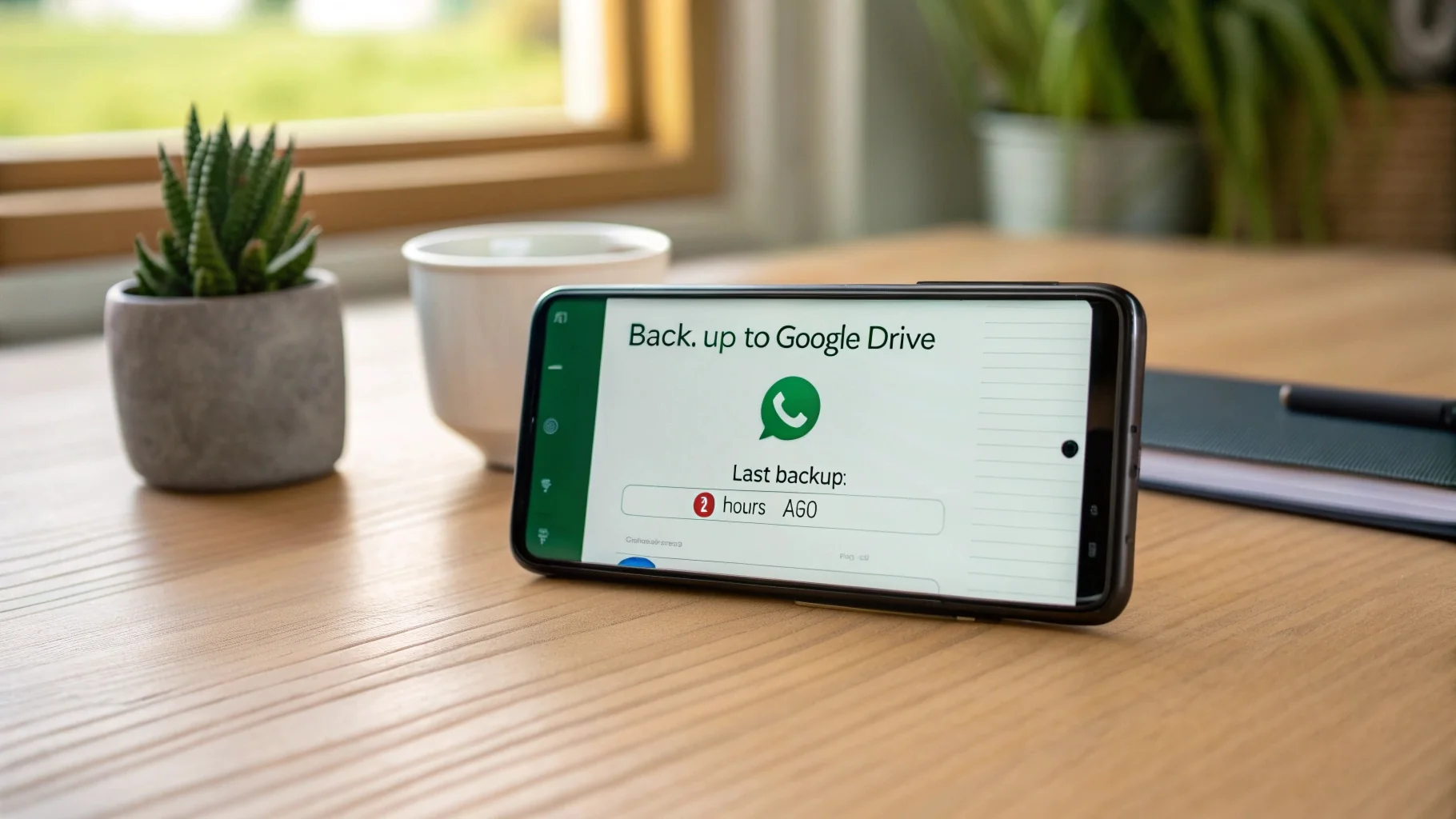 Backup & Restore New phone setup or iOS/Android migration
Setting up a new phone or migrating across iOS / Android? Backup & Restore — and now you know what to do about the encryption key.
-
 Parental Monitoring Android-using minor with awareness
Parent of an Android-using minor who wants the full chat record with their awareness? Hoverwatch at $9.95/month is the cleanest fit; Bark if you want alerts instead of transcripts; Qustodio if you also need screen-time controls.
-
 Forensic / Legal Corporate IT, LE, court-ordered review
Corporate IT, law enforcement, or court-ordered review? Magnet AXIOM or one of the forensic suites covered in the Advanced and Hacker-Level Methods section, with documented authorization.
If you came here asking how to read WhatsApp messages from another device that isn’t yours or your minor child’s, anything else — partner surveillance, hunches, “I just want to know” — has no method on this list. That’s not a content gap. That’s by design.
Legal and ethical warning

Consent is the dividing line — your own account, your minor child, your company device under written policy are protected; everything else is wiretap territory.
The US Wiretap Act (18 U.S.C. § 2511) draws the line sharply: consent decides which side you’re on.
Reading your own account on multiple devices, or monitoring a minor child whose Android phone you own, is generally legal in the US. Monitoring an adult without explicit consent is illegal.
The American Academy of Pediatrics recommends transparent monitoring for minors — tell the child what you’re doing and why. That’s the difference between supervision and surveillance.
The dividing line under US federal law is consent, and it’s sharper than people realize. Monitoring a minor child whose Android phone you own has decades of case law behind it as a legitimate parental right. Reading another adult’s WhatsApp without consent — partner, roommate, employee on a personal device — falls under 18 U.S.C. § 2511 with criminal liability up to five years.

- Reading your own WhatsApp on multiple devices you own
- Transferring your own backup to a new phone
- Monitoring a minor child you parent on an Android device you own
- Corporate IT review under a signed Acceptable Use Policy
- Law-enforcement review under warrant
- Reading a spouse's or partner's WhatsApp without consent
- Reading an adult roommate's or family member's account
- Employee monitoring on a personal device without consent
- Any "covert" install on a device you don't own
- Up to 5 years' federal imprisonment + civil damages
State laws vary — Connecticut, Delaware, and California increasingly emphasize transparent monitoring for older teens. If you’re here to read a partner’s WhatsApp without their consent, neither this guide nor Hoverwatch supports that — consider direct conversation, or the survivor-focused resources at the Coalition Against Stalkerware.
Final CTA
If you’re a parent looking for an honest, Android-focused way to monitor your child’s WhatsApp with their awareness, start the Hoverwatch free trial — no credit card required for 3 days. For cross-platform topics, see our guides on viewing deleted Instagram messages and monitoring kids’ text messages.
Frequently Asked Questions
-
Short answer: yes — since April 2023, WhatsApp's Linked Devices feature supports up to 4 companion phones plus 1 primary phone, all sharing the same account and number. Two scenarios apply: (1) if you own both phones, link the second from Settings → Linked Devices → Link a Device on the primary, then scan the QR code on the secondary. Both devices receive new messages in real time. (2) If you're trying to keep an "old phone" reading messages after a SIM transfer, that's the same flow, but the unlinked phone stops receiving new chats once the primary stays offline 14 days. iPhone and Android both work. WhatsApp Business accounts have the same 4-device limit.
-
Honest answer: this is the security check most users miss. Open WhatsApp → tap the three dots (Android) or Settings (iPhone) → Linked Devices. You'll see a list of every browser, phone, and computer currently linked, plus the last-active timestamp. Two action scenarios: (1) if you spot something you don't recognize, tap it and select Log Out — that device loses access instantly. (2) Check this list monthly, especially if you've ever scanned a QR code on a borrowed phone or shared computer. US WhatsApp users have been targeted by QR-phishing scams since 2024 where attackers trick people into scanning a malicious code that links their own device. Treat the Linked Devices list as your account's security front door.
-
Common question. Short answer: yes for disappearing messages, partially for Vanish mode. Hoverwatch captures messages at delivery via the Android Accessibility Service — meaning text is logged the moment it renders on screen, before WhatsApp's auto-delete timer runs. Two scenarios: (1) Standard "disappearing messages" (7-day / 24-hour / 90-day timers) are fully captured because Hoverwatch records the text well before expiry. (2) WhatsApp View Once photos and Vanish mode previews are captured if Hoverwatch was running at the moment of arrival; if it was paused or had permissions revoked, those one-shot messages are lost forever. Set up Hoverwatch with the Accessibility permission persistently granted (Android 13+ blocks restricted settings by default — review the in-app guidance).
-
Generally yes — but with important caveats. Federal law (COPPA) and most state laws give parents broad latitude to monitor devices they own, used by their minor children. Two scenarios that change the calculus: (1) Children under 13 — monitoring is well-established as a parental responsibility, no disclosure required (though the AAP still recommends transparency). (2) Teens 13–17 — most states are permissive, but a handful with stricter teen-data privacy regimes (Connecticut, Delaware, California's Age-Appropriate Design Code Act) increasingly emphasize transparent monitoring and disclosure for older teens. Once the child turns 18, all parental-monitoring exemptions vanish — adult monitoring without consent becomes wiretapping under 18 U.S.C. § 2511. Check your specific state's statute or consult a family attorney for edge cases.
-
Common comparison question. Bark uses an alert-based model, not full chat capture — and that's a feature, not a bug. Two scenarios where each tool fits: (1) If you want a full transcript of every WhatsApp message your teen sends and receives (to address a specific incident, for example), Bark won't give you that — you'd need Hoverwatch on Android, which logs the full text. (2) If you want privacy-respecting alerts about real risks (cyberbullying language, predator-pattern conversations, self-harm references) without reading every message, Bark's AI scans content and flags only items that match its risk taxonomy. Bark works on both iOS and Android; Hoverwatch is Android-only. Most US pediatricians (per AAP guidance) recommend the alert-based approach for ongoing supervision and full capture only when there's a specific concern.
This guide is for informational purposes only. Always comply with applicable federal and state laws and respect the privacy of others. Hoverwatch is intended only for transparent parental monitoring of minor children and consented employee monitoring on company-owned devices.
You May Also Like
 How-To & Guides
 How-To & Guides
 How-To & Guides
 How-To & Guides
 How-To & Guides
 How-To & Guides
Myth, Debunked
The 'read it with just their number' promise traces back to real 2016 SS7 demos. WhatsApp killed those with certificate pinning years ago — today it's pure bait.
Devices Full?
Hit "maximum devices reached"? You're capped at four companions. Open Linked Devices on the primary and log one out to free a slot before re-linking.
Privacy Note
Worried a plain Drive backup is exposed? Anyone with your number could restore it on a fresh phone. Turning on end-to-end encrypted backup is the off switch.
Kid Deletes It?
Afraid your teen just uninstalls it? With Device Administrator granted, the app can't be removed until that's revoked — one more reason to install it openly.
No Key, No Luck
Heads up on crypt15: if the account set a backup password, the key isn't on the phone at all. Root gets you the file, but it stays a sealed brick.
Reality Check
WhatsApp never tells the sender you screenshotted or read elsewhere — which is exactly the silent-spying fantasy these viewer scams sell you. It isn't real.
The 18 Cliff
The day your kid turns 18, every parental exemption ends — monitoring without consent becomes wiretap. A number change also silently unlinks all devices.