
















How to Monitor Your Child's TikTok Activity on Android

If you want to monitor your child’s TikTok activity on an Android phone, here’s the honest truth up front: no single button shows you everything — but a handful of methods genuinely work, and a lot of what’s advertised online is a scam. We’ll go in three levels, from the simplest free built-in tools, to smart alerts, to device-level apps that show actual messages — comparing the popular options (Hoverwatch, Bark, mSpy, and FlexiSPY) honestly along the way.
Free, built-in tools like Google Family Link and TikTok Family Pairing cover screen time and limits. To actually read the messages your child sends and receives, you need a device-level app. First, let’s clear the field of the fakes.
What are the ways to monitor TikTok on Android?

There are really only four categories of “TikTok monitoring,” and they are not equal:
Google Family Link and Digital Wellbeing live on the phone. They report how long TikTok is used and let you set time limits, but never look inside the app.
TikTok's own feature links your account to your teen's: screen-time caps, Restricted Mode, and who can message them, all from your phone.
Installed on the child's phone, these read on-screen activity — the only category that can surface the actual content: messages, searches, and screenshots.
Sites promising to monitor TikTok from a username or phone number with nothing to install. These are the fakes — worth understanding before you spend a cent.
Which TikTok monitoring methods actually work — and which are scams?
Before any setup, separate the real tools from the traps. The rule is simple: anything that touches TikTok’s content has to run on the child’s phone. If a service claims otherwise, it’s selling a fantasy — the same fake-app playbook we take apart in do spy apps really work?
| Method / claim | Works? | Why |
|---|---|---|
| Family Link / Digital Wellbeing | ✅ Yes | Real OS-level usage tracking and time limits |
| TikTok Family Pairing | ✅ Yes | Official account-linking controls from TikTok |
| Device-level monitoring app | ✅ Yes | Captures on-screen activity (needs install + permission) |
| “Monitor by username / phone number” | ❌ No | An identifier routes calls — it grants zero access to a device |
| ”100% remote, no installation” | ❌ No | Modern Android sandboxing makes silent remote access impossible |
| ”Free online TikTok viewer / spy” | ❌ Scam | Exists to harvest your card details and logins |
The fastest way to spot a scam: it asks for your payment details and the child’s username — but never asks you to touch the child’s phone. Real monitoring always needs the device in your hand at least once.
-
 No App to Install The biggest tell
If a service installs nothing on the child's phone, it cannot read TikTok messages — modern Android sandboxes every app. 'No-install monitoring' is just a data-harvesting form in disguise.
-
 Just the Username An ID grants no access
A TikTok username or phone number is a public identifier — it unlocks nothing on a device. Any tool claiming to monitor from just a handle is phishing for your login and card details.
-
 100% Remote Impossible on Android
There is no legitimate way to install monitoring silently over the air. Real tools need one-time physical access to the phone. 'Fully remote, no touch' is the clearest scam signal.
-
 Brand-New Website Check the domain age
Scam apps spin up fresh domains days before promoting on social media. A quick WHOIS lookup often shows a site registered last week — legitimate tools have years of history.
-
 No Real Reviews Search beyond their site
If glowing reviews live only on the app's own landing page and nothing shows on Reddit, Trustpilot, or Google, they're fabricated. Real tools leave a real, findable trail.
On modern Android, every app runs in its own sandbox, and TikTok’s messages never leave that sandbox unencrypted. That’s why no service can read them from a phone number — there’s no door to walk through. The only legitimate way to see in-app content is software running on the device with the user’s own permissions. Anything claiming a remote shortcut is, technically, impossible.

The working methods come in three levels of depth — and cost. Start at the bottom and only climb as high as your actual concern requires.
Family Link + TikTok Family Pairing cap screen time, filter content, and limit who can DM your teen — but never show message text. Where everyone should start.
Add Bark: AI flags grooming, bullying, and explicit content across TikTok and 30+ apps. You get alerts on what matters, not a full transcript.
A monitoring app like Hoverwatch logs the actual messages, searches, and screenshots — the only way to read DM content. For when the worry is who, not how long.
Level 1 — Free built-in tools (Family Link, Digital Wellbeing & Family Pairing)
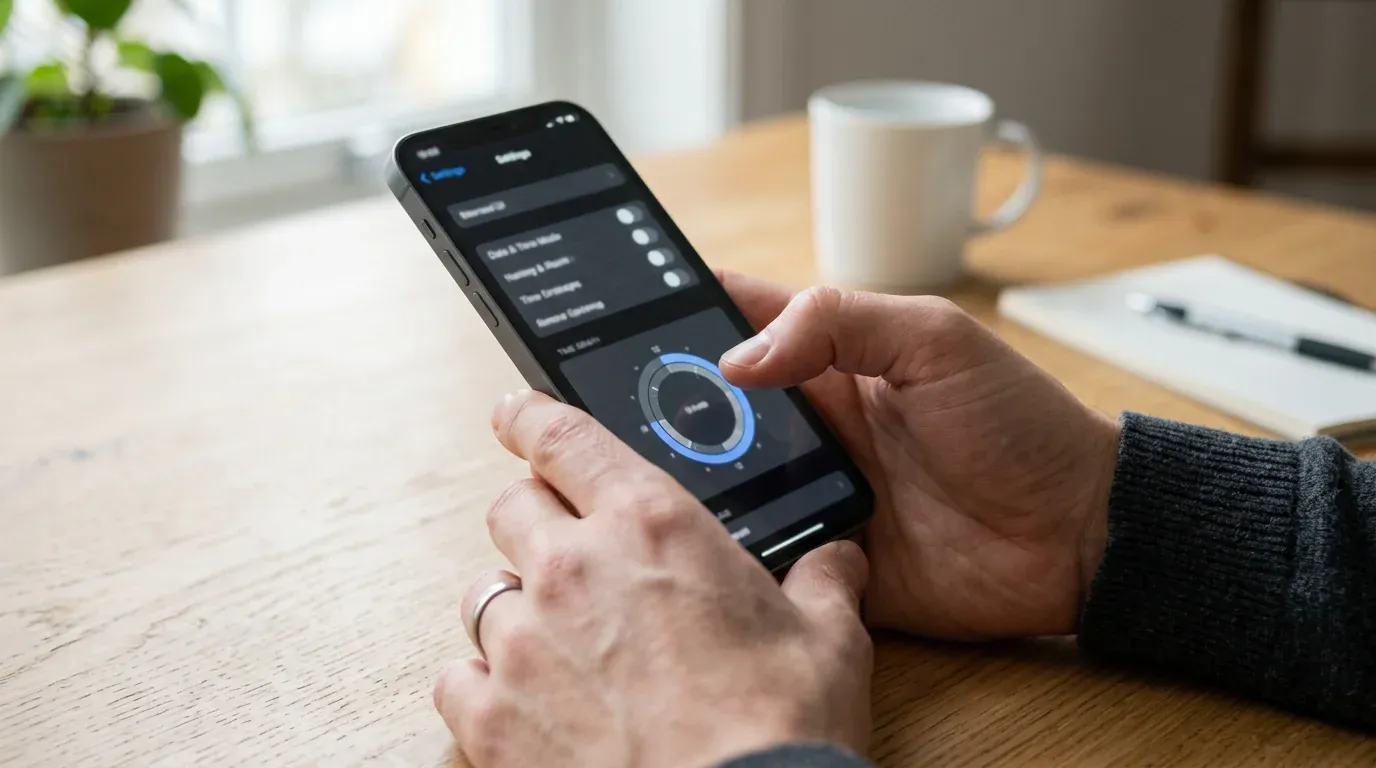
Best for: free, transparent oversight of time and content. This is where every family should start.
- On the child's phone, open Settings → Digital Wellbeing & parental controls, tap App timers, find TikTok, and set a daily limit.
- Install Google Family Link on your phone, link the child's Google account, then use App activity for daily minutes and Controls to require approval for new installs.
- Open TikTok on your phone → Profile → Menu → Settings and privacy → Family Pairing.
- Choose Parent; on the child's phone choose Teen; scan the QR code to link.
- Set Screen Time and scheduled Time Away, turn on Restricted Mode, manage Direct Messages, filter keywords, and switch on alerts about your teen's public posts, followers, and following.
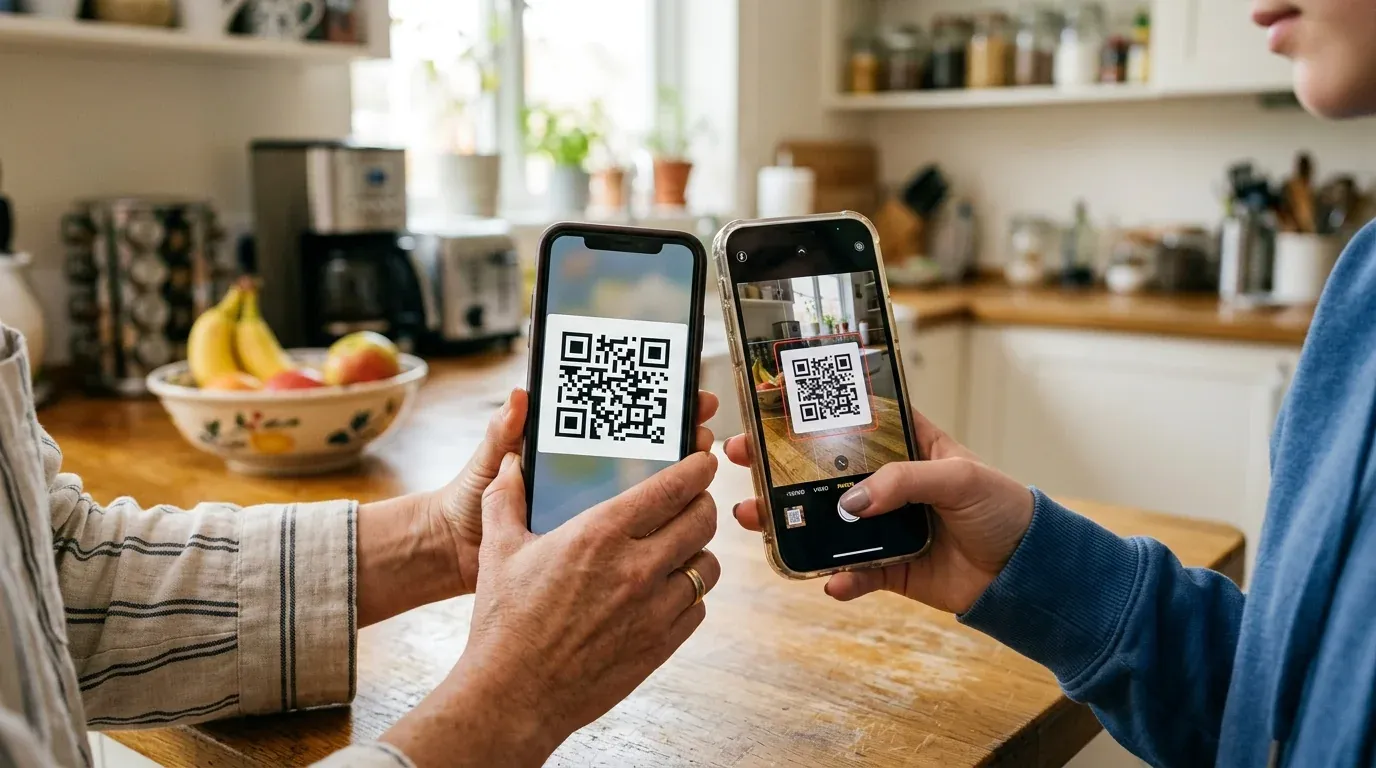
What you’ll see / limits: Usage time, content filters, and messaging controls. Crucially, neither tool shows the text of your child’s DMs — Family Pairing limits who can message them, not what is said. A teen can also start a second, unpaired account.
Will they know? Yes — both are transparent by design. Family Link shows a “supervised” notice, and TikTok notifies the teen when pairing begins (and they can unlink, though you’re alerted).
Need the phone? Remote possible? One-time physical access to set up; after that, everything is managed remotely.
Cost: Free.
Level 2 — Add smart alerts with Bark
Best for: parents who want to be warned about real danger without reading every message.
If Level 1 controls the frame (time, who can DM) but you worry about what’s inside the conversations, the gentlest next step is an alert-based service. Bark uses AI to scan TikTok and 30+ other apps for risky patterns — grooming, bullying, explicit content, self-harm language — and sends you an alert only when something matches. It does not hand you a full transcript, which is exactly the point: less intrusion, more focus on what matters.
What you’ll see: Risk alerts and context — not full message logs. Will they know? It’s a transparent, consent-oriented tool (low-to-medium stealth). Cost: paid, roughly from $14/month (check current pricing). Best for: families who want safety alerts while preserving a teen’s day-to-day privacy.
Level 1 + Bark is the sweet spot for most parents: free limits and content controls, plus an AI safety net that flags genuine risks — all without the weight of reading every DM.
Level 3 — Device-level monitoring (see the actual messages)

Best for: a specific, serious concern where you truly need to see who your child is talking to and what’s being said.
When alerts aren’t enough — say you’ve seen a warning sign and need the actual conversations — only a device-level app installed on the child’s phone — the same approach in our guide to monitoring an Android phone — can show TikTok message text, including deleted ones. Here’s how the popular options compare (approximate 2026 pricing — always verify current rates):
| App | TikTok messages | Stealth | Battery impact | Key features | Price (approx) | Main drawback |
|---|---|---|---|---|---|---|
| Bark | Alerts only | Low–medium | Light | AI risk alerts, 30+ apps | from ~$14/mo | No full message logs |
| Hoverwatch | Full text + screenshots | Good | Light–moderate | TikTok text, screenshots, app time, calls, GPS | ~$29.95/mo + trial | Android only |
| mSpy | Full logs | High | Some report higher drain | Social logs, keylogger, GPS | ~$30–70/mo | Battery / billing complaints reported |
| FlexiSPY | Full + advanced | Very high | Heavy | Call/ambient recording (extreme) | $70+/mo | Costly, legal/ethical risk, often needs root |
Hoverwatch — the balanced full view
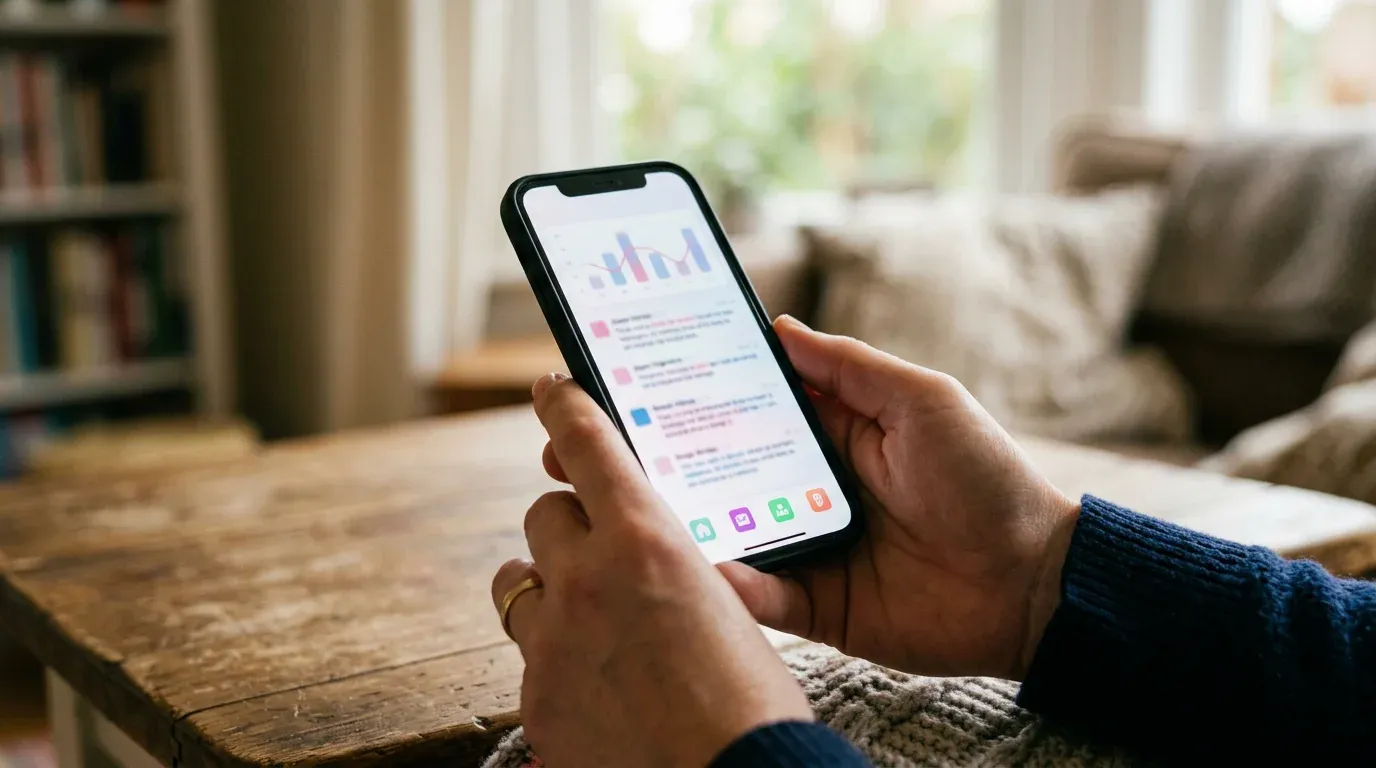
Hoverwatch installs on the child’s Android phone and uses the Android Accessibility Service to log text as it appears on screen — which is how it captures what account-level tools can’t.
Create a Hoverwatch account at hoverwatch.com and start the free trial → download to the child's phone from your dashboard → grant the Accessibility and required permissions (the setup walks you through Android 13+'s restricted-settings screen) → review activity from any browser.
TikTok messages and typed text as they appear, searches, periodic screenshots, app-usage time, plus calls, SMS, and GPS. Because it captures the moment content renders, deleted and disappearing messages are still logged. It doesn't mirror every video — it logs what's typed, shown, and screenshotted.
Runs in the background with no home-screen icon — but be honest: no Android app is 100% invisible to a tech-savvy teen. The Accessibility permission shows in settings, and install needs Play Protect off.
One-time physical access to install — no legitimate remote-only install exists. After setup, all viewing is remote from your dashboard.
Paid, from around $29.95/month, with a free trial to confirm it works on your specific device first.
Confirm it’s working: after install, send a test DM from the child’s phone and check it shows up in your dashboard within a few minutes. Re-check the Accessibility permission weekly — an OS update or the teen can switch it off, and capture stops silently when it’s disabled.
The alternatives, briefly:
 mSpy
mSpyA direct competitor with similar TikTok coverage and a polished dashboard — full message logs and keylogging. Some users report higher battery impact and billing friction.
 FlexiSPY
The extreme end: heavy surveillance features that often require rooting the phone. Overkill for everyday parenting and the highest legal and ethical risk — most parents should steer clear.
Among device-level tools, Hoverwatch aims for the middle: enough visibility for a real concern, at a fair price, without the spyware-grade excess.
For tech-savvy parents: you can sideload a monitoring app with ADB (this needs basic command-line comfort) instead of an app store, but you rarely need to. Do not root the phone — on modern Android it weakens device security, can break security updates, and isn’t required by any tool here.
The mistake I see most is installing a tool and never opening it again. Whatever you pick, do two things: turn on alerts for new app installs — so a deleted-and-reinstalled TikTok pings you — and review the dashboard and the monitoring permission once a week. A tool you don’t check catches nothing.

Which TikTok monitoring method should you choose?
Climb only as high as your real worry:
| Your main worry | Best start | Sees messages? | Level | Cost |
|---|---|---|---|---|
| Too many hours on TikTok | Family Link + Family Pairing | No | 1 | Free |
| Alerts on risky content | Add Bark | Alerts only | 2 | Low |
| Who they’re actually talking to | Hoverwatch (or mSpy) | Yes | 3 | Paid |
| Maximum control (rarely needed) | FlexiSPY — with caution | Yes + extreme | 3+ | High |
For most families, Level 1 — or Level 1 plus Bark — is the right home. Step up to device-level monitoring only when a specific concern makes reading conversations necessary.
Is it legal to monitor your child’s TikTok?
In the United States, parents generally have the legal right to monitor a minor child on a device the parent owns — that’s the legal basis for every method here. Disclosure is best practice and increasingly expected for older teens in some states. Once your child turns 18, parental exemptions end, and monitoring an adult without consent can break wiretapping law. When in doubt, check your state’s statute.
Frequently Asked Questions
-
Only with a device-level monitoring app installed on the child's phone, like Hoverwatch or mSpy, which log message text as it appears on screen. TikTok's Family Pairing and Google Family Link cannot show DM content — they only manage time and who is allowed to message your child. Bark flags risky messages via AI alerts but does not show every message.
-
Realistically, no — not on modern Android, not for a tech-savvy teen. Built-in tools (Family Link, Family Pairing) are transparent by design. A background app runs without a home-screen icon, but the Accessibility permission it relies on is visible in settings and installing it requires turning off Play Protect. Treat 'completely invisible' claims with suspicion.
-
Account-level tools (Family Pairing) only cover the linked account, so a second, unpaired account or the tiktok.com web version can slip past them. Device-level monitoring still logs the app or browser being used on that phone, which is one reason it catches what account tools miss.
-
Choose by how much you need to see. Bark is best for low-intrusion AI alerts about real risks without full logs. Hoverwatch and mSpy are device-level tools that show actual message text — pick them when you specifically need to read conversations. Hoverwatch is Android-focused with value pricing and a free trial; mSpy is a comparable competitor.
-
Generally yes for a minor child on a device you own. Disclosure is best practice and increasingly expected for older teens in some states. Monitoring stops being lawful once the child is 18 — monitoring an adult without consent can violate wiretapping laws.
Final Thoughts
Match the tool to the worry: start free with Family Link and Family Pairing, add Bark for smart alerts, and step up to a device-level tool like Hoverwatch only when you need to see the actual conversations. Whatever you choose, an honest conversation with your child still does the heavy lifting.
You May Also Like
 How-To & Guides
 How-To & Guides
 How-To & Guides
 How-To & Guides
 How-To & Guides
 How-To & Guides
Spot the Scam
Any site that monitors TikTok from just a username or phone number — with no app to install — is built to harvest your card and login, not your child's data. The tell: it never asks for the child's phone.
Usage ≠ Content
Family Link and Family Pairing show minutes and settings, never the text of a DM. They're a stopwatch and a fence — not a window into conversations.
Alerts, Not Logs
Bark won't hand you every message — by design. It flags risky patterns (grooming, bullying, self-harm) so you read the 5 messages that matter, not the 500 that don't.
Keep It On
Android 13+ blocks the Accessibility permission by default for sideloaded apps. If it ever gets switched off, message capture quietly stops — check it stays enabled.
Match the Worry
Buy depth only when the worry is who, not how long. If it's just hours lost, the free built-in timer is enough — don't pay for message capture you'll never read.