
















How to View Deleted Messages on Instagram: 8 Ways That Actually Work

How to view deleted messages on Instagram depends on what you lost and who deleted it. Instagram lets you recover your own deleted posts, reels, and stories from the Recently Deleted folder for 30 days. Direct Messages are different — they do not appear in Recently Deleted and are not recoverable through Instagram itself. To retrieve a deleted DM you need an Android notification history, a phone backup taken before deletion, an Instagram data download, or a parental control app installed in advance.
This guide on how to view deleted messages on Instagram covers 8 working methods, organised by what you are trying to recover. I tested each method in April 2026 on a personal Instagram account and on a supervised Android device. The table in the next section is the short answer.
How to View Deleted Messages on Instagram: Quick Answer
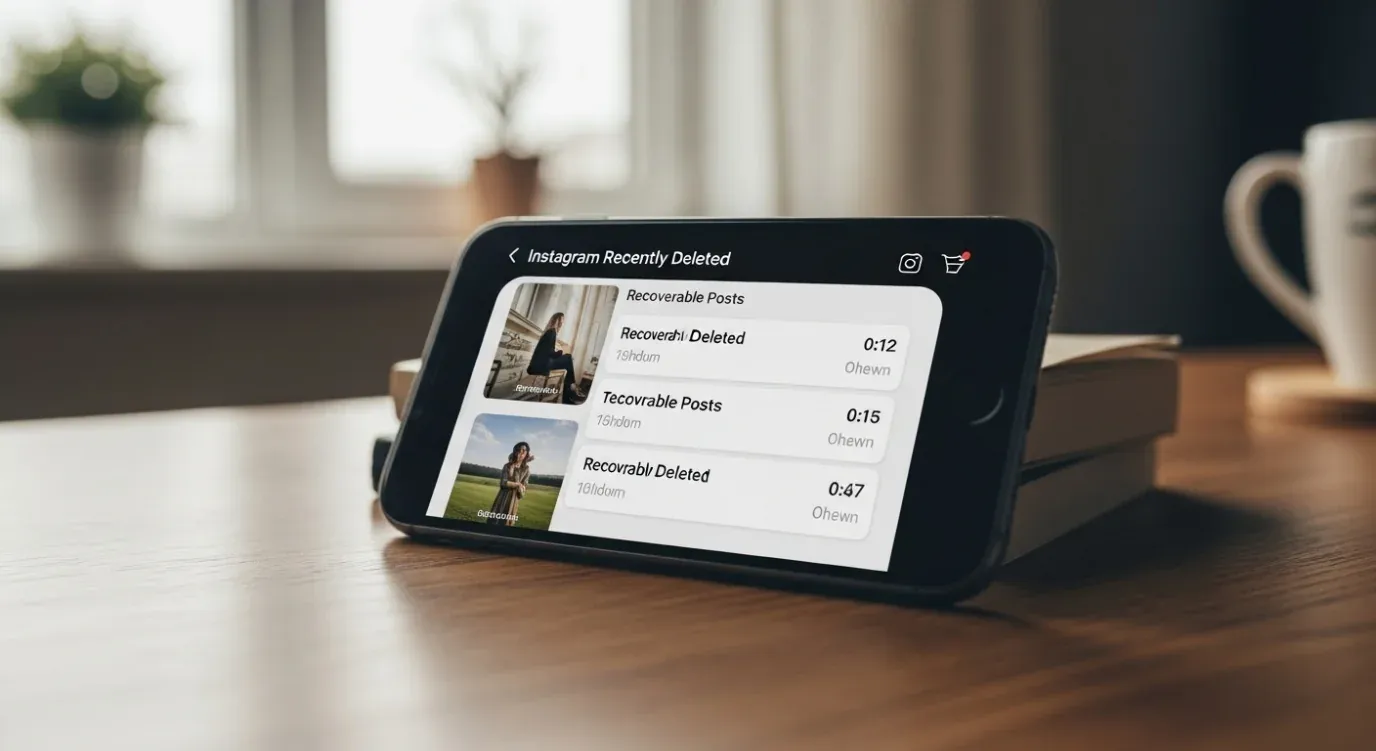
The Recently Deleted folder is buried inside Settings and activity. It holds posts, reels, and IGTV for 30 days.
What you can recover depends on the content type. Posts, reels, and IGTV videos stay in Recently Deleted for 30 days. Active stories sit there for only 24 hours. Live videos cannot be recovered unless you saved the replay before ending the broadcast. Direct messages have no Instagram-side recovery at all. The table sums it up.
| What you want back | Method | How long it works | Who can see it |
|---|---|---|---|
| Your own deleted posts, reels, stories | Instagram Recently Deleted folder | 30 days | Only your account |
| Your own deleted DMs | 4 indirect methods (data archive, notification log, phone backup, ask the recipient) | Time- or condition-limited | Limited |
| Your child’s deleted Instagram DMs | Parental control app with consent (Hoverwatch, Bark, Qustodio) | Real-time capture, ongoing | Parent + monitored child |
| A stranger’s deleted DMs without consent | Does not exist. Anything that promises this is a scam | Never | Never |
Pick the row that fits your case and jump to that section. Each method below uses tools that already exist on your phone or in Instagram itself.
How Do You Recover Your Own Deleted Instagram Posts and Stories?
Open Instagram → Settings and activity → Recently deleted → Restore. Posts, reels, and IGTV stay there 30 days, per Meta’s official policy. Each content type has different rules, covered below.
How Do You Recover Deleted Posts and Reels?
Posts and reels stay in Recently Deleted for 30 days. The carousel below walks you through the 7-step restore flow — same path on iOS and Android.
How to Recover Deleted Instagram Posts in 7 Steps
-
 Tap your profile Bottom-right icon
Open Instagram and tap your profile icon at the bottom-right corner. You'll land on your own profile page where all your posts and reels are listed. Make sure you're signed into the account you want to recover content from — Recently Deleted is per-account, not cross-account.
-
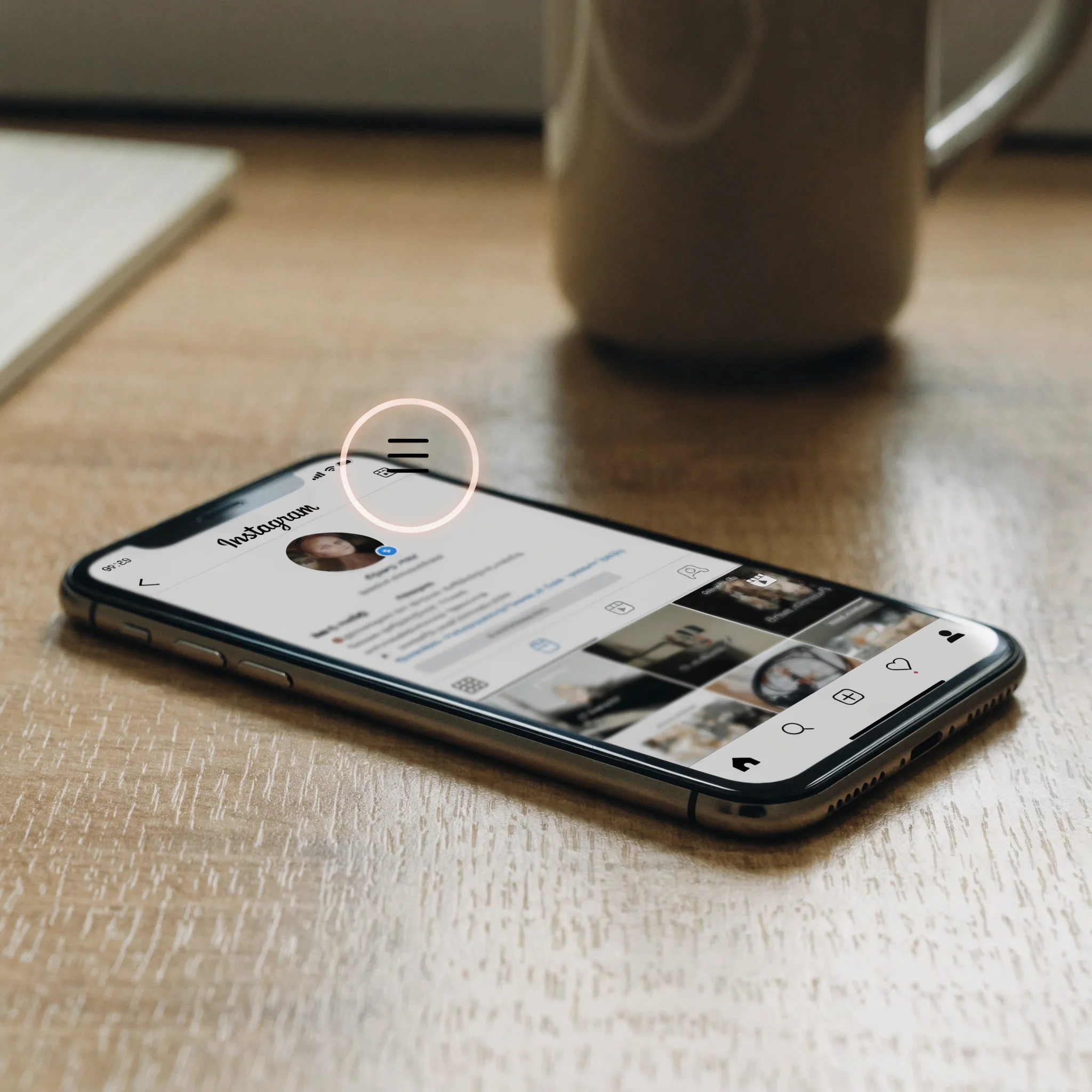
 Open the menu Three lines, top right
Tap the hamburger icon (three horizontal lines) in the top-right corner of your profile page. This opens a sliding side panel with all the account-level controls. If you don't see the icon, scroll up — Instagram hides the header on long profile pages.
-
 Settings and activity Main settings entry
From the side panel, tap Settings and activity at the top. This is the main settings hub where Instagram keeps everything from privacy controls to your data archive. On older app versions it may still be labelled just Settings — the menu items inside are the same.
-
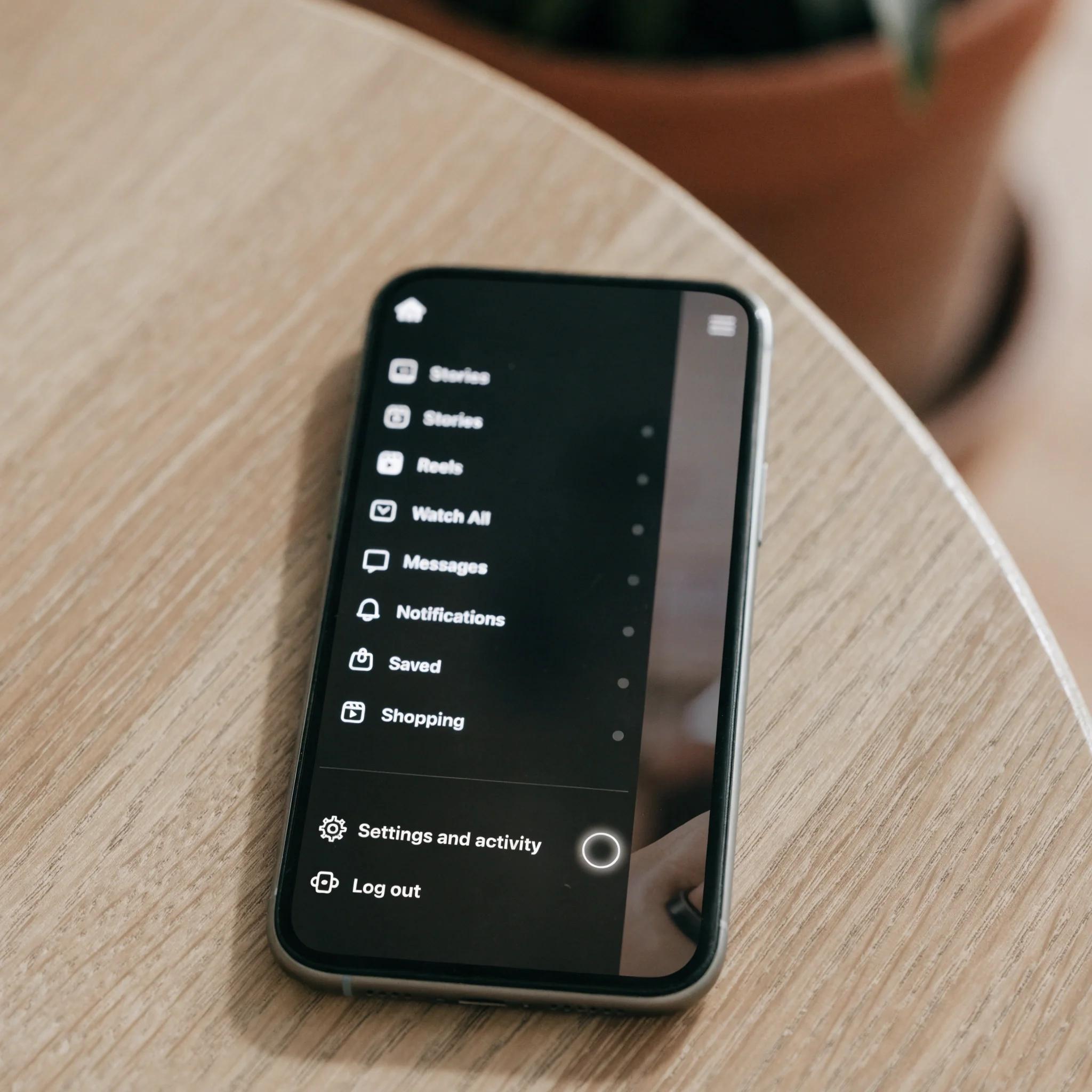 Recently deleted Under Your activity
Scroll down to the Your activity section, then tap Recently deleted. This folder holds posts, reels, IGTV and archived stories for 30 days; active stories only 24 hours. If the menu item is missing, your app needs an update — it rolled out globally in mid-2022.
-
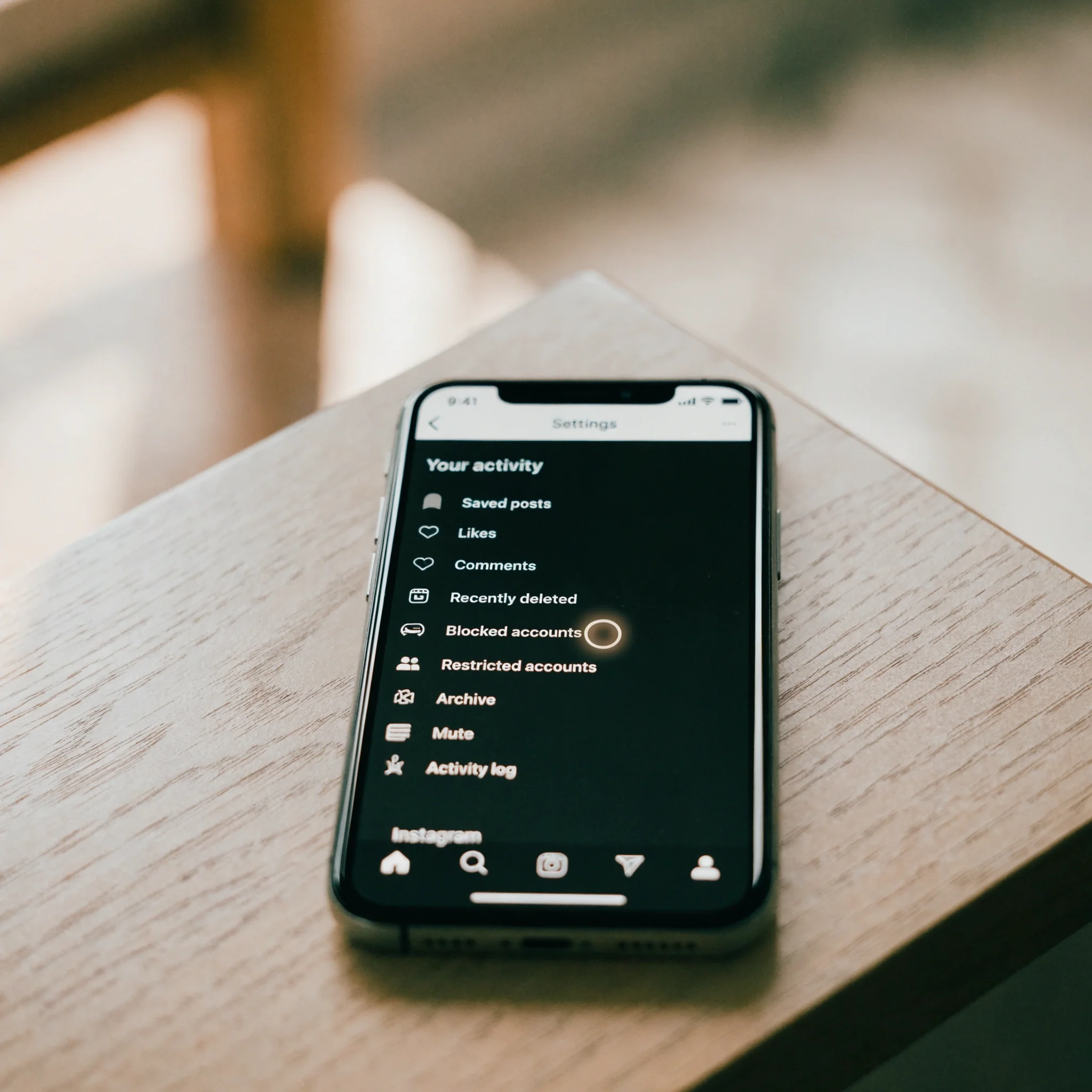 Pick an item Posts, reels, stories
You'll see a grid of every deleted item with a countdown timer overlay showing how many days are left before permanent deletion. Tap any item to open its detail view. Reels, posts, and stories mix in chronological order of deletion — filter by tapping the type dropdown at the top.
-
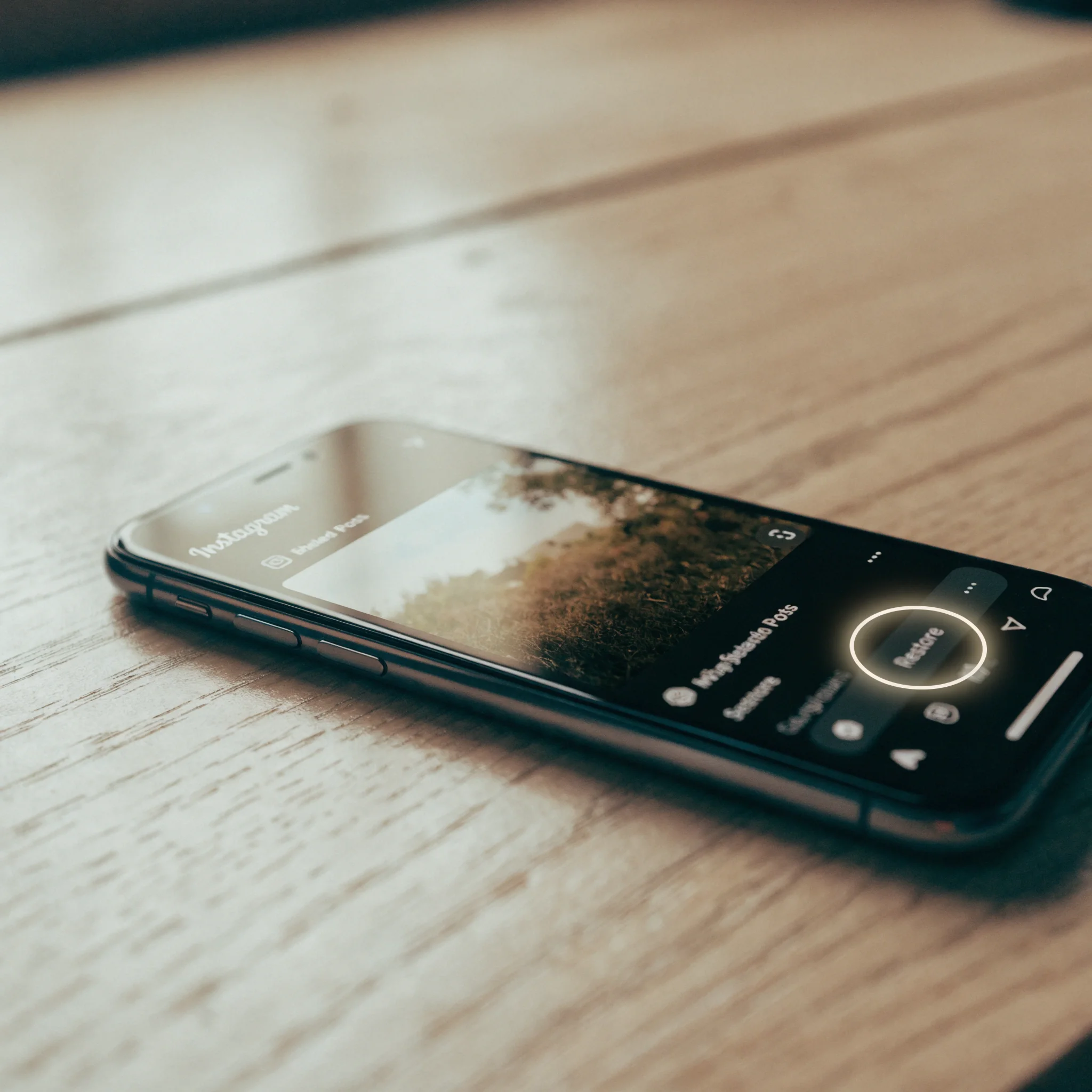
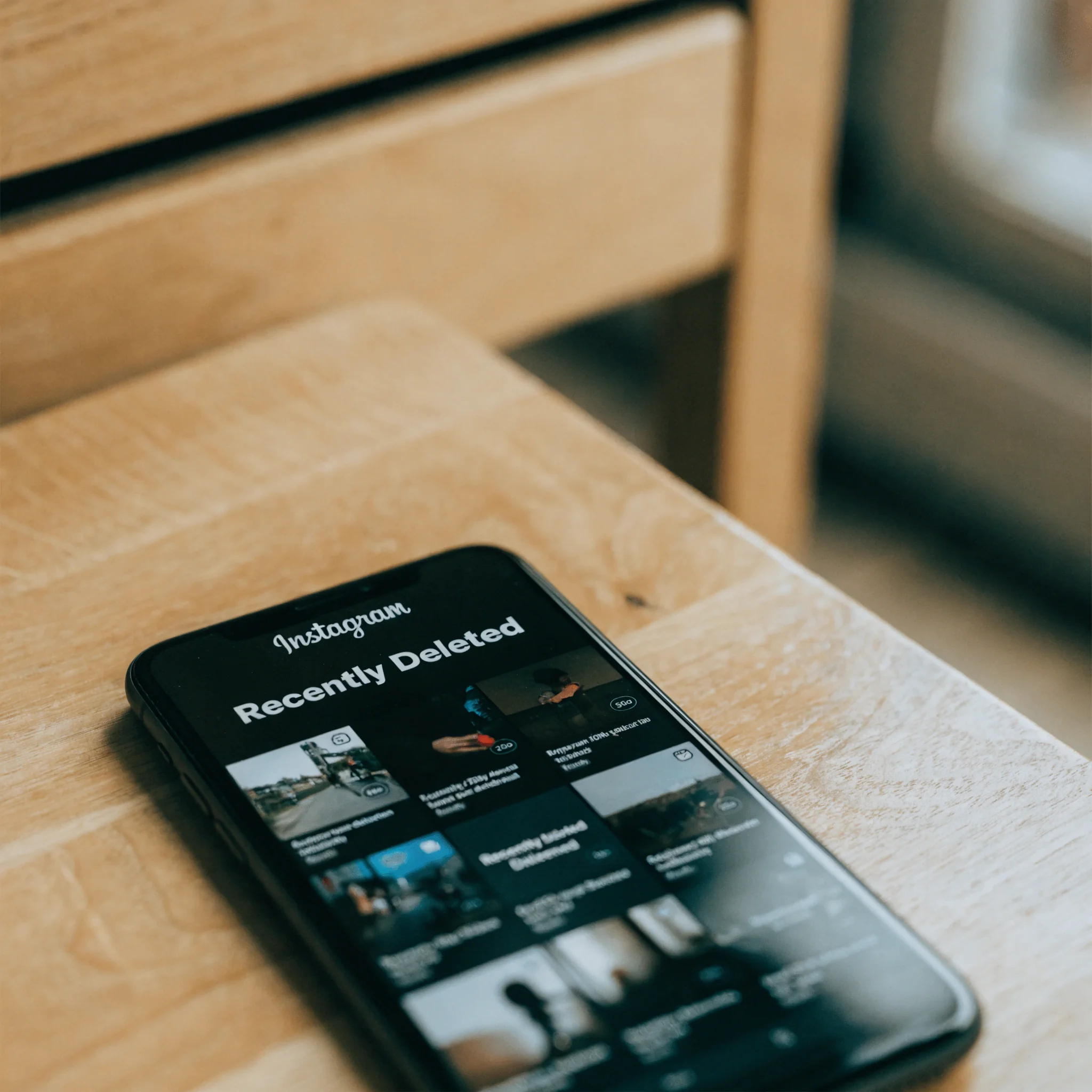 Tap Restore Bottom toolbar
On the item's detail view, tap Restore in the bottom toolbar. The post returns to your profile in its original position with its original timestamp — likes, comments, and saves are all preserved. If you wanted to download a copy instead, tap the three-dot menu first.
-
 Confirm Face ID / 2FA
Instagram asks for biometric (Face ID / fingerprint) or 2FA confirmation for restoration on most accounts. Restored items reappear instantly on your profile and in your followers' feeds. After 30 days items disappear from this folder permanently — even Meta's data team cannot bring them back.
Restored posts return to your profile in their original position with the original timestamp. After 30 days, they are gone permanently.
30 days for posts, reels, and IGTV. Active stories get only 24 hours. Live videos — only if you saved the replay before ending the broadcast.
What About Stories, IGTV, Lives, and Highlights?
Different content types follow different timers in Recently Deleted. The grid below sums up each rule.
Active stories (still in your 24-hour tray) sit in Recently Deleted for only 24 hours. Stories already added to Highlights or your archive get the full 30-day window. Restored stories go to your archive, not the live tray.
IGTV videos behave like posts and use the same 30-day window in Recently Deleted. Restoration is identical — find the item, tap Restore, confirm. No special handling needed for long-form video.
Only if you saved the replay before ending the broadcast. Instagram does not buffer live streams server-side, so once a live ends without a saved replay, there is nothing to recover.
Highlights are pointers to existing stories, not separate content. Removing a highlight cover does not delete the underlying story — check your story archive, the source story may still be there.
If your post is missing from Recently Deleted, it is past the window, or it is a Direct Message — DMs never appear there.
Why Don’t Direct Messages Appear in Recently Deleted?
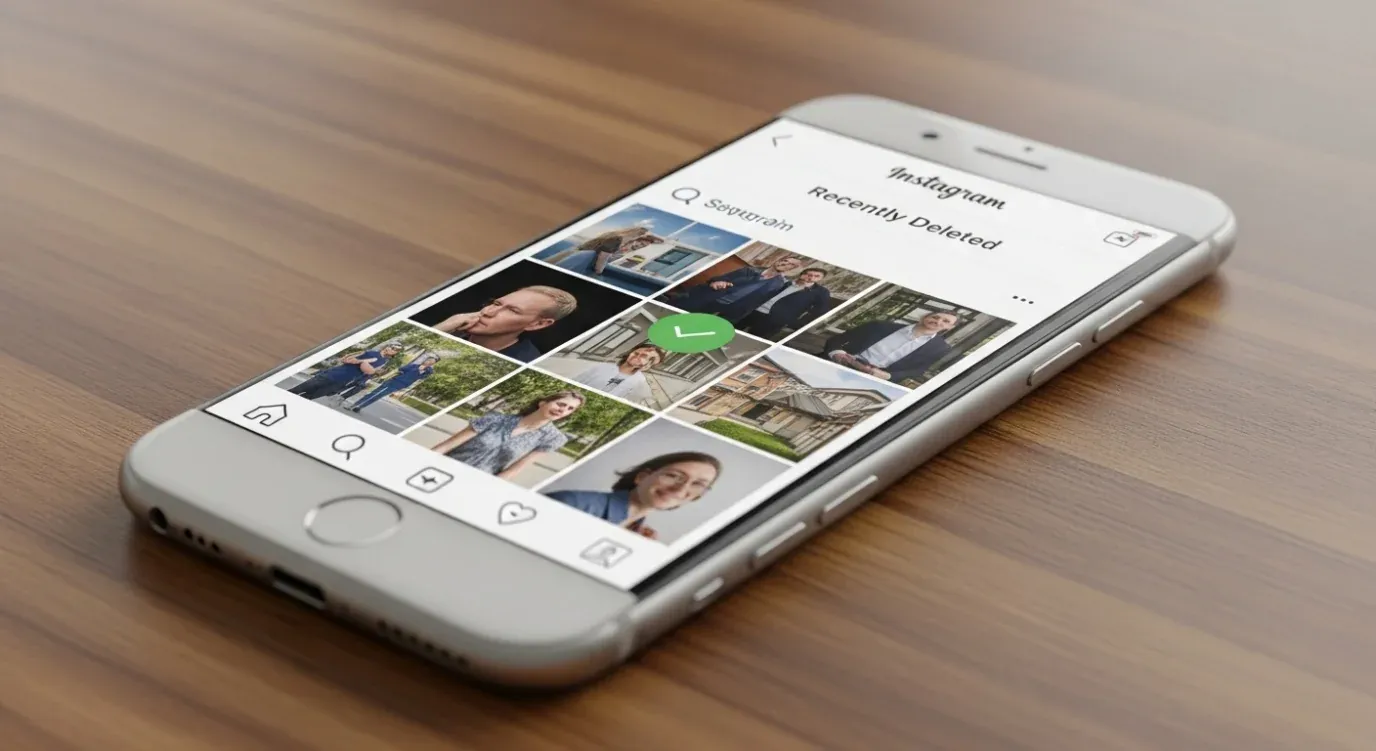
DMs are not stored in Recently Deleted. Recovery requires indirect methods outside Instagram.
Instagram does not store deleted DMs anywhere a user can reach them. Meta classifies direct messages as ephemeral 1:1 communication with no platform-side undo, per Meta’s DM and vanish-mode documentation. The two delete buttons in DM threads look similar but behave very differently.
Meta’s choice to make DMs ephemeral is a deliberate privacy decision, not a bug. Direct messages live between two people, and treating them like long-term recoverable storage would create real legal exposure — particularly under GDPR and the new US state privacy laws. As a parent, this means recovery has to be set up in advance, not after the fact. The 24-hour Android notification window is the most useful free fallback I’ve tested in 2026.

Removes content from both sides permanently. The recipient sees a "[Your name] unsent a message" placeholder, so the fact of the unsend is visible even though the content is gone. Used for genuine mistakes.
Removes only your copy. The recipient still sees the original message and the thread on their side. Useful for cleanup, but offers no real privacy — the other half of the conversation is intact.
Vanish mode is more final still: messages disappear when either person closes the chat, and Instagram does not retain content after delivery. One caveat — vanish mode is not end-to-end encrypted, so messages transit Meta’s servers and Meta may keep transit logs or metadata for security and legal reasons. None of this is user-accessible.
What 4 Alternatives Work for Deleted Instagram DMs?
Four indirect routes — data archive, notification log, phone backup, ask the recipient. Each has clear limits, none is a sure thing.
Four indirect methods can sometimes recover deleted DMs: Instagram data download, Android notification history, a pre-deletion phone backup, and asking the recipient. Each has clear limits.
Method 1 — Request Your Instagram Data Download
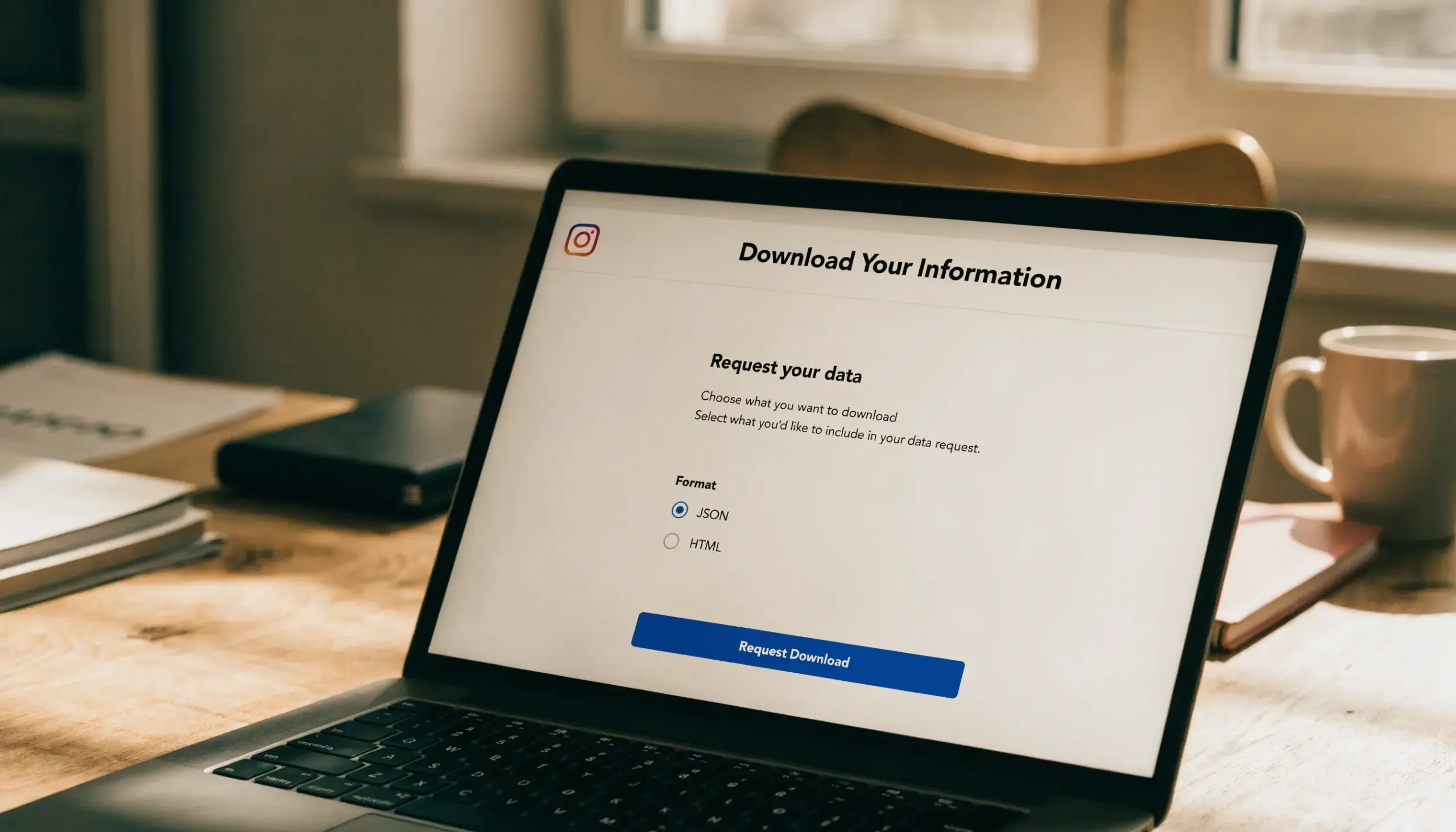
Instagram’s data archive download — JSON or HTML ZIP, delivered by email.
Instagram lets you download an archive of your account. The archive includes your message history up to the moment you submit the request.
Path: Settings and activity → Privacy and security → Download your information. Pick JSON or HTML format and submit. Inside the ZIP, look in the messages folder for each conversation.
Archive turnaround: 48 hours typical, up to 30 days for large accounts. Format: JSON or HTML ZIP.
Official policy: the archive contains only messages still active on your account at request time. Deleted and unsent DMs should not appear.
In practice, some recently deleted DMs (typically deleted in the last 30 to 90 days) can still surface. Meta retains short-term backup logs on its servers — that’s where they come from.
This is not guaranteed, varies by account, and is not officially supported by Meta. Treat it as a “worth trying” path, not a reliable recovery method.
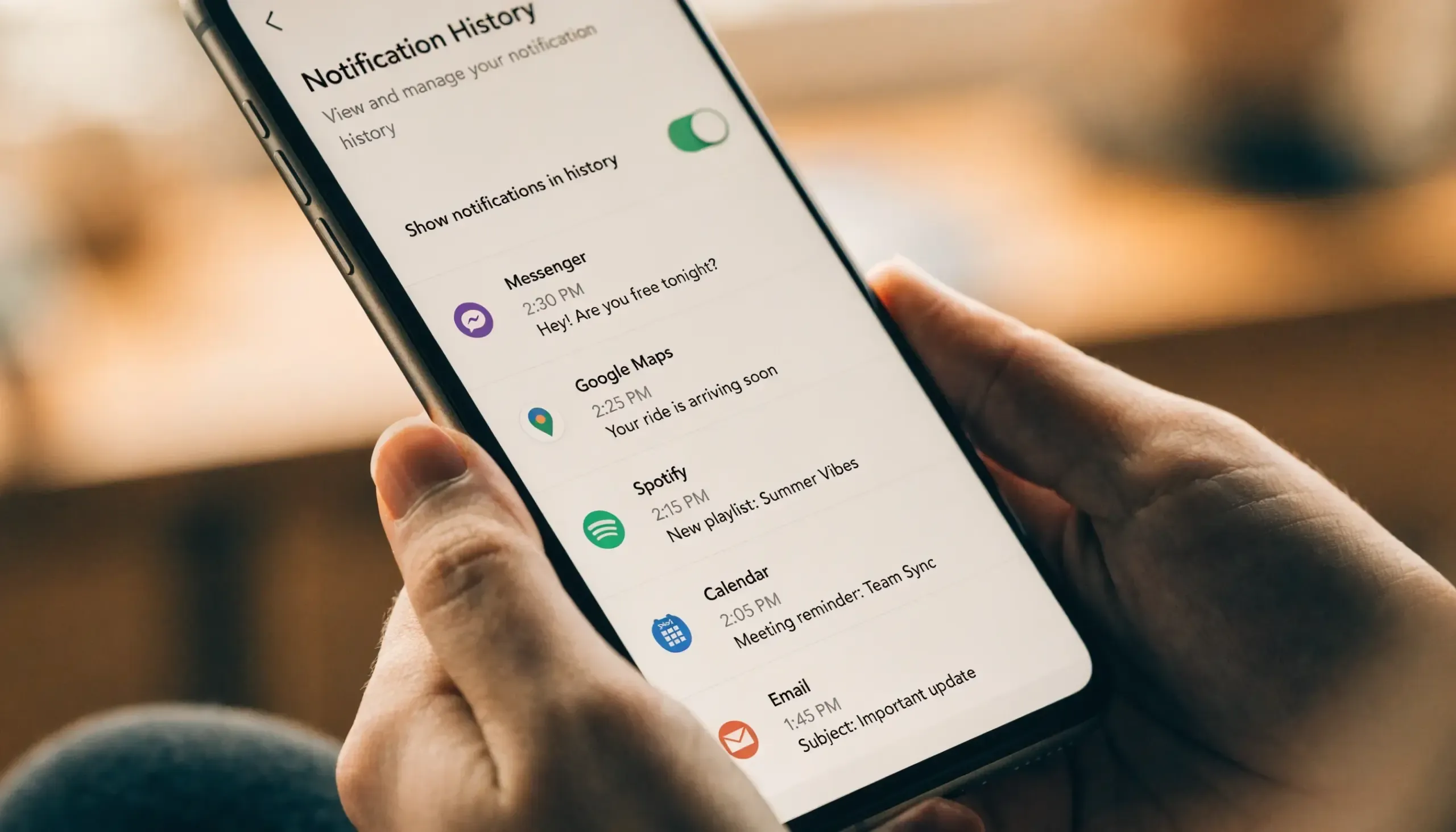
Method 2 — Check Android Notification History
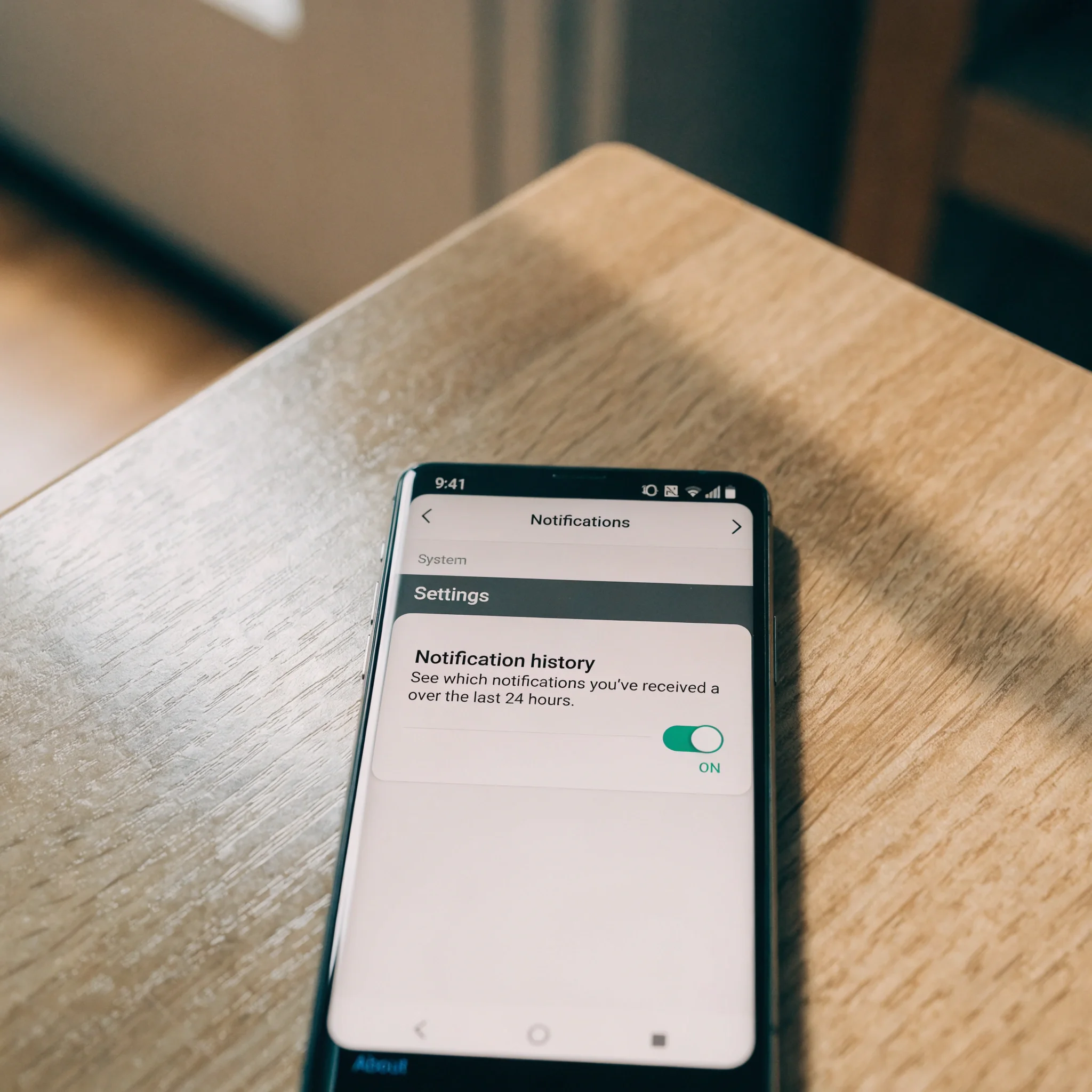
Android Notification History captures the last 24 hours of incoming notifications — including DM previews that were later deleted.
Android stores recent notifications in a system log you can browse.
On Android 11 or later: Settings → Notifications → Notification history → toggle on (you may need to enable it once). The feature is part of AOSP’s notification stack.
Default retention: 24 hours. Captures: incoming notifications only. iOS: no equivalent feature exists.
The log shows previews of received messages from the last 24 hours — including Instagram DMs that were later deleted.
iPhone users do not have an equivalent. Apple does not expose a user-facing notification log API.
Full Instagram DM monitoring on iOS is effectively impossible without violating Apple’s terms of service or jailbreaking the device — neither of which we recommend. Both create real security and warranty risks. The method also only captures incoming messages (not outgoing or muted threads).
Method 3 — Restore from a Phone Backup
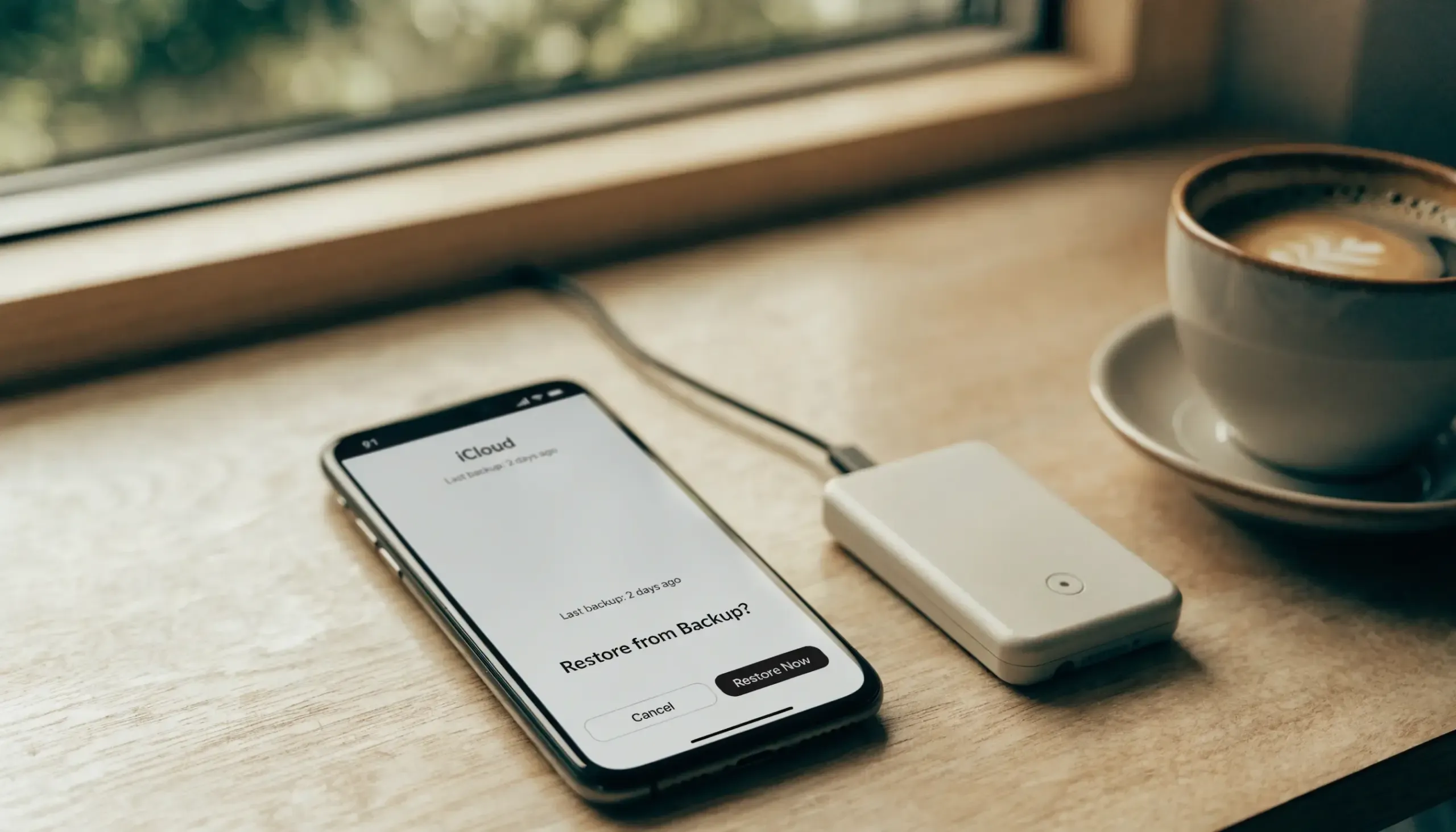
iCloud or Google Drive backup restore — rolls the entire device back to that backup state.
If you took an iCloud or Google Drive backup before the deletion, you can restore the entire phone to that state. The Instagram app data restores along with it.
Restoring a backup rolls back everything on the phone — apps, photos, contacts, anything created or changed since the backup. Use only if the lost DM is genuinely critical.
This works only if you have a recent enough backup. Most people set up automatic nightly backups but forget about them.
Check your backup date: Settings → Apple ID → iCloud Backup (iOS) or Settings → Google → Backup (Android).
Method 4 — Ask the Recipient
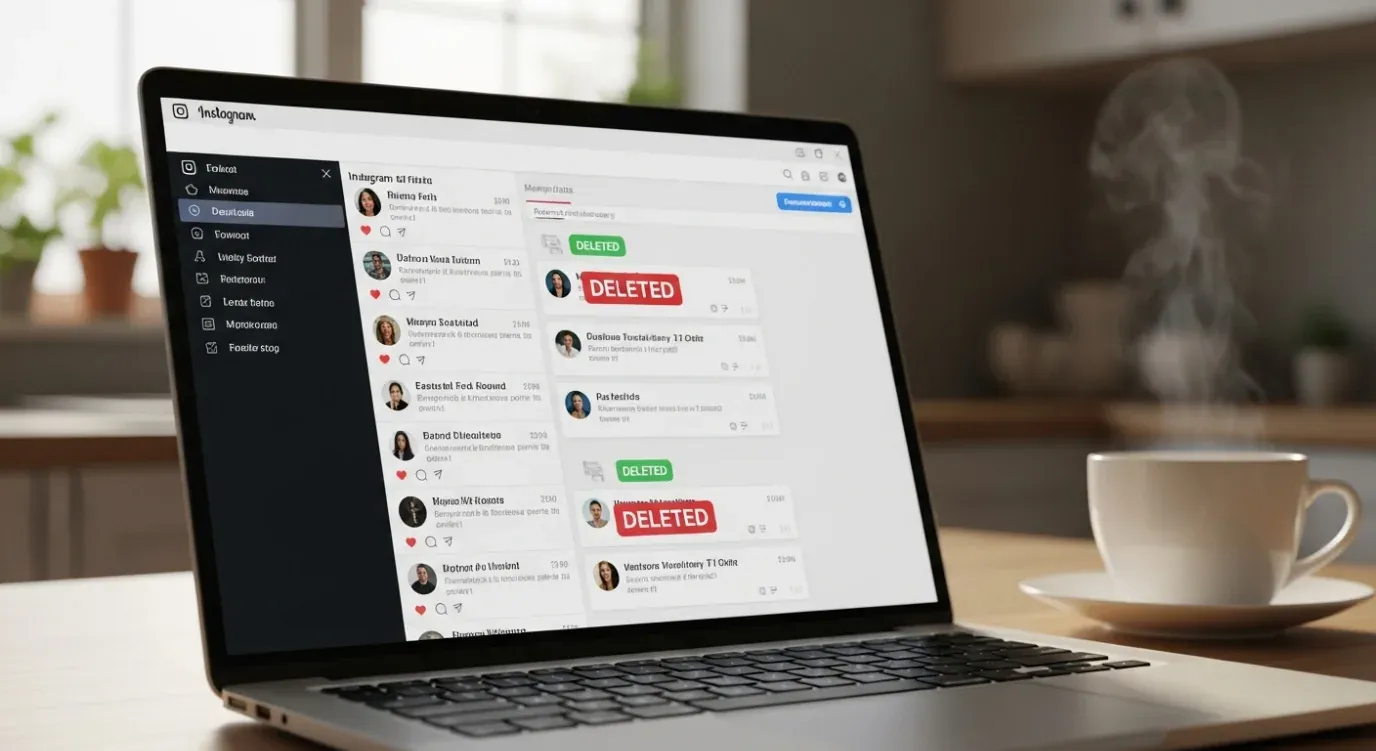
The other person has their own copy of every message — usually the fastest recovery path.
The other side of the conversation has their own copy of every message you sent.
Exceptions: Unsend (permanently removes from both sides) and Vanish mode (no retention anywhere).
Fastest recovery is often a simple message: “I accidentally deleted our chat — can you screenshot the part about [topic]?” Works in minutes, not days.
For sensitive topics this is awkward, but it’s also the only method that works after vanish mode.
If the recipient is a child you supervise, the parental tools in the next section solve this without conversation.
If none of these four methods fit your case — and especially if you are a parent worried about messages your child deletes intentionally — the next section is for you. For broader monitoring beyond Instagram, our guide on monitoring text messages on phones generally covers SMS, WhatsApp, and other chat apps too.
How Can Parents Monitor a Child’s Deleted Instagram Messages?
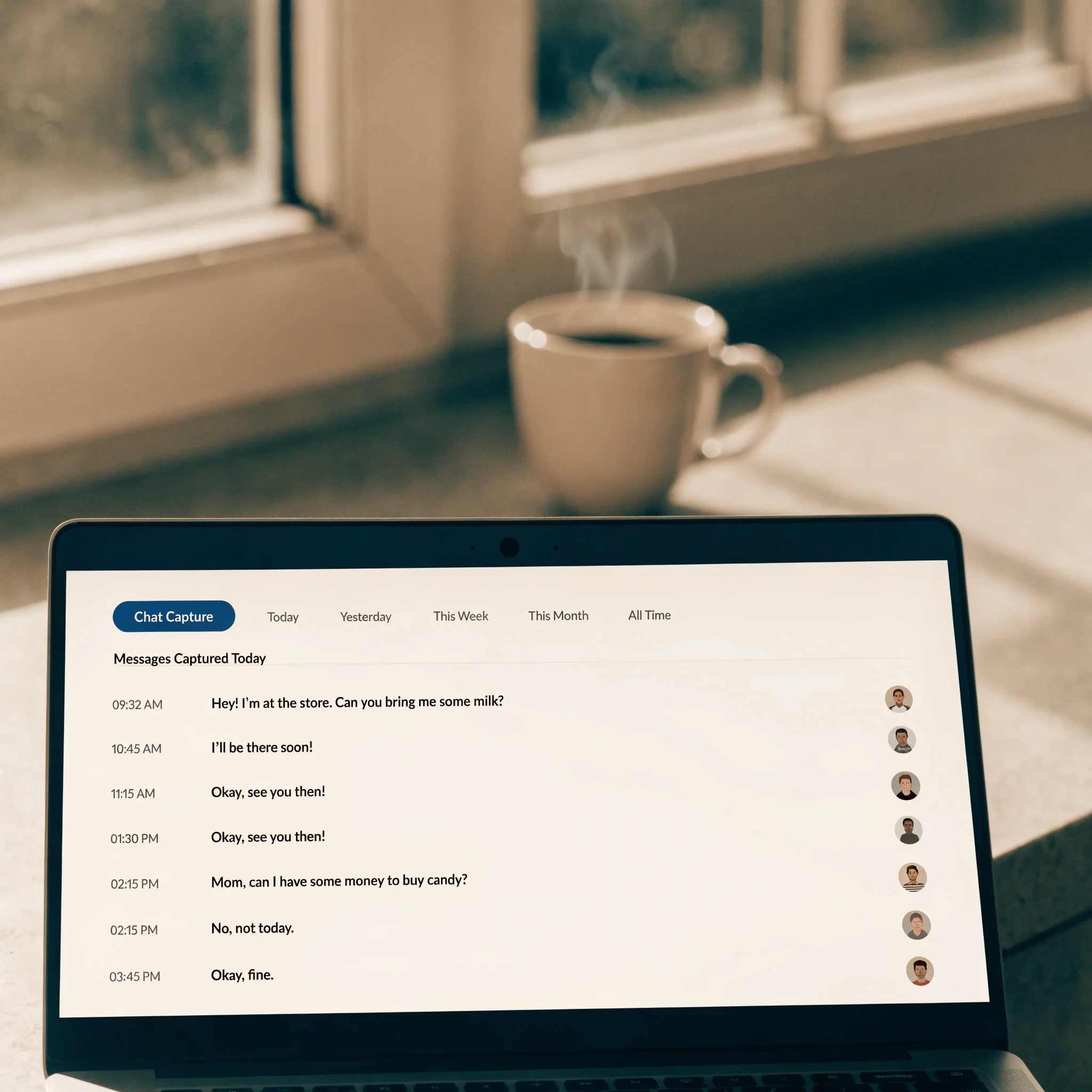
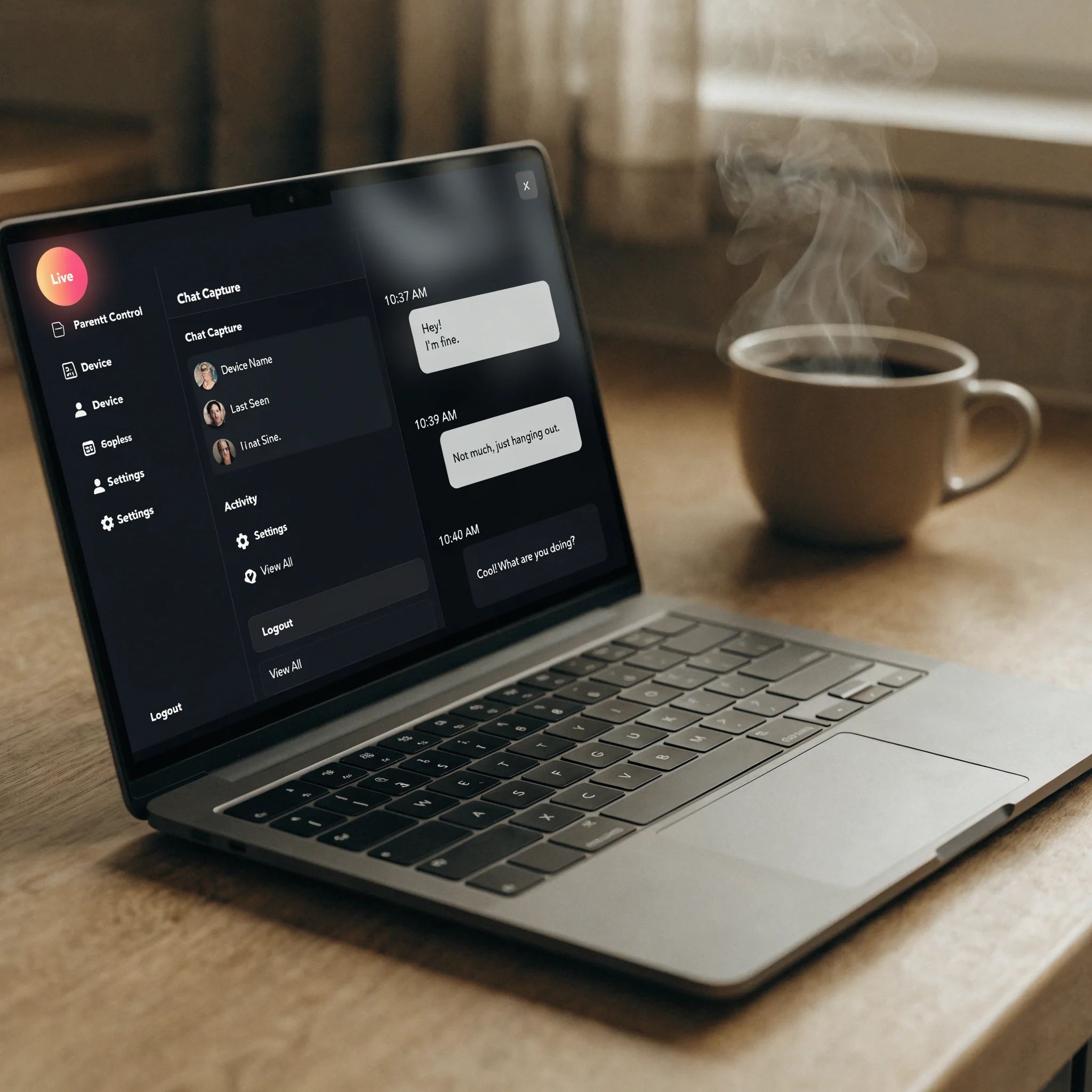
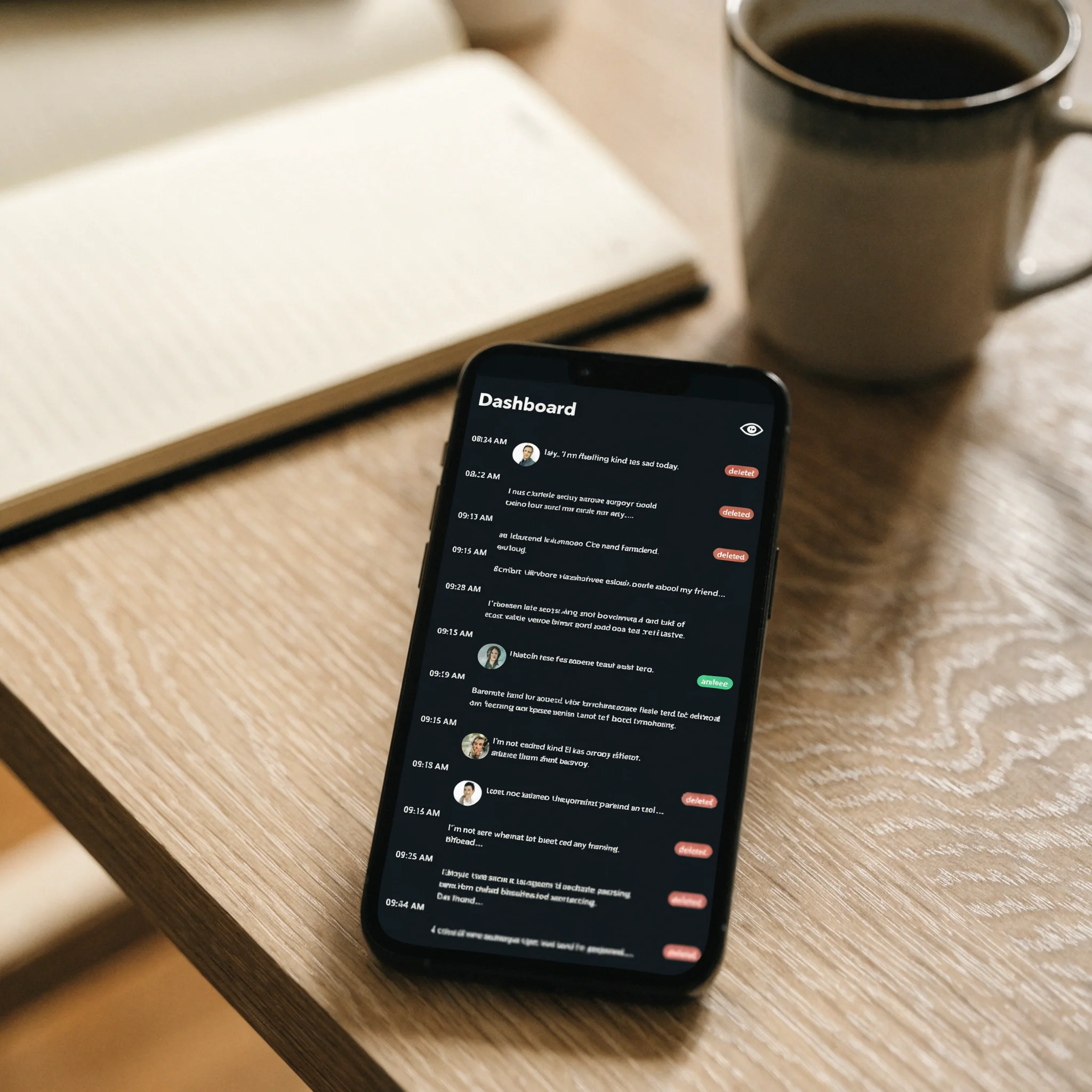
A parent dashboard showing captured Instagram messages — those later deleted by the child remain visible because they were logged at delivery.
Install a parental control app on the child’s Android device, with their knowledge. It captures Instagram messages at delivery, before deletion is possible, and stores them in a parent dashboard.
Legal note: parental monitoring of your own minor child is legal. Monitoring adults — spouses, partners, employees — without explicit consent is not.
The two key references for “what’s ethical here” are the American Academy of Pediatrics guidance on family media use, and the Coalition Against Stalkerware position on consensual monitoring. Both lean toward transparency over secrecy.
What Are Instagram’s Built-In Parental Controls?
Instagram launched supervised accounts in March 2022 through its Family Center. The parent links to a teen’s account with the teen’s approval and gets visibility into time spent, follower changes, and DM restrictions — but not message content. For content visibility you need a third-party app. Our complete child online safety guide covers the wider context.
Which Parental Control Apps Capture Deleted Messages?
Three apps are commonly used for this. They differ in platform support, capture depth, and price. Comparison data below is from each vendor’s product page as of April 2026.
| App | Platform | What it captures from Instagram | Price |
|---|---|---|---|
| Hoverwatch | Android, Windows, macOS | Full DMs, posts, reels, stories — at delivery, before deletion | From $9.99/device/month (Pro, 5 devices) · 3-day free trial, no card |
| Bark | iOS + Android | AI alerts on cyberbullying, predators, self-harm, sexual content. No full message logs. | $14/month · 7-day trial |
| Qustodio | iOS + Android (DM snippets on Android only) | DM snippets on Android (Instagram, WhatsApp, Snapchat, TikTok, X, LINE); screen time on both. | $59.95/year Basic · 30-day trial |
The three apps reflect different philosophies, not different quality levels. Match the tool to the specific worry, not the maximum visibility.
The carousel below maps each app to a real household situation — pick by what fits, not by what has the most features.
When to Pick Hoverwatch, Bark, or Qustodio
-
 Hoverwatch — full record Android · maximum visibility
Pick Hoverwatch if your child uses Android and you want a complete record of every DM. Hoverwatch logs everything at delivery, so even messages your child later deletes stay visible in your dashboard. Best when something concrete has gone wrong and you need a complete record for a difficult conversation.
-
 Bark — privacy-respecting alerts iOS + Android · alert-based
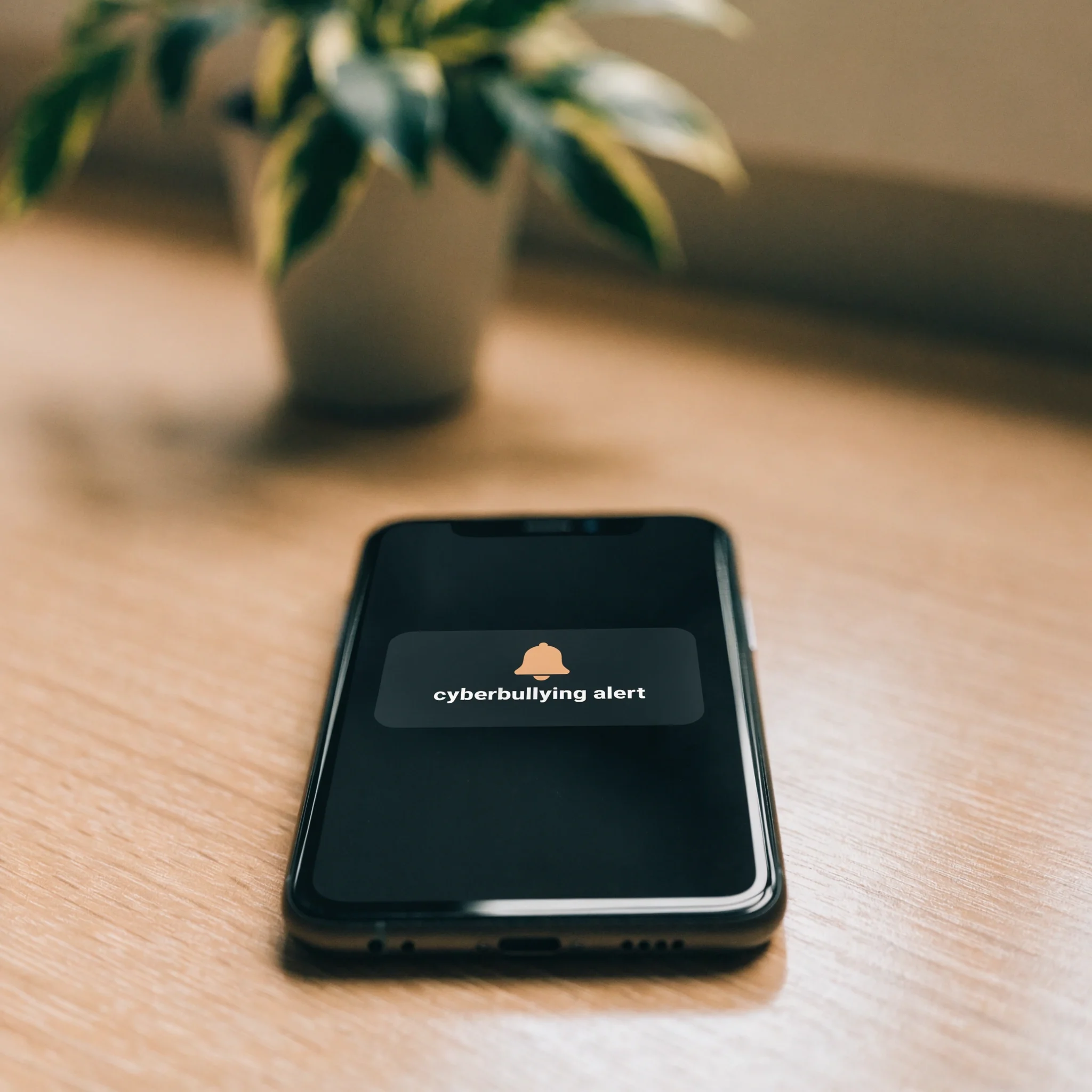
Pick Bark for a mixed iOS / Android household where you want alerts on real risks (cyberbullying, predators, self-harm, sexual content) without reading every conversation. Less invasive of your child's privacy, easier to sustain long-term, and what some pediatricians recommend for ongoing supervision.
-
 Qustodio — multi-app coverage iOS + Android · partial logs
Pick Qustodio if you want partial coverage across multiple chat apps (Instagram, WhatsApp, Snapchat, TikTok, X, LINE on Android) plus screen-time controls. Note: Qustodio's iOS edition does not monitor Instagram DMs at all — only Android sees DM snippets.
Do not jailbreak an iPhone to work around Apple’s monitoring restrictions. It voids the warranty, breaks security updates, and creates a worse outcome than the visibility gap it would close.
How Do You Set Up Hoverwatch for Instagram Capture?
Six steps, about five minutes total: sign up, install on the child’s Android, grant permissions, log into the dashboard, see Instagram messages, see deleted ones too. The carousel below walks each step.
How to Set Up Hoverwatch for Instagram Monitoring in 6 Steps
-
 Step 1 — Sign Up Pick a free trial without credit card
Visit hoverwatch.com and create your account. The 3-day free trial activates with no credit card required.
-
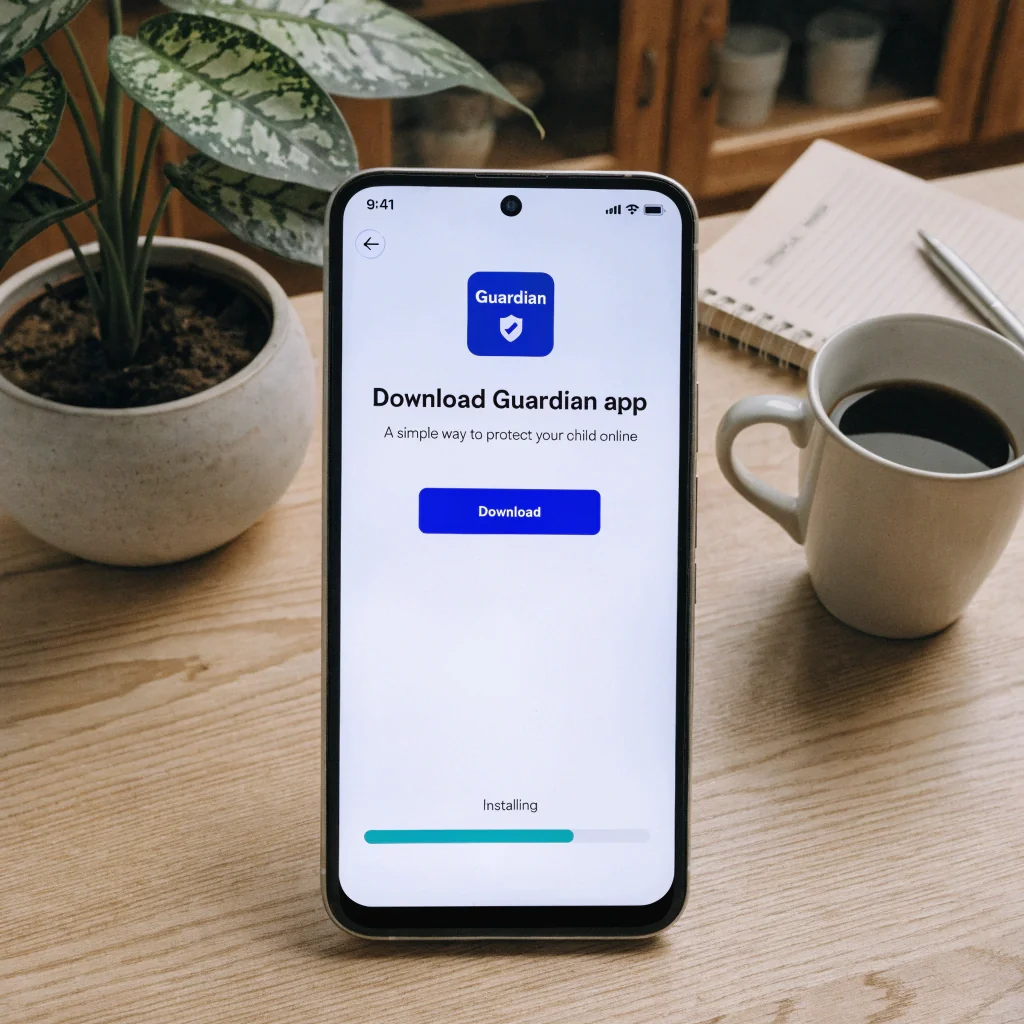 Step 2 — Install Install Hoverwatch on the childs Android device
Download the APK on the childs Android phone. Enable installation from unknown sources in security settings if prompted.
-
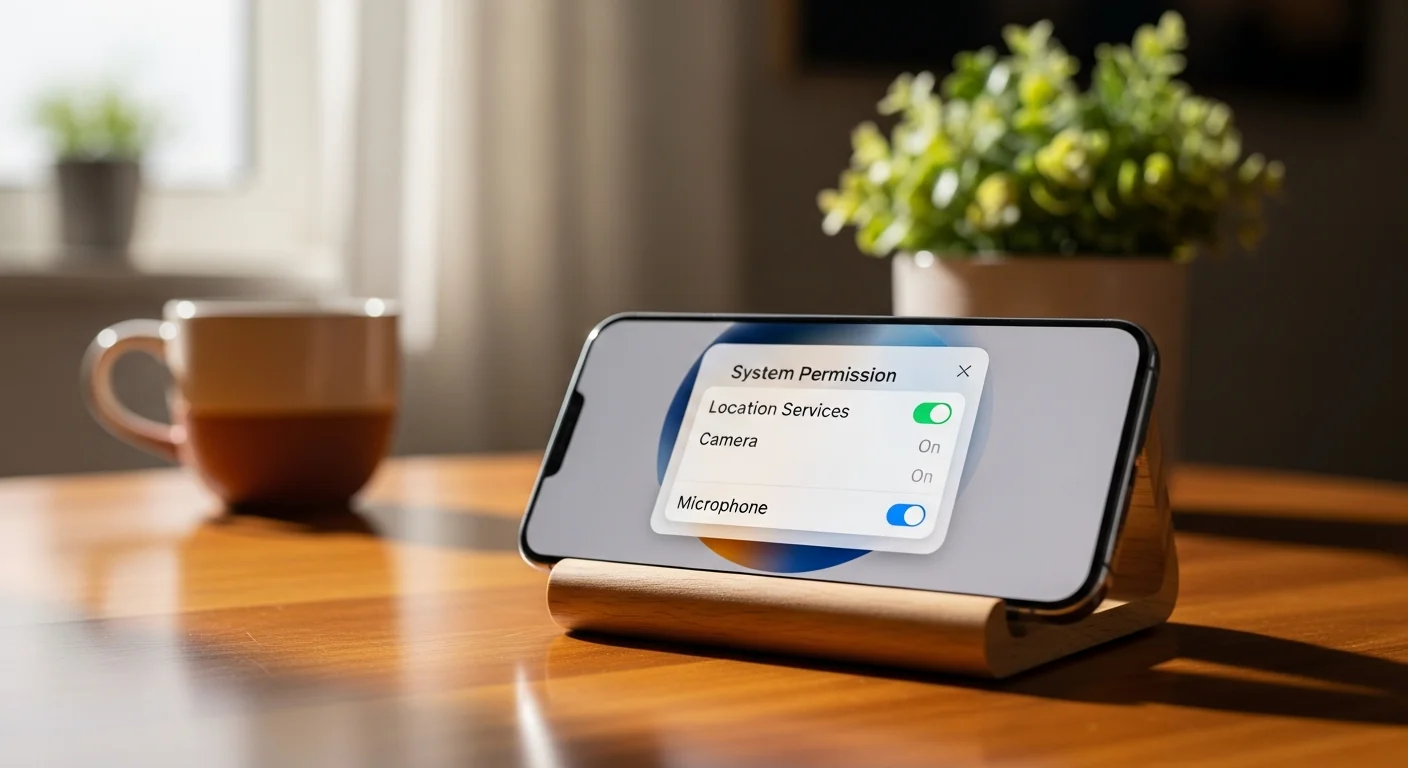 Step 3 — Grant Permissions Enable accessibility and notifications
Grant accessibility and notification permissions so Hoverwatch can capture incoming Instagram messages before they can be deleted.
-
 Step 4 — Log In Access the parent dashboard from any browser
Log into your parent dashboard from a computer, tablet, or phone. All captured data syncs to one secure place.
-
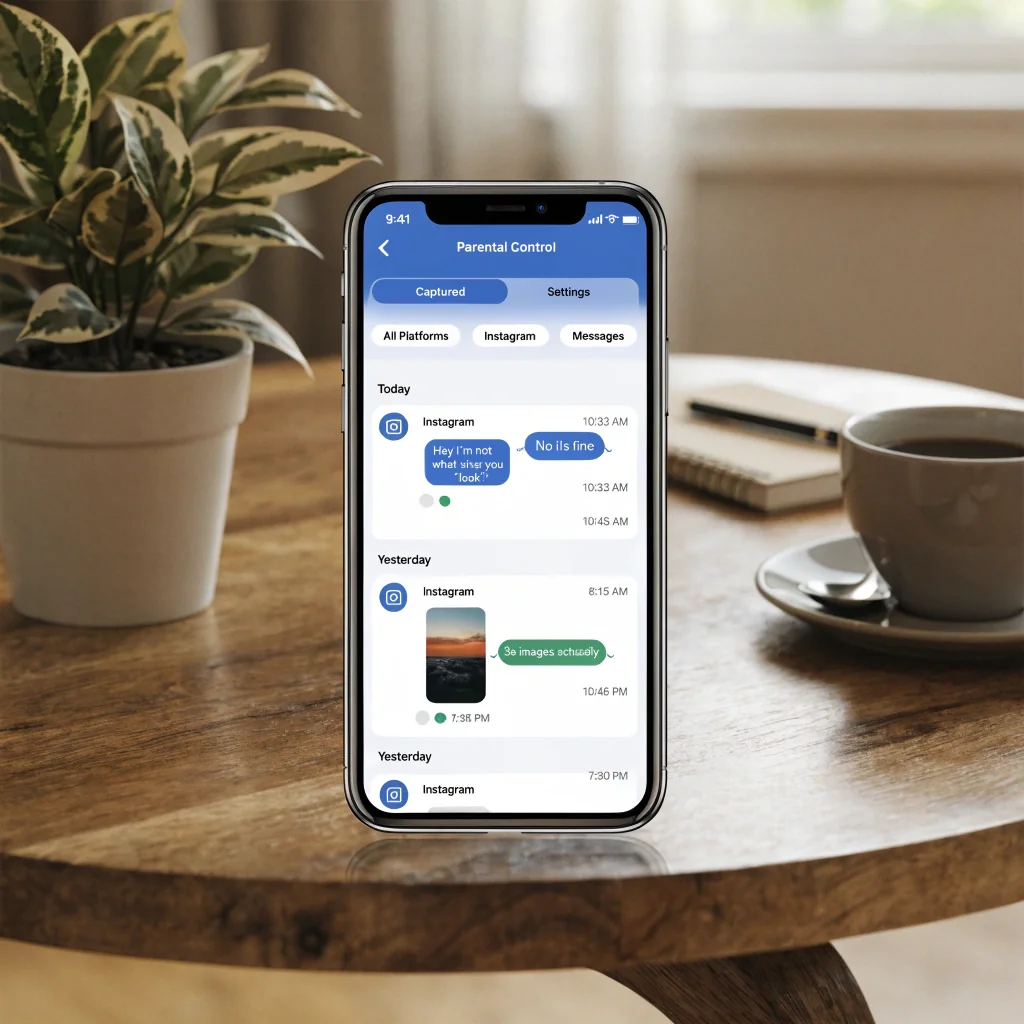 Step 5 — View Messages See captured Instagram messages with timestamps
Captured Instagram DMs appear in your dashboard with timestamps, sender info, and thread context. Refresh updates near real-time.
-
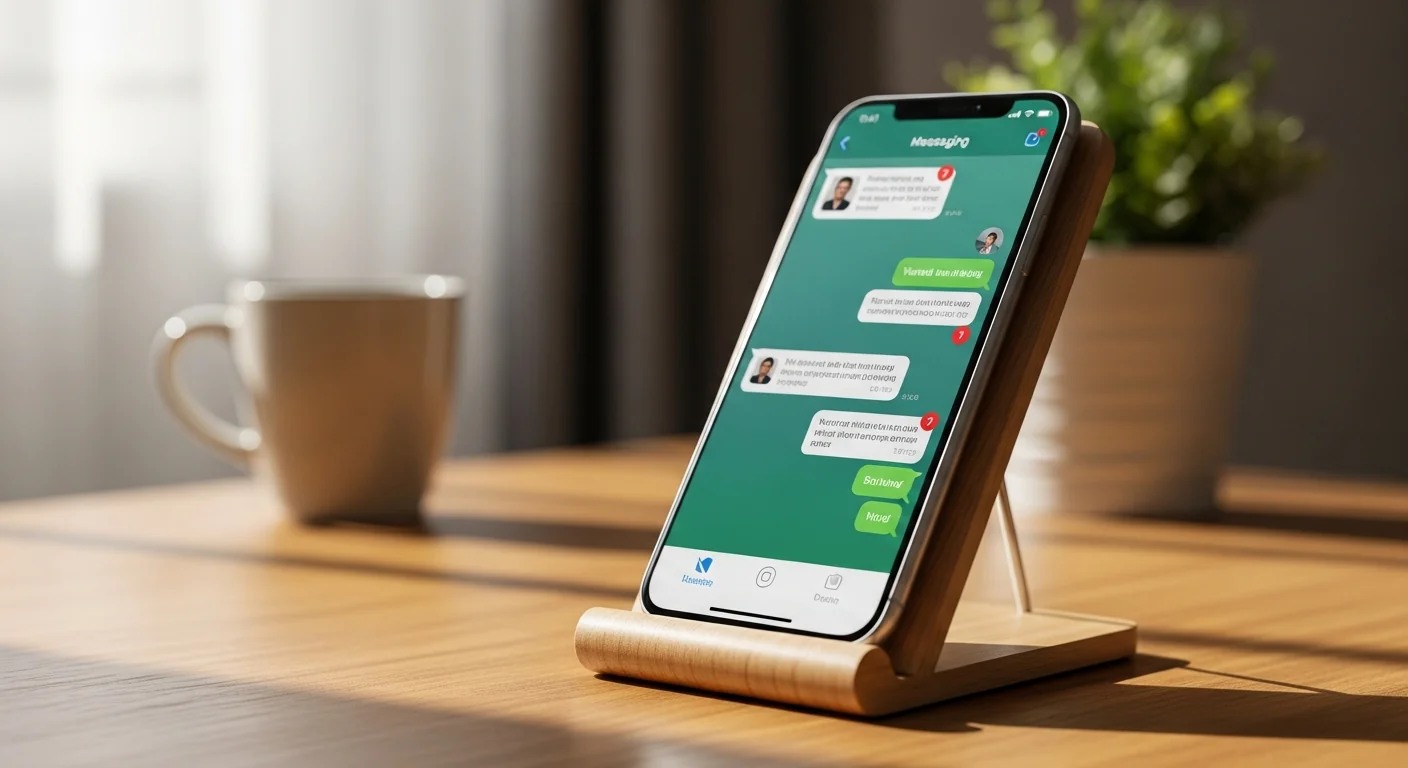 Step 6 — Deleted Stays Visible Deleted messages remain because captured at delivery
Messages deleted by the child after delivery remain visible in the dashboard, marked with a deletion indicator and original timestamp.
After setup, the dashboard updates continuously without further action on the child’s device.
The AAP, the Coalition Against Stalkerware, and most family-therapist guidance recommend telling the child the device is monitored. Hidden surveillance damages parent-child trust over the long run.
Treat the hidden app icon as a “cannot be uninstalled in 30 seconds” feature, not as a “child never finds out” feature. Tell them up front what you will and will not look at — that conversation makes the tool useful instead of corrosive.
How Do You Future-Proof Against Lost Messages?

Recovery races against a 30-day or 24-hour clock. Continuous capture has no clock — every message logs at delivery.
Three approaches stop the recovery race before it starts: Android Notification History (free), weekly Instagram Data Downloads (free), and a parental control app for continuous capture (paid).

Free · Android 11+ only
Settings → Notifications → Notification history → toggle on. Captures incoming DMs from the last 24 hours. Not outgoing, not muted. iOS has no equivalent.
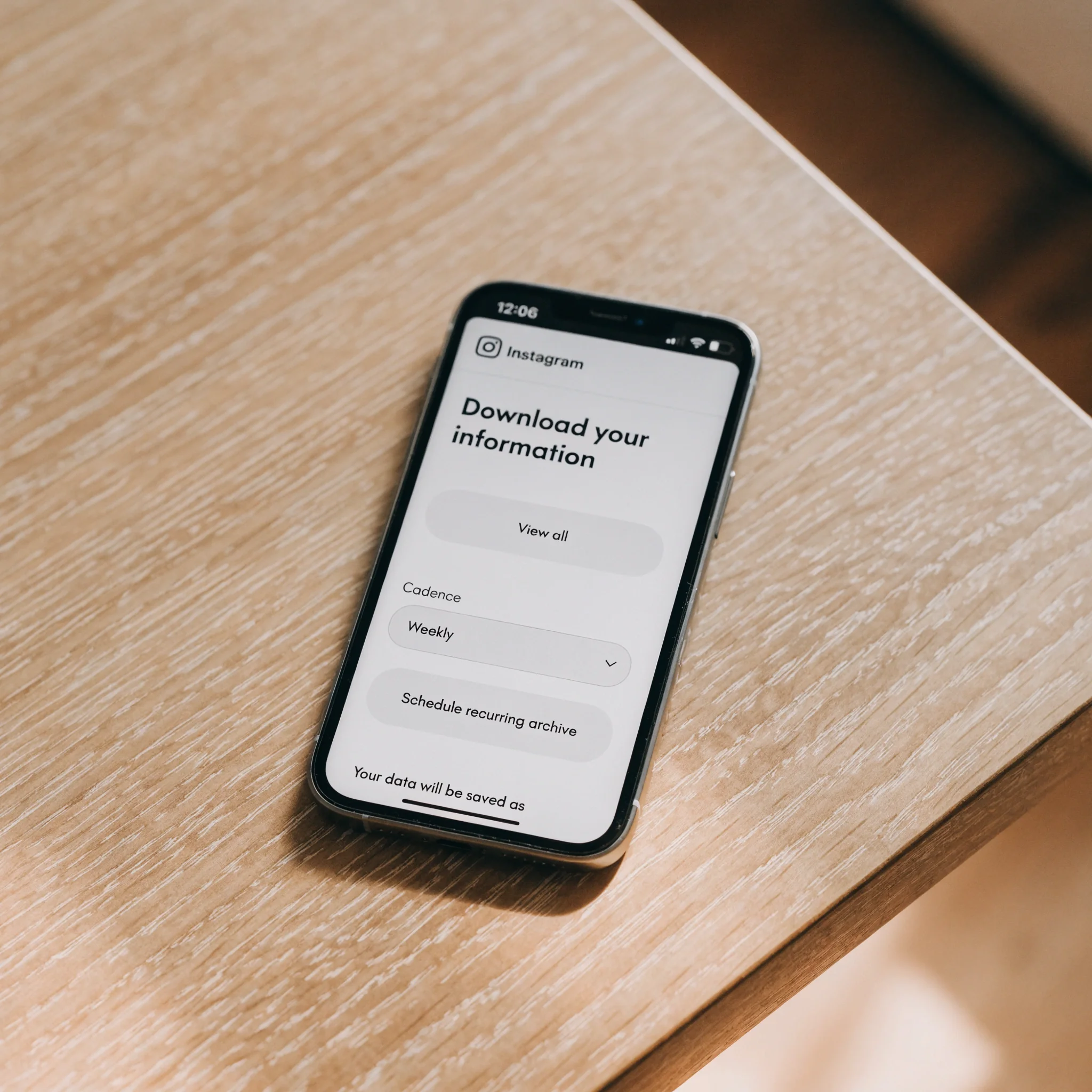
Free · weekly
Settings → Privacy → Download your information. JSON or HTML, weekly cadence. Chained, gives rolling backup of every active DM at request time.
$10–15/device/month
Hoverwatch, Bark, or Qustodio. Captures at delivery, before any deletion. Pick alert-only (Bark) for light touch, full logs (Hoverwatch) for a complete record.
Match the tool to the actual worry, not the maximum available. Snapchat has a similar deleted-messages problem with tighter constraints — see our walkthrough on retrieving deleted Snapchat messages if your child uses both.
Which “Free” Instagram Recovery Tools Should You Avoid?
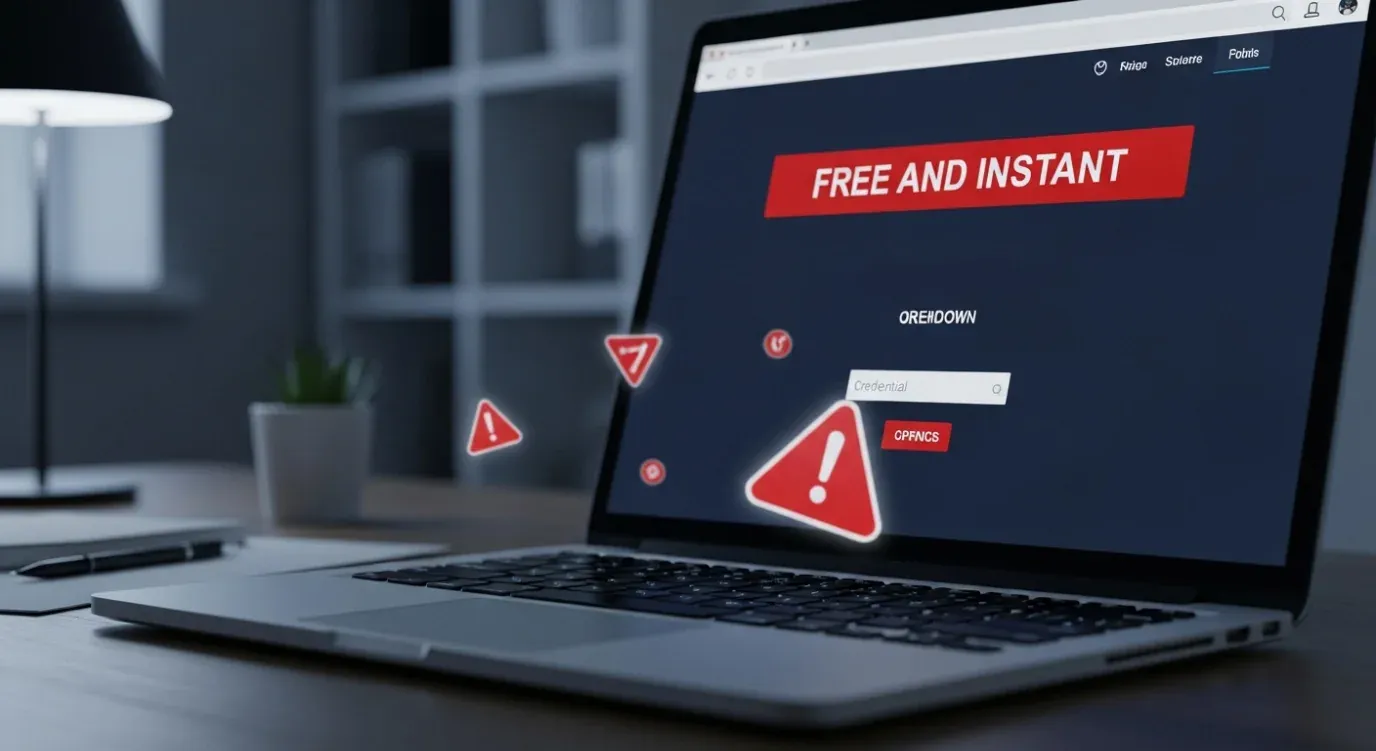
The same scam template repeats across dozens of recovery sites. Once you see the pattern, it takes seconds to spot.
Avoid all “free Instagram message viewer” tools. Every site I tested in April 2026 was either a phishing trap, a malware delivery, or did literally nothing. The carousel below collects the 5 patterns that show up on almost every scam recovery site.
5 Red Flags of Fake Instagram Recovery Sites
-
 Free + Instant + No Install Triple promise
If a landing page combines all three — "free", "instant", "no installation" — it's almost certainly a scam template.
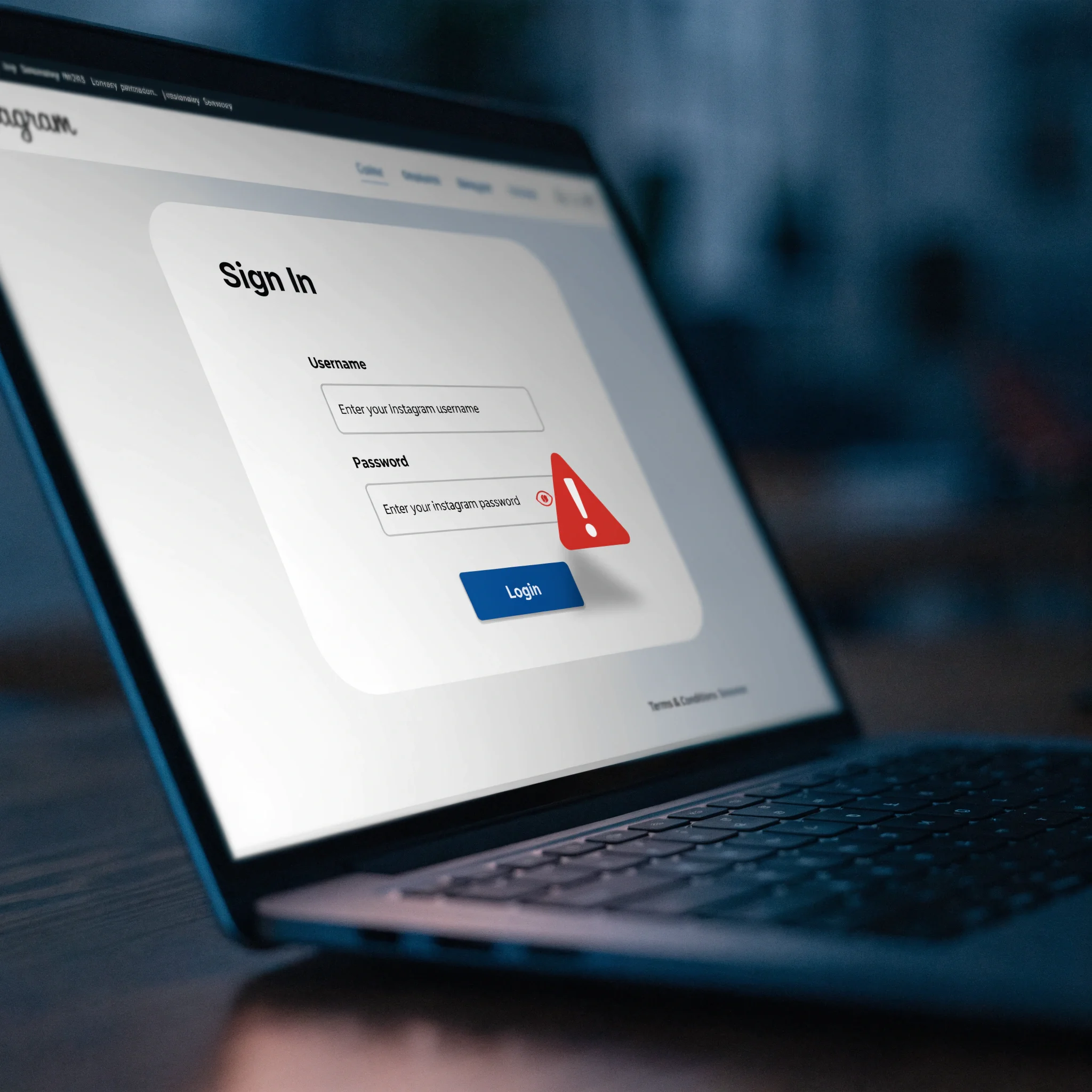
-
 Asks for your password Credential phishing
Real services never need your Instagram password. Entering it hands over your account to the scammer.
-
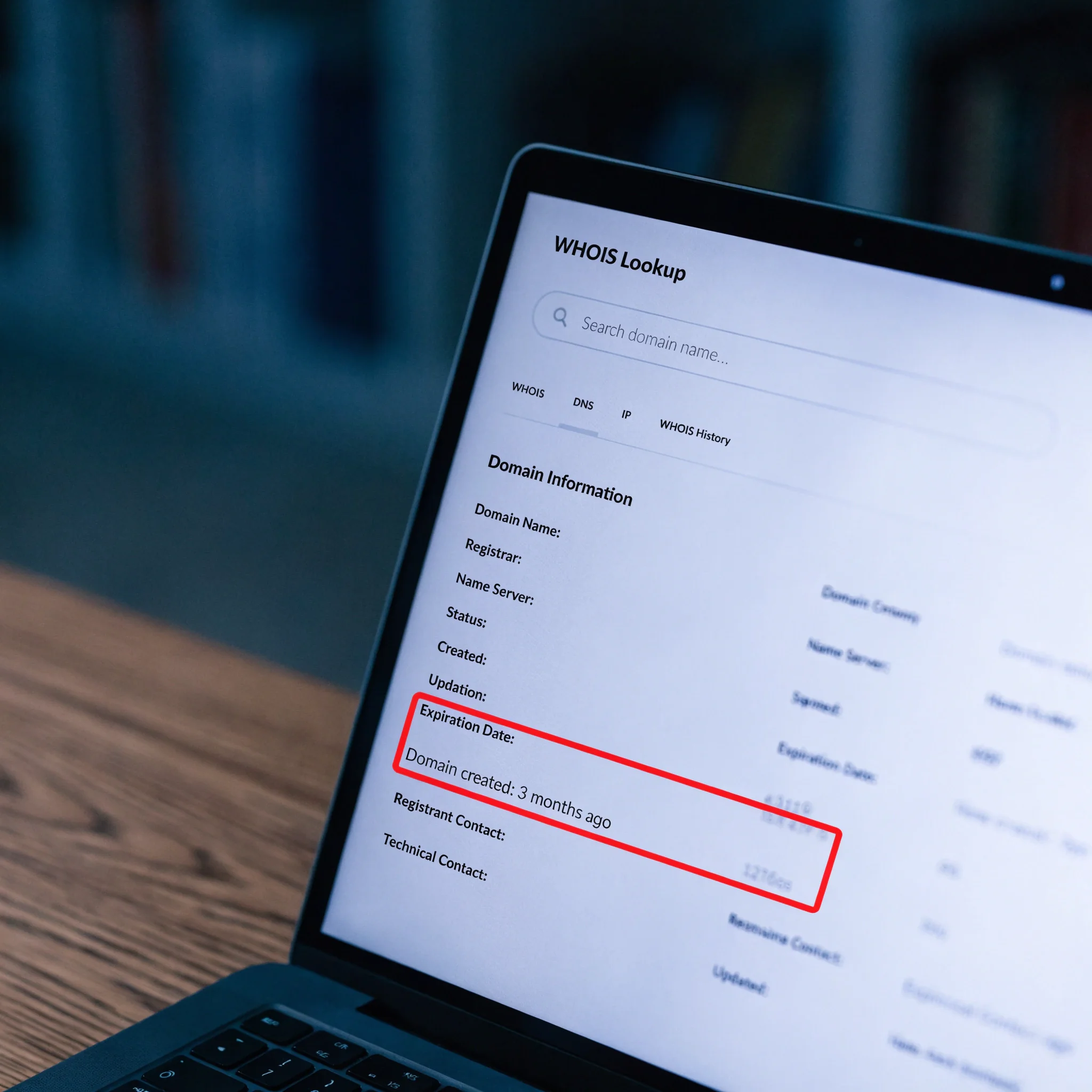
 Domain under 6 months WHOIS in 30 seconds
Run a quick WHOIS lookup — scam sites rebrand often and use freshly registered domains.
-
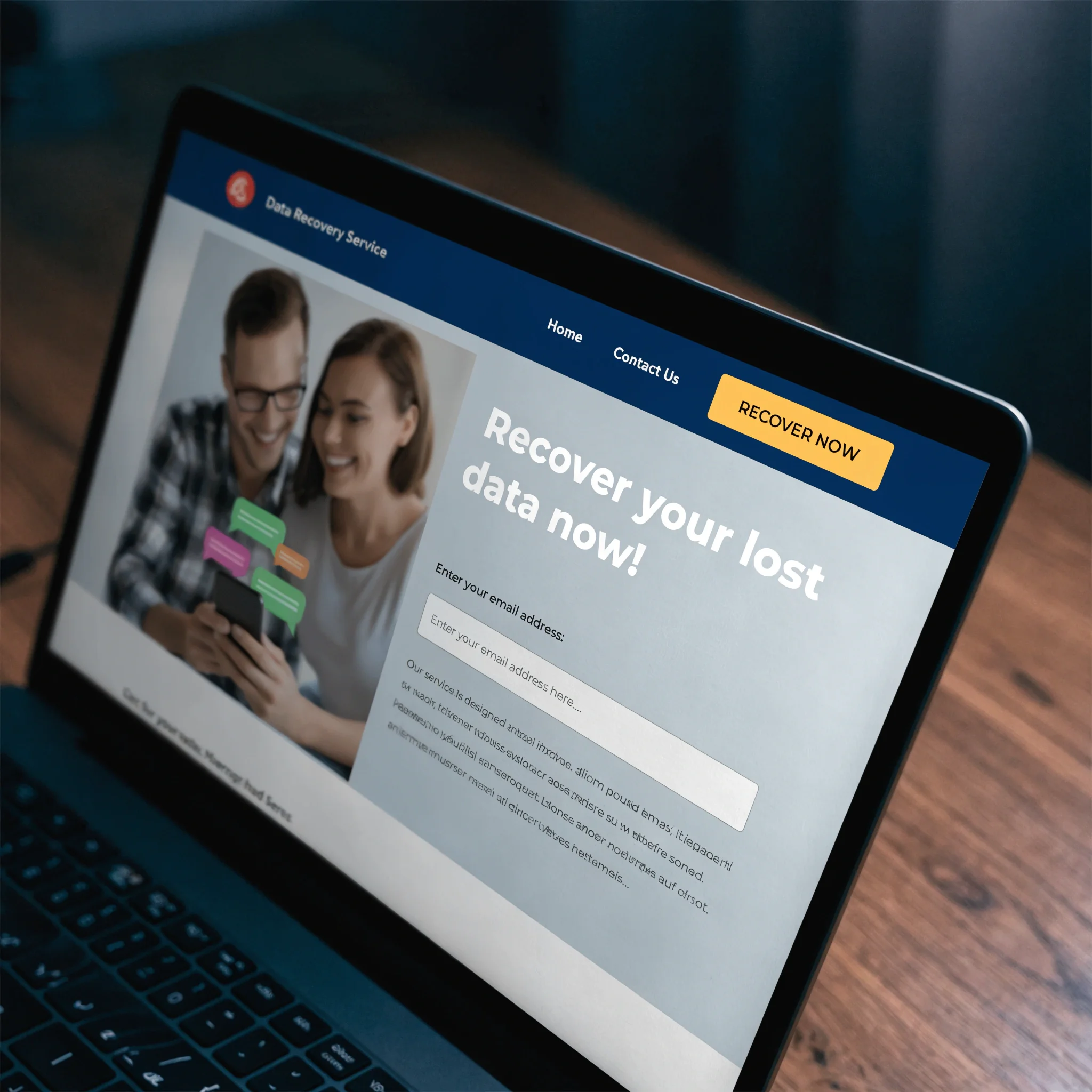
 Generic stock images Same template everywhere
"Happy parents" and "floating messages" stock photos appear across dozens of scam domains.
-
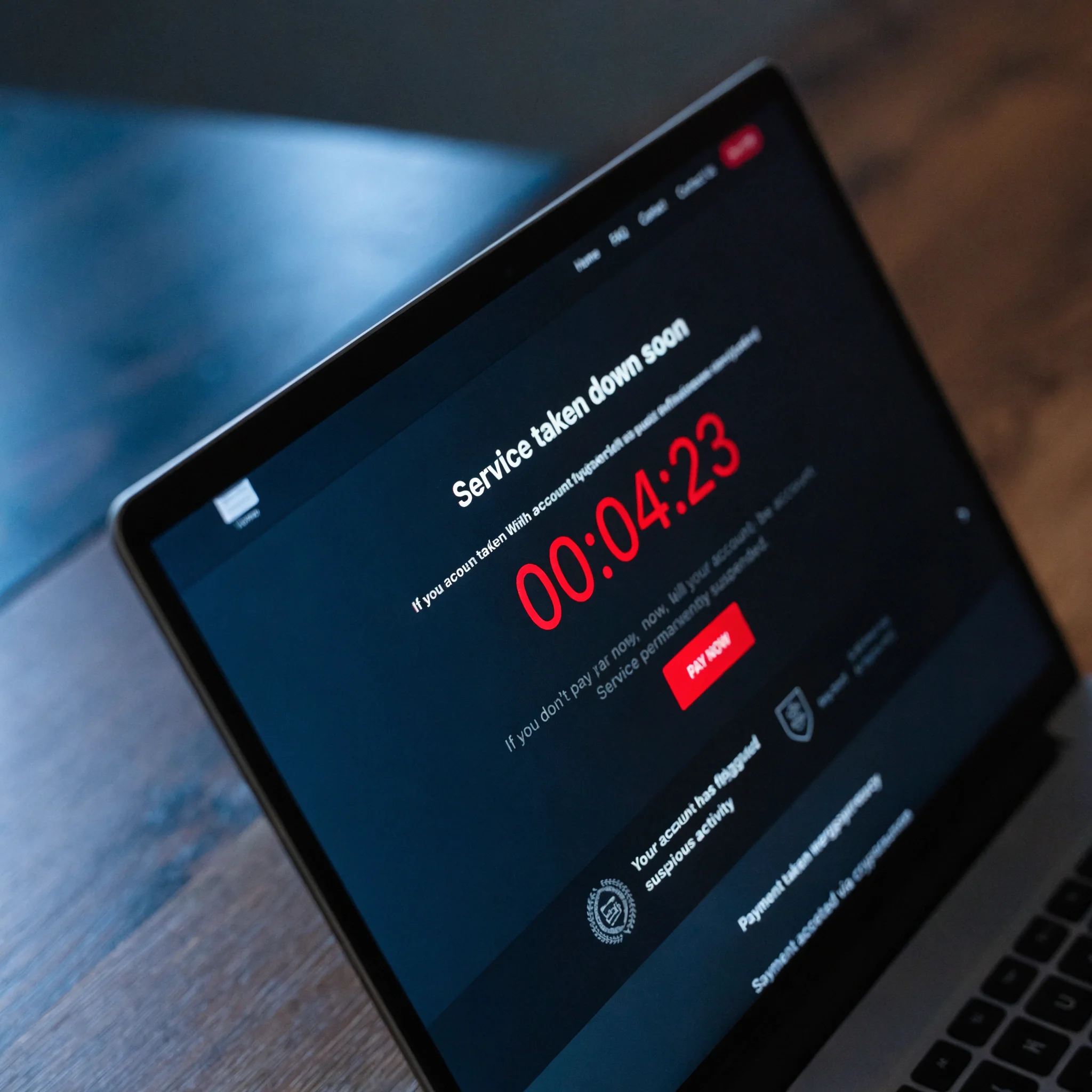
 Countdown timer pressure Fake urgency
"Service taken down in 5 minutes" timers are pure manipulation. Real tools have no countdown.
If you already entered Instagram credentials on a recovery site, act in the next 10 minutes.
Change your Instagram password from a different device, enable two-factor authentication in Settings > Security, check Login Activity and remove sessions you don’t recognize, and revoke access to any third-party apps under Apps and Websites.
The faster you rotate the password, the less time the scammer has to harvest your DMs and contacts.
Why “Hack Instagram with Username” Is Always Fake
Instagram authentication cannot be bypassed by entering a username. Real access requires the password plus second factor, or physical access to a signed-in device. The only legitimate way to see someone else’s Instagram messages is parental monitoring with consent on a device you legally control. The EFF’s writing on student and family digital safety covers the legal and ethical lines.
Your 3-Step Plan
Whichever case applies to you, the action is short. The carousel below maps the three common situations to the right starting point.
Your 3-Step Plan for Instagram Message Recovery
-
 Just lost something? Instant recovery path
Open Settings → Recently deleted for posts and stories. For DMs, use Methods 1-4 above.
-
 Mild ongoing concern? Light-touch supervision
Start with Instagram's Family Center plus alert-based tools (Bark, Qustodio). Less invasive.
-
 Need a complete record? Continuous capture
Install Hoverwatch on the child's Android with their knowledge. Captures everything at delivery.
The mistake I see most often is parents installing maximum-monitoring tools “just in case” and then drowning in data they don’t have time to review. Match the tool to your specific concern: alert-based for ongoing supervision, full logs only when something has actually gone wrong and you need a complete record. The one you can sustain over a year wins over the one with the most features.

Match the tool to the worry, not the worry to the maximum tool. The right choice is the one you can sustain over a year — and that you can explain to your child without losing their trust.
Frequently Asked Questions
-
No. Recently Deleted holds posts, stories, reels, and IGTV for 30 days. Direct messages are removed permanently when deleted, with no Instagram-side recovery path. This is intentional Meta policy, not a bug.
-
30 days in Recently Deleted, then permanently removed from Instagram's servers. After 30 days, even Meta's own data team cannot restore the post. Active stories (those still in your 24-hour tray) get only a 24-hour window in Recently Deleted; archived stories get the full 30 days.
-
Hoverwatch offers a 3-day free trial without requiring a credit card. After the trial, plans start at $9.99 per device per month on the Professional tier (5 devices), or $29.95 per month on the Personal tier (1 device). It runs on Android, Windows, and macOS — there is no iOS edition, because Apple's restrictions prevent the kind of message capture Hoverwatch performs.
-
Yes. Parental monitoring of a minor child you legally guard is permitted in the United States, United Kingdom, and the European Union. Monitoring an adult — including a spouse, partner, or employee — requires their explicit consent. Stalkerware (monitoring without consent) is illegal in most jurisdictions and unethical everywhere. The same legal lines apply to other apps; our piece on monitoring Snapchat without the child knowing covers consent framing for parents in more detail.
-
Vanish mode messages disappear from your view when either participant closes the chat window, and Instagram does not retain the content after delivery. They cannot be retrieved through Instagram, data downloads, or any external recovery tool that runs after the fact. Only real-time capture (a parental control app installed before the message is sent) can record them.
You May Also Like
 How-To & Guides
 How-To & Guides
 How-To & Guides
 How-To & Guides
 How-To & Guides
 How-To & Guides
Watch Out
A DM deleted in the last 48 hours often won't show in your data export yet — it's still in cache, not backup. Wait a day, then request again.
Pro Tip
Each item in Recently Deleted carries its own countdown, not one shared clock. A reel deleted yesterday and one from last week expire on different days — check timers individually.
Good to Know
If the chat was with a business account, Meta Business Suite keeps its own copy. Deleting from the Instagram app doesn't wipe that side.
Under the Hood
Why deleted DMs sometimes resurface in a download: Meta parks them in inactive storage for roughly 30–90 days before a real purge. Past that, even they can't pull it back.
Watch Out
No Android monitor is truly invisible. A simple Safe Mode reboot (hold power, long-press Power off) loads only system apps — your capture pauses until normal restart.
Pro Tip
Weekly data downloads only protect you if you actually run them. Set a recurring calendar reminder — a rolling backup with gaps isn't a backup.
Act Fast
If you entered your password on a scam site, rotate it from a different, trusted device — not the phone you may have just compromised. Then kill all active sessions.
Good to Know
Maximum monitoring backfires through alert fatigue — you stop reading what you can't keep up with. The setup you'll still check in a year beats the one with every feature.