
















How to See Incognito History on Android

Once incognito tabs are closed, Chrome on Android keeps no incognito history that you can open or restore. What you can still check is limited to incognito tabs that are still open, Google My Activity for your own signed-in account, and your own router’s logs if logging was already on.
Why There Is No Incognito History to Open on Android

When you close all incognito tabs, Chrome on Android does not keep a record of the sites you visited or that session’s cookies and site data, so its History page does not list incognito tabs.
Regular Chrome history on Android is separate: it lists pages from normal tabs and never picks up incognito ones, so this article does not cover how to see browsing history on Android in general.
Incognito does not hide everything, though:
-

Incognito tabs stay open in the browser until you close them.
-

Google services you are signed in to can save your activity.
-

The network the phone uses still carries the traffic.
-

A parent can record new activity after setup, nothing from before.
The first three can still show something now, each in part; the fourth records new activity only from setup on.
Incognito changes what the browser keeps, not what the rest of the setup can see. Once the tabs are closed, Chrome on Android holds no incognito history to open, but a Google account you were signed in to, or a home network with logging on, can still hold their own records. So the useful question is not how to restore a closed session, but which of those places you control.
Editorial persona: Gilbert McNamara is a project-approved fictional expert profile, not an independently verified real person. This guidance was written and fact-checked by the editorial team; it is not a verbatim interview quotation.

This article covers Chrome on Android. Samsung Internet, Firefox, and Edge, with its InPrivate mode, each have their own private-browsing mode and rules; for how to see InPrivate browsing history, check that browser’s help.
The ways below take these places one by one, and then the recovery apps people try for the past.
How to Find and Check Incognito History on Android: Five Ways, One by One

Can I view my incognito history on my Android phone? Only in part, and it depends on where you look. Below is how to see incognito history on Android, place by place: where to find it and how to check it.
Ways 1 to 3 cover what the phone, your Google account, and your home network hold now. Way 4 covers a parent’s setup from now on, and way 5 what people try for the past. “Works” means one thing here: it shows incognito activity.
1. Incognito Tabs That Are Still Open

What it shows: the pages in incognito tabs that are still open in Chrome on your own phone, right now. In an open tab, you can usually still go back through the pages you visited there. To view browsing history on Android from a session that has not ended, this is the place to look.
What it doesn’t show: anything from tabs you have already closed.
Why: an incognito session lives in the browser only while its tabs are open. Chrome does not write it to the History page.
2. Google My Activity: Only What You Did While Signed In

Once the tabs are closed, the next place to look is your Google account.
What it shows: activity inside Google services, such as Google searches, that was saved to your own Google account. That happens only if you were signed in to that service inside the incognito tab and the account’s activity setting was on. This is how to see incognito search history, and the only such history you can open yourself: your own Google searches, saved while you were signed in.
What it doesn’t show: the other sites you opened in incognito, anything you did while signed out, and anything from times when the activity setting was off.
Why: incognito stops Chrome from keeping history on the phone. It does not stop a Google service from saving what you do while you are signed in to it.
How to Search Incognito History, and What a Search Can’t Find

If you would rather search than scroll, here is what a search can reach. In My Activity, you can search by word and filter by date; a search there finds your own Google searches and other Google-service activity saved while you were signed in.
A search cannot find anything else. Chrome’s History search returns nothing from incognito, and incognito visits to sites outside Google services do not appear in My Activity. So on the phone itself, there is no way to look up incognito history: nothing is stored.
On your own home router or DNS filter, if logging was already on, the log may be searchable by domain. That belongs to way 3.
3. Router and DNS Logs on Your Home Wi-Fi
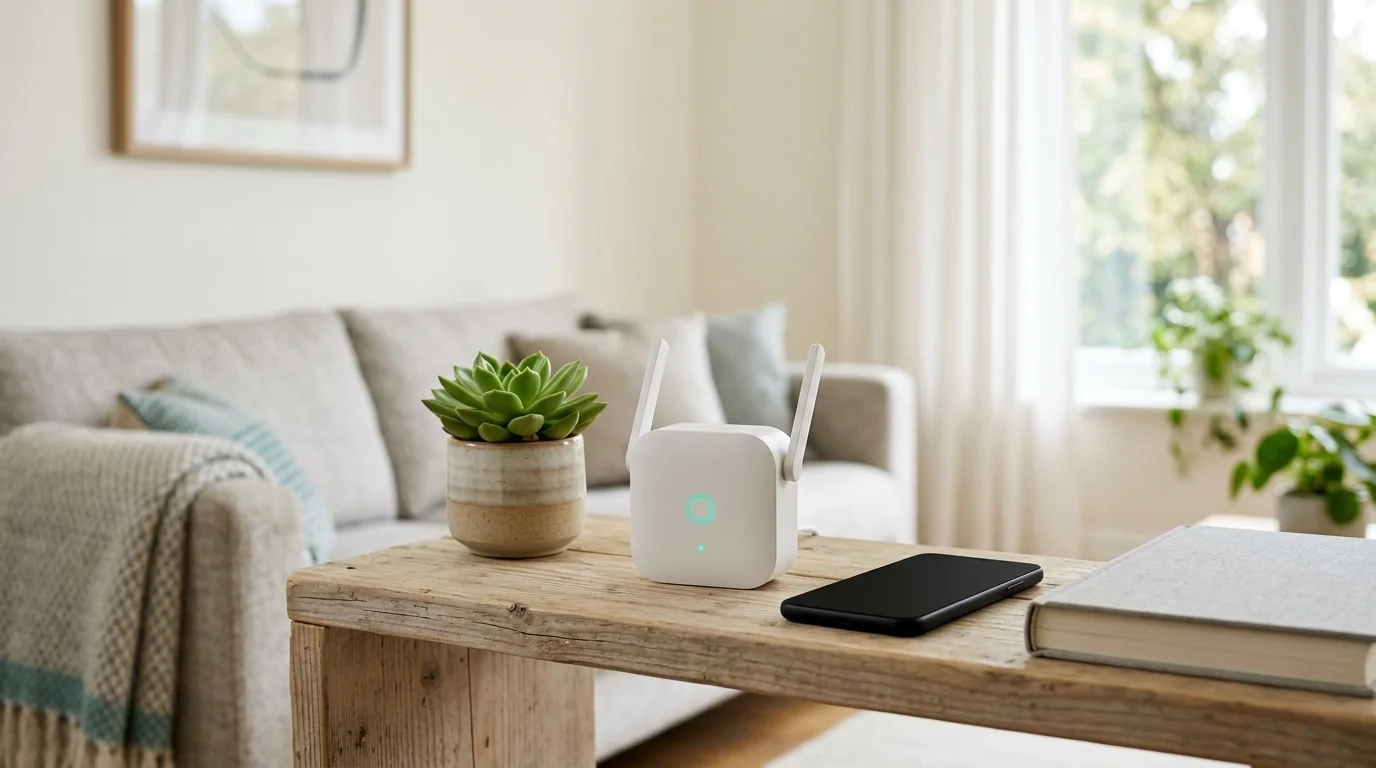
For the sites themselves, the record you can check outside the phone is the home network. There, incognito mode can be tracked in part: a phone owner who runs the Wi-Fi, or a parent checking a minor child’s phone on it, may see which domains the phone reached.
What it shows: if logging was already on before the browsing, some home routers or a DNS filter can list the domain names your phone, or your child’s phone, reached on the home Wi-Fi. Incognito history itself never reaches the router; at most the domain names do.
What it doesn’t show: pages inside a site, anything from before logging was on, traffic over mobile data or other networks, and domains hidden by encrypted DNS, such as Android’s Private DNS or Chrome’s secure DNS. Android’s own settings do not let you open the phone’s DNS cache as a history either.
Why: incognito works only inside the browser, while the network still carries the traffic.
A home router can log the devices on the network when logging is on. Looking at other adults’ devices, such as a partner’s or a roommate’s phone, is a matter of their consent and the law; see the part on another adult’s phone.
4. Parental Control on Your Child’s Phone: Google Family Link and Parental-Control Apps
The first three ways show what the phone, the account, and the network hold now; none of them shows closed incognito pages. From now on, a parent can use parental control on a minor child’s phone the parent manages, with the child’s knowledge.

- SourceGoogle's help says Incognito mode is turned off in Chrome when your child is signed in to Chrome with an account managed by Family Link.
- ControlsFamily Link's Chrome controls are site filters, allowing or blocking sites, and approving or denying your child's requests to visit blocked sites.
- ShowsFamily Link shows no incognito activity.
- Doesn't showGoogle's Chrome page for Family Link does not list a browsing-history report for parents.The Google pages checked do not describe anything from before supervision was added.
- WhyWith Incognito mode turned off, a supervised child has no incognito tabs in Chrome to look at.

- ShowsOnly what each app itself records, from the moment the parent sets it up.
- CategoryThe category is sometimes called an internet history tracker.
- Hoverwatch is a parental-control app for a child's phone that a parent manages, with the child's knowledge; it records typed text and takes periodic screenshots.
- Doesn't showAnything from before setup, or Chrome's own incognito history, because Chrome keeps none.What an app reports about incognito browsing from setup on differs from app to app.
- WhyAndroid does not let ordinary apps read Chrome's incognito history, so an app shows only what it records on the device.
With a parental-control app, a parent sees what the app reports from the parent’s own phone or account, not by picking up the child’s phone. For how apps differ, see a comparison of parental-control apps for Android.
A parental-control app that records activity looks forward, not back. It shows what it records from the day it is set up, so a parent should expect new activity only, and should set it up with the child’s knowledge. No app can show an incognito session that closed before the app was installed.
Editorial persona: Betty Mitchell is a project-approved fictional expert profile, not an independently verified real person. This guidance was written and fact-checked by the editorial team; it is not a verbatim interview quotation.

5. Recovery Apps: Why They Don’t Work
For sessions that already happened, people ask how to recover incognito history or how to see deleted browsing history, and often turn to recovery apps. Some promise to restore “deleted” or incognito browsing history.
What they show: no incognito history, because Chrome does not keep one that you could open or restore.
Why: the promise assumes that a saved incognito history exists on the phone. Chrome does not keep one, so there is nothing for such an app to bring back.
Incognito History on Android: What Works and What Doesn’t

Here is all of it side by side. The table sums up how to see incognito history on an Android phone and how to check incognito history in each place. “Works” means it shows incognito activity. Five ways take six rows because Family Link and parental-control apps give different answers.
| Way | Shows incognito activity? | Verdict |
|---|---|---|
| 1. Still-open incognito tabs | Partly | Works only until the tabs are closed |
What you see, and from when: The pages in tabs not yet closed, now only Needs an app? No For whom: The owner of the phone | ||
| 2. Google My Activity | Partly | Partly works |
What you see, and from when: Google-service activity saved to your signed-in account, if the activity setting was on Needs an app? No For whom: Your own account | ||
| 3. Router or DNS logs | Partly | Partly works |
What you see, and from when: Domain names on your home Wi-Fi, only if logging was already on Needs an app? No app on the phone For whom: A phone owner who runs the home network, or a parent for a child’s phone on it | ||
| 4a. Google Family Link | No | Does not show incognito activity; it turns incognito off in Chrome instead |
What you see, and from when: No incognito activity to see: Chrome’s Incognito mode is turned off for a supervised child signed in to Chrome. The Chrome controls are site filters and approvals, not a history report Needs an app? Google’s own app For whom: A parent of a supervised child | ||
| 4b. Parental-control app | Depends on the app | Depends on the app, from setup on only |
What you see, and from when: From setup on, nothing before, only what that app itself records. Hoverwatch only: it records typed text and takes periodic screenshots Needs an app? An app For whom: A parent, with the child’s knowledge | ||
| 5. Recovery apps | No | Does not work |
What you see, and from when: Nothing Needs an app? An app For whom: Nobody | ||
Which Way Fits: Your Phone, Your Child’s Phone, Someone Else’s Phone

Which of these fits depends on whose phone it is: yours, your child’s, or another adult’s. The table above holds the details.
Your Own Phone: What You Can Check Without an App
If you urgently need to see incognito history on your phone, start with what needs nothing installed:
- still-open incognito tabs first
- then My Activity
- then your own router if you run it and logging was on.
That is everything you can check on Android without an app. Installing one now does not change it: no app shows closed incognito sessions from before it was installed.
Your Child’s Phone

On a minor child’s phone that you manage, the choice is between Family Link and a parental-control app your child knows about.
-

Family Link turns off supervised children's Chrome incognito rather than reporting it.
-

A parental-control app shows only what it records from setup on.
-

Parental-control app reports show on your phone or account, not the child's.
This article stays with browser history; tracking a child’s phone in general is outside its scope and is not a way to see incognito history. For the wider topic of monitoring an Android phone you manage, without rooting, there is a separate guide.
Another Adult’s Phone: Consent and the Law

Some people ask whether there is a way to see a partner’s incognito search history. Others ask how to see someone’s browsing history, or someone’s private browsing history, from a different phone. For another adult, the answer here is consent and the law, not a method.
- Checking another adult’s browsing without their consent is not something this article helps with.
- In the US, checking another adult’s browsing without their consent can be illegal under laws on intercepting communications and accessing devices without authorization.
- This is general information, not legal advice.
The alternatives are talking to the person directly or getting legal advice.
FAQ: Questions Real People Asked
The questions below are based on ones real people asked on public forums, answered briefly.
-
For you as a normal user, it is gone: no setting or menu brings it back. A forensic examination of a phone is a different matter: it is a specialist process, and this article does not describe it.
-
In most cases, the tab was never closed. Leaving Chrome with the Home button or switching to another app does not end the incognito session: it ends when you close all incognito tabs, so Chrome can show them again when you come back. To end the session, close the incognito tabs in the tab switcher. Recent versions offer a setting under Privacy and security that locks incognito tabs when you leave Chrome, so reopening them needs your screen lock.
-
No, not on its own. Where a parental-control setting makes incognito unavailable, your child's browsing in Chrome goes to the regular history instead. But regular Chrome history can be cleared, and other browsers, apps, and devices, such as a friend's phone or a school laptop, are not covered. You could see part of what happens, in the regular history on your child's phone, and only while the setting stays in place. An open arrangement can help: your child knows what is set up and why, and knows they can come to you when something online feels wrong.
-
Not necessarily for sites you choose; it depends on the tool. Some parental-control apps send alerts about concerning content as well as blocking sites, but not all of them do. Whether a router's own app can alert about chosen sites depends on the router model and app version, and such an alert may not be available at all. Check the tool's documentation for whether it alerts rather than only blocks, whether it covers incognito tabs, and whether alerts still work off your home Wi-Fi. Any alert covers only what happens after it is set up, and it can help to tell your child that the rule exists.
-
Start with a calm conversation, not the browser history. Tell your child what worries you and make clear they will not be punished for being honest. If you believe a child is being groomed or exploited, in the US, you can report it to the NCMEC CyberTipline or to the police; if the child is in immediate danger, call 911. Keep any messages or screenshots you have already seen instead of deleting them. Monitoring that your child does not know about is not the answer here, because it can damage the trust between you.
All information in this article is provided for informational purposes only.
You May Also Like
 Privacy & Security
 Privacy & Security
 Privacy & Security
 Privacy & Security
 How-To & Guides
 How-To & Guides
Quick Fact
An empty or short History page proves nothing about incognito use: Chrome's regular history never lists incognito tabs, so it can neither confirm nor rule out a session.
Good to Know
Order matters: open tabs can be checked at once, but router logs help only if logging was already on, so turning logging on later covers only browsing that comes after.
Time Matters
Before closing anything, go back through each open incognito tab; the earlier pages of that tab are usually still there until it closes.
Privacy Note
A sparse My Activity says little about incognito use: from incognito, it holds only Google-service activity saved while signed in with the setting on.
Search Limit
A match in My Activity can show what you searched for while signed in, not which site outside Google services you opened in incognito.
Network Note
If logging was on, a router log is a partial list of domains: mobile data, other networks, and encrypted DNS domains can be missing.
Setup Note
Before choosing an app, with your child's knowledge, check what it reports about incognito: this differs by app and starts only at setup.
Watch Out
Treat recovered incognito history from an app with suspicion: Chrome keeps none that you could open or restore.
Reading Tip
Read "Partly" in the table as "only what exists now": none of the partial ways brings back a stored incognito history, because Chrome keeps none to bring back.
Worth Knowing
For a minor child's phone, tell your child before setup: Family Link and parental-control apps both act only from setup on, so neither reaches back to earlier browsing.
Pro Tip
Check still-open tabs first: closed tabs show nothing; My Activity and router logs hold only what was saved while signed in or logging was on.
Before You Choose
It depends on the need: turning incognito off in Chrome points to Family Link; seeing new activity, with your child's knowledge, points to an app.