
















Parental Control Apps: Privacy Risks Parents Should Know

A parental control app can put a child’s location, activity, messages, screenshots, and daily routine behind one parent account. The main privacy risks are excessive data collection, permissions that reach beyond the stated safety feature, weak account security, unclear retention, and monitoring that is hidden or disproportionate.
The right question is not whether an app is labelled “parental control.” It is whether the app collects the minimum information needed for a real safety problem, protects that information, and makes the arrangement understandable to the child. The examples below show how to test that in practice.
What Makes Parental Control Apps Sensitive?

Parental control tools can combine several sensitive sources in one account: a child’s location, device activity, browsing history, contacts, communications, and daily routine. Some also use elevated permissions or a cloud dashboard that lets a parent manage the child’s device remotely.
That combination creates two separate risks. The app may collect more information than its main feature requires. The account may also become a valuable target: anyone who gains access to it could see the family’s history or change the device settings.
The goal is not to avoid every parental control. It is to match the tool’s access to a defined safety need.
The permission question comes first. The carousel below turns that principle into five checks a parent can apply before installation.
-
 1. Location history Maps a routine
Location history can reveal home, school, travel routes, and recurring schedules. Ask whether an alert or short-lived check-in solves the need without keeping a permanent trail.
-
 2. Screen capture May expose context
Screenshots can include private chats, health information, passwords, and other people who never agreed to be monitored. Treat capture as broader than a simple activity report.
-
 3. Account access Creates a second target
A cloud dashboard concentrates reports, device details, and controls in one account. A unique password, multifactor authentication, and session review are part of the safety setup.
-
 4. Data retention Outlives installation
Uninstalling an app may not close the parent account or delete stored reports. Check providers, backups, deletion requests, and the policy's retention language before installation.
-
 5. Transparent monitoring Protects the family agreement
Explain what is collected, who can see it, and when the arrangement will be reviewed. A visible, proportionate setup supports safety without turning monitoring into permanent access.
These examples point to the same practical rule: choose the narrowest feature that addresses the family’s actual safety concern.
What Can Go Wrong With an App From Outside the Official Store?

In a 2025 study, researchers compared 20 sideloaded parental-control apps with 20 apps available through Google Play across policies, package files, behaviour, network traffic, and functionality.
The study reported that sideloaded apps were more likely to hide their presence, request excessive permissions, and include functions associated with covert surveillance. Three transmitted sensitive data without encryption, half had no privacy policy, and nine of the 20 showed potential stalkerware indicators. Read the study.

That does not prove that every app installed outside Google Play is malicious, or that every app in an official store is safe. It shows that distribution changes the trust model. A store’s review and policy controls are one layer of protection; a direct download may leave the parent responsible for verifying the developer, update path, signing, permissions, and support.
Google Play’s current monitoring-app policy requires prominent disclosure, a persistent notification, and a clear icon. It prohibits hiding or cloaking monitoring behaviour. Be cautious if installation requires disabling security protections or promises that a child will never know the app is present. See the current policy.
The practical follow-up is simple: verify the source before granting access.
 What the study reported
The study reported that sideloaded apps were more likely to hide their presence, request excessive permissions, and include functions associated with covert surveillance. Three transmitted sensitive data without encryption, half had no privacy policy, and nine of the 20 showed potential stalkerware indicators. Read the study.
 How to read the result
That does not prove that every app installed outside Google Play is malicious, or that every app in an official store is safe. It shows that distribution changes the trust model. A store's review and policy controls are one layer of protection; a direct download may leave the parent responsible for verifying the developer, update path, signing, permissions, and support.
The study sets a higher verification bar, not an automatic verdict. Check the source, the update path, and the permissions before trusting an app with family data.
Editorial persona: Jasper Goldstein is a project-approved fictional expert profile, not an independently verified real person. This guidance was written and fact-checked by the editorial team; it is not a verbatim interview quotation.
The useful question is not whether an app has many permissions. It is whether each permission has a clear job that the family can explain. A narrow feature with a visible purpose is easier to secure, review, and remove when the child’s situation changes.

Use the evidence as a reason to verify an app carefully, not as a shortcut to judge every product by its download location.
For parents: If the app must hide itself to work, or you cannot verify who will deliver future updates, stop and reassess the setup.
Distribution is a trust signal, not a guarantee of safety.
Can a Screen-Time Tool Access More Than Screen Time?
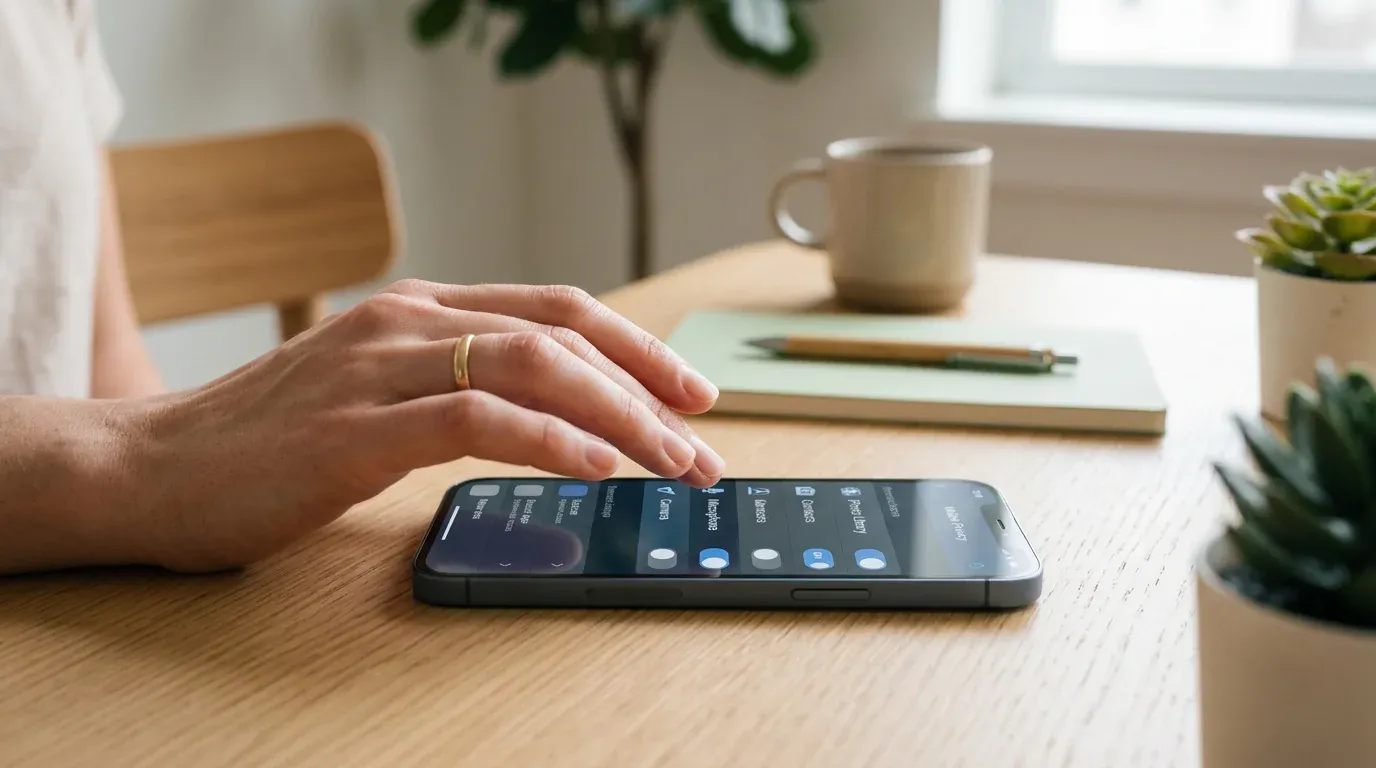
Take this example: a parent wants to block games after 9 p.m., but the app asks for Accessibility access, continuous location, microphone, camera, or screen capture. One permission may be necessary for a particular feature. That does not make every other use of the permission necessary.
The practical question is whether the feature still works when a nonessential permission is denied. A time limit should not need access to a child’s conversations simply because the product also offers message monitoring. A location alert may need location, but that does not explain continuous microphone access.
Permissions can expose more than a parent expects. Location can reveal a home, school, and routine. Screen captures can include private conversations or health information. Accessibility or device-management controls can give software broad influence over what happens on the phone.

The permission maps directly to the safety feature. Location may support a location alert, and usage access may support a screen-time report.
The permission reaches into messages, microphones, screens, or device controls without a clear reason connected to the family's stated need.
For parents: Name the safety problem first. For each permission, ask which feature needs it and what stops working if you refuse it. Test the answer before enabling anything extra.
That test separates a necessary permission from a permission the app simply happens to request.
Why Can a Family Dashboard Become a Single Point of Failure?

Imagine a parent reusing an old password for the monitoring dashboard. Someone obtains that password through another service. The attacker now has a route to location history, activity reports, device details, or account controls, even though the child’s phone itself was never stolen.
A parental-control account deserves the same care as an email or banking account. It may contain a map of the family’s routines and a record of what the child does online. A shared recovery email or an unused administrator account can create another weak point.
For parents: Use a unique password and multifactor authentication. Review active sessions, recovery addresses, administrator roles, and security alerts. Remove unused access and check whether historical reports can be deleted.
The dashboard deserves the same protection as the email account used to recover it.
What If the Data Is Shared or Kept Longer Than Expected?
Consider a family that removes an app after a trial period. The app disappears from the phone, but the parent account remains active and the provider’s policy still allows reports, backups, or support records to be retained.
“We value your privacy” does not explain what happens to the data. Look for separate clauses covering collection, service providers, analytics, advertising, legal retention, backups, account closure, and deletion requests. A provider may use a third party to host or process data without calling that “selling” it; the policy should still explain the relationship.
For parents: Search the policy for retention, delete, account, sharing, and third parties. After uninstalling, close the parent account and submit a deletion request if available.
Removing an icon from the phone does not necessarily remove a server-side record.
Does Hidden Monitoring Solve One Problem or Create Another?

Take a family where a parent secretly reads a teenager’s messages to look for danger. A private conversation is taken out of context, or the dashboard is accessed by another adult with the parent’s password. The tool has now created a second privacy and safety problem while trying to solve the first.
Monitoring also changes the family relationship. A younger child may need visible limits and location sharing for a specific safety reason. An older teenager may need a different arrangement that explains what is collected, when it is reviewed, and when the rules will be revisited. The appropriate balance depends on age, risk, maturity, and the family’s situation.
The child knows what is collected, who can see it, why the feature is enabled, and when the family will review the arrangement.
The tool is difficult to notice, the purpose is unclear, and access continues without a defined review date or a proportionate safety reason.
The UK Information Commissioner’s Office guidance makes this transparency and data-minimization point for the UK; it is not a universal rule for every jurisdiction.
For parents: Explain the purpose, data collected, people who can see it, and review date. This article provides general information, not legal advice. Requirements vary by jurisdiction; consult a qualified professional.
The arrangement should be understandable and reviewable, not a permanent expansion of access.
What Should Parents Check in Five Minutes Before Installation?

Ask five questions:
- What specific safety problem am I solving?
- What is the minimum data and permission needed?
- Who receives, stores, and deletes the data?
- What protects the parent account?
- Can the child understand the rule, and can the setup be reviewed later?
Check the developer and distribution channel. Read the policy sections on data collection, sharing, retention, and deletion. Test the core feature with nonessential permissions disabled. Turn on account security controls and remove unused access. If the answers are vague, the app has not earned access to more information.
| Check | A proportionate answer | Warning sign |
|---|---|---|
| Purpose | One defined safety problem | The app is enabled “just in case” |
| Permissions | Each permission maps to a needed feature | Broad access is required for a simple limit |
| Data handling | Collection, sharing, retention, and deletion are explained | Policy uses vague privacy language |
| Account security | Unique password, MFA, session and recovery review | Shared credentials or no MFA |
| Family arrangement | Scope and review date are understandable | Monitoring is hidden or indefinite |
How Should the Setup Match the Child’s Situation?
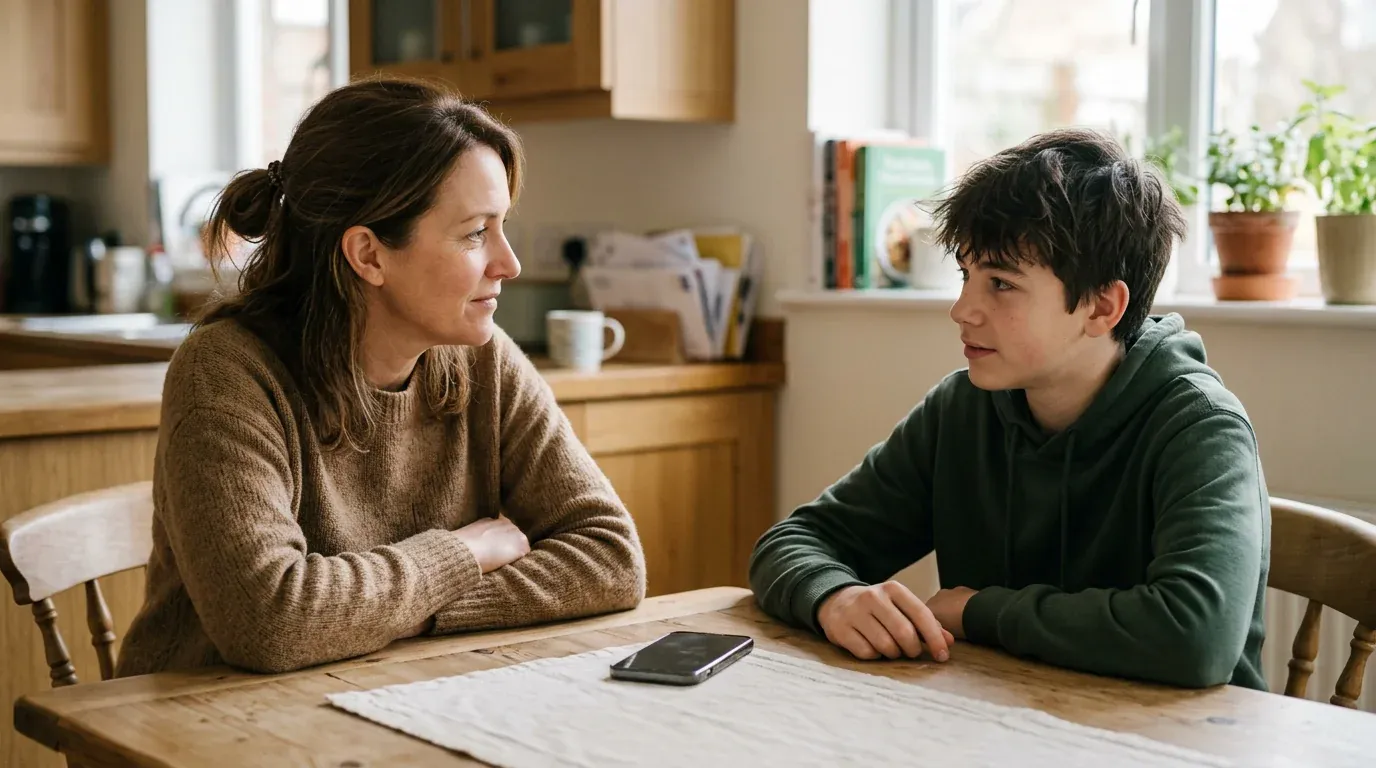
For a younger child who walks to school, visible location sharing and a simple time limit may address a concrete safety need. The parent can explain the rule and review it as the child becomes more independent.
For a teenager with no immediate safety concern, permanent access to messages or screenshots may collect far more than the family needs. A conversation, content filter, or scheduled review of a narrower set of alerts may be more proportionate.
The same feature can be reasonable in one situation and excessive in another. The decision should follow the risk, not the maximum capability advertised by the app.
 Match the situation
Choose the narrowest control that addresses the concrete safety problem. Revisit it as the child's age, independence, and circumstances change.
 Review the setup
Check permissions, account access, retention, and the family agreement before installation and at regular review dates.
The two choices are not opposites. A family can use a visible limit and still review whether the feature remains necessary.
Are Parental Control Apps Safe?
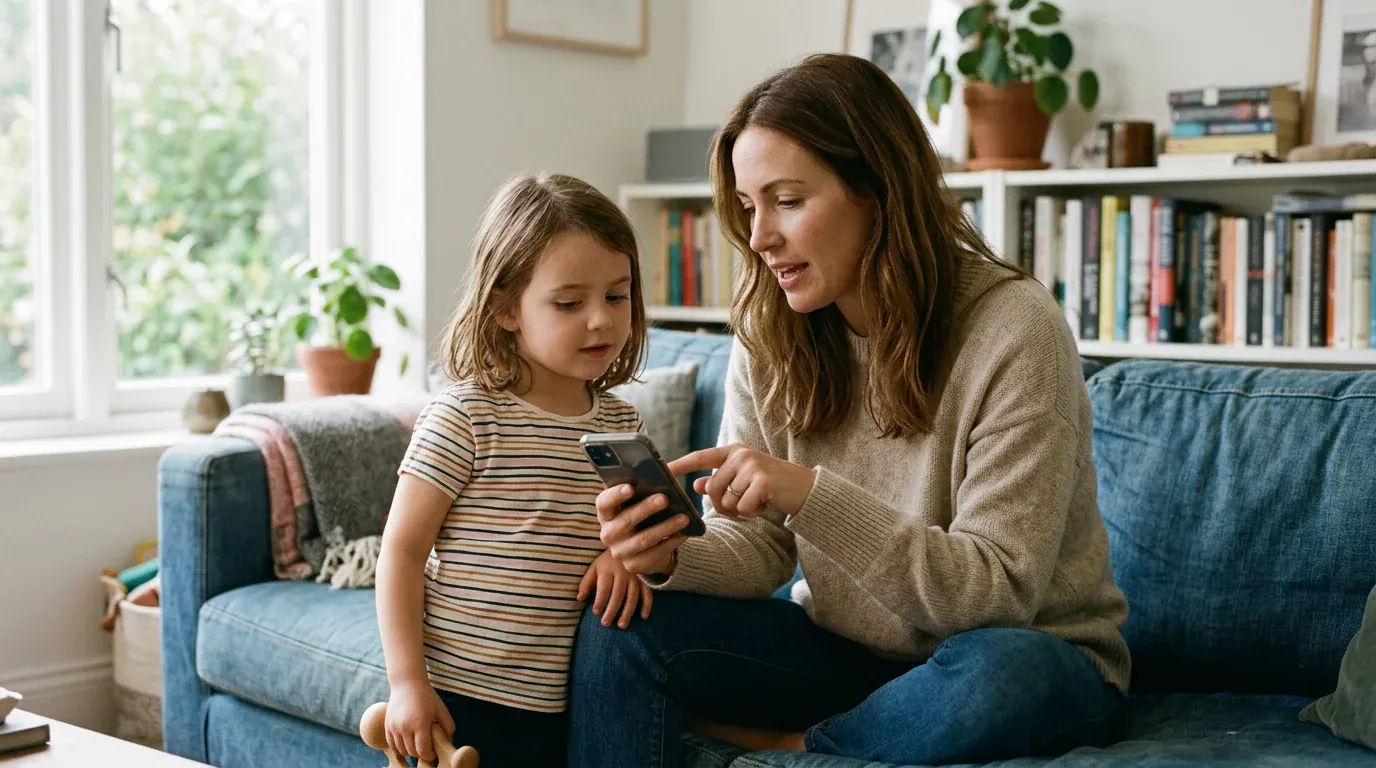
Some can be used safely when the developer is transparent, permissions are necessary, account security is credible, and monitoring is proportionate. Official-store availability is useful evidence, not a guarantee. The safest setup is the one that solves a defined problem while collecting and exposing as little information as possible.
Editorial persona: Betty Mitchell is a project-approved fictional expert profile, not an independently verified real person. This guidance was written and fact-checked by the editorial team; it is not a verbatim interview quotation.
Retention is part of the privacy decision, not an administrative detail after installation. Before enabling a tool, identify what the provider stores, who can access it, how long it remains available, and what deletion process the parent can actually use.

The expert point belongs before the practical comparison: first identify the data risk, then decide what a proportionate setup should show.
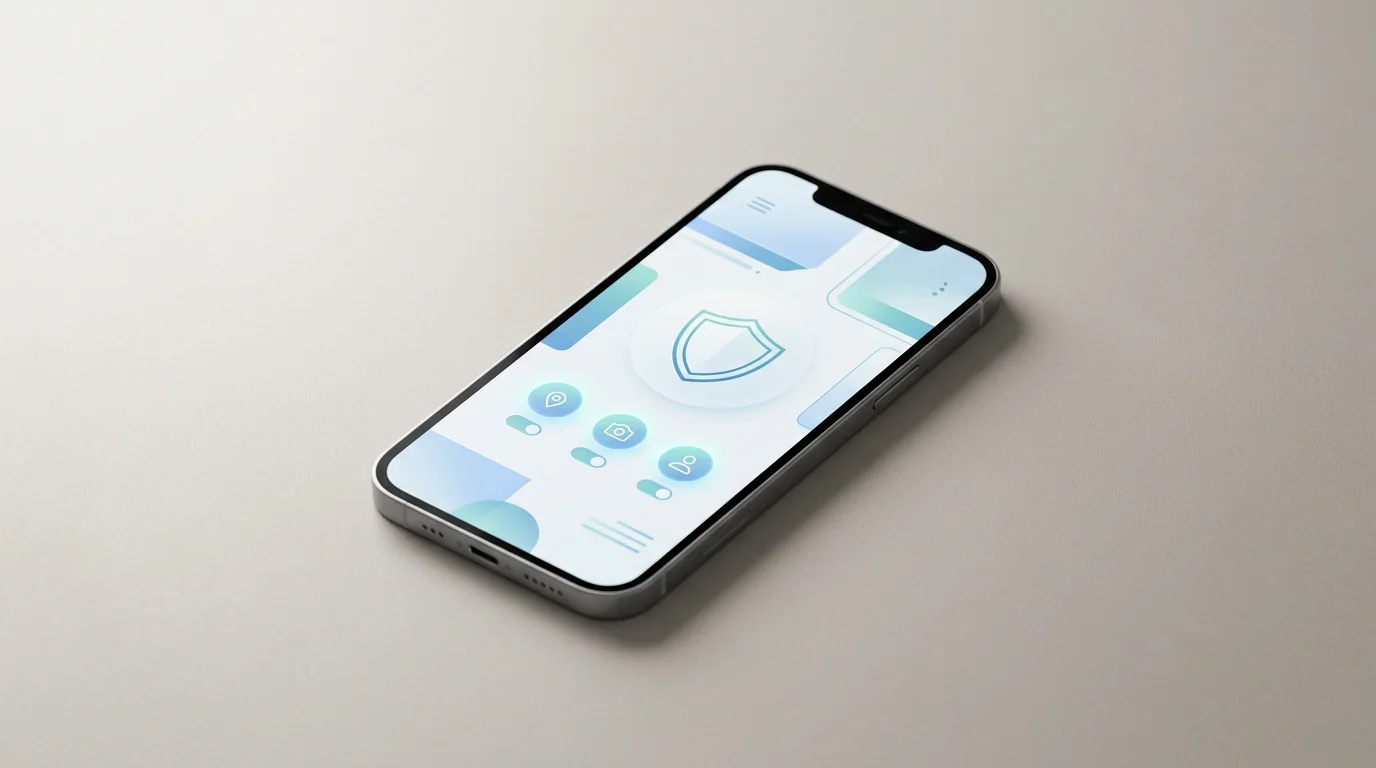 Visible and reviewable
Explain what is collected, who can see it, and when the arrangement will be reviewed. A narrower visible setup is often easier to keep proportionate as a child gains independence.
 Minimum necessary access
Match every permission to the safety problem. If the core feature works without a powerful permission, leave it disabled and revisit the decision only when the situation changes.
These two safeguards work together. Transparency makes the arrangement understandable, while minimum access limits how much information the arrangement can expose.
Final Thoughts
Parental control apps can support a family’s safety rules, but the category name does not answer the privacy question. Start with a specific need, grant only the access that need requires, secure the parent account, and make the arrangement understandable and reviewable. A safety tool should reduce a real risk without collecting more information than necessary.
For a separate product-focused overview, see our guide to parental control apps for Android. Use it to compare the available approach only after checking whether the permissions and data practices fit your family.
Frequently Asked Questions
-
Sometimes, but not automatically. A basic screen-time or built-in family-control feature may show app use without showing message content. A third-party tool with notification access, Accessibility, screen capture, or device-management permissions may have broader visibility. The answer depends on the product, operating system, configuration, and permissions. Check the app's privacy policy and permission screen rather than relying on the marketing label. In the United States, parents should also consider state law and the circumstances of monitoring; this is general information, not legal advice.
-
Not always. Some services display a notice or visible indicator, while others are designed to be difficult to notice. A hidden installation is a warning sign because the child cannot understand what is being collected or challenge an error. The UK ICO recommends clear information and an obvious sign when monitoring or location tracking occurs. That guidance applies to the UK, not automatically to every country. A parent should explain the purpose, scope, and review date even when local law does not require a specific notice.
-
There is no single answer for every family or state. The result can depend on the child's age, who owns or pays for the device, what data is collected, whether another adult's communications are captured, and the state's privacy or wiretap rules. A screen-time limit is not the same as recording private conversations. Before enabling message, call, or location monitoring, check current law for your state or ask a qualified professional. Do not treat a product's parental-control label as a legal guarantee.
-
Uninstalling the phone component may stop local collection, but it may not close the parent account or erase data already uploaded. Location history, activity reports, backups, and support records can follow separate retention rules. Look for account closure and deletion instructions in the provider's policy. Then remove the parent account, revoke connected access, and submit a deletion request if available. The exact result depends on the service, so ask the provider to confirm what was deleted and what must be retained.
-
They can be legitimate, but the parent has fewer built-in signals to rely on. Verify the developer, download domain, update mechanism, permissions, privacy policy, and uninstall process. Never assume that an APK is safe because it is advertised for parents, and do not assume that every sideloaded app is malicious. A 2025 study found more concerning behaviour among the sideloaded apps it tested; that describes the study sample, not every direct-download app. Use built-in platform controls when they solve the same problem with less access.
You May Also Like
 Privacy & Security
 Privacy & Security
 Privacy & Security
 How-To & Guides
 How-To & Guides
 For Family