


It is essential that this program allows you to get the description of all the device user’s activity, not only the keystrokes, because people not only type the information on social media, but also share pictures and video files, which may be important for you to monitor.
Our software uses a special method of creating the report for you. It takes a screenshot every time the device user takes a significant action on Facebook, and adds it to the report. This method allows you to review all the messages, including what the device user writes, and the answers he or she receives. It also allows you to see what Facebook pages the device user opens. The screenshots use up very little space, but they can contain a lot of meaningful information for you. They show what the device user is communicating about.
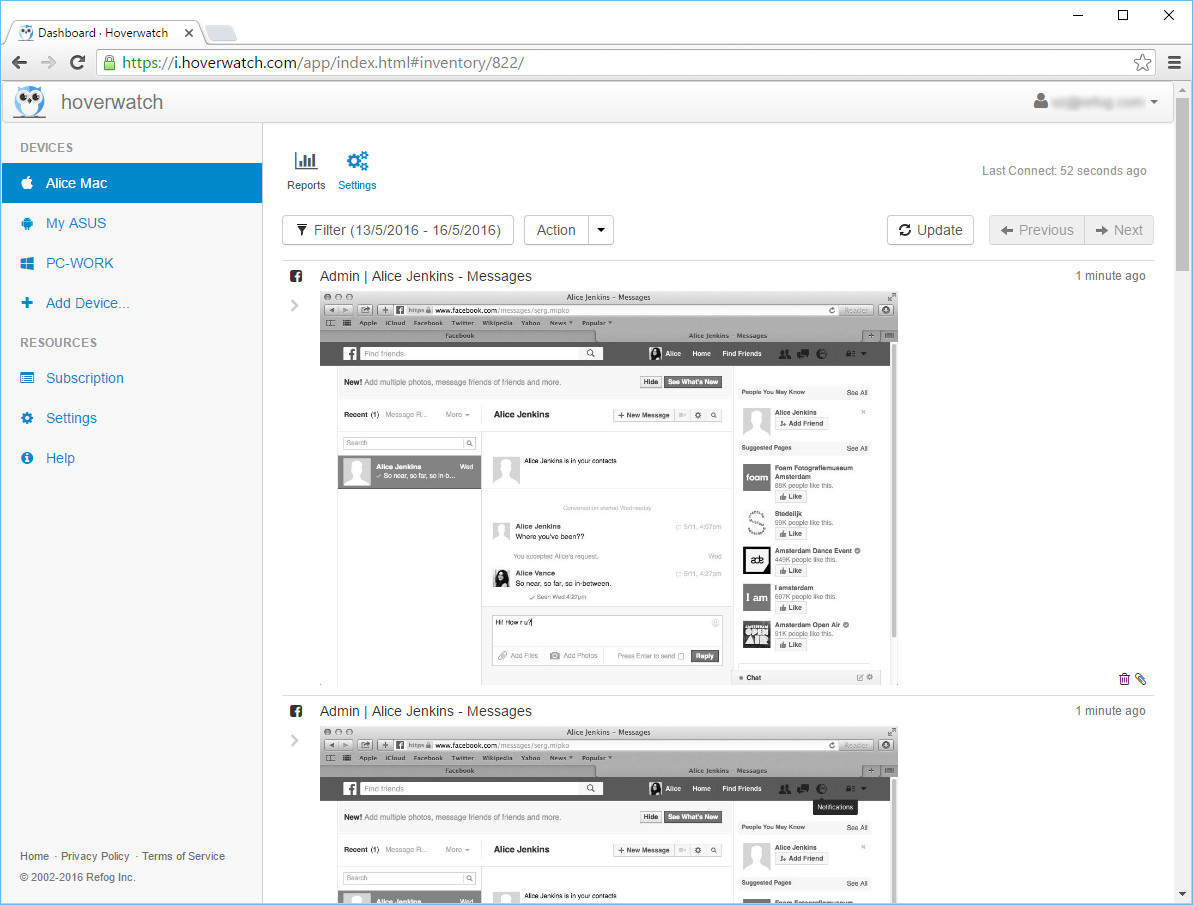 Facebook monitoring for Mac OS X
Therefore, we can record the whole conversation that goes on via messages. Remember that message recording is off when you start using the program, but you can turn it on manually. Go to your user panel and select the computer where you want to enable message recording. In the Settings menu, check the box that corresponds to chat messages.
Why do you need this feature?
Nowadays, social networks connect people more than anything else. Quite often, young people chat on social media more than they talk on the phone. On Facebook they write about their thoughts, plans, and chat about other details of their lives. With Hoverwatch, you can monitor a child’s messages and other activity on a social network, or manage social networking on a company-owned device under a disclosed policy, helping you keep your child safe online — always with the device user informed.

