


The keystroke recorder saves all keyboard activity and Skype chat messages, and also takes screenshots.
The monitoring software saves not only text but also graphic information. If the user transfers the image to the clipboard, it will also be saved.
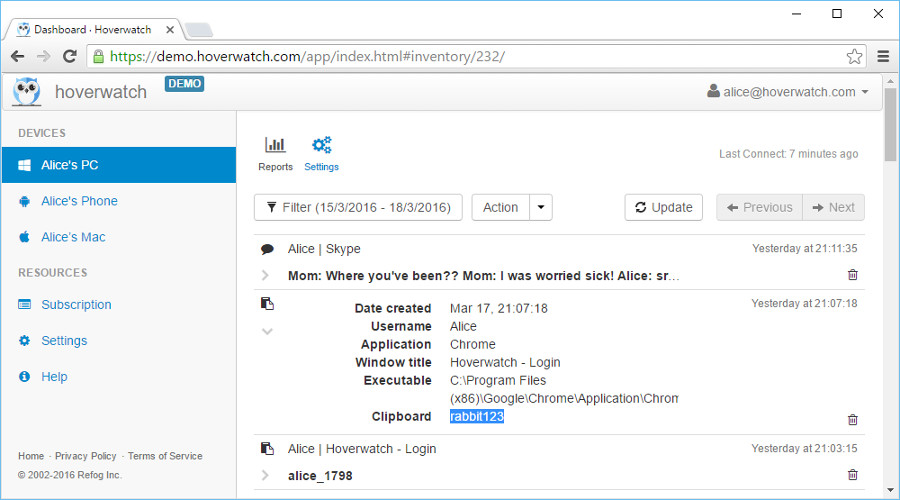 Keystroke recorder
Saving the clipboard contents is an additional function. The goal of this keystroke recorder feature is to create a report that includes not only the information typed on the keyboard but also copied from somewhere.
The function of clipboard interception is enabled by default. In such a way, you don’t have to make any additional changes in the settings.
All the texts copied by the user can be accessed online in the user panel from any device with an Internet connection.
Why is this feature useful to you?
In addition to an opportunity to save all the information typed on the keyboard, the monitoring of clipboard activity is highly beneficial. There is a lot of information on the Internet that is inappropriate for children, so as a parent it’s always a good idea to stay aware of what your minor child copies from the Internet and shares with his or her friends.
If you deploy Hoverwatch on company-owned computers used by your employees under a disclosed monitoring policy, this function of the keystroke recorder helps you protect confidential company information and keep workplace data handling compliant.

