
















mSpy Review: Is It Worth It? An Honest Look at Features, Price & Alternatives

Most mSpy reviews are written by affiliates who get paid when you click “buy,” so here is a straighter one from someone who actually tests monitoring apps for a living. This mSpy review answers the three things a US parent really wants to know: is it legit, does it actually work, and is it worth a premium price?
I have set up, run, and uninstalled these apps across real phones for years, so this is a hands-on take, not a sales page. I praise what mSpy does well and flag what frustrated me — no hype either direction.
Quick legal note (US): Monitoring your own minor child on a device you own or manage is generally legal, and full disclosure is the best practice experts recommend. Secretly monitoring another adult without consent can be illegal under the federal Wiretap Act (ECPA). This article is general information, not legal advice.
Let’s start with what mSpy actually is.
What is mSpy and what does it do?

In plain terms, mSpy is a window into a phone — the messages, calls, and location gathered in one place you check remotely. It’s a paid, cross-platform monitoring app built mainly for parents who want to see what’s happening on a child’s phone.
You install mSpy once on Android, or connect it through iCloud on iPhone. From then on, you read the data remotely through a web dashboard in any browser.
mSpy captures messages, calls, location, and a long list of social apps. It also adds a keylogger, screen recording, and actual blocking controls that many competitors skip.
That breadth is mSpy’s biggest selling point, so it is worth seeing the feature groups laid out.
-
 Messages & social apps The core of it
Reads SMS/MMS plus a deep list of social and chat apps — WhatsApp, Instagram DMs, Snapchat, Facebook Messenger, TikTok, Telegram, Viber and more. It can surface some deleted messages too. Pro tip: the deepest social capture on Android needs root; without it you still get the common apps.
-
 Calls & contacts Who they talk to
Logs incoming and outgoing calls with contact names, numbers, timestamps and duration, and shows the saved contact list. Useful for spotting an unknown number that calls a lot. It does not record the audio of calls on standard setups.
-
 Location & geofencing Where they are
Real-time GPS location, a location history trail, and geofencing that pings you when the phone enters or leaves a zone you draw — like school or home. This is one of mSpy's most reliable, everyday-useful features for a worried parent.
-
 Keylogger & screen The deep stuff
A keystroke logger captures typed text and screen recording grabs screenshots. mSpy offers both on Android and iPhone, but they run deepest on Android — modern iOS heavily limits keystroke capture. These are the invasive, power-user features: powerful, but the first to break with OS updates and the ones to think hardest about ethically.
-
 Apps & web The digital footprint
Browser history (including some deleted entries), a full installed-apps list, photos and videos, and Wi-Fi connection logs. Together these show the shape of a child's day online — which apps get used and which sites get visited.
-
 Restrictions & controls Where it goes beyond viewing
This is where mSpy does more than Hoverwatch: it can block apps, block websites, restrict Wi-Fi and block contacts. If you want to actually limit access rather than just observe, mSpy has real controls here.
The takeaway is that mSpy is a genuine all-rounder that both monitors and, unlike some rivals, restricts. That range is real, and I want to give it full credit — but range costs money and adds complexity, which is where the honest caveats begin.
Is mSpy legit and safe? What mSpy reviews reveal
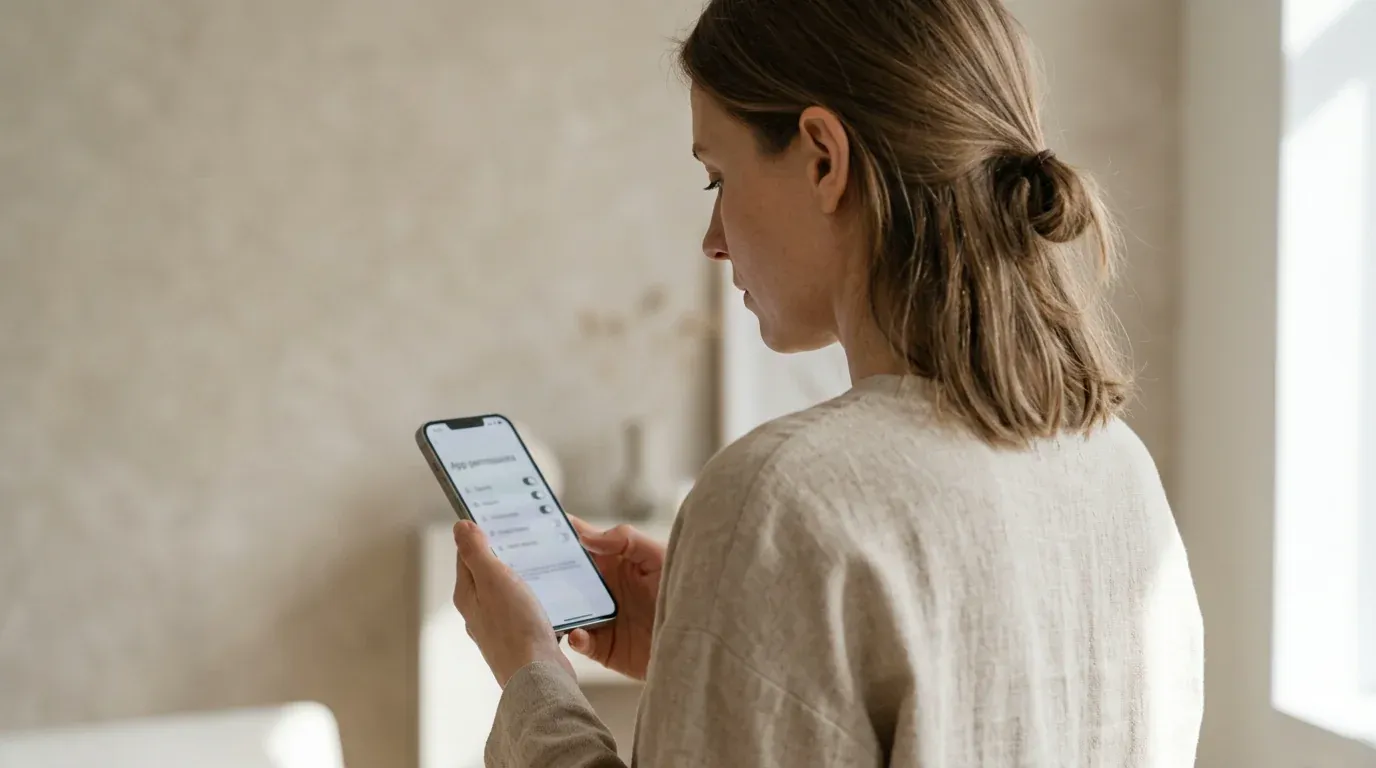
Yes — mSpy is legit. It is an established commercial product from a company that has been in the monitoring space for over a decade, not malware and not a fly-by-night scam.
The “is mSpy legit” fear usually comes from how spy apps look online, but genuine mSpy reviews consistently confirm the software is a real, functioning product used by many parents.
In the US, a parent or guardian monitoring their own minor child on a family-owned device is generally on solid ground. Disclosure remains the best practice.
Monitoring a spouse or another adult without consent is where you can break the law. Treat mSpy as a parenting tool, not a way to watch grown-ups.
Is it legit? Yes. mSpy is a real, established company and a legal tool for monitoring your own minor child on a device you own. The honest asterisk is about billing and support experience, not the software’s legitimacy — more on that below.
The caveats are about the buying experience, not the code. A meaningful share of user reviews describe pushy upsells and billing surprises, which we cover in full later.
Because mSpy is popular, scammers impersonate its name with fake sites and “cracked” downloads. Buy only from the official source; we return to that risk later.
Being legit and being frustration-free are two different things, and mSpy is clearly the former without always being the latter.
Does mSpy actually work?
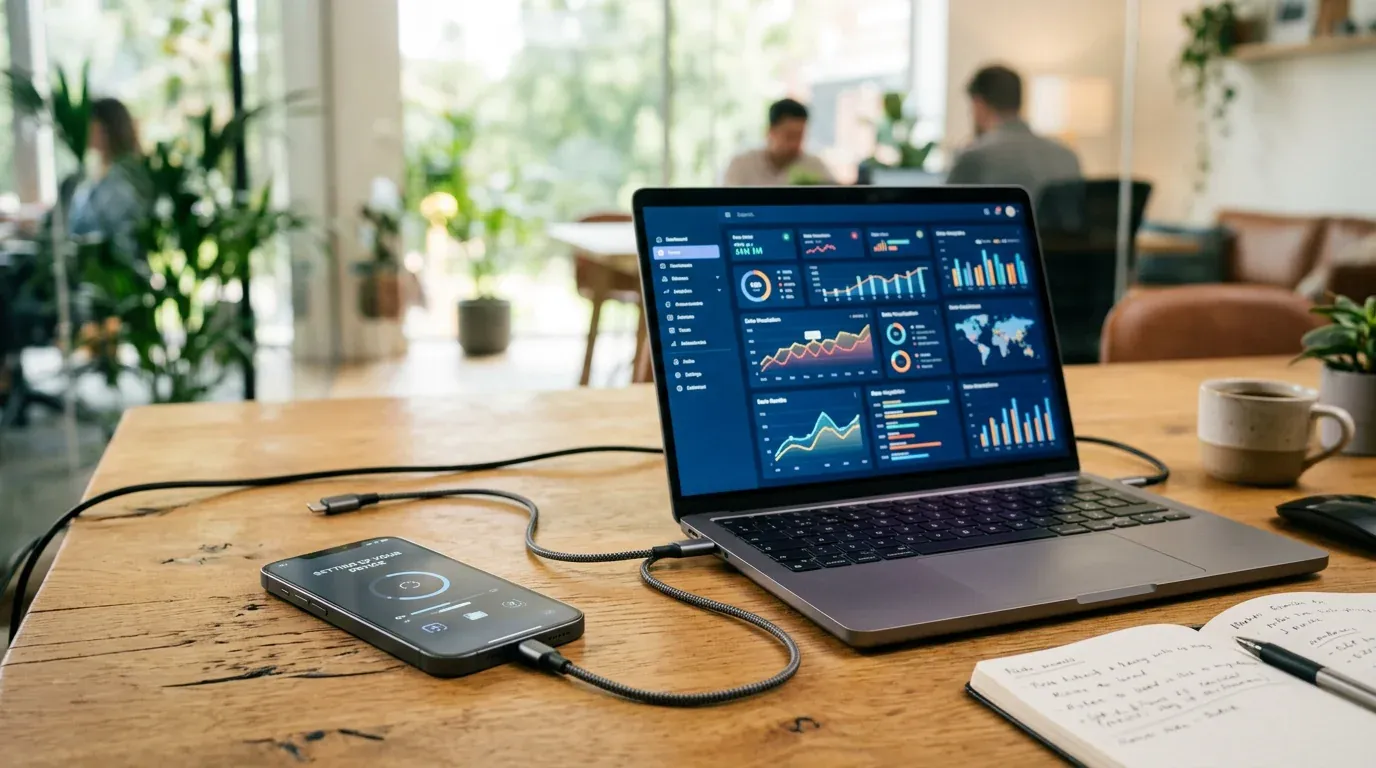
Generally, yes — but think of it like a car: it runs well when it’s set up and maintained, not when you ignore it.
In testing and in most credible reviews, the Android experience is the strong one — once installed, the dashboard populates reliably, and the location, messages, and call data come through. On iPhone the picture is thinner, which we’ll get to.
You need physical access to install mSpy on Android, usually for about ten minutes. Android 13+ also restricts the Accessibility permissions that monitoring apps rely on.
Battery optimization can pause capture, while Google Play Protect may flag the app. After major Android updates, permissions and background settings may need another check.
None of that is unique to mSpy — it is the category — but it means the experience is not “set it and forget it.”
Every one of these apps lives or dies on the same three things: a clean install, the permissions surviving the next Android update, and battery optimization not killing the background service. mSpy is competent on Android — the capture is solid when it’s set up right. But anyone who tells you it’s “100% invisible” or fully hands-off is selling you something. You will re-check settings after big updates, and a tech-savvy teen can still find it. That’s not a knock on mSpy specifically; it’s the honest ceiling for the whole category.

The iPhone story is the biggest asterisk on “does it work.” mSpy’s no-jailbreak iOS method runs through iCloud, so it needs the target Apple ID and password, relies on iCloud backup being on, and refreshes roughly once every 24 hours rather than in real time.
It works, but it is slower and shows less than Android — no live social-app stream the way Android delivers.
Here is the even-handed scorecard from hands-on use and aggregated feedback.
So it works, with a clear pattern: strong on Android, thinner on iPhone, and let down more by the wallet than by the software. That brings us straight to price.
How much does mSpy cost?
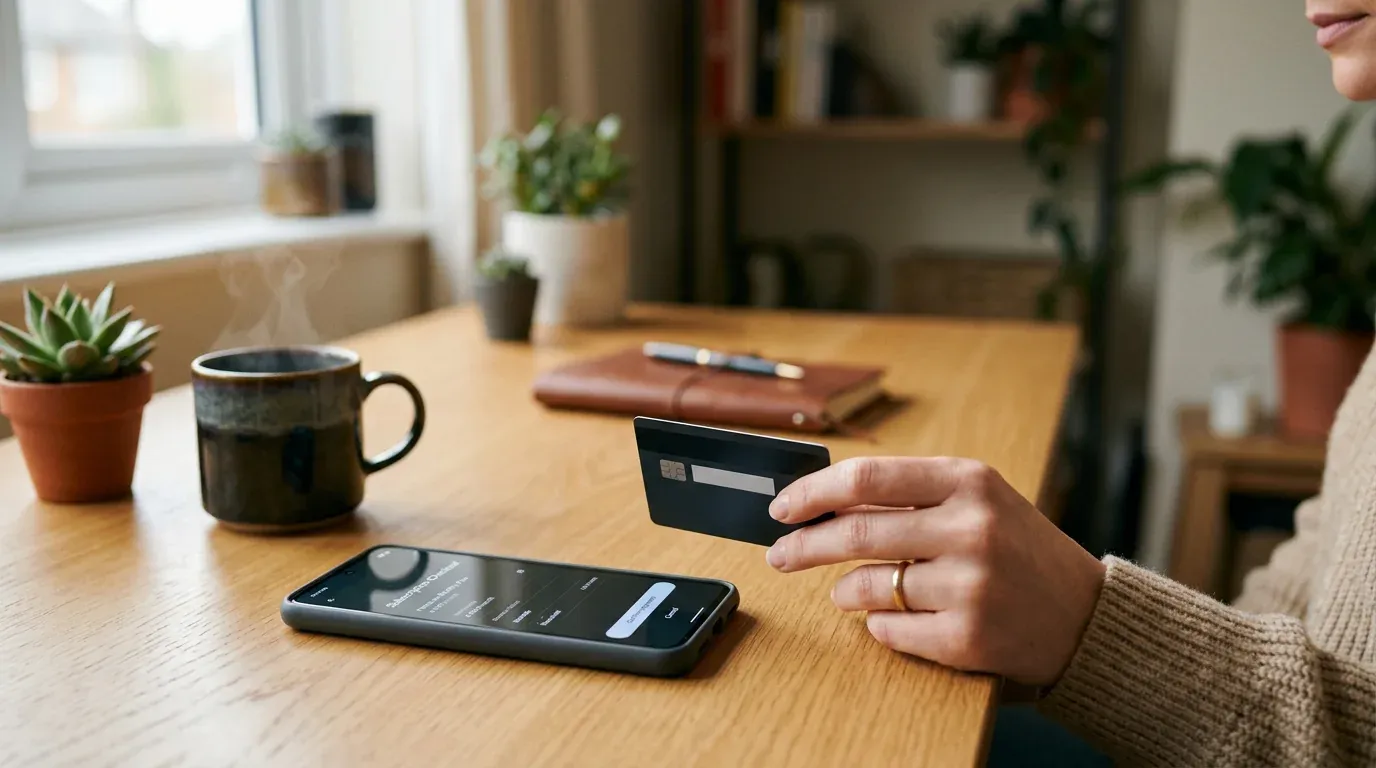
mSpy is premium-priced, and the number you see advertised is almost always the 12-month plan divided out to a per-month figure.
Buy a shorter term and the effective monthly price jumps sharply. The 1-month Premium plan runs about $48.99/month, versus roughly $11.66/month on the 12-month plan.
The discounted sign-up rate is introductory. That $11.66/month headline is an introductory figure; renewal may be higher, especially after the first billing term.
Budget for the renewal number, not the sign-up number — it’s the single most common billing surprise.
| Plan | Term | Intro price (renews higher) |
|---|---|---|
| Premium — 1 month | Billed monthly | ~$48.99/mo; full feature set; renewal may be higher |
| Premium — 3 months | Billed quarterly | ~$27.99/mo; same features; renewal may be higher |
| Premium — 12 months | Billed yearly | ~$11.66/mo; the headline price; renewal may be higher |
Watch the renewal, not the sign-up price. The cheap headline figure is the 12-month plan, and reviewers report renewals bill at a higher rate than the introductory offer. One license also covers one device, so monitoring two kids means two subscriptions.
Now the part most mSpy reviews gloss over. mSpy holds a 2.7 out of 5 (“Poor”) rating on Trustpilot, and on PissedConsumer a reported 56% of complaints are payment-related.
The pattern is consistent: unexpected auto-renewals at a higher rate, being charged more than expected, and difficulty getting refunds.
A common thread is that support, while responsive on setup questions, is described as sales-focused when you ask for money back — offering upsells instead of a clean refund.
This is the single area where mSpy loses the most trust in genuine reviews: the software mostly delivers, but the checkout-and-cancel flow is what earns the low marks.
To be fair, the picture is not all negative. Plenty of users report that the same support team is quick and genuinely helpful with installation, and some got refunds without drama.
The honest read is that the software mostly delivers, but the checkout-and-cancel experience is where mSpy earns its lowest marks — so go in with eyes open, use a payment method you can dispute, and set a calendar reminder before renewal.
mSpy vs Hoverwatch: which fits an Android parent?
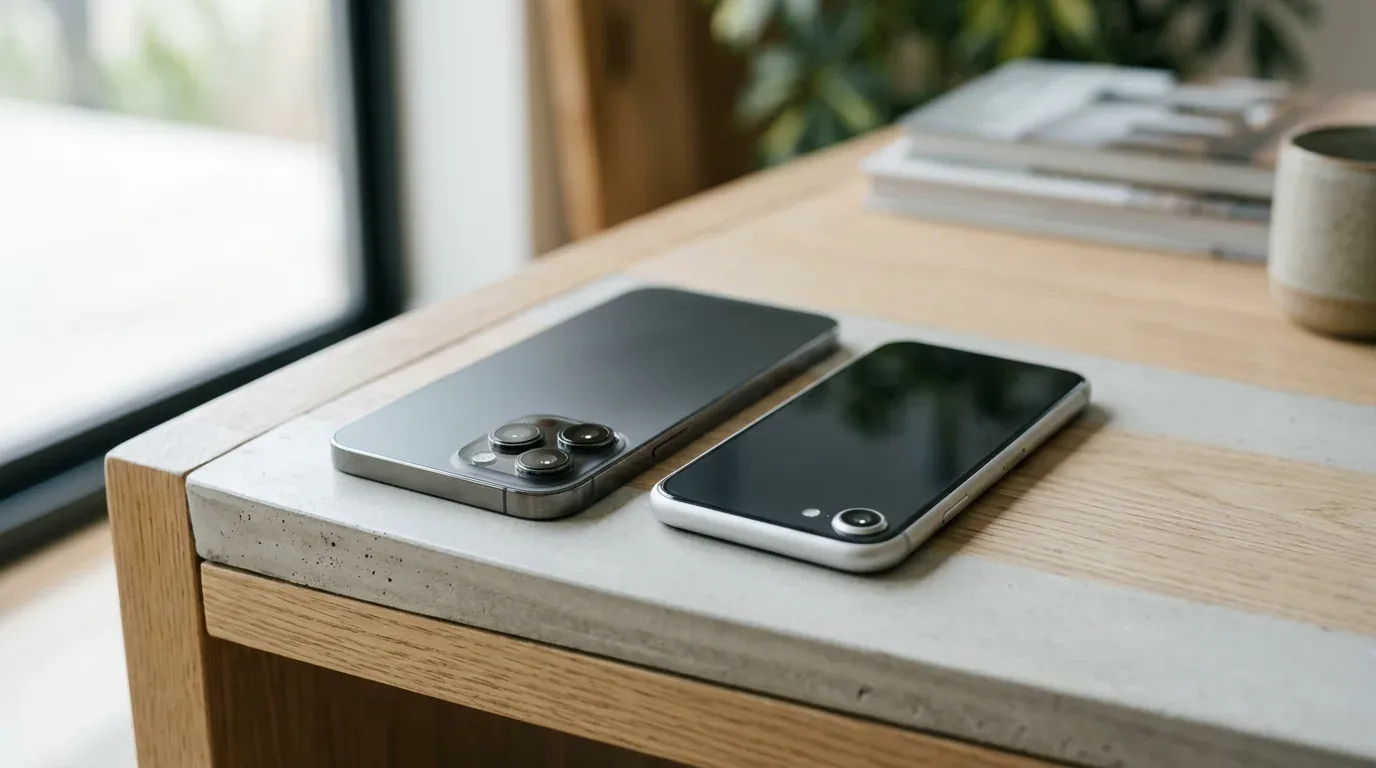
This is the comparison most readers came for, so let me be straight: they are not the same kind of tool.
mSpy is a broad, cross-platform monitor that also blocks. If you need iPhone support or controls for apps, sites, and contacts, it wins on capability alone.
Hoverwatch focuses on Android monitoring without blocking. For calls, SMS, social apps, location, and screenshots, it is the simpler and cheaper pick.
Here is the honest side-by-side.
| Feature | mSpy | Hoverwatch |
|---|---|---|
| Platforms | Android + iPhone (iCloud) | Android only |
| Blocking / restrictions | Yes — apps, sites, contacts | No — monitors/views only |
| Price | Premium; renewal often higher | Lower, simpler pricing |
| Ease of setup | ~10 min; root for deepest social | One-time Android install, no root needed |
| Android monitoring depth | Very deep (keylogger, screen) | Focused: calls, SMS, social, location, screenshots |
The question I ask parents isn’t “which app is best” — it’s “what does your family actually need?” If there’s an iPhone in the mix, or you truly want to block apps, that points to a broader, pricier tool like mSpy. But many Android families I see are paying for a Swiss Army knife when they need a screwdriver — they want the messages, the location, and what got installed, and a focused Android tool does that for less. Whatever you pick, pair it with an honest conversation: monitoring works best when your teen knows it’s there and why.

To make it concrete, here is who each one genuinely suits.
You need to monitor an iPhone, or you want to actually block apps, sites, or contacts. You want the deepest possible Android capture — keylogger and screen recording — and you're willing to pay a premium and manage the setup. You want one tool that does the widest range of things.
Your kids are on Android and you want straightforward monitoring — calls, SMS, social apps, location, screenshots — without paying for iOS or blocking. You prefer a simpler, cheaper app with a one-time install and no root, and you're fine with viewing rather than restricting.
Neither choice is wrong; they solve different problems. If you want to weigh several options before deciding, our roundup of the best parental control apps for Android lays them out side by side.
What are the risks and things to watch?
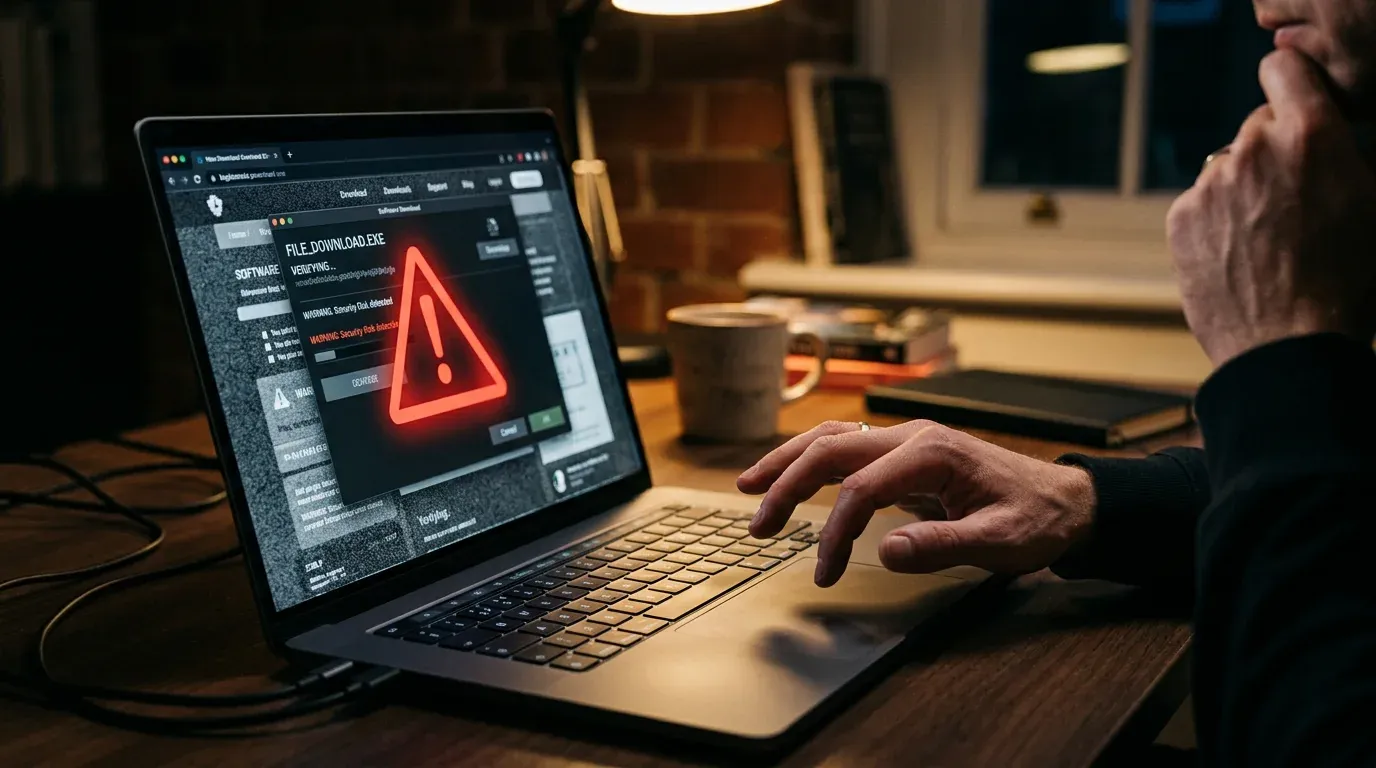
The single biggest risk in this whole category is not the real app — it is the fakes. Because mSpy is heavily searched, scammers run copycat sites and push “free” or “cracked mSpy” APK downloads that are actually malware or data-theft tools.
Install one of those and you put your own family’s phone at risk, not your child’s.
Never install a “free” or “cracked” mSpy APK from a random site. These are a top malware vector and will target your own phone. If you buy mSpy, buy it only from the official source — the real product is never given away free on third-party download pages.
The second thing to watch is the billing itself, which we covered above and repeat here because it is the most common regret. Turn off auto-renewal if you do not want it, screenshot the price you agreed to, and use a card or PayPal you can dispute.
If you plan to cancel, do it well before the renewal date rather than after the charge lands.
Before you buy: turn off auto-renewal if you don’t want it, note whether the price is introductory, screenshot the terms, and keep the confirmation email. The most common regrets in mSpy reviews are auto-renewals at a higher rate and refund requests met with upsells — not the software itself.
Two final safeguards concern who you monitor and how the phone is configured.
Use monitoring only on your own minor child and a device you own. Lean toward disclosure, and never point the app at another adult without consent.
You can get useful monitoring depth without rooting the phone. Rooting weakens device security, adds needless setup risk, and is rarely worth it.
Get those basics right and the tool stays a parenting aid rather than a liability.
Final Thoughts
So, is mSpy worth it? It’s a capable, genuinely broad monitoring app — the widest feature set of the bunch, real cross-platform reach, and reliable Android capture. If you need iPhone monitoring or actual blocking, it earns its place.
The honest deductions are price and the buying experience. It’s premium-priced, renewals cost more than sign-up, and billing complaints are common enough to go in cautious — screenshot the price, watch the renewal date, and use a disputable payment method.
For an Android-only household that just wants the everyday essentials — calls, messages, social, location, screenshots — a leaner specialist like Hoverwatch does the job for less, though it views rather than blocks.
Match the tool to the need: mSpy for breadth and iPhone, Hoverwatch for focused, affordable Android monitoring — and whichever you pick, buy from the official source and keep it legal and disclosed.
Frequently Asked Questions
-
mSpy itself is not a scam — it's an established, legitimate monitoring app from a company that's been around for over a decade, and the software does what it advertises, especially on Android. The real danger is impersonators: 'free mSpy' or 'cracked mSpy' APKs on random sites are a common malware route that targets your own phone. Two rules keep you safe. Buy only from the official source, since the genuine app is never given away free on third-party pages. And use a payment method you can dispute, because the most common complaints are about billing, not malware.
-
Possibly — no monitoring app is truly invisible, and anyone claiming '100% undetectable' is overselling. On Android, Google Play Protect can flag the app, a battery-life dip can raise suspicion, and a tech-savvy teen can find it in Settings then Apps and remove it. Android 14 and 15 have also tightened the permissions these apps rely on, so capture can break after an update and need re-checking. The approach that holds up isn't secrecy anyway — it's telling your minor child that monitoring is on and why, which most US pediatric guidance (AAP) supports as the healthier and more durable path.
-
Yes, but with real limits you should understand before buying. The no-jailbreak method works through iCloud, so it needs the target Apple ID and password, requires iCloud backup to be turned on, and refreshes only about once every 24 hours rather than in real time. That means no live social-app monitoring the way Android delivers — you're reading a daily backup, not a live feed. If two-factor authentication is on, you may need a one-time code from the phone during setup. For deep, near-real-time monitoring, Android is where mSpy genuinely performs; iPhone is more limited and method-dependent.
-
For your own minor child (17 or under) on a device you own or manage, it's generally legal in the US — even a 17-year-old is still a minor. Disclosure is strongly recommended and matters more the older they are. The line you can't cross is with adults: secretly monitoring a spouse or another adult without consent can violate the federal Wiretap Act (ECPA), and the FTC treats covert adult monitoring as stalkerware. Call-recording rules also vary by state between one-party and all-party consent. Rule of thumb: your minor child on your device is fine with disclosure; another adult without consent is not. This is general information, not legal advice.
-
This is where mSpy earns its lowest marks, so go in prepared. Reviewers frequently report auto-renewals they didn't expect, renewal prices higher than the introductory rate, and refund requests that turn into upsell attempts rather than a clean 'yes.' The discounted price you sign up at is typically first-term only, so budget for the renewal figure, not the sign-up figure. Protect yourself two ways: screenshot the price and terms you agreed to, and pay with a card or PayPal you can dispute. If you might cancel, do it several days before the renewal date rather than after the charge lands — chasing a refund afterward is the most common regret.
You May Also Like
 Tools & Apps
 Tools & Apps
 Tools & Apps
 Tools & Apps
 Tools & Apps
 How-To & Guides
License Check
A license follows one monitored device, not one child. Replacing a lost or upgraded phone can mean reinstalling and transferring the license before data resumes.
Account Safety
The dashboard holds the family's most sensitive data. Give it a unique password you use nowhere else, and never share login details with a setup helper.
Samsung Gotcha
After a Samsung update, check Settings > Battery > Background usage limits. A monitoring service placed in Sleeping apps may look installed while uploads quietly stop.
Cancel Means Cancel
Removing mSpy from the phone does not cancel its subscription. Cancel billing in the account separately and keep the confirmation email until the renewal date passes.
Free Alternative
If blocking is your only goal, test Google Family Link first. Paying mSpy prices makes sense when you also need the deeper message, location, and screen records.
Reset Reality
A factory reset removes the monitoring app and its permissions, but it does not stop billing. Treat a reset as a fresh installation and subscription check.
Buy for a Need
Write down the three signals you would actually act on before buying. If you cannot name them, a wider dashboard usually creates more noise, not better parenting.