
















Best Family Tracking Apps 2026

The sound of silence that parents always listen for: the teenager you asked to stay in touch, but the phone is not answering. On the other hand, maybe an old parent hasn’t rung you at the time you expected. At those moments, the distance from calm to panic is very small, and choosing the Best Family Tracking App can make all the difference — today’s family tracking apps are designed exactly to help in those situations.
For the last 15 years, I have been in cyber security and during this period, I have done several tests of GPS family tracker tools in their real-life conditions, these have included city blackouts and long road trips. In the year 2026, the best family monitoring apps are far from just showing a dot on the map. They also offer the combination of accurate GPS, AI-based alerts, and the great protection of privacy.
However, the experts caution that the technology will only be effective if families employ it with trust and openness. With that in mind, I present to you the six apps that I found to be the most outstanding in my tests.
Quick Comparison of Top Family Tracking Apps
 Before going deeper into the features and benefits of the apps, it may be beneficial to have a look at the leading GPS family tracker tools that compares them based on different factors such as accuracy, privacy safeguards, ease of setup, and subscription value.
The way these apps are is that each tries to do something different: some put their greatest strength in invisibility during monitoring, while others promote the idea of mutual consent and transparency as a key feature.
Experts at TechRadar and PCMag highlight that in 2026, families should consider both factors: the trustworthiness of location data and the morality of how that data is shared.
| App Name | Key Features | Pricing | Privacy/Security | Platforms | Ease of Use/Test |
|---|---|---|---|---|---|
| Hoverwatch (Top Pick) | Real-time GPS, geofencing, social & call monitoring, SOS | $29.95 (1 device); $9.99/device for 5+ (Pro) | AES-256 encryption, auto-log deletion, no sharing | Android, Windows, Mac | Demo dashboard at hoverwatch.com; setup under 2 min |
| Life360 | Location circles, crash detection, driving reports | Free basic; Gold $14.99; Platinum $24.99 | Consent-based sharing, encrypted alerts | iOS, Android | App store download; quick circle setup |
| Qustodio | GPS history, screen limits, web filters, SOS | $4.58 (annual basic); $8.33 (annual complete) | GDPR compliant, audit trails | iOS, Android, Windows, Mac | Guided setup, free trial included |
| mSpy | Hidden GPS, keystroke logging, social scans | $48.99 (1-mo); $11.66 (12-mo) | Bank-grade encryption, stealth mode | iOS, Android | Demo account, 14-day refund window |
| FamiSafe | Location alerts, app blocking, video monitoring | $9.99 (monthly); $4.99 (annual) | GDPR/COPPA, no data collection | iOS, Android | Free lite version, in-app trial |
| Google Family Link | Basic GPS, app approvals, usage reports | Free | Google policy, consent-based | iOS, Android | Instant Google account linking |
Prices and features were obtained from the official websites and independent reviews. After a brief comparison, it is evident that no one app leads all the categories.
Some family tracking apps are perfect for secret watching, while others may be better if you want a more open and cooperative group.
Choosing the best GPS family tracker depends on whether the main concern in your family will be precision, privacy, or the price.
How Family Tracking Apps Work in 2026

New family surveillance applications depend on a mixture of technologies. GPS satellites continue to be the main support, but the apps nowadays use Wi-Fi, cell towers, and even motion sensors to improve the accuracy of the signal.
AI also plays its part by helping with the false alarm issue and adapting to the usual daily routines.
Nevertheless, each method has its shortcomings—satellites do not work well indoors, Wi-Fi coverage is limited, and AI might label an unusual but harmless activity as an error.
| Method | Works Well For | Limitations | Pros | Cons |
|---|---|---|---|---|
| GPS Satellites | Outdoor tracking, highways | Weak indoors, tunnels | High accuracy (5–10m) | Battery drain, blind spots |
| Wi-Fi Triangulation | Urban areas, indoors | Requires dense Wi-Fi coverage | Accurate in cities, faster locks | Limited in rural areas |
| Cell Tower Signals | Broad coverage, rural tracking | Lower accuracy (100–300m) | Works where GPS/Wi-Fi fail | Not precise for geofences |
| Motion Sensors | Crash detection, activity monitoring | Cannot track location alone | Adds context beyond maps | False positives if phone is dropped |
| AI-Driven Geofencing | Smart alerts, routine learning | Needs time to “train” | Fewer false alarms, predictive safety | May misinterpret unusual routines |
The methods illustrate why today’s GPS family tracker tools are more powerful than ever and, at the same time, why no single technology is perfect.
The mixture of GPS, Wi-Fi, and AI-driven alerts creates the strongest balance between safety and trust.
In-Depth Reviews of the Best 6 Family Tracking Apps
Not all family tracking apps serve the same purpose. Some focus on transparency and group sharing, while others provide discreet monitoring with advanced security. Here are six standout tools I tested in real-life scenarios.
Hoverwatch (Top Pick)

Company
Hoverwatch has been a major player in the spying field for years, and the company’s range of products is known almost everywhere by parents, schools, and small businesses.
In addition, Hoverwatch is still ranked as one of the five best family tracking apps in 2026, with the main app features being accuracy and stealth.
Product
Pricing
| Plan | Monthly | Pro (5+ devices, per device) |
|---|---|---|
| Standard | $29.95 | $9.99 |
Verdict
Hoverwatch is a good choice for families who want to monitor their children without revealing their identity and who value privacy.
It’s designed differently from Life360 in that it doesn’t facilitate sharing of a circle, but for parents looking for dependable, stealth-focused family monitoring apps, it’s a winner every time.
Life360
Company
Life360 has become almost synonymous with family location sharing. Founded in 2008, it has built a reputation as the go-to app for group visibility, with millions of families worldwide relying on it daily.
Product
Pricing
| Plan | Monthly | Features |
|---|---|---|
| Free | $0 | Basic location sharing |
| Gold | $14.99 | Crash detection, history |
| Platinum | $24.99 | Full premium suite |
Verdict
For family types that place a huge emphasis on transparency and visible security, Life360 is still one of the Best Family Tracking App that offers an excellent balance. It is not a good fit for parents who like to operate in secret, but as far as group-based safety is concerned, it is among the best ones.
Qustodio
Company
Qustodio has been in Barcelona since 2012 and is one of the most recognizable parental control platforms worldwide that have come a long way. It’s safe and sound both in schools and at home for offline and online safety, respectively.
Product
Pricing
| Plan | Annual (per month) | Features |
|---|---|---|
| Basic | $4.58 | GPS history, filters |
| Complete | $8.33 | Full parental suite |
Verdict
Qustodio is an ideal family tracker that is not limited to just a GPS map. It functions both as a GPS family tracker and a parental control tool, thus providing a lot of depth and complexity. Nevertheless, this can be a drawback that makes the app difficult to use for those seeking simplicity.
mSpy

Company
mSpy is a product that has been around for more than ten years and is mostly promoted to the parents who desire to have absolute control over the digital lifestyle of their children. mSpy is mainly known for its stealthy features and also for its advanced monitoring capabilities.
Product
Pricing
| Plan | Monthly | Annual (per month) |
|---|---|---|
| Basic | $48.99 | $11.66 |
Verdict
mSpy is not for everyone; it is expensive and less user-friendly. However, it continues to be one of the most thorough family monitoring applications in 2026 if discreet digital oversight by parents is needed.
FamiSafe
Company
FamiSafe, created by Wondershare, was only meant to become a global brand for affordable products. It is a budget-friendly, yet dependable, option for families.
Product
Pricing
| Plan | Monthly | Annual (per month) |
|---|---|---|
| Standard | $9.99 | $4.99 |
Verdict
FamiSafe is a good fit for families who want an affordable family tracking app that doesn’t compromise on core safety. It’s lighter than Hoverwatch or mSpy but highly accessible for everyday needs.
Google Family Link
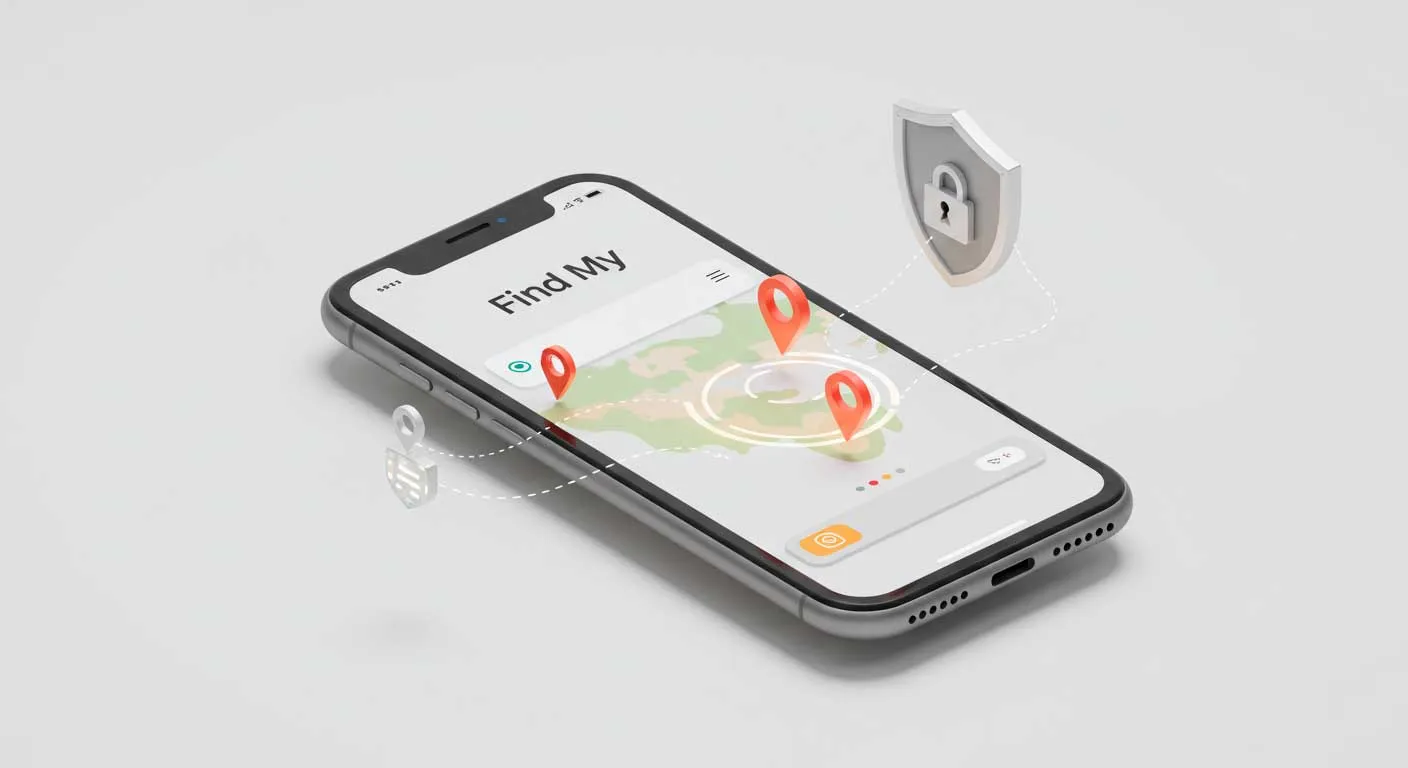
Company
Google Family Link is a part of the Google ecosystem and was created in 2017 as a free tool for parents. Since then, the app has evolved into a cross-platform parental control tool with basic GPS tracking along with remote app management for Android and iOS.
Product
Pricing
| Plan | Monthly | Features |
|---|---|---|
| Free | $0 | GPS, app approvals, reports |
Verdict
As an entry-level GPS family tracker, Google Family Link works best for families already tied into Google’s ecosystem. It lacks depth but offers a cost-free way to introduce monitoring without extra subscriptions.
These six family tracking apps highlight the spectrum of options in this year. Hoverwatch and mSpy specialize in discreet monitoring, Life360 and Google Family Link emphasize transparency, while Qustodio and FamiSafe offer hybrid solutions.
Choosing the right family monitoring apps depends less on technology alone and more on your family’s values: privacy, openness, or cost efficiency.
How to Choose Best Family Tracking App and Get Started

It Is Not About Picking The Best One Of All Family Tracking Apps That Are Available Nowadays, But Rather Aligning Features To Your Own Family’s Requirements.
-
 What to Consider Matching features to needs
If safety on the road is your top priority, a GPS family tracker with crash detection or driving reports (like Life360) may be best. If you need to manage both online and offline risks, a hybrid tool such as Qustodio works well. For families who value discreet oversight, Hoverwatch is a strong option thanks to its reliable stealth mode.
-
 Testing Before Committing Trial runs before purchase
Experts recommend testing at least two family monitoring apps before deciding. Pay attention to battery life, how quickly alerts arrive, and whether family members are comfortable with the level of visibility. Free versions or trials—such as Google Family Link and FamiSafe—are useful starting points.
-
 Privacy and Trust Human side of monitoring
Psychologists warn that monitoring without discussion can erode trust, especially with teenagers. Apps built around transparency, like Life360, may help reinforce healthy boundaries. Stealth-focused tools should be used carefully. Always check for strong encryption, GDPR compliance, and clear privacy policies.
-
 Ongoing Review Regular check-ins
Don’t treat monitoring as a “set and forget” tool. Review app settings and family expectations regularly, especially as children grow older or circumstances change. What feels appropriate for a 12-year-old may feel intrusive for a 16-year-old, so adjusting the approach is essential.
Takeaway
The best family tracking methods are those that do not challenge the trust you have for your loved ones while keeping them safe. Start small, put the apps to the test in real-life situations, and choose the ones that accurately report activity, protect privacy, and also give you peace of mind.
Frequently Asked Questions
-
Most family tracking apps require a mobile data or Wi-Fi connection to update locations in real time. However, many apps store offline location data temporarily and sync once the device reconnects.
-
Continuous GPS use can drain the battery, but leading apps in 2025 are optimized with Wi-Fi triangulation and motion sensors to reduce power consumption. Testing shows modern GPS family tracker tools use about 5–8% of daily battery life.
-
Reputable apps like Hoverwatch, Qustodio, and Life360 use encryption and GDPR-compliant policies. Still, families should review settings, ensure data isn’t shared with third parties, and regularly check app permissions.
-
Yes, many family monitoring apps are popular not only for kids but also for elderly relatives. Features like SOS alerts and geofencing help caregivers ensure safety for seniors living alone.
-
If the device is switched off or out of coverage, apps cannot provide live updates. Most trackers show the last known location, and some send an alert when the phone goes offline.
You May Also Like
 For Family
 For Family
 How-To & Guides
 How-To & Guides
 How-To & Guides
 Privacy & Security
Good to Know
Mixing an iPhone kid with an Android parent? These all sync cross-platform — the one catch is iOS limits background tracking, so updates can lag a bit.
Watch Out
Once teens know they're tracked, some grab GPS-spoofing apps to fake a location. A carrier plan (AT&T, Verizon) reads the actual chip and can't be fooled.
Pro Tip
For a grandparent who won't carry a phone, skip the app — a wearable like a GPS SmartSole or watch tracks them with nothing to forget or charge nightly.
Heads Up
What feels fair at 12 can feel like a betrayal at 16. Revisit the rules each birthday — quietly easing from full tracking to check-ins keeps trust intact.